Adobe Sets December 1, 2025 Cutoff for Legacy Acrobat Sign REST APIs, Urging Customers to Migrate
Stay ahead of Adobe Acrobat Sign changes. Learn what the December 1, 2025 legacy REST API cutoff means and how to migrate your Adobe Acrobat Sign workflows.

Adobe Sets December 1, 2025 Cutoff for Legacy Acrobat Sign REST APIs, Urging Customers to Migrate
Adobe has formally confirmed that legacy Acrobat Sign REST API versions 1–4 will be fully removed from service on December 1, 2025, putting thousands of e-signature integrations on a hard deadline to migrate to REST API v6 or face abrupt failures in production workflows.(helpx.adobe.com)
Why This API Deadline Matters for Business Leaders
For many organizations, Adobe Acrobat Sign sits quietly behind the scenes, powering contract signatures, HR onboarding packets, NDAs, and sales agreements. Those workflows often run through bespoke integrations—CRM triggers, custom portals, or back-office line-of-business systems—that rely directly on Acrobat Sign APIs.
Adobe’s new cutoff means that any application still calling REST API versions 1 through 4 will stop working after December 1, 2025.(helpx.adobe.com) That raises immediate questions for CIOs, IT directors, and operations leaders:
- Which internal and external systems currently rely on Acrobat Sign APIs?
- Are they using legacy REST v1–v4 endpoints—or already on v6?
- What will it cost—in time, budget, and risk—to remediate and test these integrations?
In a business environment where e-signatures are now embedded in customer journeys and compliance workflows, an unnoticed API deprecation can translate into halted deal flow, onboarding delays, and potential regulatory headaches.
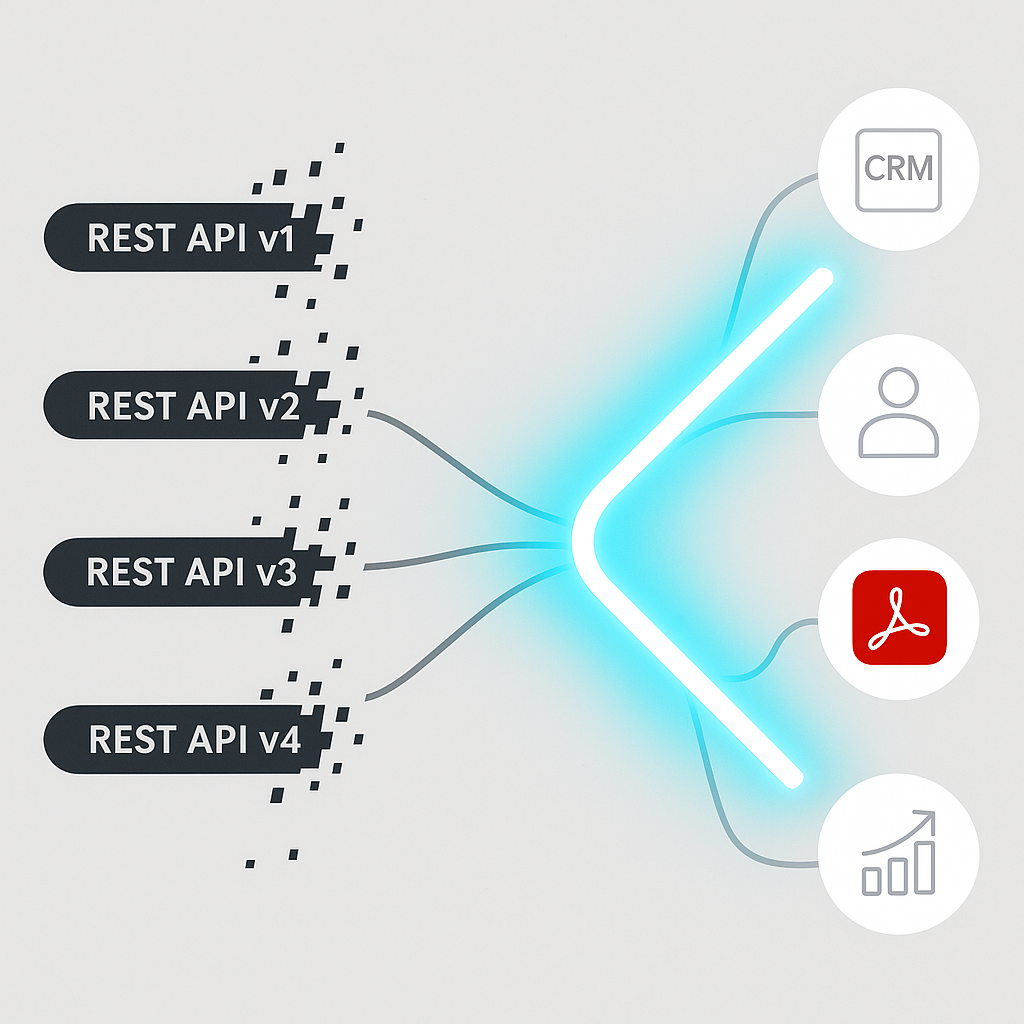
What Adobe Announced: End of Life for REST API v1–v4
In its technical notifications, Adobe states clearly that Acrobat Sign REST API versions 1 through 4 are already deprecated and will be removed from service on December 1, 2025.(helpx.adobe.com)
“Versions 1 through 4 of the Acrobat Sign REST API have been deprecated and will be removed from service on December 1, 2025… After December 1, 2025, applications built on the REST API v1-4 will cease functioning.”(helpx.adobe.com)
Adobe is directing all customers to update their integrations to use REST API v6 endpoints, which the company positions as more secure and feature-complete.citeturn0search1turn0search3
The technical notice explicitly warns that updating APIs can “involve consider
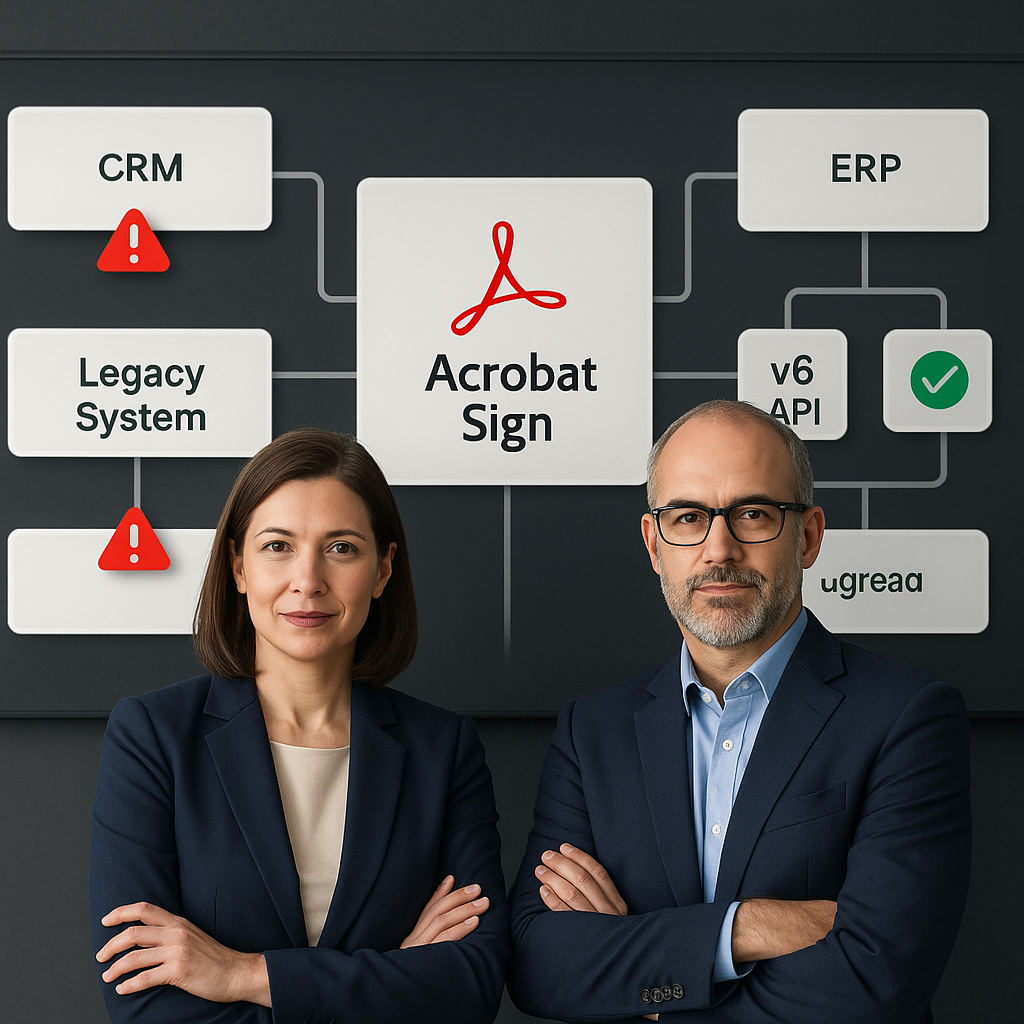
Inside the Migration: From Legacy REST to v6
What Changes with REST API v6
Acrobat Sign REST API v6 has been Adobe’s strategic API for some time and is now the primary target for new integrations. Adobe’s developer documentation highlights several key characteristics:(opensource.adobe.com)
- Modern authentication via OAuth 2.0, with support for delegated access scenarios through custom headers.
- Consolidated, RESTful endpoints for agreements, library documents, MegaSign sends, and reminders.
- Clear mappings from legacy SOAP and older REST methods to v6 endpoints (for example,
sendDocumentto/agreements). - Webhooks and events to drive downstream automation and status tracking.
Organizations still using SOAP or early REST versions often face a double migration: first, to the REST paradigm (if they are still on SOAP), and second, from REST v1–v4 to v6.(opensource.adobe.com)
Timeline and Risk Window
According to Adobe, REST v1–v4 remain technically functional today but receive no ongoing feature enhancements and will reach end of life on December 1, 2025.(helpx.adobe.com) That leaves less than a year for organizations to:
- Inventory all integrations using Acrobat Sign APIs.
- Refactor code to use v6 endpoints and OAuth-based authentication.
- Test thoroughly in non-production and phased rollouts.
- Decommission legacy API usage to avoid unexpected breakages.
Adobe notes that once an API version reaches end of life, its functionality “may be deprecated and stop working,” a policy it applies across Document Services and related APIs.(developer.adobe.com)
Broader Pattern: API Deprecation Across Adobe’s Cloud Stack
The Acrobat Sign API cutoff is part of a wider trend within Adobe’s cloud portfolio. Across products like Marketo Engage and Workfront, Adobe has been tightening API lifecycle policies—shortening support windows for older versions and enforcing more secure patterns such as header-based token authentication.(experienceleague.adobe.com)
For example, Marketo Engage is ending support for access tokens in URL query parameters, requiring developers to move to header-based authentication.(solutionpartners.adobe.com) And legacy SOAP interfaces in multiple product lines have now been fully deprecated in favor of REST APIs.(opensource.adobe.com)
For enterprises heavily invested in Adobe ecosystems, this means API lifecycle management can no longer be a “set it and forget it” exercise; it is an ongoing discipline that requires monitoring deprecation notices and budgeting engineering time for periodic migrations.
What This Means for Organizations Using E‑Signature Integrations
Immediate Action Items for IT and Development Teams
IT departments and development teams supporting e-signature workflows should treat the December 1, 2025 cutoff as a hard operational risk. A practical checklist includes:
- Audit your integrations: Identify every system—CRM, ERP, HRIS, custom portal, mobile app—that calls Acrobat Sign APIs.
- Determine API versions in use: Log and inspect base URLs and endpoint patterns to see whether they point to legacy v1–v4 or v6.(helpx.adobe.com)
- Plan migration projects: Estimate the changes needed for authentication, endpoint mappings, payload formats, and error handling.
- Establish a test strategy: Use Adobe’s sandbox and developer accounts to validate new v6-based flows before production cutover.(helpx.adobe.com)
- Engage vendors: If you rely on third-party SaaS applications that integrate with Acrobat Sign, confirm that those vendors are on track to complete their own migrations.
Operational and Compliance Implications
E-signatures play a central role in legal enforceability and auditability. If workflows built on deprecated APIs suddenly fail, organizations may face:
- Contract execution delays, slowing revenue recognition and customer onboarding.
- HR and compliance bottlenecks, especially where regulated disclosures or consent forms must be signed digitally.
- Shadow workflows, where staff resort to ad hoc tools or manual signatures, potentially weakening security and audit trails.
With the hard deadline now public and approaching, boards and executives should ask for clear migration plans and contingency strategies from their IT and operations leads.
Where QuickSign Fits in a Post‑Legacy API Landscape
Adobe’s deprecation notice also underscores a broader market reality: legacy, complex e-signature platforms can become burdensome for smaller teams and businesses that lack dedicated integration engineers. That’s where modern alternatives like QuickSign.it are positioning themselves.
While enterprise-focused platforms such as Adobe Acrobat Sign and DocuSign often rely on multi-year contracts and per-seat pricing, QuickSign takes a different approach tailored to solo entrepreneurs, startups, and small businesses:
- Flat-rate pricing starting at just $15/month instead of complex per-seat licensing.
- A generous free tier that includes 2 AI document generations and 1 document send to unlimited recipients—ideal for occasional or seasonal use.
- AI Document Generation that can draft contracts, NDAs, and service agreements directly in the platform—no need to start from a blank Word or PDF template.
- Effortless sending: upload a PDF, drag and drop signature and form fields, and send in minutes.
- Real-time tracking so teams can see exactly who has viewed, signed, or is holding up an agreement.
- AI-powered variables for smart auto-fill across documents, reducing manual data entry.
For organizations currently rethinking their e-signature stack in light of Adobe’s REST API v1–v4 deprecation, the migration project can be a natural point to evaluate whether they still need heavyweight, enterprise-class complexity—or whether a simpler, more affordable solution like QuickSign would better fit their usage patterns.
Strategic Considerations: Modernizing, Not Just Migrating
The upcoming cutoff is more than a technical footnote—it’s an opportunity for companies to reassess how e-signatures fit into their broader digital workflows.
Rethink the Integration Architecture
Instead of performing a one-for-one endpoint swap, forward-looking teams are using this required migration to:
- Simplify integration points, reducing the number of bespoke connectors and custom scripts.
- Standardize on event-driven patterns (such as webhooks) for better observability and resilience.(helpx.adobe.com)
- Centralize templates and business logic in a single e-signature platform to avoid duplication across departments.
If your organization is already going to spend time and budget updating API calls, it may be the right moment to consolidate e-signature tools and standardize on a platform whose roadmap and pricing better align with your growth plans.
Balancing Enterprise Features with Usability and Cost
Large suites like Adobe Acrobat Sign remain compelling for enterprises that need deep integration with broader Adobe ecosystems and advanced governance features. But smaller teams often struggle with complexity, per-seat licensing, and slow configuration cycles.
In contrast, modern tools like QuickSign.it emphasize:
- Speed to value: go from signup to sending your first document in minutes, with no implementation team required.
- No enterprise lock-in: month-to-month plans and transparent pricing rather than multi-year contracts.
- AI-first workflows: automatically generate documents, insert variables, and pre-fill recurring details without manual template surgery.
For many SMBs, this can mean skipping the next major migration cycle entirely—choosing a nimble platform with a simpler API surface and fewer moving parts to maintain.
Key Takeaways for 2025 Planning
- December 1, 2025 is a hard cutoff for Adobe Acrobat Sign REST API versions 1–4; integrations that do not migrate to v6 will cease functioning.(helpx.adobe.com)
- Migration requires more than endpoint swaps; it often involves new authentication methods, payload changes, and updated error handling.(opensource.adobe.com)
- IT leaders should act now to inventory affected systems, coordinate with vendors, and lock in testing windows ahead of the deadline.
- Use the disruption as a catalyst to reassess whether your current e-signature provider still fits your organization’s size, budget, and technical capacity.
- Modern alternatives like QuickSign offer simpler interfaces, AI-assisted document creation, generous free tiers, and flat-rate pricing that may better serve small and mid-sized teams.
Looking for an affordable e-signature solution? Try QuickSign for free - no credit card required.