AI “Front Door” Platforms Are Quietly Rewiring How Lean Teams Handle Contracts
Discover how AI “front door” platforms transform legal intake, helping lean teams streamline contract requests, reduce bottlenecks, and improve client service.
AI “Front Door” Platforms Are Quietly Rewiring How Lean Teams Handle Contracts
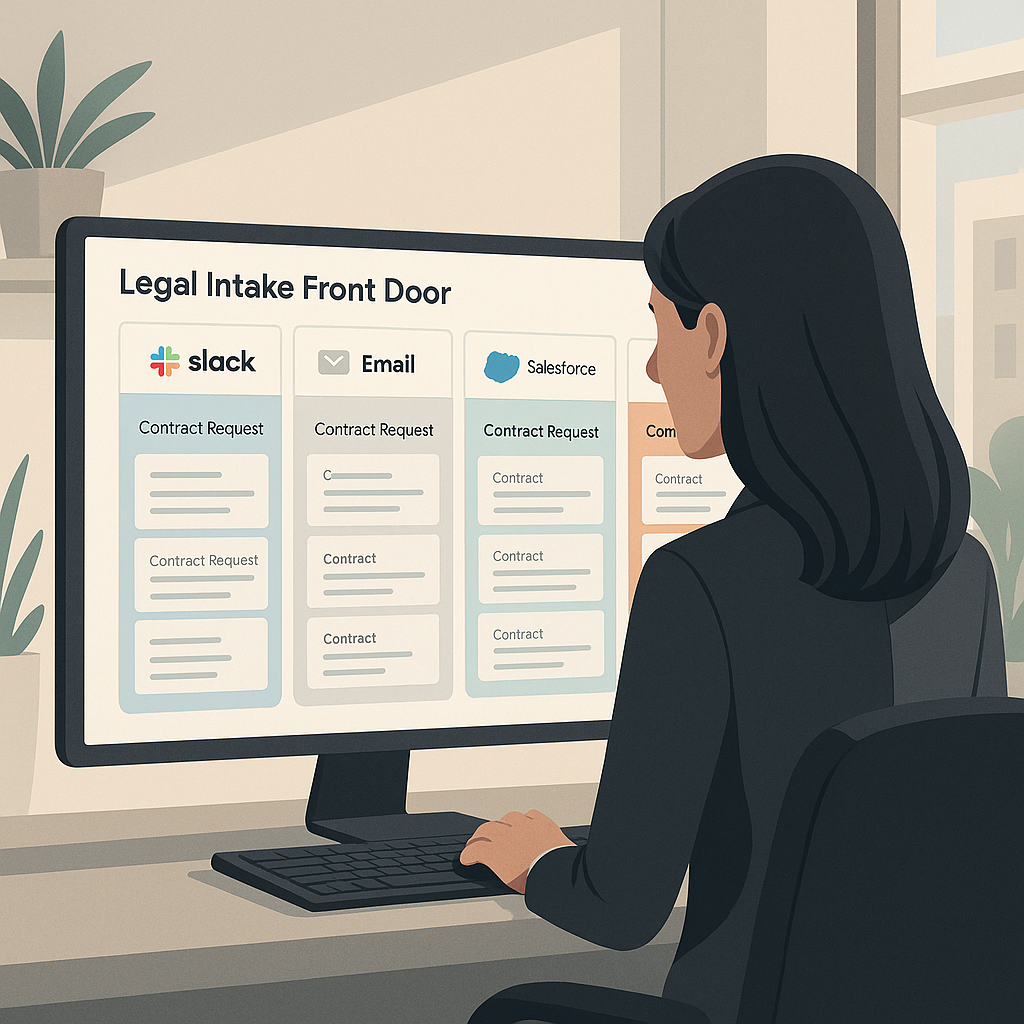
Across legal departments, a new category of software is emerging: AI-powered “front door” platforms that centralize how employees ask for legal help, especially on contracts. Instead of random Slack pings, email threads, and CRM notes, these systems act as an operating layer that accepts, routes, and tracks every request—often directly from tools like Slack, Teams, Salesforce, or HubSpot. For lean in-house teams, fast-growing startups, and solo legal leads, this trend could be the difference between firefighting and sustainable contract operations.
From Inbox Chaos to a Single Legal Intake “Front Door”
Historically, internal stakeholders have approached legal “wherever and however”: emailing a lawyer directly, dropping a contract into a shared drive, or sending a hurried Slack message a few hours before a deal closes. That fragmented intake makes it nearly impossible to prioritize work, track risk, or prove legal’s value to the business.
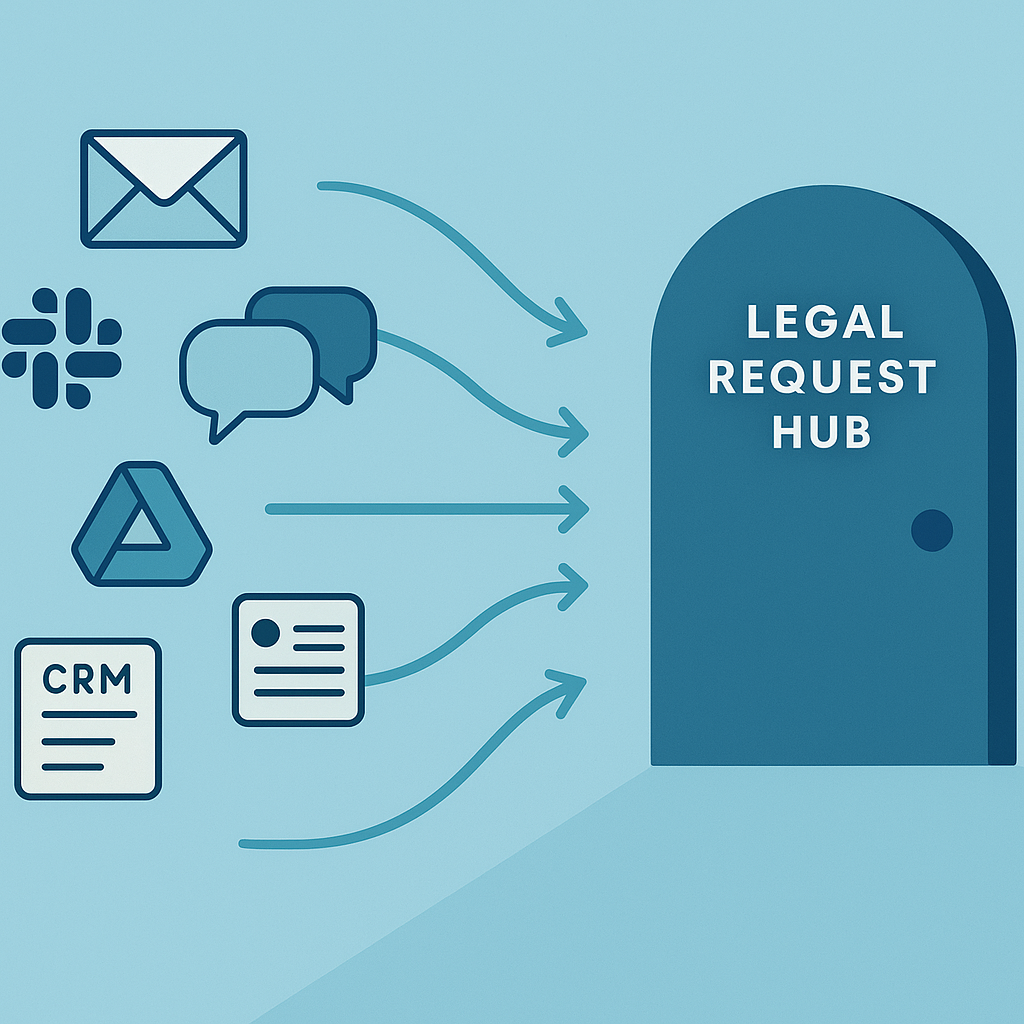
Over the past two years, however, a wave of tools has reframed intake as a structured front door rather than an ad hoc back-and-forth. Platforms like Streamline AI, Xakia, MyLegal, and others now market legal request hubs that consolidate intake from email, Slack, Teams, CRM systems, and web forms into a single, trackable pipeline for in-house teams. (streamline.ai)
The core idea: every contract, NDA, or policy question enters through one digital doorway, is automatically triaged, and can be tracked like any other business workflow.
These tools typically offer:
- Structured intake forms that collect the right data up front (counterparty details, deal value, jurisdiction, timelines).
- Automated triage and routing based on predefined rules (e.g., route sales contracts over a certain value to the GC, send simple NDAs to self-service flows). (streamline.ai)
- Status visibility so business teams can see where their request stands without chasing legal in chat.
- Analytics and reporting on request volumes, turnaround times, and risk hotspots. (my-legal.io)
Why This Matters Now for Small Businesses and Freelancers
Most early adopters of these AI “legal front door” tools are mid-market and enterprise legal departments, but the underlying model is especially powerful for lean teams.
First, the volume and speed of digital contracting is rising. Surveys of in-house counsel show a rapid shift toward AI-enabled contract workflows, with legal teams under pressure to turn documents faster while maintaining control and compliance. (streamline.ai) For startups and small businesses, that pressure is amplified by limited headcount—often one in-house lawyer (or none), plus outside counsel on call.
Second, remote and hybrid work have made “hallway conversations” a rarity. Internal clients now operate from Slack, Teams, or email threads. If legal doesn’t provide a structured intake path inside those tools, contract questions will continue to scatter across channels, making it easy for approvals to slip through the cracks.
Third, early-stage companies increasingly need basic legal ops discipline much sooner than they expect. Investors and large customers now ask not just for signed contracts, but for proof of consistent processes—standard NDAs, clear approval paths, and documented playbooks. AI-enabled front doors offer a way to get there without building a full legal operations team.
<
For a seed-stage startup, an “AI front door” doesn’t have to be a six-figure platform—it can be a combination of smart intake forms, standardized templates, and an e-signature tool that plays nicely with Slack and CRM data.
Inside the New AI “Front Door” Contract Workflow
1. Intake from Where Business Users Already Work
Modern legal intake tools emphasize minimal change management: salespeople and managers should be able to kick off a request from Slack, Teams, Outlook, a CRM record, or a simple web form. Solutions like Streamline AI and Checkbox, for example, consolidate requests from Slack, email, and forms into a single hub while automatically categorizing and assigning them. (streamline.ai)
For small companies that don’t yet use dedicated intake platforms, a similar pattern can be achieved with:
- A standard “Legal Requests” Slack channel paired with structured message templates.
- CRM workflows that tag deals needing legal review (e.g., discount thresholds, custom terms).
- Simple online forms that route directly to legal and log entries in a shared tracker.
2. AI-Powered Triage and Standard Responses
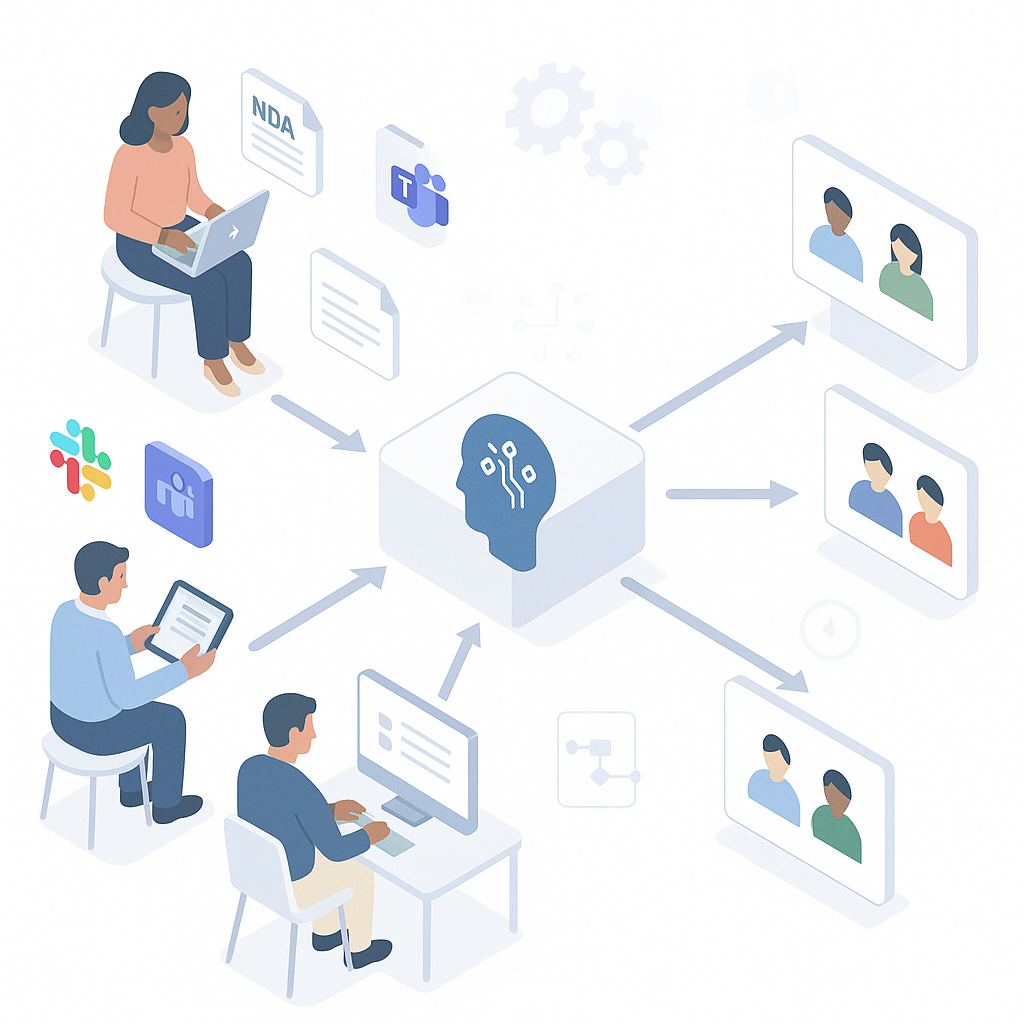
What makes today’s front door platforms different from yesterday’s ticketing systems is the role of AI. Many use natural language processing to read unstructured messages, extract key details (contract type, jurisdiction, urgency), and convert them into structured workflows. (checkbox.ai)
Common automations include:
- Auto-classification of incoming work (NDA vs. SaaS agreement vs. vendor contract).
- Risk-based escalation (e.g., non-standard indemnity terms trigger GC review).
- Suggested next steps, such as providing a standard template or FAQ for repetitive questions. (nortonrosefulbright.com)
For lean legal teams, this means fewer touchpoints on low-risk, high-volume work and more attention on complex deals.
3. Integrated E-Signature and Document Management
Once a contract has been drafted or generated, the front door concept doesn’t stop at intake. Many legal teams are now designing workflows that go all the way from request to signature and storage, integrating CLM tools, e-signature services, and document repositories along the way. (streamline.ai)
This end-to-end approach eliminates “swivel chair” work: instead of exporting, emailing, and manually tracking signature status, legal and business teams can see the full lifecycle of each contract—from initial Slack message to final signature and archive.
How QuickSign.it Fits Into the AI Front Door Trend
While many front door platforms target large legal departments with complex tech stacks, small businesses and independent professionals need something different: affordable, simple tools that still plug into modern workflows. This is where QuickSign positions itself as a practical building block.
AI Document Generation for Standard Contracts
One of the biggest bottlenecks in any intake process is drafting the actual document. If every NDA or contractor agreement demands bespoke drafting time, even a single in-house lawyer can quickly hit capacity.
QuickSign tackles this with AI Document Generation, allowing teams to spin up commonly used contracts—NDAs, basic service agreements, employment offer letters—directly inside the e-signature workflow. Instead of uploading a pre-drafted file every time, legal can:
- Define preferred templates and clauses once.
- Use AI to generate new contract instances with deal-specific details.
- Send them for signature in a few clicks, from a single interface.
For small startups experimenting with a “front door” approach, this means a request submitted through Slack or a web form can be translated into a ready-to-sign contract with minimal manual drafting.
Effortless Sending and Real-Time Tracking
Even in sophisticated legal ops setups, sending and tracking signatures remains a pain point. QuickSign keeps this simple:
- Effortless sending: upload a PDF, drag and drop signature and date fields, and send to one or many recipients.
- Real-time status updates: track when documents are sent, opened, and signed, so legal and business owners can see exactly where a contract is stuck.
Those real-time updates are crucial for any AI “front door” strategy: they let teams plug signature status into dashboards or lightweight trackers without building a full-blown CLM stack.
Pricing Built for Lean Teams
Unlike enterprise-focused solutions that charge per-seat fees, QuickSign offers flat-rate pricing at $15/month for the whole team, plus a generous free tier (2 AI document generations and 1 document send to unlimited recipients). That aligns closely with the resource-constrained reality of small businesses and solo professionals who want modern workflows without enterprise budgets.
For many small teams, the most realistic “AI front door” stack is a structured intake form, a shared Slack channel, and an affordable e-signature platform like QuickSign that handles both document generation and signing.
Practical Takeaways: Building an AI “Front Door” Without an Enterprise Stack
You don’t need a dedicated legal tech budget to apply the lessons from these platforms. Lean legal teams and founders can start small:
Step 1: Standardize Your Legal Intake
- Create a single “front door” for internal legal requests: a form, shared inbox, or Slack channel.
- Require basic fields: type of request, counterparty, value, deadline, and any non-standard terms.
- Document simple triage rules (e.g., which contracts can use standard templates, which require review).
Step 2: Automate the “Easy” Contracts First
- Identify the 2–3 most common contract types (typically NDAs, basic services agreements, or vendor contracts).
- Use AI tools—such as AI Document Generation in QuickSign—to turn them into repeatable templates.
- Link your intake process to those templates, so standard requests can be fulfilled in minutes instead of days.
Step 3: Connect Intake to E-Signature and Tracking
- For every request, ensure there’s a clear path from intake to signature: draft → review → sign → store.
- Use QuickSign to send documents and monitor status; mirror that status in a simple tracker (spreadsheet, lightweight CRM, or project board).
- Review metrics monthly: how many requests, average turnaround time, and top bottlenecks.
Step 4: Layer in AI for Insights Over Time
- Experiment with AI summarization and clause extraction tools to pre-screen incoming contracts.
- Use AI to draft standard responses (“we can’t accept unlimited liability,” etc.) for business teams.
- As volume grows, consider more specialized legal ops tools—but only once your basic intake and e-signature foundation is working well.
The Bottom Line for Lean Legal Teams
AI “front door” platforms are reshaping how in-house legal teams, especially those handling contract-heavy workflows, manage internal demand. While many of the headline-grabbing tools focus on enterprises, the underlying playbook—centralized intake, AI-powered triage, and integrated e-signature—maps neatly onto the needs of small businesses, freelancers, and fast-growing startups.
By combining a disciplined intake process with affordable, AI-enabled document and signature tools, lean teams can build their own version of a legal operating system—without waiting for a big legal tech budget. In that ecosystem, modern, flat-priced e-signature platforms like QuickSign become a natural hub for contract creation, execution, and tracking.
Looking for an affordable e-signature solution? Try QuickSign for free - no credit card required.