AI-Powered Document Automation Becomes More Accessible to Small Teams
Unlock AI document automation for small teams. Discover tools, workflows, and real examples that cut manual work, reduce errors, and speed up approvals.
AI-Powered Document Automation Becomes More Accessible to Small Teams
AI moves from buzzword to everyday workflow tool
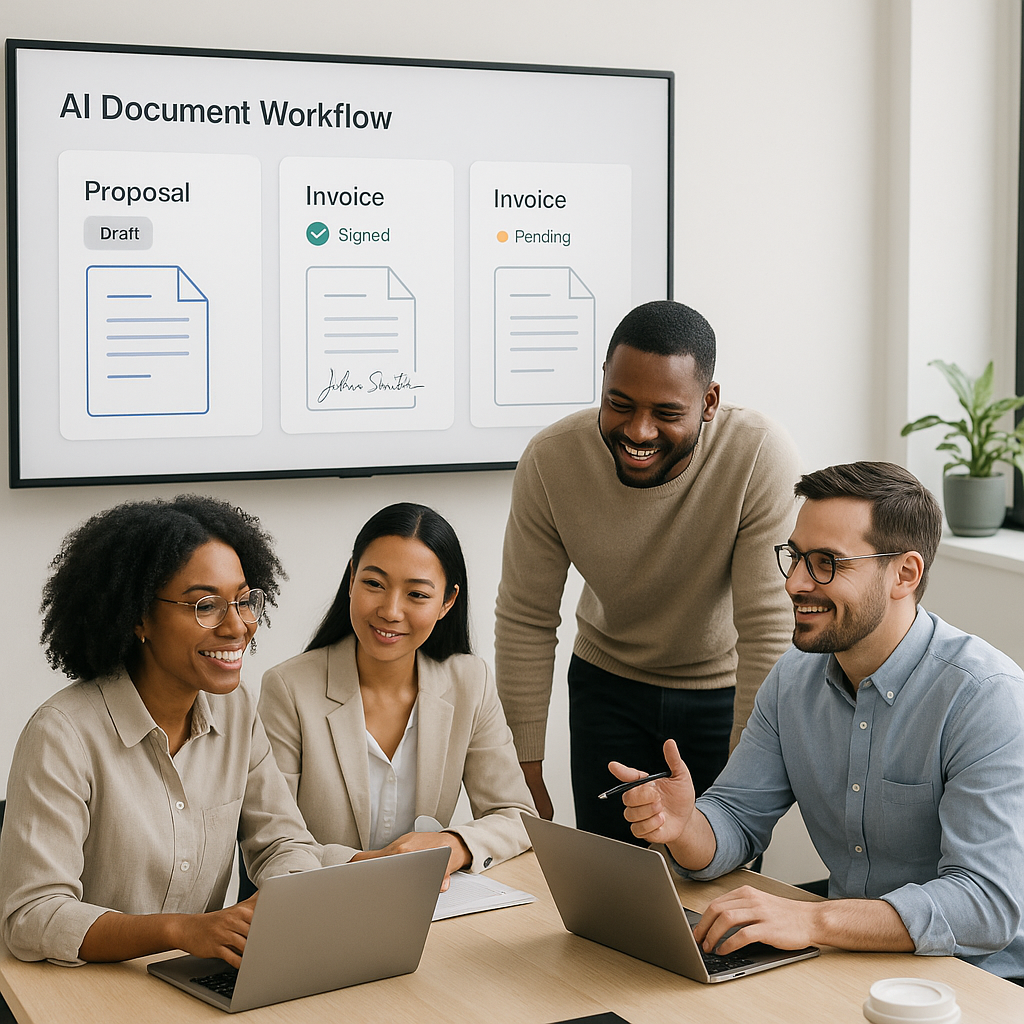
AI-powered document automation is rapidly shifting from an enterprise luxury to an everyday tool for small teams, freelancers, and independent professionals. Recent enhancements across document-generation platforms—especially around AI agents, template handling, and CRM-style integrations—are making it far easier to auto-generate proposals, invoices, and contracts without calling in IT support or legal teams.
This transformation is happening against a backdrop of accelerating digital-signature adoption. Recent market analyses estimate the global e-signature market at around USD 12 billion in 2025, with projections of nearly 40% compound annual growth over the next decade, driven largely by the need for secure, compliant, low-friction digital transactions.(certinal.com) For small businesses, the question is no longer whether to digitize documents and signatures—but how to do it without adding complexity or cost.

Why this matters for small businesses and freelancers
Small and medium-sized enterprises (SMEs) have traditionally lagged behind large enterprises in digital transformation, mainly because of cost, skills gaps, and implementation overhead. Yet in recent years, e-signatures and digital workflows have emerged as some of the most accessible entry points into automation, helping SMEs cut turnaround times, reduce printing and mailing costs, and simplify compliance.(esignglobal.com)
Surveys now suggest that 60–80% of organizations have adopted some level of e-signature technology, while 20–40% still rely heavily on paper-based signatures.(certinal.com) At the same time, nearly half of smaller companies now describe themselves as “digital-first” in their operations, including contract and approval workflows.(textcontrol.com)
For small teams, AI-enhanced document automation promises three concrete advantages:
- Speed: Automatically generating proposals, NDAs, or invoices from templates cuts hours of manual editing and copy-paste work.
- Consistency: Centralized templates reduce the risk of outdated clauses
or inconsistent pricing making their way into client-facing documents.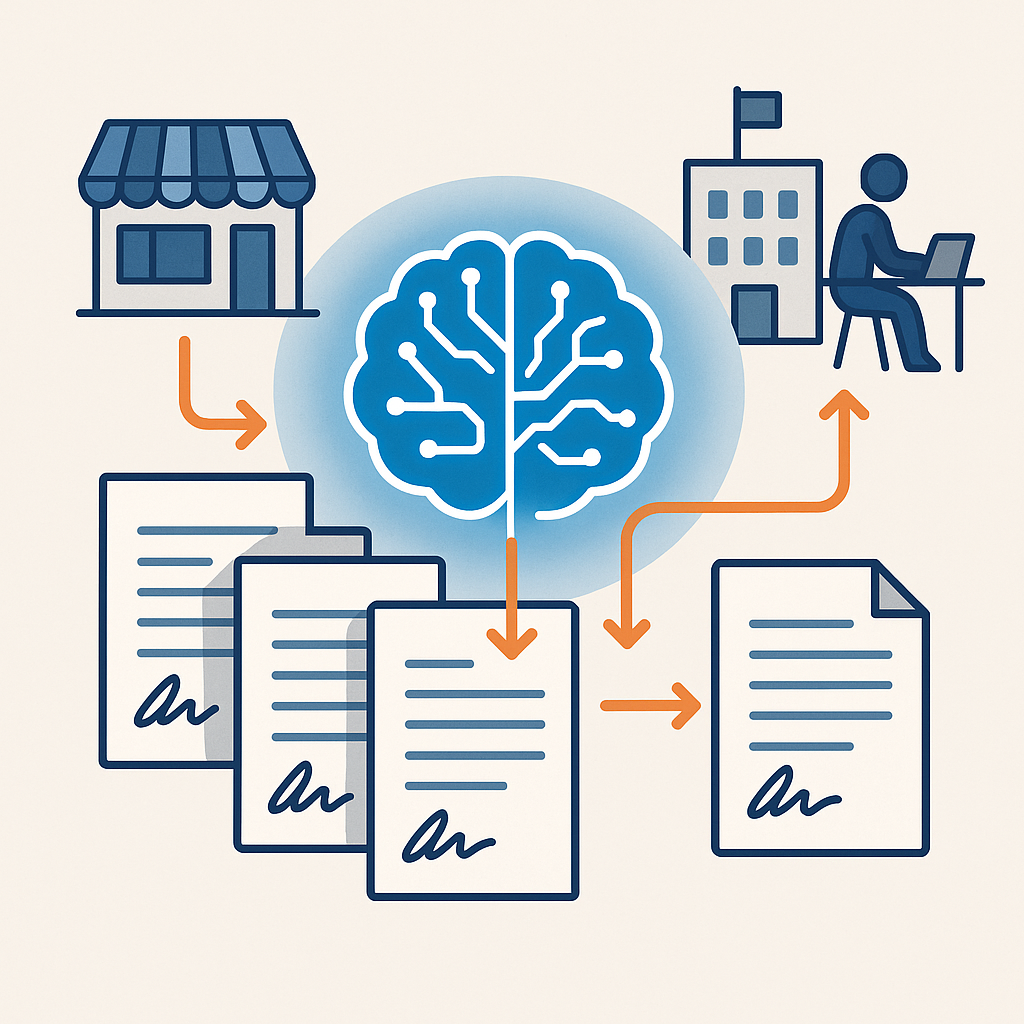
- Accessibility: No-code tools and AI agents mean owners, project managers, or freelancers can handle document workflows themselves—no in-house legal or IT required.
What’s changing: AI agents, smarter templates, deeper integrations
Under the hood, document automation is being reshaped by three major trends: AI “agents” that can carry out multi-step workflows, more flexible template engines, and tighter integration with CRM-style systems where customer and deal data already lives.
AI agents that do more than just draft text
Until recently, many “AI document” features amounted to a text box powered by a large language model. The latest wave of tools is moving toward AI agents—systems that can reason over context, pull in data from other tools, and execute a sequence of actions instead of just generating paragraphs.
Educational resources and product demos across the AI ecosystem increasingly focus on these agent-style workflows: AI systems that can respond to triggers, fetch client information, select the right template, fill in variables, and even schedule follow-ups. This reflects a broader shift in the industry from single-prompt generation to continuous, task-focused assistants embedded inside business applications.
For small business owners, that means:
- Generating a customized proposal as soon as a lead moves to the “qualified” stage in their CRM.
- Producing a service contract automatically when a quote is accepted.
- Creating a recurring invoice draft every month for subscription clients.
Template management that feels less “enterprise” and more self-serve
Template management used to be synonymous with enterprise contract-lifecycle systems—powerful, but heavy and complex. Newer document-generation platforms are emphasizing speed and self-service:
- Upload an existing PDF or DOCX and have fields auto-detected.
- Save frequently used templates (e.g., standard sales proposal, retainer agreement, NDA) and adapt them in minutes.
- Use AI to suggest clauses based on industry norms or past documents.
For small teams that might run dozens—but not thousands—of documents a month, these lighter-weight features hit a sweet spot: powerful enough to be useful, simple enough that the owner or an assistant can manage them without a multi-week rollout.
CRM-style integrations and data-driven documents
Another major shift is the growing focus on CRM-style integration. Industry data shows that organizations increasingly want e-signature and document solutions that plug directly into their existing digital workflows, rather than sitting off to the side as a separate system.(industryresearch.biz)
In practice, that means:
- Pulling names, addresses, and pricing automatically from CRM or customer databases.
- Tagging documents to specific deals, projects, or accounts for easier reporting.
- Triggering document generation or signatures from events such as “deal won” or “onboarding started.”
For freelancers and micro-agencies, even simple integrations—such as syncing client information from a lightweight CRM or spreadsheet—can dramatically cut manual data entry and reduce errors.
QuickSign perspective: AI automation built for small teams
While many document platforms are racing to add advanced AI capabilities, much of the market still prices and designs its tools for large enterprises. This often leaves small businesses stuck between consumer-grade tools that don’t automate much and heavyweight enterprise systems that are too expensive or complex.
QuickSign is positioning itself squarely in the middle of this gap: an AI-enhanced e-signature and document automation platform intentionally built for small teams, freelancers, and independent professionals.
Key differentiators include:
- AI Document Generation: Rather than starting from a blank page, users can generate contracts, NDAs, and other legal-style documents using built-in AI capabilities, then adapt them to their specific use case.
- Effortless sending: The workflow is streamlined: upload a PDF, drag and drop signature and form fields, and send it for signing in a few clicks.
- Real-time tracking: Users can see when a document is opened, viewed, and signed, removing guesswork and delays from the follow-up process.
- Flat, predictable pricing: Unlike many enterprise-focused solutions that charge per seat, QuickSign offers flat-rate pricing at $15 per month for the whole team.
For teams just starting to experiment with AI document automation, QuickSign’s free tier offers 2 AI document generations and 1 document send to unlimited recipients, making it possible to trial modern workflows without a long-term commitment or upfront investment.
How AI-powered automation changes everyday workflows
The real story isn’t just that the technology is improving—it’s how workflows are being quietly reshaped in small businesses across industries.
From “drag, drop, send” to end-to-end automation
In many organizations, digital signatures started with a simple pattern: upload the document, add signature fields, send, and wait. AI and integrations now allow that pattern to expand into more complete, end-to-end workflows:
- Client fills out a short intake form or is added as a contact in a CRM.
- An AI agent selects the right contract template based on project type or deal size.
- Customer details and pricing are pulled in automatically.
- The document is generated, routed for quick internal review, and then sent for e-signature.
- Status updates and reminders are handled automatically; once signed, the document is archived and linked back to the client record.
Platforms like QuickSign help move small businesses closer to this pattern without requiring full-blown IT projects or custom development.
Reducing friction for clients and collaborators
Industry reports highlight that in sectors like real estate, finance, and legal services, e-signature adoption has cut turnaround times dramatically—often by more than half.(certinal.com) When documents are generated correctly the first time, sent promptly, and tracked in real time, small businesses:
- Get agreements signed faster, improving cash flow.
- Spend less time chasing missing fields or correcting errors.
- Offer a more polished, professional experience that matches (or exceeds) larger competitors.
Lowering the skills barrier for AI adoption
Academic work on AI tools for small business owners emphasizes that even “simple” interfaces can hide significant hurdles, especially for users with limited digital skills.(arxiv.org) That’s why the current wave of AI document tools is increasingly designed around specific business activities—like “send a proposal,” “draft a contract,” or “start onboarding”—rather than abstract prompts.
AI document agents are most powerful when they speak the language of the business, not the language of the model—turning actions like “close this deal” into automated sequences of document creation, routing, and signing.
Practical takeaways for improving small business document workflows
For business owners and team leads evaluating AI-powered document automation, several practical steps can help translate this trend into immediate value:
- Start with your highest-volume documents. Identify the 2–3 document types you send most often—such as proposals, NDAs, or recurring invoices—and focus automation efforts there first.
- Centralize and clean up your templates. Store your best, most up-to-date versions in a single system. Use AI to help standardize language, fix inconsistencies, and adapt templates for different segments.
- Connect documents to your contact or deal data. Even simple CRM integration or spreadsheet sync can eliminate repetitive data entry and reduce errors.
- Use real-time tracking to improve follow-ups. Knowing when a client has viewed a document allows you to time reminders and calls more effectively.
- Pilot with a small group. Start with one team or a couple of power users, refine your templates and workflows, then roll out more broadly.
Because tools like QuickSign offer both a free tier and flat-rate pricing, small businesses can run these experiments without the complexity of per-seat enterprise contracts or multi-year commitments.
The road ahead: from digital paperwork to intelligent workflows
The broader e-signature and document automation market is expected to grow quickly over the coming decade, with analysts pointing to mobile usage, regulatory support, and demand for secure digital transactions as key drivers.(certinal.com) But for small businesses, the most exciting development isn’t market size—it’s accessibility.
AI-powered document automation is evolving from a specialist tool into an everyday utility. With AI agents handling routine steps, smarter templates reducing errors, and CRM-style integrations keeping data in sync, small teams can now build document workflows that rival those of much larger organizations—without enterprise budgets or IT departments.
Looking for an affordable e-signature solution? Try QuickSign for free - no credit card required.