AI-Powered Microsoft 365 Add-On Targets Small Business Document Workflows
Boost efficiency with AI productivity in Microsoft 365. Discover an AI-powered add-on that transforms small business document workflows and saves time.

AI-Powered Microsoft 365 Add-On Targets Small Business Document Workflows
Microsoft has launched a new Microsoft 365 Copilot Business add-on, available from December 1, 2025, and explicitly priced for organizations with 1–300 users. At $21 per user per month for up to 300 seats, the new SKU is aimed squarely at small and midsize businesses (SMBs) that already run their day-to-day work in Word, Excel, Outlook, and Teams—but until now found enterprise AI pricing hard to justify.(learn.microsoft.com)
For freelancers, agencies, and small teams, this marks a notable shift: powerful AI assistance for drafting contracts, summarizing long documents, and automating routine paperwork can now live inside the tools they already use daily—without buying into a full enterprise stack or separate AI platform.
Why This Matters for Small Business Document Workflows
SMBs are drowning in paperwork: proposals, NDAs, service agreements, statements of work, HR forms, vendor contracts, and customer approvals. While larger enterprises have long invested in heavy-duty contract lifecycle tools and custom integrations, most smaller firms juggle these workflows with a mix of email threads, Word templates, PDFs, and e-signature tools.
The launch of Microsoft 365 Copilot Business directly targets this gap. Copilot is now positioned as an AI productivity layer on top of familiar apps, with features that include:(microsoft.com)
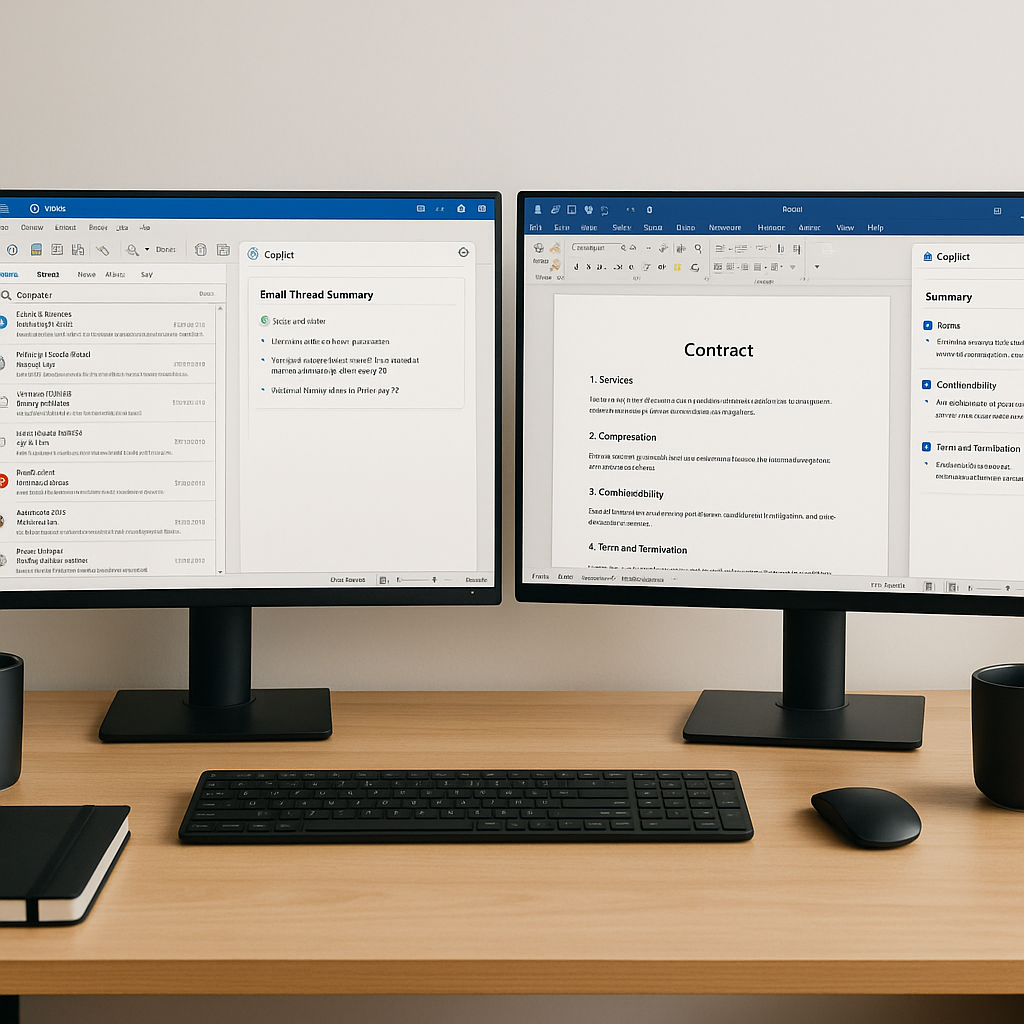
- Generative drafting in Word for contracts, NDAs, and proposals
- Summarization of long documents or email threads in Outlook and Teams
- AI-powered chat grounded in a company’s own Microsoft 365 files
- Data analysis and report generation in Excel
For a small agency or consultancy used to emailing Word docs for sign-off, Copilot Business offers to reduce the time spent on first drafts, repetitive edits, and chasing context buried in lengthy email chains.
What Exactly Microsoft 365 Copilot Business Includes
According to Microsoft’s partner announcements and updated business plan pages, Microsoft 365 Copilot Business is a new add-on SKU that brings the same core Copilot capabilities previously reserved for enterprise plans, but at a lower price point and with a user cap tuned to small organizations.(learn.microsoft.com)
- Price: $21 per user per month (annual commitment), with introductory promotions discounting it to $18 until March 31, 2026.(learn.microsoft.com)
- User cap: 1–300 users—clearly targeted at SMBs, not large enterprises.(learn.microsoft.com)
- Requirements: A qualifying Microsoft 365 Business Basic, Standard, or Premium subscription.(learn.microsoft.com)
- Core benefits: Copilot inside Word, Excel, PowerPoint, Outlook, and Teams, work-grounded AI chat, and the ability to create AI agents that automate business processes.(learn.microsoft.com)
“Copilot Business delivers the same AI-powered productivity features as the current Copilot SKU at a more accessible price point for SMBs.”(learn.microsoft.com)
Microsoft is also promoting bundles
From First Draft to Signature: Where Copilot Helps—and Where It Doesn’t
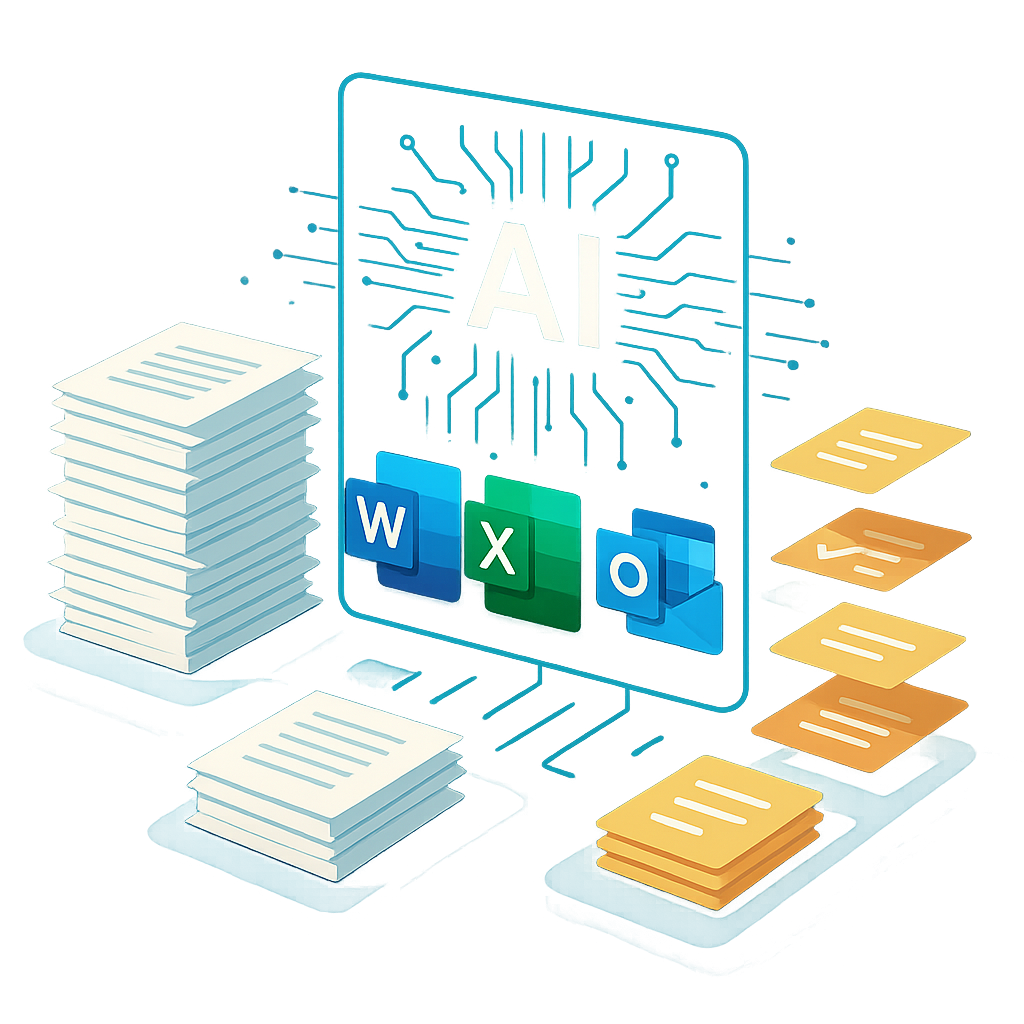
On paper, Copilot Business can significantly compress the “drafting and reviewing” phase of a document’s lifecycle:
- A freelancer can ask Copilot in Word to draft a service agreement based on an email thread or an older contract.
- A small law or accounting firm can quickly summarize a 40-page contract into key risks and obligations.
- A project manager can use Copilot in Teams to summarize meeting notes into a scope-of-work document ready for client review.
However, it’s important to underline what Copilot Business does not do out of the box:
- It doesn’t replace a dedicated e-signature workflow—you still need to export or convert to PDF and send for signing through a signature platform.
- It doesn’t provide built-in document status tracking (who opened, who signed, who is pending) once the file leaves Microsoft 365.
- It doesn’t offer flat-rate, team-wide pricing for sending and tracking signatures; every Copilot seat is priced per user.
For many small businesses, that means Copilot Business is only one half of the digital document equation. The other half is a modern, affordable e-signature tool that can take those AI-drafted contracts and get them securely signed without adding more complexity or cost.
QuickSign Perspective: Pairing Copilot with Streamlined E‑Signature
This is where solutions like QuickSign come in. If Copilot Business helps you generate and refine documents inside Word or Outlook, a dedicated e-signature platform has to pick up the baton for execution, tracking, and archiving.
QuickSign is designed specifically with small businesses, freelancers, and independent professionals in mind, and its feature set aligns closely with how SMBs will likely use Microsoft 365 Copilot Business:
- AI Document Generation: QuickSign can generate contracts, NDAs, and other legal documents with AI, directly tailored for small-business use cases. That means you can draft inside QuickSign if you prefer, or start in Word with Copilot and then finalize in QuickSign.
- Effortless Sending: The workflow is intentionally simple: Upload PDF → Drag & Drop signature and form fields → Send. No complex setups, no training required.
- Real-Time Tracking: QuickSign provides live status updates—who opened, who signed, who is pending—so small teams can avoid chasing signatures blindly over email.
- SMB-Friendly Pricing: Unlike enterprise-focused solutions that charge per seat, QuickSign offers a flat-rate $15/month plan that covers the whole team, plus a free tier with 2 AI document generations and 1 document send to unlimited recipients.
Unlike enterprise-focused solutions, QuickSign offers flat-rate pricing at $15/month for the entire team, making it easier for SMBs to layer e-signatures on top of their Microsoft 365 Copilot Business investment.
In practice, a small business could follow a hybrid model:
- Use Copilot Business inside Word or Outlook to generate the first draft of a contract from existing templates, emails, or prior agreements.
- Perform legal or business review as usual.
- Export to PDF, then upload to QuickSign, drag and drop fields, and send for signature.
- Track sign-off in QuickSign while keeping the authoritative, editable version in Microsoft 365.
AI Productivity in Practice: Outlook, Teams, and Custom Agents
Beyond document drafting, Copilot Business will also influence how SMBs handle the communications around documents—especially in Outlook and Teams.
Recent tutorials and demos show how users can build simple AI “agents” with Microsoft 365 Copilot and Copilot Studio to handle repetitive tasks without code, such as routing requests or generating responses based on existing documents and data.(microsoft.com)
For example, a small HR consultancy could build an agent that:
- Monitors a shared mailbox for “new contract” requests
- Drafts a contract based on a standard template and client information
- Prepares a summary of key clauses to share with internal stakeholders
Meanwhile, productivity tips for Outlook users show Copilot handling email summarization, drafting replies, and extracting to-do items—critical when contracts and approvals are negotiated across long mail threads.(microsoft.com)
Where does this leave tools like QuickSign? In a stronger position, not a weaker one. As AI makes it easier to draft and revise documents, the bottleneck shifts to execution—getting documents signed quickly, consistently, and with clear audit trails. That’s precisely the gap QuickSign is built to fill.
Key Takeaways for Small Business Owners and Freelancers
For SMB leaders evaluating AI investments in 2026, Microsoft 365 Copilot Business plus a modern e-signature tool offers a pragmatic, incremental path to automation. Some practical considerations:
- Start where you already work. If your team lives in Word, Excel, Outlook, and Teams, Copilot Business brings AI directly into that environment rather than forcing you to learn new apps.
- Use AI for the “blank page” problem. Let Copilot or QuickSign’s AI Document Generation handle first drafts of contracts, NDAs, and proposals—but always apply human review before sending anything for signature.
- Separate drafting from signing. Think of Microsoft 365 as your authoring environment and platforms like QuickSign as your execution and tracking layer.
- Watch the total cost of ownership. Copilot Business is priced per user per month, whereas QuickSign’s $15/month flat-rate covers your whole team’s e-signature needs. Combining the two can be more cost-effective than adopting a single, enterprise-oriented suite.
- Experiment with AI agents. Even non-technical teams can start exploring Microsoft 365 Copilot agents to automate document-related workflows, from intake to draft preparation.
Document Workflows Are Becoming AI-First—But Still Need Clear Endpoints
Microsoft 365 Copilot Business heralds a new phase where AI productivity is no longer a luxury feature for enterprises, but an accessible add-on for organizations with just a handful of employees. SMBs that embrace these tools can expect faster drafting, smarter summarization, and more context-aware collaboration around critical documents.
Yet, the fundamental business need remains unchanged: agreements must still be signed, tracked, and stored in a way that’s simple, auditable, and affordable. That’s why the combination of Copilot Business for creation and QuickSign for e-signature and tracking is likely to become a common pattern among small businesses that want modern workflows without enterprise complexity.
Looking for an affordable e-signature solution? Try QuickSign for free - no credit card required.