AI Redlining in Word Puts Big‑Firm Contract Tools Within Reach of Small Transactional Practices
Discover how AI redlining in Word brings big‑firm contract review power to small transactional practices, boosting accuracy, speed, and client value.
AI Redlining in Word Puts Big‑Firm Contract Tools Within Reach of Small Transactional Practices
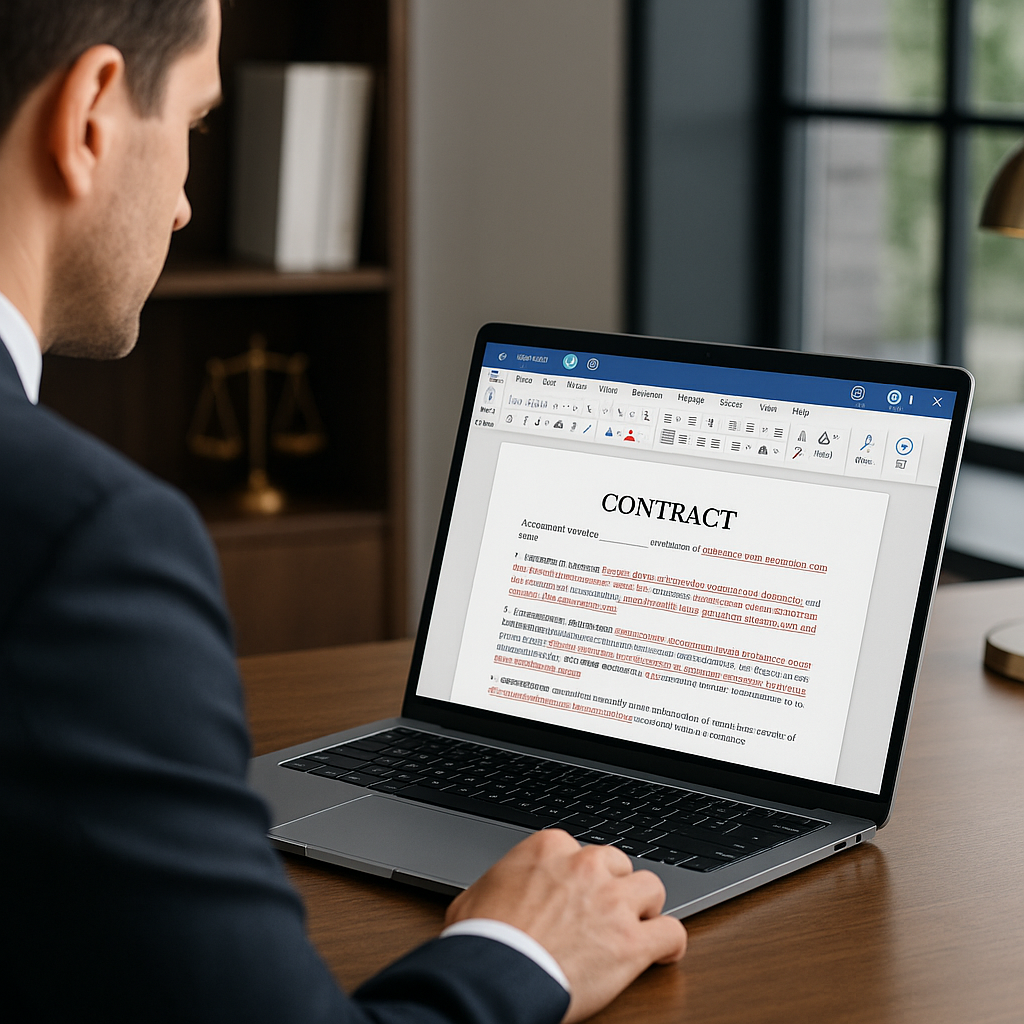
Artificial intelligence is moving from buzzword to back-office workhorse in transactional law — and now it’s doing so directly inside Microsoft Word. A new generation of AI redlining and drafting tools, delivered as Word add-ins, is giving small and solo transactional firms the kind of contract “co-pilot” that used to be reserved for large law departments and BigLaw. For small practices that live and die by turnaround time and accuracy, this shift could be as significant as the move from fax to e‑signature.
What’s New: AI Redlining Inside Microsoft Word
Legal workflow vendors are rolling out AI tools that work where lawyers actually draft: in Word. One of the most visible examples is Gavel Exec, which plugs into Microsoft Word to automatically redline contracts, benchmark clauses against market norms, and generate deal-ready edits and comments tailored to a firm’s playbook.(gavel.io)
These tools typically offer three core capabilities that matter for small transactional teams:
- Clause benchmarking against “market” terms: The AI reviews provisions (e.g., limitation of liability, indemnities, termination rights) against a large corpus of similar agreements and flags language that’s outside common standards or risk tolerance.
- Playbook-driven redlines: Lawyers can load their own preferred language and negotiation rules into a playbook. The AI uses that playbook to propose concrete edits and comments, effectively acting as an “AI associate” inside Word.(gavel.io)
- Summaries of complex provisions: For dense IP or data protection clauses, the AI produces plain-language summaries that lawyers can quickly review or adapt for clients.
Because all of this is embedded in Word, lawyers don’t have to copy-paste text into separate web tools or switch between platforms. The workflow feels much closer to traditional redlining — only faster.
“Contract review has emerged as a leading use case for AI in legal departments, driven by pain points around manual review and the alignment of AI’s capabilities with this need.”(legaltech-talk.com)

Why This Matters for Small and Solo Transactional Firms
A growing body of data shows AI contract review is no longer experimental. A 2025 State of Contracting survey found AI adoption for contract review grew 75% year-over-year, with 14% of legal teams now using AI and another 64% actively evaluating solutions.(legalontech.com) While many of those survey respondents are in-house teams, the same underlying pressures are now playing out in small private practices:
- High contract volume, lean staffing: Over half of organizations review between 101–1,000 contracts per year, often spending 2–4 hours per contract.(legalontech.com) For a small transactional shop handling vendor agreements, SaaS contracts, and NDAs for growing clients, that math quickly becomes unsustainable.
- Client expectations for speed: Business clients increasingly expect “same day” redlines — especially startups and scale-ups negotiating tech and commercial contracts.
- Budget constraints: Unlike larger firms, solo and small practices can’t easily add a junior associate or full-time contract manager each time a key client ramps up deal flow.
By benchmarking clauses against market norms and suggesting targeted redlines, the new Word-based AI tools help small firms:
- Move first drafts and counterparty paper through review in minutes rather than hours.
- Standardize negotiation positions across matters without building and maintaining massive clause libraries manually.
- Delegate routine risk-spotting to AI so lawyers can focus on explaining trade-offs and strategy to clients.
This aligns with broader legal technology trends: industry surveys consistently show that resistance to change — not lack of use cases — is now the biggest barrier to AI adoption in law.(
y/provable-use-cases-not-courageous-advocacy-how-legal-teams-can-build-ai-success--pracin-2025-12-10/?utm_source=openai" target="_blank" rel="noopener noreferrer">reuters.com) For small shops, tools embedded directly in Word lower that barrier by fitting into familiar workflows instead of demanding radical process change.How AI Redlining Actually Works in Practice
1. Benchmarking Against “Market” Terms
When a lawyer opens a contract in Word with an AI redlining add-in enabled, the tool can scan the document and identify key clauses: governing law, indemnity, service levels, audit rights, and more. For each, it compares the text to learned patterns from a large set of similar agreements and public precedents.
The output might look like:
- A risk score or “off-market” flag for each provision
- Suggestions like “cap liability at 12 months of fees” instead of “uncapped direct damages” based on market norms
- Side-by-side alternatives: current language vs. AI-suggested clause
Crucially, lawyers can still override or ignore these suggestions, but the benchmarking provides a rapid “sanity check” that would otherwise require experience across dozens or hundreds of similar deals.
2. Customizable Playbook-Driven Redlines
Perhaps the most powerful feature for small firms is playbook customization. Tools like Gavel Exec allow firms to upload their own past agreements and preferred fallback positions, then codify negotiation rules (for example, “If customer is under $10k ARR, allow X; otherwise insist on Y”).(gavel.io)
During review, the AI can then:
- Apply those rules consistently, suggesting strike-and-replace edits directly in Word’s redline mode.
- Generate annotated comments in a lawyer’s own “voice” explaining why a change is requested.
- Align long-form agreements to previously agreed term sheets or LOIs by flagging inconsistencies.(gavel.io)
For small firms without the budget for a team of associates, AI redlining can effectively serve as a scalable junior resource — one that never tires of reviewing boilerplate.
3. Client-Friendly Summaries at Speed
Another benefit particularly relevant to solo and boutique practices is AI-powered summarization. Instead of manually drafting email summaries of data processing addenda or IP assignment sections, lawyers can ask the AI to generate a bullet-point brief in plain language, then quickly refine it.
This is where AI negotiation tools intersect with a broader communication principle popularized by researcher Brené Brown: “Clear is kind. Unclear is unkind.”(brenebrown.com) When AI helps lawyers articulate risks and trade‑offs clearly and quickly, clients are better able to make informed decisions — and the lawyer’s value is more visible.
Where E‑Signature and Workflow Fit: The QuickSign.it Perspective
Contract negotiation is only one piece of the document lifecycle. For small businesses and independent professionals, a streamlined workflow also needs fast execution and clear tracking once the terms are agreed. That’s where e‑signature platforms like QuickSign.it come in.
As AI redlining in Word accelerates the negotiation phase, tools such as QuickSign help small teams move seamlessly into closing:
- AI Document Generation: Before redlines even start, users can generate core documents — from NDAs to simple services agreements — using QuickSign’s AI. That gives small firms and freelancers quality starting templates without investing in expensive precedent libraries.
- Effortless sending: Once the Word version is finalized, it can be exported to PDF and uploaded to QuickSign: upload → drag & drop signature and date fields → send to counterparties in minutes.
- Real-time tracking: QuickSign provides status updates — sent, viewed, signed — so lean teams don’t have to manually chase signatures or guess where a deal is stuck.
Unlike enterprise-focused solutions that often gate advanced features behind per-seat pricing, QuickSign offers flat-rate plans at $15/month for the whole team, plus a free tier that includes two AI document generations and one document send to unlimited recipients. This aligns with the same small-firm economics that make AI redlining in Word compelling in the first place.
Practical Takeaways for Small Firms and Independent Professionals
1. Start With One High-Impact Use Case
Industry guidance increasingly recommends beginning AI adoption with targeted, provable use cases rather than sweeping transformation projects.(reuters.com) For small and solo transactional lawyers, AI redlining in Word is a natural fit because it attacks a clear pain point: manual contract review.
Practical first steps:
- Identify a single contract type (e.g., SaaS MSA, supplier agreement, or NDA) where turnaround time is a recurring issue.
- Pilot an AI Word add-in on those agreements only, measuring time saved and error reduction.
- Pair it with an e‑signature tool like QuickSign for execution, so the whole process from draft to signature is trackable.
2. Build and Maintain a Lean Playbook
To get real value from AI redlining, small firms should treat their playbooks as living assets, not one‑off projects:
- Start with 5–10 clauses that cause the most negotiation friction.
- Define clear “ask,” “fallback,” and “walk‑away” positions for each.
- Encode these in the AI tool’s playbook module and revisit quarterly as market conditions or risk appetite change.
The more precise the playbook, the more the AI can automate routine edits — while still keeping the human lawyer in control of judgment calls.
3. Keep Clients in the Loop With Clear Summaries
Even with AI doing much of the heavy lifting, client communication remains central. Use AI summaries as drafts, not final products:
- Ask the AI for a short summary of key risk points or changes from the counterparty’s draft.
- Manually review and edit for nuance, client context, and tone.
- Deliver a concise explanation that makes the client feel informed rather than overwhelmed.
This not only supports better decisions but reinforces the lawyer’s role as a trusted advisor rather than a “human redline machine.”
4. Align Negotiation and Execution Workflows
Finally, ensure that the last mile — getting documents signed — is as modern as the negotiation stage. An AI-accelerated review process still bottlenecks if signatures are chased via email attachments.
Pairing Word-based AI redlining with a lightweight e‑signature platform like QuickSign gives small practices an end‑to‑end digital workflow: generate, negotiate, execute, and track agreements without enterprise-level software spend or IT support.
The Bottom Line: Big-Firm Capabilities, Small-Firm Budgets
The arrival of AI redlining and drafting tools inside Microsoft Word marks an important shift for transactional lawyers outside BigLaw. Capabilities once tied to large knowledge management teams and expensive enterprise platforms — from clause benchmarking to automated playbook execution — are becoming accessible to small and solo firms that primarily live in Word and email.
For business clients, that means faster, clearer, and more consistent contract negotiations. For small practices, it means the ability to scale deal volume without a parallel increase in headcount, while maintaining quality and sharpening their advisory role.
Combined with affordable e‑signature and AI document generation from platforms like QuickSign, small transactional teams can now assemble a modern, AI‑enhanced contract workflow that rivals what much larger organizations use — at a fraction of the cost and complexity.
Looking for an affordable e-signature solution? Try QuickSign for free - no credit card required.