Best E-Signature Software in 2026: Why QuickSign Is the Modern Choice for Growing Businesses
Discover the best e-signature software in 2026. See why QuickSign is the modern choice for growing businesses seeking secure, fast digital signing.

Best E-Signature Software in 2026: Why QuickSign Is the Modern Choice for Growing Businesses
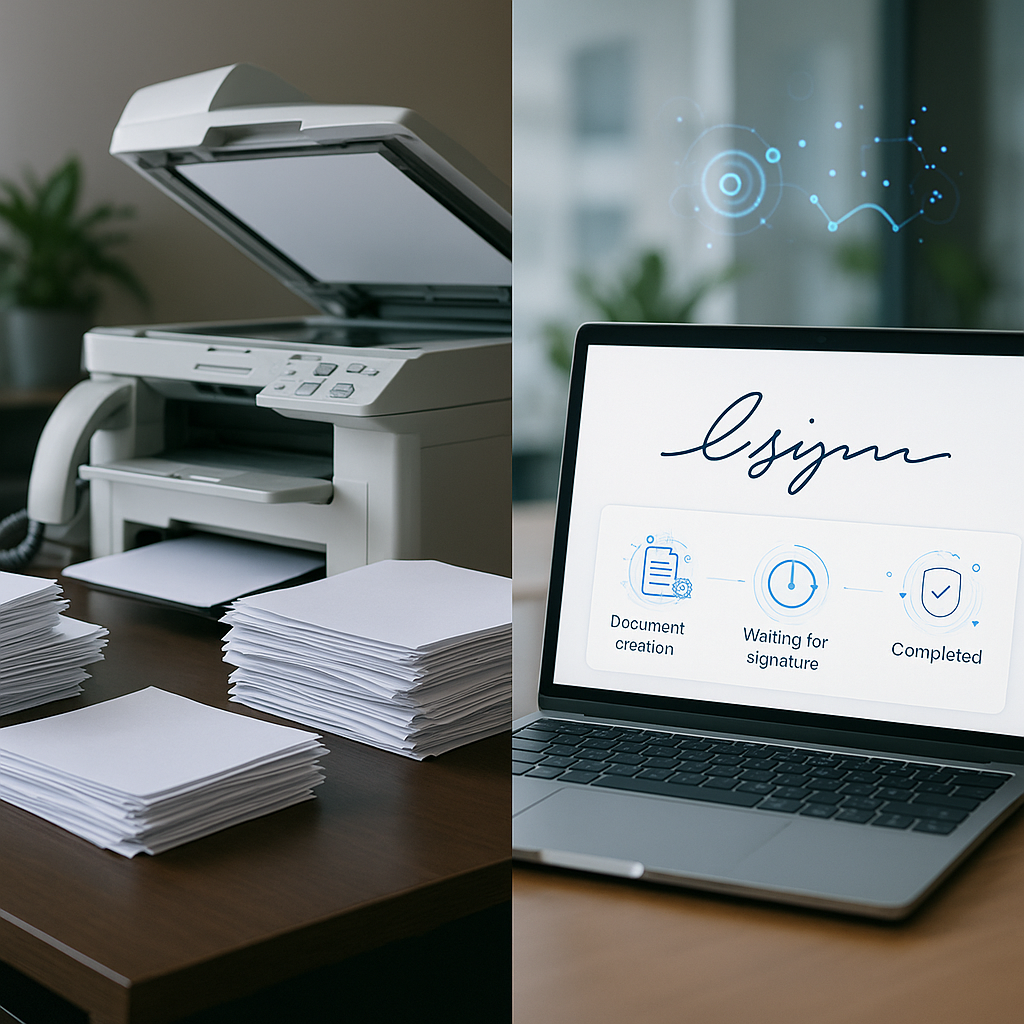
If you’re still printing, signing, scanning, and emailing contracts, you’re not just behind—you’re leaking time, money, and deals. Modern e-signature software has become a baseline requirement for business efficiency, compliance, and customer experience. Among a crowded field of tools, QuickSign stands out as a modern, affordable platform that not only handles signatures, but also creates the documents for you with AI.
In this guide, we’ll walk through what makes the best e-signature software in 2026, key features to look for, and how QuickSign helps businesses move from manual paperwork to streamlined, AI-powered agreement workflows.
Key takeaway: The best e-signature software doesn’t just capture a signature—it helps you create, send, track, and securely store agreements while staying affordable as your team grows. That’s exactly where QuickSign shines.
Why E-Signature Software Is Now a Business Essential
The e-signature market is growing at a remarkable pace. Recent industry data shows the global e-signature market at around $2.5 billion in 2024, projected to grow to nearly $3.2 billion in 2025 and over $28 billion by 2034, with a CAGR of about 27–28%.(globalgrowthinsights.com) This growth is driven by digital onboarding, remote work, and stricter compliance requirements across industries like finance, healthcare, and legal.
For small and mid-sized businesses, e-signature tools deliver several critical benefits:
- Cost savings: Studies show businesses can cut administrative and paperwork costs by 55–78% by going digital, plus significant reductions in shipping and storage.(esignly.com)
- Faster deal cycles: Documents no longer need to be mailed or manually scanned—agreements can be signed in minutes instead of days.
- Higher professionalism: Clean, digital workflows help small businesses present themselves like established enterprises.(prodigisign.com)
- Support for remote & hybrid teams: Teams and clients can sign from anywhere, on any device.
QuickSign is designed specifically for this reality: secure, compliant, and fast, with a strong focus on ease of use and affordability.
What Makes the Best E-Signature Software in 2026?
With so many tools on the market, “best” comes down to a combination of features, usability, compliance, automation, and pricing. Top YouTube reviews of e-signature and contract platforms consistently highlight the same core needs: easy document preparation, intuitive signing, robust tracking, and fair pricing models.
Let’s break down the criteria—and see how QuickSign addresses each one.
1. Ease of Use and Speed to Send
The best e-signature software should let you go from “I need a contract” to “document sent” in minutes, not hours. Clunky interfaces and complex setup steps slow teams down and defeat the purpose of going digital.
QuickSign is built around speed:
- Seamless sending: Upload or generate a document, add recipients, and send it out for signature in seconds.
- Clean, modern UI: Non-technical users can manage contracts with minimal training.
- Works on any device: Signers can complete documents on desktop, tablet, or phone without installing anything.
Pro tip: Time a typical contract from creation to “sent” in your current workflow, then try the same process in QuickSign. Most teams see a dramatic drop—from hours to under a minute for standard agreements.
2. Document Creation, Not Just Signing
Most e-signature tools assume you already have a perfect PDF. But in reality, many businesses start in Word, copy from templates, or search online for “NDA template” and hope for the best. That’s inefficient and risky.
This is where QuickSign is different: it includes AI Document Generation as a core feature.
- AI Document Generation: Describe the agreement you need (e.g., “a 12-month social media management contract for a U.S.-based freelancer, paid monthly”) and QuickSign’s AI drafts it for you.
- Common use cases: NDAs, service agreements, consulting contracts, freelancer agreements, offer letters, and more.
- Faster standardization: Teams can quickly generate consistent, professional documents instead of reinventing the wheel every time.
Industry research shows that roughly 30% of vendors are embedding templates and vertical-specific workflows into their e-signature products to speed up adoption.(globalgrowthinsights.com) QuickSign goes a step further by letting you generate fully custom documents from plain-language prompts—no template hunting required.
3. Flexible Field Placement and Workflow Control
Once your document is ready, you need precise control over where and how people sign. Drag-and-drop field placement and workflow settings are non-negotiable for a modern solution.
QuickSign offers:
- Drag-and-Drop Field Placement: Upload any PDF and drag signature, text, date, and initial fields exactly where they need to be.
- Multiple signers & signing order: Add one or many recipients, define the order, and control who signs what.
- Reusable templates: Save frequently used documents (like your standard sales contract) as templates with fields pre-configured.
This level of control mirrors what reviewers in top YouTube breakdowns highlight as essential in leading tools, but QuickSign keeps it simple enough for any business user to master quickly.
4. Tracking, Reminders, and Audit Trails
Knowing who has signed, when, and what they signed is core to both operations and legal protection. Strong tracking and audit features are a hallmark of the best e-signature platforms.
QuickSign includes:
- Real-Time Tracking: See when recipients open, view, and sign your documents.
- Status dashboards: Quickly spot which agreements are pending, completed, or overdue.
- Smart reminders: Automatically nudge signers who haven’t completed their part—no manual chasing required.(quicksign.it)
Combined with secure storage, these capabilities help ensure you have a clear, auditable record of every agreement.
5. Security, Compliance, and Legal Validity
Modern e-signature solutions are built on cryptographic technologies that help ensure integrity and authenticity of documents, making them legally enforceable in most jurisdictions when used correctly.(fortunebusinessinsights.com)
QuickSign emphasizes:
- Secure, legally binding signatures: Designed to comply with major regulations (such as eIDAS in the EU and widely accepted standards in the U.S.).(quicksign.it)
- End-to-end encryption: Protects documents in transit and at rest.
- Detailed event logs: Track access, viewing, and signing activity to support legal defensibility.
For businesses in finance, healthcare, or legal services, these protections are not optional—they’re mandatory.
6. Pricing That Scales with Your Business
Cost is one of the biggest barriers to adoption, especially for small and medium businesses. Research shows around 41% of SMEs cite cost as a major challenge in adopting e-signature solutions.(globalgrowthinsights.com) Many legacy tools charge per seat, meaning you pay more every time you add a teammate.
QuickSign is built to be affordable and predictable:
- Generous free tier: Generate 2 documents with AI and send 1 document to unlimited recipients at no cost.
- Flat-rate pricing: Starts at $15/month for the whole team—no per-seat fees.
- No surprise overage fees: Clear, si
mple plans that scale with your agreements rather than with how many people log in.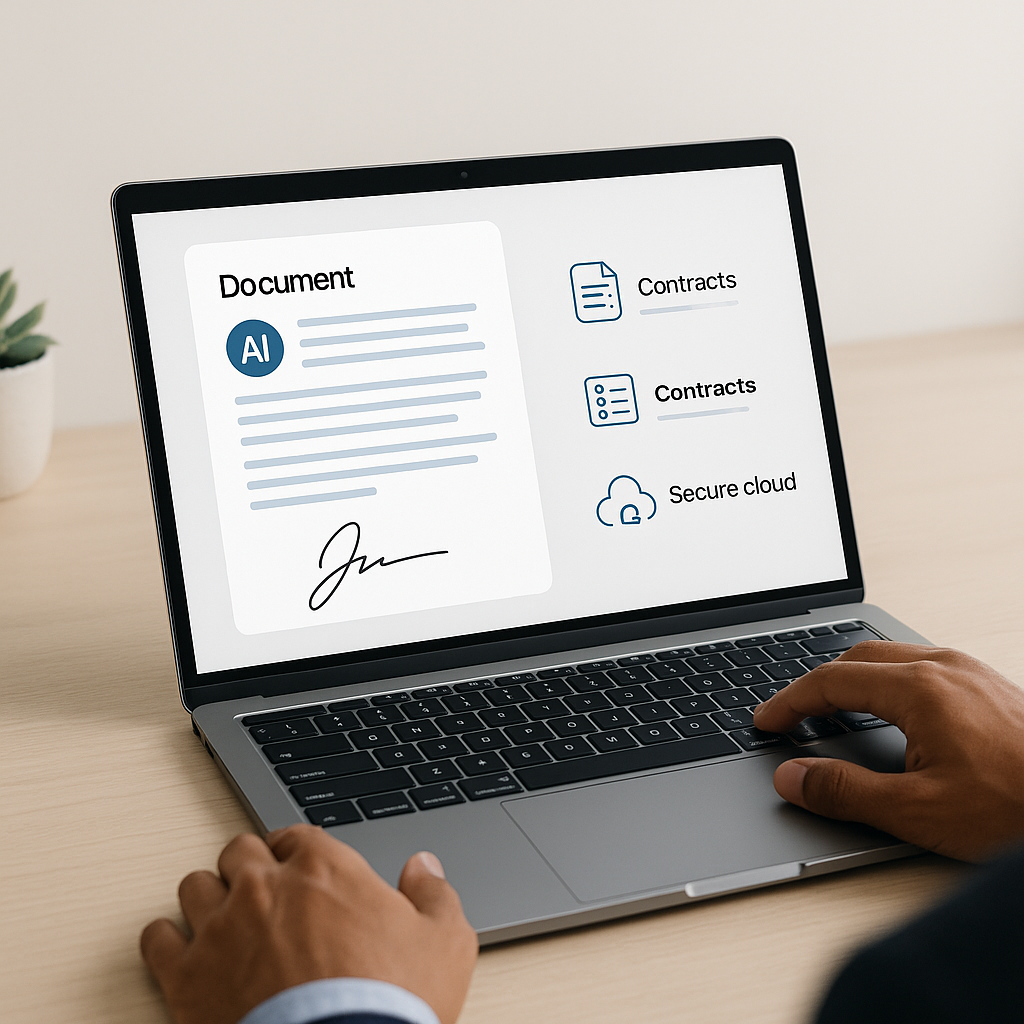
Unlike traditional per-seat solutions, QuickSign offers flat-rate pricing that makes it easy to roll out e-signatures to your whole organization without budget headaches.
How QuickSign Fits Real-World Business Workflows
To understand what “best e-signature software” really means, it helps to look at practical scenarios. Here are a few common workflows and how QuickSign streamlines each one.
Scenario 1: A Freelance Agency Sending Client Contracts
Problem: A small creative agency needs to send service agreements and NDAs for every new client, often customizing terms based on scope, region, or payment structure.
With QuickSign:
- Generate the contract with AI: In QuickSign, the owner describes the engagement (e.g., “3-month social media retainer, U.S. law, monthly fee, 30-day termination clause”). AI generates a contract draft.
- Adjust and approve: The team quickly reviews and tweaks any language, saving the document.
- Add fields via drag-and-drop: Signature, initials, and date fields are placed exactly where needed.
- Send to the client: The client receives a secure link, signs from their phone, and both parties get a final signed copy.
- Track status: Real-time tracking lets the agency see when the client has opened, viewed, or signed the contract.
What used to take days and back-and-forth email now takes a few minutes end-to-end.
Scenario 2: HR Team Issuing Offer Letters and NDAs
Problem: An HR team regularly sends offer letters, NDAs, and policy acknowledgments to new hires and contractors.
With QuickSign:
- Set up templates: HR saves standard offer letters and NDAs within QuickSign as templates, complete with fields for salary, start date, and role.
- Generate variants with AI: For more tailored cases, the team uses AI Document Generation to quickly create a role-specific agreement.
- Bulk send when needed: During larger hiring drives, HR can send documents to many recipients at once.
- Monitor completion: The dashboard shows which candidates have signed and which need reminders—automated nudges handle most of the follow-up.
This process mirrors the priorities highlighted in popular YouTube comparisons of contract platforms—speed, consistency, and tracking—but leverages QuickSign’s AI to further reduce HR’s manual work.
Scenario 3: Consultants and Coaches Closing Deals Faster
Problem: Independent consultants and coaches often lose momentum between a great sales call and the moment a contract is signed.
With QuickSign:
- Instant contract generation: Right after a call, the consultant opens QuickSign and asks AI to generate a simple coaching or consulting agreement matching the discussed terms.
- Send in under 60 seconds: Signature fields are dropped in, the client is added, and the agreement is sent before the call follow-up email goes out.
- Real-time visibility: When the client opens the document, QuickSign shows it; the consultant knows the deal is moving.
Key insight: Getting an agreement out quickly often makes the difference between a closed deal and a “maybe later.” QuickSign is optimized to help you send contracts for signature in under 60 seconds.
How QuickSign Compares to Typical E-Signature Workflows
Popular YouTube reviews frequently showcase tools focused on either document signing or full contract lifecycle management. While some platforms prioritize deep enterprise features, they often come with higher costs and steeper learning curves. Other tools are simpler but require you to create documents elsewhere.
QuickSign takes a balanced approach tailored to modern small and mid-sized businesses:
- From zero to signed: Generate, prepare, send, sign, and store within one streamlined platform.
- Flat-rate simplicity: Budget-friendly pricing that doesn’t penalize you for growing your team.
- AI-first design: AI Document Generation is built in, not bolted on.
- Fast onboarding: Users can typically send their first document within minutes of creating an account.
To see how reviewers think about e-signature usability and pricing generally, this video is a useful watch:
While those reviews cover a range of platforms, businesses wanting a modern, AI-enabled alternative with straightforward pricing will find QuickSign aligns closely with the best practices they describe—without the complexity and cost of legacy solutions.
How to Choose the Best E-Signature Software for Your Business
When evaluating e-signature tools, use this quick checklist and see how each platform stacks up—especially compared to what QuickSign offers out of the box.
Feature Checklist
- AI-powered document creation – Can the tool generate contracts and NDAs from simple prompts?
- Drag-and-drop field placement – Is it easy to add signatures, initials, dates, and text fields to any PDF?
- Seamless sending & multi-signer support – How many clicks does it take to send a document? Can you control signing order?
- Real-time tracking and reminders – Can you see when a document is opened and automatically remind signers?
- Security & compliance – Is the platform using strong encryption and designed for legal enforceability?
- Pricing model – Are there per-seat fees? Are there caps or overage charges on the number of documents you can send?
QuickSign is deliberately built to check all of these boxes, with an emphasis on affordability and speed.
Implementation Tips for a Smooth Transition
Once you’ve chosen your platform, here’s how to roll it out effectively:
- Start with your top 3–5 document types. For example, NDAs, service agreements, and offer letters. In QuickSign, set these up as templates or configure AI prompts to generate them consistently.
- Standardize naming and storage. Use a clear naming convention and folders within QuickSign so your team can quickly find agreements.
- Train your team on a single workflow. Show everyone how to go from “need a contract” to “sent for signature” using QuickSign’s AI Document Generation and drag-and-drop fields.
- Monitor early usage. Use QuickSign’s real-time tracking to spot bottlenecks and adjust templates or fields as needed.
Implementation shortcut: In your first week with QuickSign, challenge your team to send all new agreements through the platform. The hands-on practice will quickly replace old habits like emailing Word files back and forth.
For a visual sense of how simple e-signature workflows can be, this video on using a free-focused tool illustrates many of the same core steps QuickSign supports—upload, add fields, send, sign:
The big difference with QuickSign is that you don’t need to start from a finished document: AI can generate it for you.
Why QuickSign Is the Best E-Signature Software for Modern Teams
With the digital signature market expected to grow more than tenfold between 2025 and 2032,(fortunebusinessinsights.com) there’s no shortage of e-signature options. But for most growing businesses, the ideal solution is:
- Fast enough to fit into everyday workflows
- Smart enough to help generate documents, not just sign them
- Affordable enough to roll out to the whole team
- Secure and compliant enough to stand up in court
QuickSign delivers on all four:
- AI Document Generation so you can create contracts, NDAs, and agreements from simple prompts.
- Drag-and-Drop Field Placement to prepare any PDF for signing in moments.
- Seamless Sending & Real-Time Tracking so you always know where every agreement stands.
- Affordable Flat-Rate Pricing starting at $15/month for your whole team, plus a generous free tier.
Ready to simplify your document signing? Try QuickSign for free - generate 2 documents and send 1 document to unlimited recipients at no cost. No credit card required.