Cloud E‑Signature Inside Collaboration Suites Expands Options for Small Businesses
Boost deals with embedded e-signature in your favorite collaboration suites. Discover how cloud e-signature expands secure, seamless options for small businesse

Cloud E‑Signature Inside Collaboration Suites Expands Options for Small Businesses
Built‑in Signatures Move From Nice‑to‑Have to Everyday Tool
Electronic signatures have quietly become one of the most critical tools in the digital workplace, especially for small businesses, freelancers, and distributed teams. A new wave of updates to a major collaboration platform’s built‑in e‑signature service – including sequential signing and expanded global availability – signals a shift: e‑signatures are no longer a separate destination, but something workers expect to use directly where documents already live.
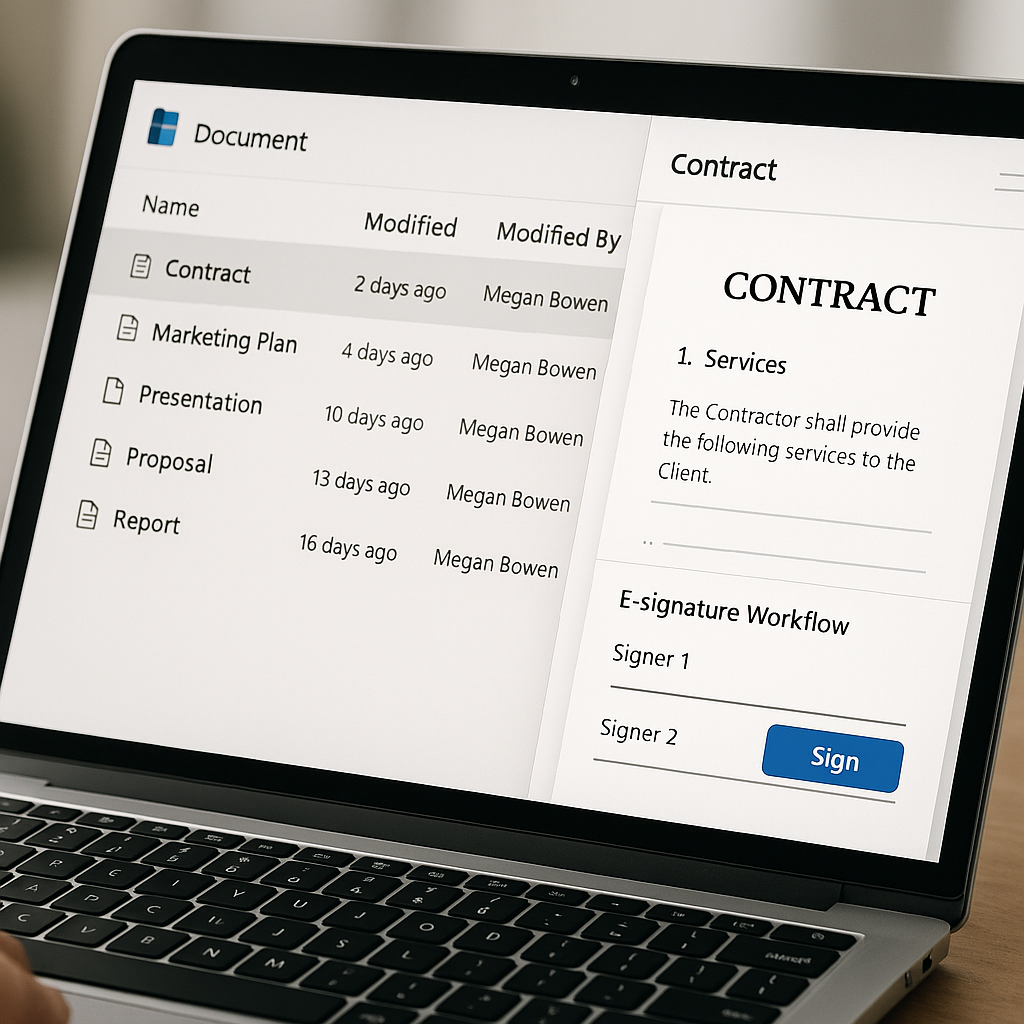
Microsoft’s SharePoint eSignature (now branded more broadly as eSignature for Microsoft 365) has rolled out sequential signing and moved from limited regional availability to a worldwide footprint for PDFs and Word files stored in SharePoint, with Word desktop integration on the Current Channel.(techcommunity.microsoft.com) For small organizations, this means contracts, NDAs, SOWs, and internal approvals can often be routed and signed without leaving their collaboration hub.
What Changed: Sequential Signing and Global Reach
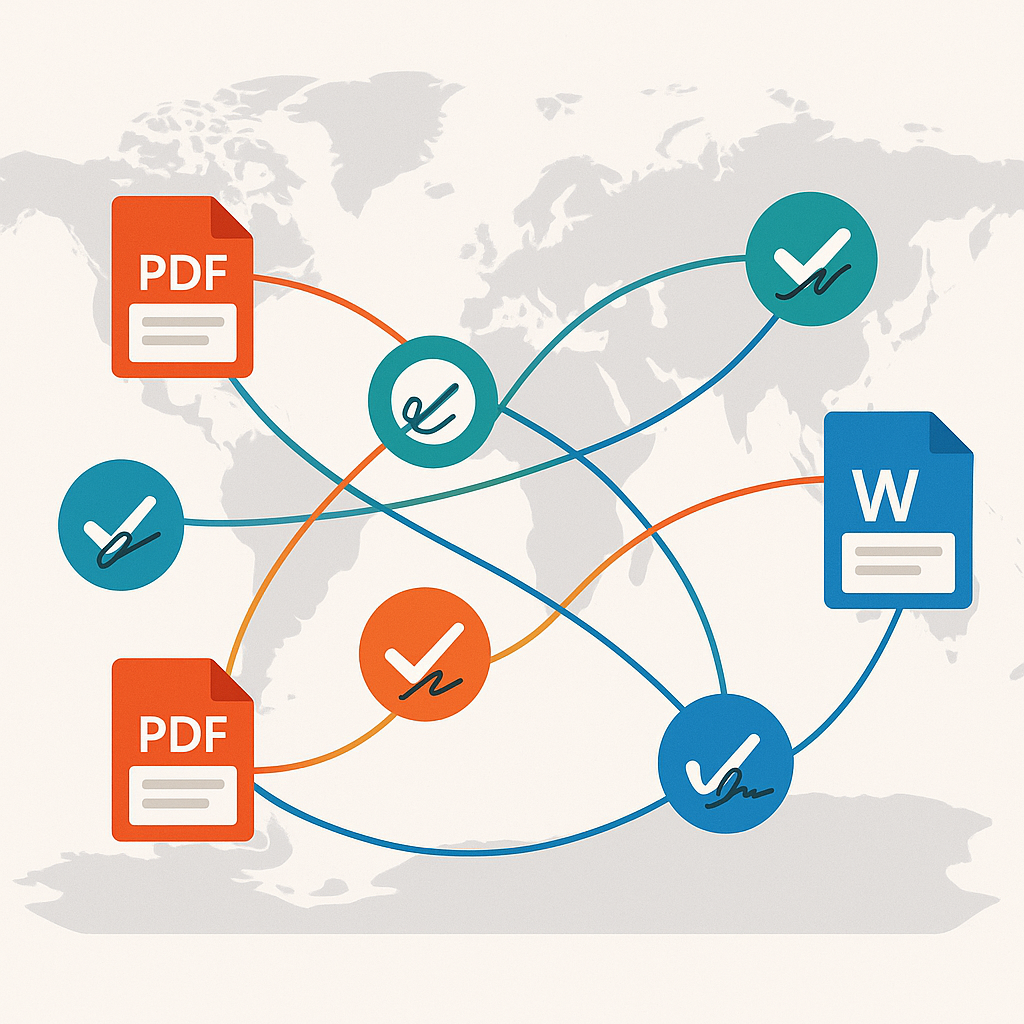
When SharePoint eSignature first launched, it was available only in the U.S. Microsoft subsequently expanded access to the UK and Canada and then targeted broader regional rollouts across Europe and parts of APAC.(techcommunity.microsoft.com) As of September 2025, eSignature for Microsoft 365 is now available worldwide (with limited country exceptions), covering PDFs and Word documents in SharePoint and offering integrated workflows with leading third‑party signature providers.(techcommunity.microsoft.com)
Sequential Signing Simplifies Multi‑Step Approvals
The most practical update for small teams is sequential signing. Instead of sending a contract to multiple recipients at once, creators can now define a signing order. The document flows from signer A to signer B to signer C, automatically moving to the next recipient only after the previous one has signed, and then distributing the final executed copy to everyone.(techcommunity.microsoft.com)
For a small business, that matches the way approvals actually happen:
- A sales rep signs first, followed by their manager.
- Then the client’s legal contact signs, followed by the client’s decision‑maker.
- Finally, finance receives a fully executed copy for records.
Previously, many teams had to manage this sequencing manually or lean on standalone e‑signature platforms. Having sequential signing inside a collaboration suite reduces back‑and‑forth email, version confusion, and the risk of someone signing an outdated draft.
World‑Wide Availability Matters for Distributed SMBs
Global availability is not just a checkbox feature. Around a quarter of U.S. employees now work remotely at least part of the time, and hybrid arrangements are the norm for remote‑capable roles.(sqmagazine.co.uk) Meanwhile, SMB finance and operations teams are shifting toward hybrid rather than fully remote – meaning workflows must function seamlessly both in and out of the office.(cfo.com)
For small businesses serving clients abroad, or for freelancers collaborating with agencies and startups in other regions, a signing service restricted to a single geography was a serious limitation. With eSignature for Microsoft 365 now running on public clouds worldwide, organizations can request signatures on documents stored in SharePoint f
Why Embedded E‑Signature Is a Big Deal for Small Businesses
The e‑signature market has matured quickly: global market size was around $2.5 billion in 2024 and is projected to grow more than tenfold by 2034.(globalgrowthinsights.com) In North America alone, over three‑quarters of businesses have already replaced manual documentation with e‑signature platforms for approvals and contracts.(industryresearch.biz) For smaller organizations, however, e‑signature is not just about scale – it’s about simplicity, cost, and workflow fit.
“For SMBs and solo professionals, embedded e‑signature in collaboration tools reduces friction, but it doesn’t eliminate the need for specialized, affordable platforms built around client‑facing workflows.”
Three trends make these new embedded capabilities particularly important:
- Remote approvals are now default. Research suggests 60–80% of organizations use some form of e‑signature, driven by remote work and customer expectations for digital dealings.(clauseflow.com)
- Digital investments are core to SMB confidence. In a recent survey, 64% of U.S. SMBs reported using AI tools and cited digital transformation as a key growth driver despite economic pressures.(sage.com)
- Cloud collaboration is near‑universal. Over 90% of firms report adopting cloud tools to support distributed work.(sqmagazine.co.uk)
Against this backdrop, having native, cloud‑hosted signing options inside Microsoft 365 or other collaboration suites makes sense: employees want to request signatures right from the document library they already use for storing agreements, policies, and templates.
Where Embedded E‑Signature Helps – and Where It Stops Short
For small organizations already paying for Microsoft 365, built‑in eSignature offers clear benefits:
- Lower learning curve – staff work in familiar document libraries and interfaces.
- Centralized storage – signed PDFs and Word contracts are automatically saved back to SharePoint.(techcommunity.microsoft.com)
- Basic sequencing – sequential signing covers common approval chains without extra tools.(techcommunity.microsoft.com)
But many small businesses and freelancers need more than “sign what’s already in the document library.” They often lack professionally drafted contracts in the first place, need to send documents to clients who never log into their collaboration suite, and require simple pricing that doesn’t grow with headcount.
How QuickSign Complements Embedded E‑Signature for SMBs
This is where specialized platforms like QuickSign.it come in. Rather than competing directly with embedded tools, QuickSign is designed to fill the gaps that small businesses and independent professionals still face in their day‑to‑day workflows.
From “No Contract Yet” to Signed in Minutes
Many freelancers and micro‑business owners don’t start in SharePoint or any formal DMS – they start with “I need a contract, fast.” QuickSign addresses this with AI Document Generation, enabling users to produce NDAs, service agreements, and proposals simply by answering a few prompts, then send those documents for signature immediately.
Instead of drafting a document in Word, uploading it to a library, then configuring an internal eSignature integration, users can:
- Generate a contract with AI.
- Upload or confirm the PDF.
- Drag and drop signature and date fields.
- Send to clients via email with a secure signing link.
This “document‑first” approach is more natural for small teams who may not be deeply invested in SharePoint libraries and policies but still need legally binding signatures.
Flat‑Rate Pricing vs. Per‑Seat Complexity
Pricing is another key difference. Unlike enterprise‑focused solutions that bill per seat and can become expensive as a team grows, QuickSign is built to be predictable and accessible:
- Free tier: 2 document generations and 1 document send to unlimited recipients – ideal for testing or very light needs.
- Flat‑rate plan: a simple monthly fee (currently positioned at small‑team friendly pricing) covers usage for the whole team, avoiding the per‑user creep common in legacy platforms.
For cost‑conscious SMBs that already juggle multiple SaaS subscriptions, a flat, all‑in price for contracts and signatures can be easier to budget than layered licensing across collaboration and signing tools.
End‑to‑End Tracking Outside the Collaboration Suite
While embedded eSignature keeps documents close to where they’re stored, client interactions often occur entirely outside the collaboration environment. QuickSign offers:
- Effortless sending: upload a PDF, drag and drop fields, and send in a few clicks.
- Real‑time tracking: see when each recipient has opened, viewed, and signed, with automatic reminders.
- Payment on signature: for some plans, the ability to collect deposits or fees at the moment of signing, turning contracts into conversion and payment events.
These capabilities are especially useful to service businesses, agencies, and solo consultants whose clients never touch their internal document libraries but expect frictionless signing from any device.
Implications for SMB Document Workflows
Combined, embedded e‑signature features inside collaboration suites and specialized tools like QuickSign give small businesses more flexibility than ever before. The key is to match the tool to the specific workflow:
- Use embedded e‑signature when documents are already authored, governed, and stored in a collaboration platform, and the signers are mostly colleagues or partners who live in that ecosystem.
- Use QuickSign when you need to rapidly generate agreements, work with external clients at scale, or want transparent, flat‑rate pricing and robust tracking without deep IT setup.
- Combine both by drafting and collaborating on content in tools like Word or SharePoint, then exporting final contracts as PDFs to be sent and tracked through QuickSign when you need client‑friendly flows, AI‑generated templates, or payment collection.
SMBs no longer have to choose between “the tool IT prefers” and “the tool clients will actually use.” Embedded e‑signature and focused platforms together create a layered approach that covers internal approvals and external deals.
Practical Steps for Small Teams Right Now
For small business owners, operations leads, and freelancers looking to modernize their remote approvals, a few immediate actions stand out:
- Audit your current signing flows. Where do delays occur – creating documents, sending them, or getting them signed? This will tell you whether embedded tools or a specialized platform like QuickSign should be your primary focus.
- Turn recurring agreements into templates. Whether in Word stored in SharePoint or in QuickSign’s AI‑powered template system, standardizing NDAs, retainers, and SOWs saves time and reduces errors.
- Set up sequential signing where appropriate. For internal approvals and multi‑stakeholder deals, define a clear signing order to avoid confusion and ensure compliance.
- Watch your total SaaS spend. As digital transformation accelerates, SMBs risk tool sprawl. Favor platforms with simple, flat pricing and broad coverage of your real workflows.
As cloud‑based collaboration suites extend their e‑signature capabilities, small businesses gain powerful new options for handling remote approvals directly where their documents live. Pairing those embedded tools with a modern, affordable platform like QuickSign gives freelancers and SMB teams the best of both worlds: seamless internal workflows and client‑friendly signing experiences that turn agreements around in minutes instead of days.
Looking for an affordable e-signature solution? Try QuickSign for free - no credit card required.