Contract Signing Software: How to Choose the Right Solution for Fast, Secure Agreements
Discover how to choose contract signing software that delivers fast, secure agreements, streamlined workflows, and a better signing experience for every deal.

Contract Signing Software: How to Choose the Right Solution for Fast, Secure Agreements
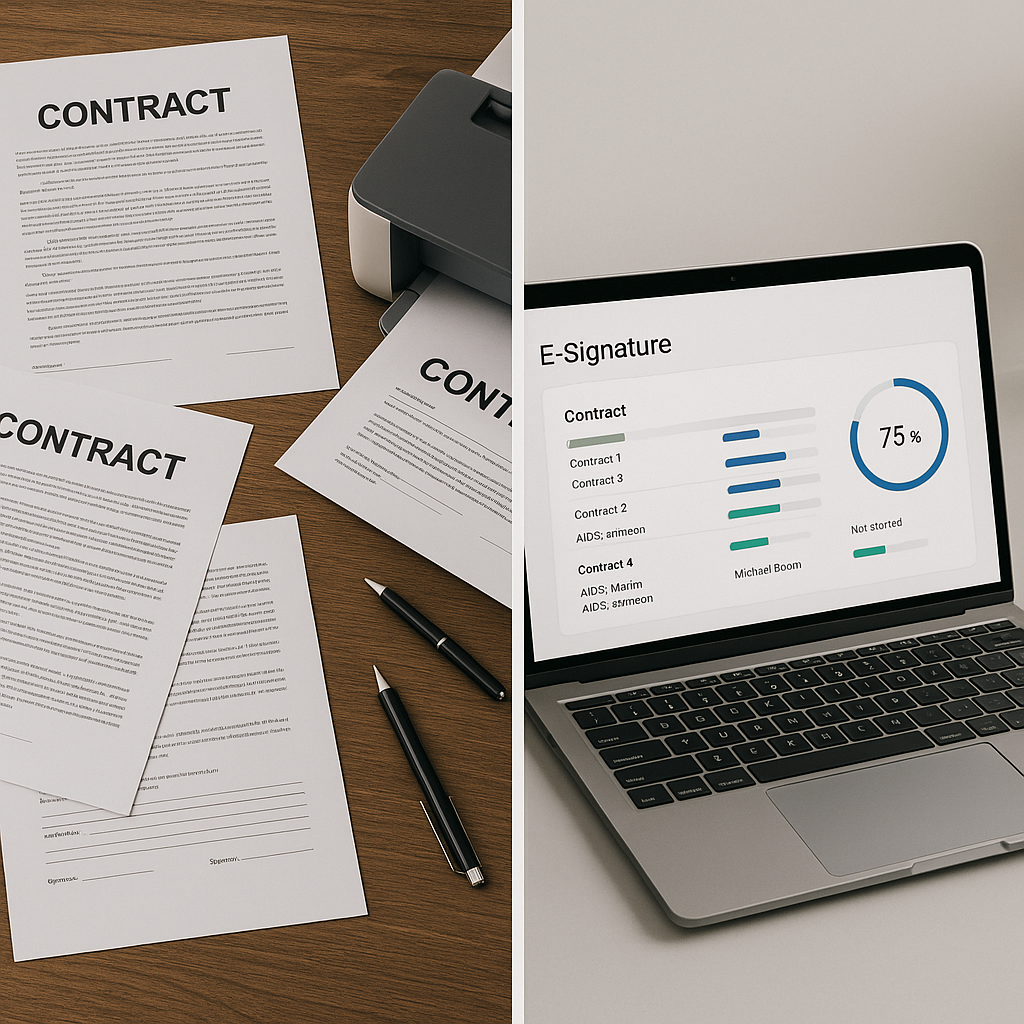
Contracts are the backbone of your business—sales agreements, NDAs, HR documents, vendor contracts, and more. Yet too many teams are still juggling PDFs, printers, and email attachments. Modern contract signing software changes that, letting you prepare, send, and sign legally binding documents in minutes. Platforms like QuickSign go a step further by combining e-signatures with AI-powered document generation so you can draft and sign in one place.
In this guide, you’ll learn what contract signing software is, why it matters, what features to look for, and how to build efficient workflows—using QuickSign as a practical example throughout.
What Is Contract Signing Software?
Contract signing software is a digital tool that lets you create, send, and sign documents electronically instead of using pen-and-paper signatures. It handles everything from placing signature fields on PDFs to tracking who has opened and signed the document.
Adoption is now mainstream: recent industry research shows that roughly 95% of businesses are already using or planning to use e-signature technology.(certinal.com) Another report notes that the global e-signature market is projected to grow from around $4 billion in 2026 to over $36 billion by 2035 as organizations replace paper processes with digital workflows.(globalgrowthinsights.com)
QuickSign fits squarely into this shift, offering a modern, user-friendly alternative to legacy solutions—with a twist: AI-generated contracts plus ultra-fast sending and signing.
Key takeaway: Contract signing software is no longer a “nice to have”—it’s core infrastructure for modern businesses, from solo consultants to large teams.
Are Electronic Signatures Legally Binding?
For business professionals, the first question is always: “Will this hold up in court?” In the United States, the answer is yes—when used correctly.
The federal ESIGN Act states that a contract or signature “may not be denied legal effect, validity, or enforceability solely because it is in electronic form.”(en.wikipedia.org) Similarly, the Government Paperwork Elimination Act encourages federal agencies to accept electronic forms and signatures and confirms that electronic records and signatures are not to be denied legal effect just because they’re digital.(en.wikipedia.org)
In practice, most jurisdictions focus on a few core elements for enforceable e-signatures:
- Clear intent to sign the document
- Consent to do business electronically
- An option to opt out of electronic processes
- Proper record retention and access to the signed document( eficial-but-come-with-security-and-legal-risks/?utm_source=openai" target="_blank" rel="noopener noreferrer">pecklaw.com)
Platforms like QuickSign help you satisfy these requirements by capturing consent, logging a detailed audit trail, and storing signed copies securely.
Why Businesses Are Moving to Contract Signing Software
1. Speed and Revenue Acceleration
Electronic signatures can reduce contract turnaround times by 50% or more compared to manual processes.(globalgrowthinsights.com) Instead of days of back-and-forth, your customer receives a link, signs from any device, and you close the deal quickly.
With QuickSign, a typical workflow looks like this:
- Use AI Document Generation to create a contract from a simple prompt (e.g., “Create a 12-month service agreement for a marketing agency client, monthly retainer, 30-day termination clause”).
- Upload or edit as needed, then use drag-and-drop field placement to position signature, date, and initials exactly where needed.
- Add recipients and send in seconds—most users can go from idea to sent contract in under a minute.
2. Cost Savings and Operational Efficiency
Manual signing costs more than you think—printing, scanning, mailing, physical storage, and staff time. Studies show organizations using e-signatures report a 55% reduction in contract lifecycles and 45% improvement in workflow efficiency.(globalgrowthinsights.com)
QuickSign’s flat-rate pricing—starting at $15/month for the whole team with no per-seat fees—makes these savings accessible even to smaller businesses that would otherwise be priced out of traditional, per-user tools.
3. Security and Compliance
Modern contract signing software typically includes encryption, access controls, and tamper-evident records. Legal guidance emphasizes that e-signatures are enforceable when there is clear evidence of intent, consent, and secure handling of documents.(pecklaw.com)
QuickSign supports secure document sharing and detailed activity logs, helping you demonstrate who signed what, when, and from which device or IP address—crucial in regulated industries and high-value deals.
4. Mobile and Remote Work Readiness
Remote work and mobile-first business are now the norm. In many sectors, around 70% of e-signatures are completed via mobile devices.(certinal.com) If your signing process requires a desktop printer, you’re introducing friction and delay.
QuickSign links work seamlessly across devices, allowing signers to review and sign contracts via smartphone, tablet, or laptop without installing additional apps.
Pro tip: If your deals frequently stall at the “Can you print and sign this?” stage, shifting to a mobile-friendly solution like QuickSign can immediately shorten your sales cycle.
Core Features to Look For in Contract Signing Software
AI-Powered Document Generation
One of the biggest trends in the contract world is AI. The AI document generator market is growing rapidly as businesses replace manual drafting with automated tools.(futuremarketinsights.com) AI contract generators specifically are projected to grow at over 12% annually through 2035, driven by demand for automation in legal documentation.(wiseguyreports.com)
QuickSign brings this capability directly into your signing platform via AI Document Generation. Instead of hunting for templates and editing them line by line, you can:
- Describe the agreement in plain language (e.g., “Mutual NDA between two SaaS companies, 2-year term, Delaware law”).
- Let QuickSign’s AI draft a complete, structured document.
- Review, tweak, and send for signature—all in one interface.
This is especially powerful for small teams without in-house legal resources, or for standard, repeatable contracts like NDAs, service agreements, or contractor contracts.
Drag-and-Drop Field Placement
Any effective contract signing tool must make it easy to turn a “flat” PDF into a fillable, signable document. Look for:
- Simple drag-and-drop fields for signatures, initials, dates, and text
- Support for multi-signer documents
- Reusable templates so you don’t repeat the same setup work
In QuickSign, you can upload any PDF and visually drag signature and form fields to the exact locations you need. This makes it easy to adapt existing contracts or vendor forms without redesigning them.
Seamless Sending and Real-Time Tracking
Sending documents should be a one-minute task, not a project. Modern platforms let you add recipients, define the signing order, and send secure links instantly. Real-time tracking then shows you exactly what’s happening.
QuickSign offers:
- Seamless sending: Add recipients by email, choose whether they sign in sequence or in parallel, and send with a click.
- Real-time tracking: See when each recipient has opened, viewed, or signed the document.
- Automated reminders: Nudge signers who haven’t completed their part.
This visibility is crucial for sales teams trying to forecast deals, HR teams tracking onboarding, or agencies juggling multiple client contracts.
Affordable, Transparent Pricing
Many legacy e-signature tools use per-seat pricing, which can become expensive as your team grows. For small and mid-sized businesses, that often means choosing who gets access and who doesn’t—slowing down workflows.
Unlike traditional per-seat solutions, QuickSign offers flat-rate pricing at $15/month for your whole team, plus a generous free tier that includes:
- 2 AI document generations
- 1 document send to unlimited recipients
This lets you test real workflows—generating and sending live documents—without a credit card.
How to Build a Contract Signing Workflow with QuickSign
Step 1: Generate Your Contract with AI
Start by logging into QuickSign. From your dashboard, choose the option to create a new document and select AI generation.
Example prompt for a consulting agreement:
- “Write a consulting agreement between a marketing consultant and a US-based SaaS company. Monthly retainer, 6-month term, 30-day termination notice, IP owned by the client, governed by California law.”
QuickSign’s AI will draft the agreement in seconds. You can then:
- Review key clauses
- Adjust rates, timelines, or scope
- Save the document as a reusable template
Pro tip: Use consistent prompts for recurring contract types (e.g., “standard NDA with 2-year term, mutual confidentiality, Delaware law”) to standardize your agreements across clients and partners.
Step 2: Add Fields with Drag-and-Drop
Once your document is ready, switch to the field editor in QuickSign:
- Identify where each party needs to sign.
- Drag signature fields to those locations.
- Add date fields, initials for key clauses, or text fields for variables like job titles or purchase amounts.
For multi-party contracts (e.g., agency–client–subcontractor), assign each field to a specific signer so there’s no confusion.
Step 3: Add Recipients and Send in Seconds
Next, click “Send” (or the equivalent in your QuickSign dashboard):
- Add each signer’s name and email.
- Specify signing order (e.g., Client first, then your internal approver).
- Include a brief message, like “Please review and sign our updated scope of work.”
With QuickSign’s seamless sending, this entire process takes seconds, not minutes. Recipients receive a secure link and can sign from any modern browser.
Step 4: Track Status and Nudge Signers
Once your contract is out for signature, real-time tracking in QuickSign tells you:
- Who has opened the document
- Who has partially completed but not signed
- Who has fully signed
You can send reminders automatically or manually, helping you move deals forward without nagging emails and guesswork.
Real-World Use Cases for QuickSign-Based Workflows
Agencies and Service Businesses
Marketing, design, and consulting agencies often manage dozens of client contracts simultaneously. In a recent video on contract management for agencies, GoHighLevel showcased how integrated e-signing helps teams streamline proposals and agreements.(linkedin.com)
You can mirror—and often simplify—this approach using QuickSign:
- Use AI Document Generation to draft proposals and retainers.
- Store them as templates for each service package.
- Send for signature directly from QuickSign after every sales call.
This consistency reduces errors and speeds up onboarding new clients.
Small Sales Teams
For a small B2B SaaS sales team, every day of delay can push revenue into the next quarter. E-signature adoption data indicates that teams using digital signatures see dramatically faster turnaround times and fewer lost deals due to paperwork friction.(concord.app)
With QuickSign’s flat-rate pricing, you can give signing access to your whole sales team (and even account managers) without worrying about per-user costs. That means:
- Reps can send contracts straight from their laptop during calls.
- Managers can monitor deal progress via real-time tracking.
- Customer success can handle renewals using AI-generated amendments.
HR and People Operations
HR departments increasingly rely on e-signatures for offer letters, NDAs, and policy acknowledgments. Industry data shows that over half of companies use e-signatures for onboarding and contract management.(verdocs.com)
QuickSign supports this by allowing HR teams to:
- Generate offer letters and employment agreements with AI.
- Reuse standard templates for different roles or locations.
- Track which candidates have viewed and signed their offers.
Embedding E-Signatures in Everyday Tools
Many professionals first encounter e-signatures through productivity suites. For example, Google has introduced built-in e-signature capabilities for some Google Workspace plans, allowing users to send Docs and PDFs for signature directly from within Google Docs.(linkedin.com)
QuickSign complements these built-in options by focusing on:
- AI-driven document creation (not just signing)
- Flat-rate pricing for teams
- Scalable workflows across departments and use cases
This makes QuickSign especially attractive if you’ve outgrown basic one-off signing tools and need a more complete contract workflow.
Helpful Video: Google’s E-Signature Walkthrough
To see how e-signing looks in a familiar environment, this Google-focused guide is useful context (though it does not include QuickSign):
Many of the workflow concepts—like preparing the document, placing fields, and sending for signature—translate directly to how you’ll work inside QuickSign, with the added advantage of AI document creation and team-friendly pricing.
How AI Is Changing Contract Signing (and Why QuickSign Matters)
Across the industry, vendors are rapidly integrating AI to summarize, analyze, and automate agreement workflows. Major players have launched AI features that can translate dense legal language into plain English and classify agreements automatically.(techradar.com)
Two big shifts are especially relevant:
- AI contract generation: Eliminating repetitive drafting work so teams can focus on negotiation and strategy.
- AI-enhanced analytics: Helping organizations understand bottlenecks (who is delaying signing), common clause variants, and risk patterns.(wiseguyreports.com)
QuickSign stands out by making AI generation a core, accessible feature rather than a premium add-on. Even on the free tier, you can generate two AI documents and send one document to unlimited recipients—enough to experience AI-driven contracting in real workflows.
Key takeaway: AI isn’t just about “smart features”—it’s about creating complete, end-to-end agreement workflows where drafting, approving, signing, and tracking happen in one place. That’s exactly what QuickSign is built to enable.
Ready to simplify your document signing? Try QuickSign for free – generate 2 documents and send 1 document to unlimited recipients at no cost. No credit card required.