Contract Signing Software: The Complete 2025 Guide for Business Professionals
Discover the best contract signing software in 2025. Compare features, boost compliance, and streamline approvals with our complete guide for business professio
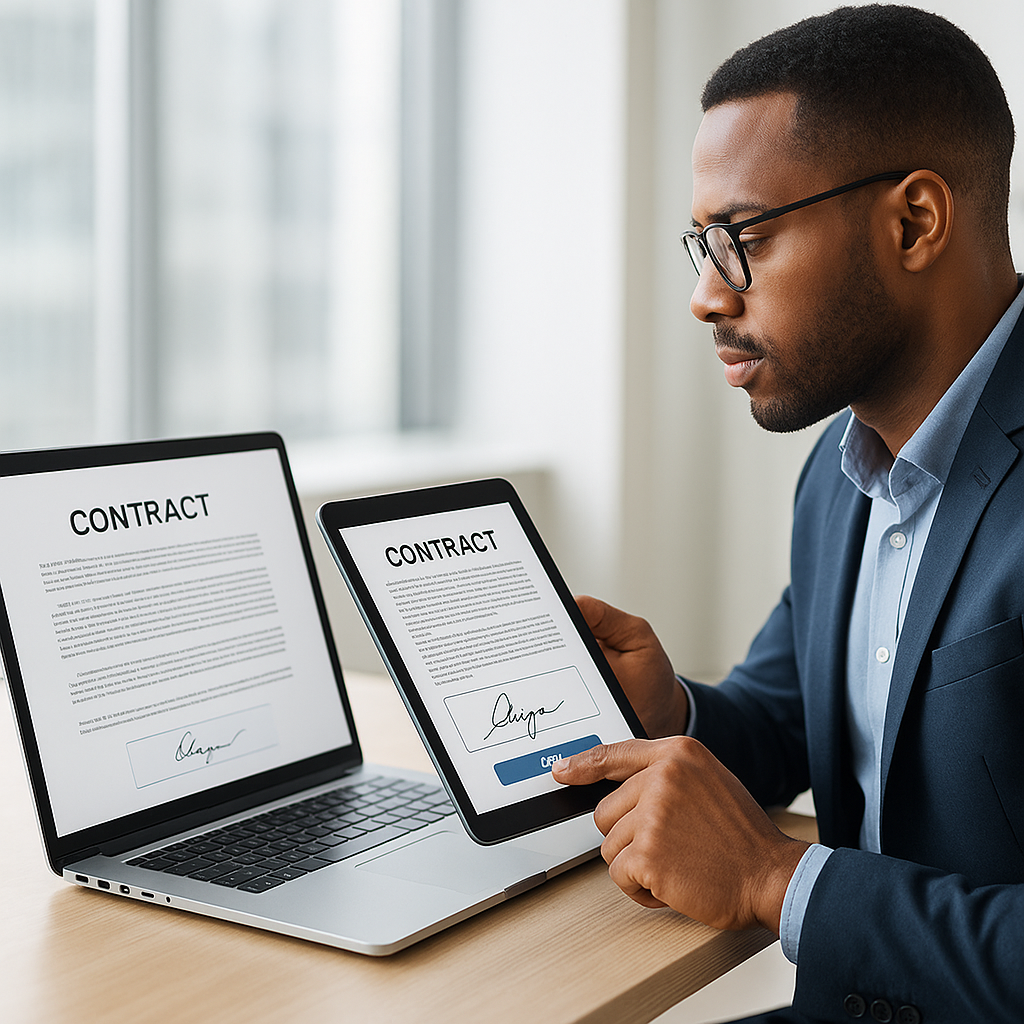
Contract Signing Software: The Complete 2025 Guide for Business Professionals
Contracts are the backbone of modern business—but traditional signing processes are slow, error-prone, and frustrating. Printing, scanning, chasing signatures, and overnighting documents can stall deals, hurt customer experience, and bury your team in admin work.
That’s why more organizations are turning to contract signing software (e-signature platforms) to digitize how agreements are prepared, sent, signed, and stored. In 2025, these tools are no longer “nice to have”—they’re a core part of efficient, remote-friendly operations. Studies show e-signatures can cut contract turnaround times by over 75% and save up to $28 per document compared to paper-based processes.(certinal.com)
Key takeaway: Contract signing software doesn’t just replace ink with clicks—it modernizes your entire contract workflow, from creation to archive.
What Is Contract Signing Software?
Contract signing software is a digital platform that lets you prepare, send, sign, and manage contracts electronically. Instead of printing and physically signing, parties add a legally binding electronic signature from any device.
Legally, an electronic signature in the U.S. is defined as an “electronic sound, symbol, or process” associated with a record and executed by a person with the intent to sign.(en.wikipedia.org) This can be typing a name, drawing a signature with a mouse or finger, or clicking an “I agree” button in a signing workflow.
How Contract Signing Software Works (In Plain English)
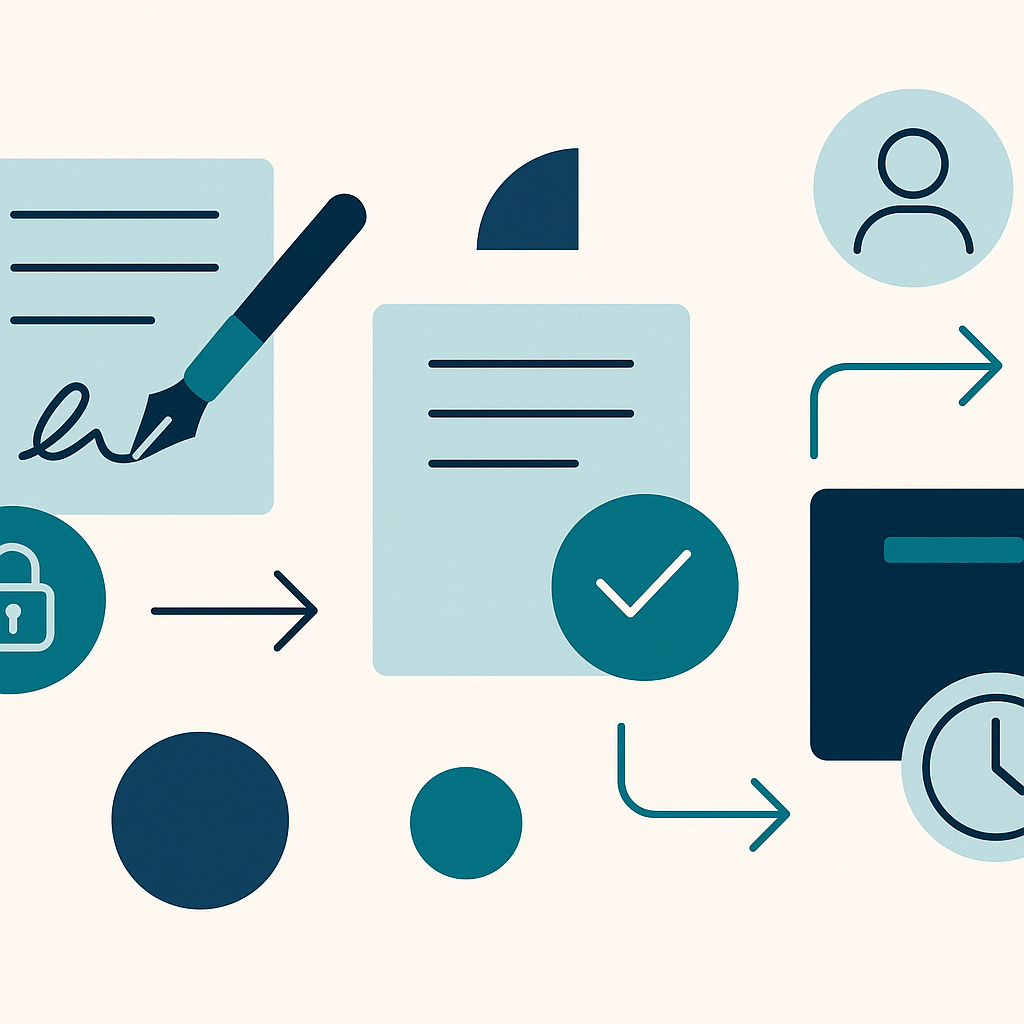
While every solution has its own interface, most contract signing platforms follow the same basic flow:
- Upload or generate a contract (usually PDF or DOCX).
- Place signature and form fields where each party must sign, date, or fill in data.
- Specify signers and signing order (e.g., internal approval first, then customer).(blogs.emsigner.com)
- Send secure links via email or SMS for signers to review and sign.
- Signers authenticate (basic email verification or stronger methods) and apply their e-signature.
- Platform locks the document with a tamper-evident seal and creates an audit trail.(esignly.com)
- All parties receive a final, signed copy, which is also stored in a central repository.
Modern tools like QuickSign add workflow automation, templates, and integrations so you can make this process almost entirely hands-off.

Are Electronic Signatures Legally Binding?
For most business transactions, yes—properly implemented e-signatures are legally enforceable in the U.S., EU, and many other jurisdictions.
Legal Framework in the United States
Two key laws govern electronic signatures in the U.S.:
- ESIGN Act (federal) – States that a contract or signature cannot be denied legal effect solely because it’s electronic.(esignly.com)
- UETA (state level) – Provides a uniform framework for electronic records and signatures, confirming they satisfy “writing” and “signature” requirements in most states.(en.wikipedia.org)
In practice, this means that if your platform captures intent to sign, consent to do business electronically, and a clear audit trail, your e-signed contracts generally carry the same weight as wet-ink signatures.
Legal Framework in the European Union (eIDAS)
For EU businesses, the eIDAS regulation recognizes several levels of electronic signatures—simple, advanced, and qualified—and explicitly states that electronic signatures cannot be denied legal effect just for being electronic.(fynk.com) Qualified Electronic Signatures (QES) even have the same legal effect as handwritten signatures across all member states.
 ote>
ote>
Pro tip: For routine commercial contracts, standard e-signatures are usually sufficient. For high-risk agreements (e.g., certain financial or regulated documents), consult legal counsel to determine whether AES or QES is required.
Why Businesses Are Moving to Contract Signing Software
Organizations adopt e-signature tools for three main reasons: speed, savings, and security.
1. Faster Turnaround and Revenue Recognition
Studies show that e-signatures can reduce contract processing time by 28–80%, with roughly 79% of agreements signed within 24 hours on digital platforms.(certinal.com) That’s a major advantage in sales, procurement, and HR—where delays can kill deals, postpone projects, or stall hiring.
By automating reminders and eliminating manual chasing, contract signing software often improves overall contract turnaround times by 75% or more.(certinal.com)
2. Significant Cost Savings
Paper-based contract workflows are surprisingly expensive once you add up printing, scanning, postage, courier services, and physical storage. Research indicates businesses can save up to $28 per document by moving to e-signatures, with printing and storage costs reduced by up to 80–97% per employee.(certinal.com)
You also save on soft costs: fewer errors, less admin time, and reduced time spent by high-value staff tracking signature status.
3. Better Security and Compliance
Contrary to the myth that “paper is safer,” digital signatures can offer far stronger protection. Mature e-signature platforms provide:
- Encrypted document storage and secure transmission.(blueink.com)
- Tamper-evident sealing so any post-signing change invalidates the signature.(esignly.com)
- Detailed audit trails tracking who did what, when, and from where (IP, timestamps).(moldstud.com)
- Authentication controls like OTPs or 2FA for higher-value transactions.(docfield.com)
In regulated industries, these capabilities make it easier to demonstrate compliance during audits while reducing manual record-keeping workloads.
4. Remote and Mobile-Friendly Workflows
Roughly 70% of e-signatures are now completed on mobile devices, reflecting a clear shift to remote, on-the-go work.(certinal.com) Mobile-ready contract signing software lets customers and employees sign from anywhere—on smartphones, tablets, or laptops—without needing a printer or scanner.
For example, QuickSign enables recipients to open a secure link, review the document, and sign within a mobile-optimized interface, removing friction for your clients.
Core Features to Look for in Contract Signing Software
Not all solutions are created equal. When evaluating platforms, focus on features that support your workflows today and your growth tomorrow.
1. Intuitive Document Preparation
Your legal and business users should be able to:
- Upload PDFs or generate contracts from templates.
- Drag-and-drop signature, date, initials, checkbox, and text fields.
- Reuse workflows for common agreements (NDAs, MSAs, HR forms).
This reduces reliance on IT and speeds up contract creation.
2. Flexible Signing Workflows
Look for software that lets you define:
- Sequential signing (Signer A, then B, then C) for approval chains.(blogs.emsigner.com)
- Parallel signing when multiple parties can sign at once.
- Internal vs. external signers for mixed workflows (e.g., legal review before customer signature).
QuickSign, for instance, supports sending a single document to unlimited recipients in a streamlined flow, which is especially useful for policy acknowledgments or bulk agreements.
3. Robust Security and Compliance Controls
At a minimum, ensure the platform offers:
- Strong encryption in transit and at rest.(blueink.com)
- Configurable authentication (email, SMS, MFA).(docfield.com)
- Granular access controls and user permissions.
- Complete, exportable audit trails for each document.(moldstud.com)
Key takeaway: In a dispute, your best defense is a clear, tamper-proof audit trail showing who signed, when, from where, and what exactly they saw.
4. Integrations and APIs
To maximize ROI, your contract signing software should plug into systems you already use—CRM, ERP, HRIS, and document management tools. Around 72% of organizations now use e-signature APIs to integrate signing into existing applications, significantly reducing manual data entry and errors.(certinal.com)
Look for:
- Native integrations with major SaaS platforms (e.g., CRM, cloud storage).
- REST APIs or webhooks to embed signing into custom apps and portals.
- Single sign-on (SSO) support to simplify user management.
5. Reporting, Analytics, and Centralized Storage
Over time, visibility into your contracting process becomes crucial. Choose a solution that offers:
- Dashboards showing contract status (sent, viewed, signed, expired).
- Metrics like time-to-sign, bottlenecks by department, and signer response rates.(certinal.com)
- Centralized, searchable storage with metadata for all completed contracts.(moldstud.com)
Real-World Use Cases for Contract Signing Software
E-signatures touch almost every function in a business. Here are some common, high-impact scenarios.
Sales and Customer Success
- Sales contracts and MSAs – Close deals faster by sending proposals and contracts for instant e-signature from your CRM.
- Renewals and upsells – Auto-generate renewal documents and route them for quick customer approval.
- Order forms and change orders – Reduce disputes by capturing clear, signed records of changes.
Organizations using e-signatures in sales often see significantly shorter sales cycles and faster revenue recognition.(certinal.com)
Human Resources
- Offer letters and employment contracts.
- Onboarding packets, policy acknowledgments, NDAs.
- Annual reviews and compensation changes.
By digitizing these workflows, HR departments save time, improve compliance, and create a smoother experience for candidates and employees.(acronis.com)
Legal and Compliance
- Client engagement letters and retainer agreements.
- Internal policy approvals and board resolutions.
- Regulated documents requiring traceable audit trails.(mydocsafe.com)
Digital signing tools help legal teams control risk while increasing velocity, especially when integrated with contract lifecycle management (CLM) systems.
Financial Services, Real Estate, and Healthcare
- Financial services: account opening documents, loan agreements, and disclosures.(acronis.com)
- Real estate: purchase agreements, leases, and closing packages.
- Healthcare: patient consent forms, intake paperwork, and billing authorizations.(acronis.com)
In each of these sectors, contract signing software reduces physical paperwork, speeds up critical processes, and improves customer or patient experience.
Implementation Best Practices: How to Roll Out E-Signatures Successfully
To get the most from contract signing software, treat implementation as a structured change initiative—not just a new tool.
1. Map Your Document Workflows
Start by mapping how documents currently move through your organization: creation, review, approval, signing, storage, and retrieval. This helps you identify high-friction steps, manual touchpoints, and compliance requirements.(techtarget.com)
2. Prioritize High-Impact Use Cases
Rather than digitizing everything at once, focus on 2–3 high-volume, high-value workflows, such as:
- Sales contracts over a certain value.
- New hire onboarding documents.
- Vendor agreements or NDAs.
This phased approach builds internal confidence and delivers early wins.
3. Implement Strong Authentication and Security
Align your security settings with the risk level of each document type. For routine low-risk forms, email-based verification may suffice; for high-value transactions, consider multi-factor authentication, ID checks, or other enhanced methods.(docfield.com)
Regularly review and update encryption and security protocols to stay ahead of evolving threats.(blueink.com)
4. Educate Staff and Signers
Change management is crucial. Provide simple guides or short training sessions for internal users, and consider adding a short explanation page or FAQ for external signers to build trust and reduce friction.(docfield.com)
Pro tip: Create “playbooks” for each department that specify when to use e-signatures, how to choose authentication levels, and where signed documents are stored.
5. Design for the Dispute Scenario
Even if disputes are rare, your implementation should assume one will happen. Follow the “five practical pillars” of enforceable e-signatures: strong authentication, clear intent and consent, document integrity, comprehensive audit trails, and secure long-term storage.(esignly.com)
Practical How-To: Capturing Signatures on PDFs and Mobile
If your team is new to e-signatures, short how-to videos can accelerate adoption and reduce support questions. Here are some helpful examples that show how simple the process can be.
How to Create an Electronic Signature
Signing Documents on Mobile (iPhone Example)
Inserting a Signature on a PDF
In a business context, contract signing software like QuickSign automates these steps and wraps them in secure workflows, compliance controls, and a central repository for all your signed documents.
Evaluating Contract Signing Software: Key Questions to Ask
When shortlisting vendors, go beyond a feature checklist. Ask targeted questions to ensure the platform fits your business:
Security & Compliance Questions
- What encryption standards do you use for data in transit and at rest?
- How do you handle authentication, and can we configure different levels by document type?
- Do you provide a detailed, exportable audit trail for each transaction?
- Where is data stored, and how do you support regional compliance requirements?
Workflow & Integration Questions
- Can we build templates and reusable workflows for our most common agreements?
- Which out-of-the-box integrations do you offer (CRM, HRIS, storage)?
- Is there an API so we can embed signing into our own applications?
- How are reminders, expirations, and notifications managed?
Usability & Adoption Questions
- What does the signer experience look like on mobile vs. desktop?
- How easy is it for non-technical staff to set up new contracts and workflows?
- Do you provide onboarding support, documentation, or training materials?
Getting Started: Use QuickSign’s Free Tier to Pilot E-Signatures
To see the benefits of contract signing software in your own workflows, the best approach is to start small with a focused pilot—ideally using a plan that doesn’t require upfront investment.
QuickSign is a modern e-signature solution designed for business professionals who need a simple, secure way to send and sign contracts. It supports core capabilities like document templates, multi-recipient workflows, mobile-friendly signing, and detailed audit trails.
Call to action: Try QuickSign for free - generate 2 documents and send 1 document to unlimited recipients at no cost. Use this pilot to digitize one high-impact workflow (like NDAs or offer letters), measure time and cost savings, and then expand from there.
Whether you’re closing deals, onboarding employees, or managing vendor contracts, contract signing software can dramatically streamline your processes, strengthen compliance, and deliver a better experience for everyone involved. Start your pilot today and put your contracts on a faster, more secure, and more modern path.