Desktop Accounting Licenses Marketed as a Subscription‑Free Lifeline for Small Firms
Discover how desktop accounting licenses offer a subscription‑free lifeline for small firms. Learn smart small business accounting strategies to cut costs.
Desktop Accounting Licenses Marketed as a Subscription‑Free Lifeline for Small Firms
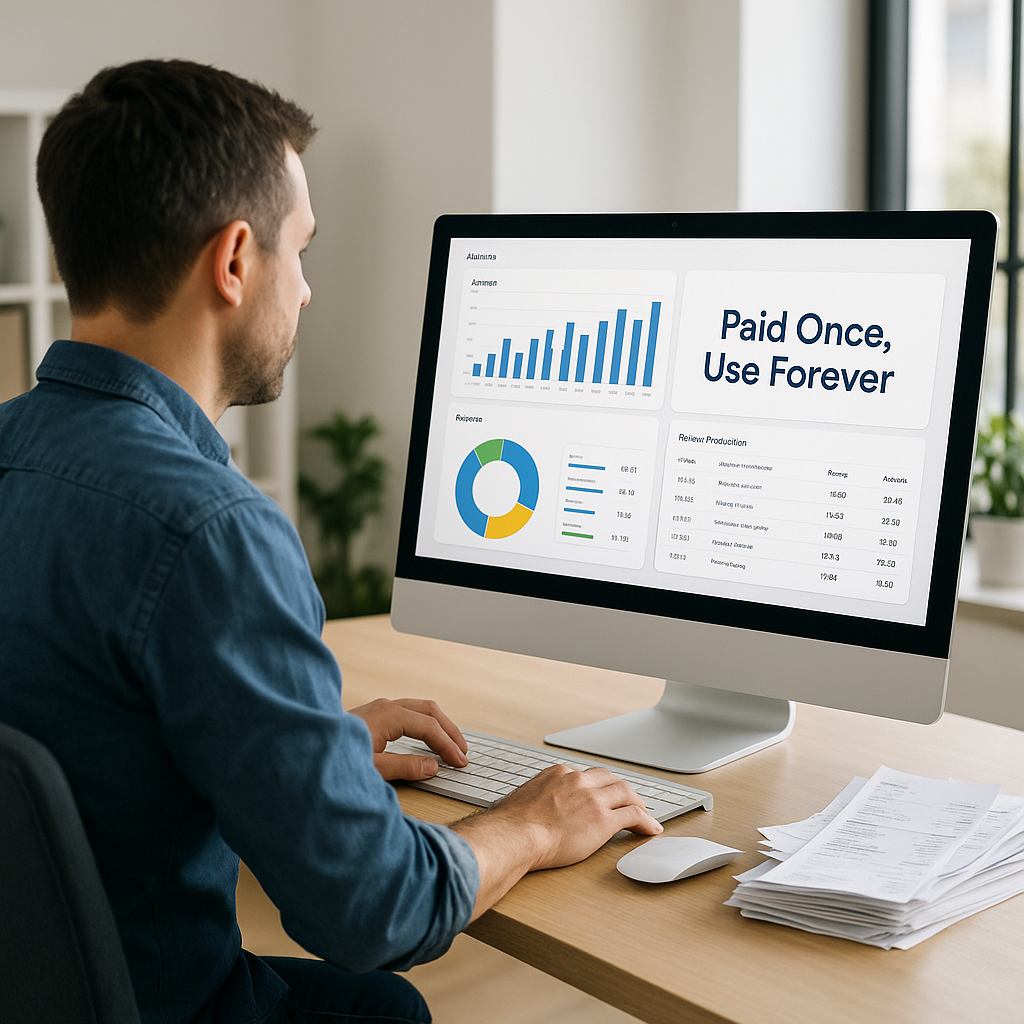
As subscription prices for cloud tools continue to climb, a new promotion on a desktop accounting suite is tapping into growing “subscription fatigue” among small businesses and freelancers. The deal—offering lifetime access to a full-featured desktop accounting product for a single payment of around $200—is being pitched as a one-time alternative to ongoing SaaS fees, just as millions of solo operators and micro‑firms head into tax season.
The promotion, currently centered on a discounted perpetual license for a popular desktop accounting package, strips away monthly invoicing in favor of a traditional software purchase model. For cash‑conscious small operations that don’t need multi‑user access, deep automation, or mobile collaboration, it’s being framed as a way to lock in predictable costs for core bookkeeping tasks.
Why This Matters Now: Subscription Fatigue Meets Tax Season Pressure
The timing is no accident. Tax season reliably pushes freelancers and small business owners to reassess their financial tools. At the same time, the broader software market has shifted aggressively to subscription models—especially in accounting, where cloud platforms now dominate new deployments. Recent industry data suggests that more than 75–80% of U.S. small and mid‑sized businesses use at least one cloud accounting or financial app, with SaaS platforms holding the largest segment share in the accounting software market.(atidiv.com)
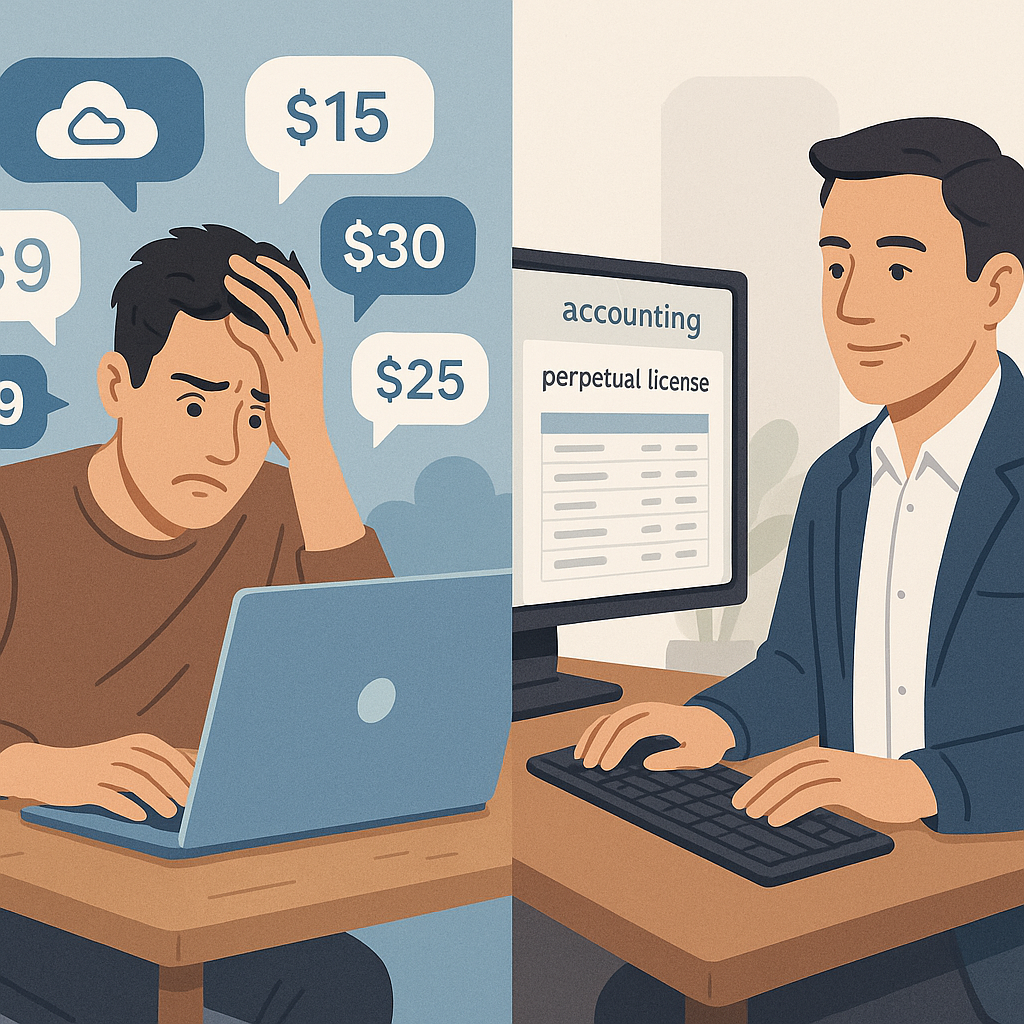
But as adoption has grown, so have costs. Many cloud accounting platforms now charge on a per‑seat, per‑module, or per‑entity basis, creating a stack of recurring fees that can feel disproportionate to what a solo consultant or small local retailer actually needs.
For solo operators and tiny teams, the question is no longer “cloud or desktop?” but “how do I keep essential tools without being trapped in endless subscriptions?”
That tension is what makes a discounted desktop license—marketed explicitly as “no subscription required” and “pay once, use for life”—a notable counterpoint to prevailing trends.
The Deal: One‑Time License, Essential Features, No Seats to Manage
The current promotion centers on a desktop accounting suite that normally retails for several hundred dollars but is being discounted to roughly $199.97 as a lifetime license via a third‑party marketplace. Coverage in consumer and business shopping outlets highlights that this license unlocks a full Windows desktop edition of the software with no recurring subscription charges.(nypost.com)
Key capabilities being emphasized include:
- Basic invoicing and payment tracking – create and send invoices, log customer payments, and track receivables.
- Expense categorization and reconciliation – record expenses, categorize them for tax purposes, and reconcile against bank statements.
- Core financial reporting – generate profit and loss statements, balance sheets, and cash flow summaries for year‑end filing and lender conversations.
- Inventory and job costing (for some SKUs) – basic tools for tracking stock and project‑level costs, primarily for small retailers and contractors.(nypost.com)
Equally important are the limitations, which the promotion is relatively clear about:
- Single‑user, desktop‑only: Installed on a Windows machine, with no native multi‑user collaboration or browser-based access.
- Limited automation: While basic imports and improved bank feeds are supported, it lacks the AI‑driven automation, real‑time collaboration, and deep integrations that cloud suites now tout as standard.(360researchreports.com)
- No bundled billing or payments platform: Integrated online payments and advanced workflow features are typically reserved for cloud versions or s
eparate add‑ons.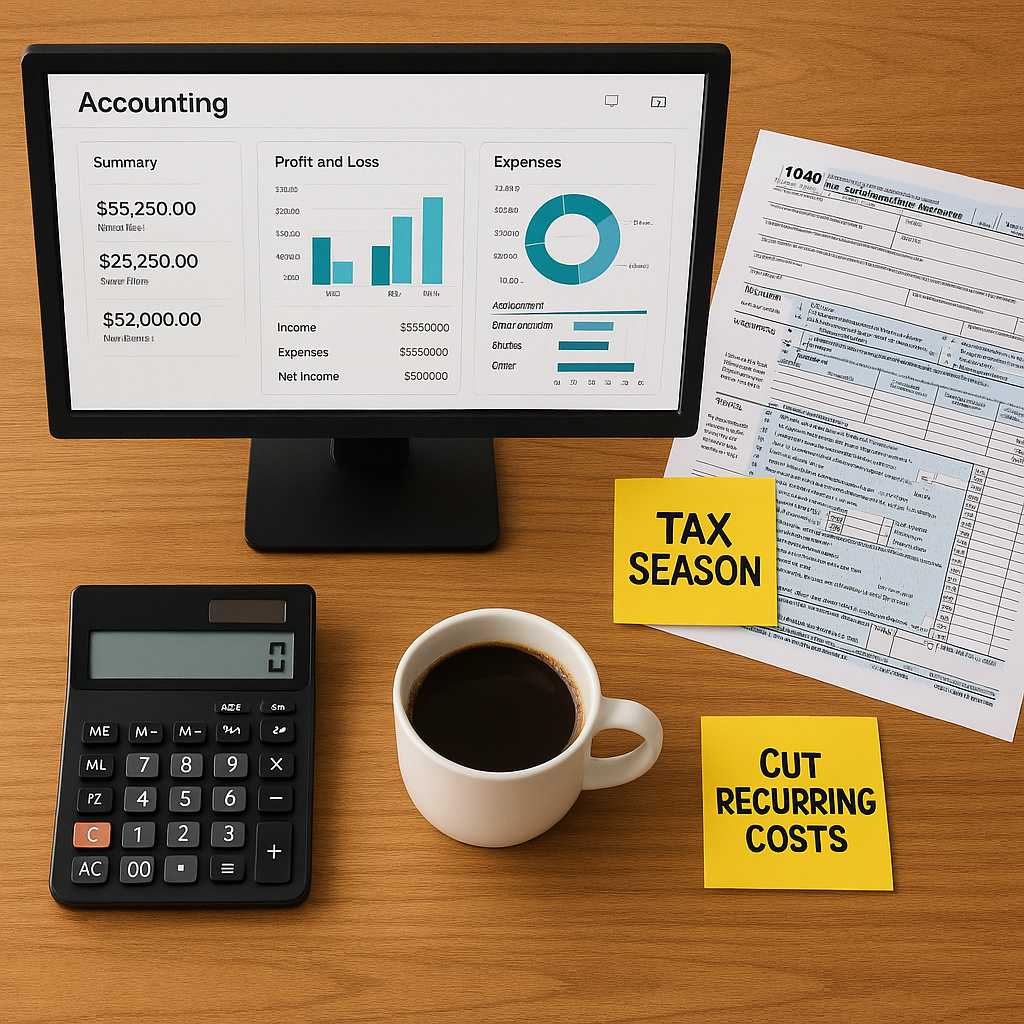
In other words, it’s targeted squarely at freelancers, sole proprietors, and very small firms whose top priority is cost control and straightforward compliance, not sophisticated automation or multi‑entity consolidation.
What Small Businesses Are Really Using—and Paying For
The broader market context helps explain why a perpetual desktop license can still generate buzz in a cloud‑first era. Market research shows that while cloud accounting has become dominant—over 60–80% of small businesses now use cloud-based financial tools—the smallest firms often lag behind.(atidiv.com)
Recent data on small business finance tools reveals several important realities:
- Digital gap among solo operators: For businesses with just one employee, only about 58% use any financial software at all, with the rest relying on spreadsheets or manual methods.(compassapp.ai)
- Cloud dominance overall: Across small businesses more broadly, multiple studies put cloud accounting adoption at roughly 60–78%, reflecting the appeal of anywhere access, collaboration, and automation.(atidiv.com)
- Limited accounting expertise: Around 60–70% of small business owners report feeling they lack strong accounting knowledge and often operate without a dedicated accountant.(docuclipper.com)
This combination—a cloud‑heavy market on one hand, and many very small operators who still struggle to justify ongoing fees on the other—creates space for hybrid strategies: a low‑cost desktop tool for the ledger itself, with modern cloud services layered around it for collaboration and compliance.
How E‑Signature Fits: Desktop Books, Cloud Documents
Accounting workflows don’t live entirely inside the ledger. Engagement letters, contractor agreements, NDAs, vendor contracts, and even simple payment authorization forms are integral to how small firms manage money. That’s where modern e‑signature platforms like QuickSign come into play.
Even if your books live on a desktop machine, the documents that surround your finances can—and arguably should—live in the cloud. With QuickSign.it, small businesses can:
- Generate core legal documents with AI – automatically create contracts, NDAs, and basic agreements that accompany new clients, vendors, or subcontractors, keeping paperwork in sync with what’s reflected in your accounting software.
- Send and sign in minutes – upload a PDF (for example, a tax engagement letter or payment plan), drag and drop signature and date fields, and send to one or many recipients—no complicated setup or per‑seat limitations.
- Track status in real time – know exactly when a client opens, signs, or stalls on a document, so you’re not chasing emails while trying to reconcile year‑end numbers.
Unlike enterprise-focused solutions, QuickSign offers flat-rate pricing at $15/month, covering your whole team instead of charging per user—mirroring the same cost‑control logic that makes a one‑time desktop accounting license attractive.
For small firms stitching together a frugal tool stack, that matters. You might run a perpetual desktop accounting license to keep core finance costs fixed, while using a lightweight, affordable cloud e‑signature platform like QuickSign to handle client agreements, vendor contracts, and tax‑related paperwork.
Practical Takeaways for Small Firms and Freelancers
1. Clarify What You Actually Need From Accounting Software
Before jumping at any promotion—whether a perpetual desktop deal or a shiny new cloud subscription—small business owners should map requirements against real workflows:
- Single user vs. team access: If you’re a solo freelancer handling your own books, a single‑user desktop license might be sufficient. If you collaborate with a bookkeeper, accountant, or internal team, cloud access and user management quickly become more important.
- On‑the‑go vs. office‑bound: Businesses that frequently invoice from the field, work across multiple locations, or rely on mobile approvals may find desktop tools too restrictive.
- Automation expectations: If bank feed rules, automatic reconciliation, or AI‑powered forecasting are central to how you operate, a basic desktop package is unlikely to keep pace.
2. Look at Total Cost of Ownership Over Three to Five Years
A $200 lifetime license sounds compelling, but it’s worth doing the math:
- Desktop path: One‑time license fee, potential upgrade purchases every few years, plus whichever add‑ons you adopt (e.g., separate e‑signature or payroll solutions).
- Cloud path: Monthly or annual subscription, often per user, with more built‑in integrations—but also subject to price changes over time.
For a solo operator paying, for example, $30/month for a cloud accounting seat, three years of service runs over $1,000; five years approaches $1,800. A perpetual license under $250 plus a flat‑rate e‑signature solution at $15/month may deliver a more predictable and potentially lower blended cost, especially if your needs are basic.
3. Don’t Ignore the Document Layer
Regardless of which accounting path you choose, your document workflows are increasingly central to staying compliant and getting paid on time:
- Engagement letters and scopes of work outline what you’ll deliver and what you’ll charge—essential for both legal protection and clean invoicing.
- NDAs, contractor agreements, and vendor contracts touch sensitive data, intellectual property, and payment terms.
- Tax‑season authorizations and disclosures often require signatures from clients, partners, or co‑owners.
Using an e‑signature platform tailored to small businesses, like QuickSign.it, can streamline all of that. The service offers:
- A free tier with two AI document generations and one document send to unlimited recipients—enough for many freelancers to handle initial contracts or annual tax‑season paperwork.
- Flat-rate $15/month for the whole team, avoiding the per‑seat surprises common in larger platforms.
- AI Document Generation that helps non‑lawyers draft standard agreements quickly, especially useful for small business owners who also lack formal accounting or legal training.
4. Plan for Gradual Digitization, Not a Single Big Leap
Many sole traders and micro‑businesses still depend heavily on pen‑and‑paper methods or spreadsheets, spending hours assembling tax returns at year‑end. Research from both the U.S. and U.K. shows that a significant share of self‑employed individuals remain unprepared for digital tax regimes and continue to waste time on manual processes.(thetimes.com)
A pragmatic approach is to:
- Move the core ledger first – whether that’s to a discounted desktop tool or a low‑tier cloud plan.
- Digitize signature‑dependent workflows next – adopting e‑signature for contracts, authorizations, and compliance forms using tools such as QuickSign.
- Layer on automation selectively – add bank feeds, expense apps, or forecasting tools only where they clearly save time or reduce errors.
Desktop vs. Cloud Is No Longer Either/Or
The marketing of a perpetual desktop accounting license as a “subscription‑free” refuge is as much about sentiment as software. Many small firms feel squeezed between needing serious tools to stay compliant and not wanting to commit to open‑ended monthly fees across dozens of apps.
In reality, most small businesses will land on a hybrid stack: perhaps a desktop ledger locked in at a one‑time price, combined with a handful of lean, cloud‑based services that deliver outsized value—like e‑signature and AI document generation.
That’s where solutions such as QuickSign.it fit naturally. They let small businesses modernize the most painful parts of their document workflows—drafting contracts, securing signatures, and tracking status—without forcing a wholesale move to expensive, enterprise‑style platforms or per‑seat billing.
Looking for an affordable e-signature solution? Try QuickSign for free - no credit card required.