Digital Transformation Playbooks Shift From Big Bets to Simple Wins for Small Teams
Digital transformation now rewards simple wins over big bets. Discover agile playbooks small teams use to innovate faster, reduce risk, and drive impact.

Digital Transformation Playbooks Shift From Big Bets to Simple Wins for Small Teams
New digital transformation playbooks aimed at small businesses are rejecting the “rip-and-replace” mentality in favor of simple, low-cost workflow changes that teams can implement in a week, not a quarter. Centralizing client files in the cloud, standardizing contract templates, and automating renewals and approvals are emerging as the most practical entry points for small firms trying to modernize their document workflows without enterprise budgets or IT departments.
Why Simple Digital Wins Matter for Small Businesses
For small businesses, freelancers, and independent professionals, the biggest productivity drain is no longer slow hardware—it’s fragmented information. Multiple studies show that knowledge workers lose a significant chunk of their week just looking for documents and answers spread across email threads, local drives, and disconnected apps. One synthesis of recent research found that employees can spend around 1.8 hours per day—roughly 20–25% of their work time—searching for information they need to do their jobs.(knowtopia.net)
That burden hits small teams especially hard. They have fewer people, less time, and limited ability to absorb inefficiencies. Documentation and knowledge-management research highlights that poor access to internal documentation and confusing filing systems are now cited as among the top productivity barriers for knowledge workers.(proprofskb.com)
The emerging consensus of recent small-business playbooks is clear: digital transformation doesn’t start with AI labs or custom software. It starts with making critical documents easy to find, easy to sign, and easy to track.
In a remote and hybrid environment, every extra email to find “the latest version” of a contract or to chase a missing signature multiplies the cost. The new guidance emphasizes that even one afternoon of restructuring how documents are created, stored, and signed can recapture hours every week for client work and revenue-generating activities.
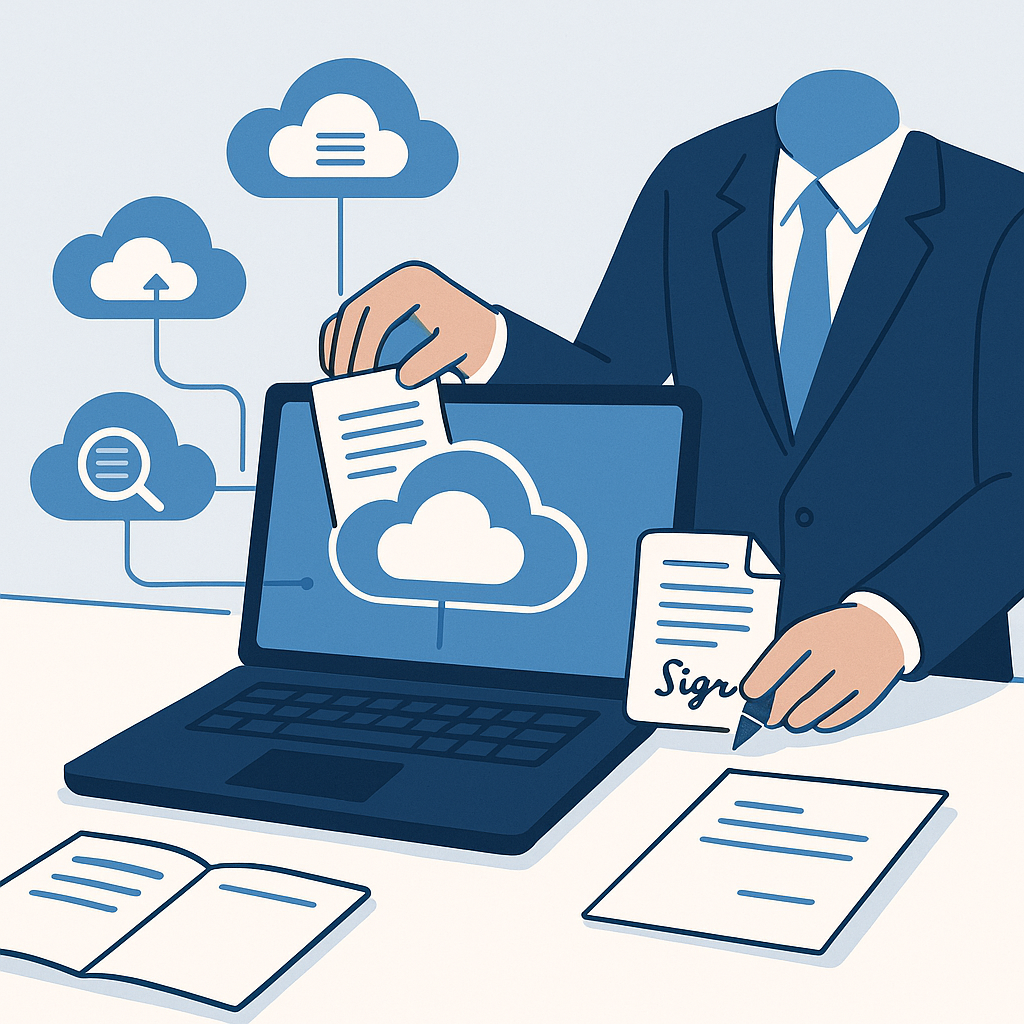
What the New Small-Business Digital Playbooks Recommend
1. Centralize Client Files in the Cloud
Recent documentation and knowledge-management reports show that between a third and half of an organization’s information is often not centrally indexed, making it difficult or impossible to find.(proprofskb.com) This is precisely the problem small-business-oriented guides aim to solve first.
The new playbooks recommend:
- Choosing one primary cloud repository (e.g., Google Drive, OneDrive, or a secure DMS) as the “single source of truth” for contracts, NDAs, scopes of work, and invoices.
- Organizing by client, then by document type (e.g., /Clients/Acme Corp/Contracts/2026), instead of each team member inventing their own structure.
- Making searchability a requirement: clear file names, consistent tags, and standardized folders so any team member can locate a signed agreement in under a minute.
Studies suggest that better information management and unified search can cut time spent looking for documents by a third or more.(gitnux.org) For a five-person firm, that can effectively free up the equivalent of one extra person’s time without adding headcount.
2. Standardize Contract Templates and NDAs
Another recurring theme in 2024–2025 small-business transformation material is contract standardization. Instead of starting from scratch or recycling slightly different Word files for each client, guides recommend a small library of approved templates—one core services agreement, one NDA, one statement-of-work template—kept current and centrally stored.
The logic is simple: ad-hoc document creation is one of the quiet killers of productivity. Documentation statistics show that information workers lose several hours a week to content creation and management, much of it wasted on duplicative work and reformatting.(proprofskb.com) Standard templates reduce legal risk, speed up onboarding new clients, and make it easier to delegate admin tasks to junior staff or virtual assistants.
This is also where generative AI is increasingly entering the picture. A growing body of research suggests that access to integrated generative AI tools can significantly reduce time spent drafting emails and documents, allowing knowledge workers to reallocate time away from routine writing and toward higher-value work.(arxiv.org)
3. Automate Renewals, Approvals, and Signature Collection
Once contracts are standardized, the next wave of guidance focuses on low-friction automation:
- Automated reminders when contracts are about to expire or renew.
- Simple approval workflows so managers can sign off on proposals without long email chains.
- E-signature workflows so documents move from “draft” to “signed” without printing, scanning, or manual chasing.
Industry surveys have consistently found that document-related issues and fragmented systems can account for more than 20% of productivity loss.(
.org/knowledge-management-statistics/?utm_source=openai" target="_blank" rel="noopener noreferrer">gitnux.org) Automation doesn’t eliminate all of that friction, but even small steps—such as automatically emailing a client when their contract is ready to sign and logging its status—can dramatically reduce back-and-forth.How QuickSign Fits Into the New Playbook
As these digital transformation playbooks circulate among small-business advisors, accountant blogs, and operations consultants, one pattern stands out: the recommended tools are no longer exclusively enterprise-grade platforms. Instead, there is a growing focus on affordable, simple products that small teams can adopt without IT support.
QuickSign is positioned squarely in this new category—a modern, user-friendly alternative to legacy e‑signature suites that were designed and priced for large enterprises. Unlike enterprise-focused solutions that tend to charge per seat, QuickSign offers a flat-rate $15/month plan that covers the whole team, along with a free tier that includes two AI document generations and one document send to unlimited recipients.
AI-Powered Contract Generation for Small Teams
The latest playbooks frequently recommend pairing standardized templates with AI to speed up customization for each client engagement. That’s where AI Document Generation in QuickSign becomes especially relevant.
- Create contract and NDA drafts from prompts in minutes, then refine them with your preferred clauses.
- Keep your preferred language and risk posture while still adapting to specific project scopes or jurisdictions.
- Store generated documents in your cloud system of choice, so they’re searchable and shareable across the team.
Because the tool is built specifically with small businesses, agencies, and freelancers in mind, the goal isn’t to replace lawyers but to eliminate the repetitive copy‑paste work that slows down every new deal.
From Draft to Signature in a Single Workflow
The playbooks’ emphasis on “simple wins” also aligns with QuickSign’s core workflow:
- Upload a PDF or generated document.
- Drag & drop fields—signature, date, initials—onto the page.
- Send to one or many recipients in a few clicks.
Real-time tracking shows exactly where each document is in the process—sent, viewed, signed—so small teams no longer need to maintain separate spreadsheets or manual trackers to know which contracts are stuck. This visibility supports the “audit-ready” goal highlighted in many modern small-business transformation guides: at any moment, you should be able to answer who signed what, when, and under which terms.
Remote Sales, Approvals, and the Role of Simple Process Design
The new playbooks also touch on the human side of transformation: how small teams sell, negotiate, and close work in a remote-first world. Sales experts and closing coaches increasingly emphasize that friction in paperwork can derail deals that were otherwise on track. While not strictly about tools, their advice dovetails with the workflow principles described above: remove steps, reduce confusion, and make it effortless for a client to say “yes” and sign.
For distributed teams, these principles translate into concrete design patterns:
- One link per deal, where the prospect can review the proposal and sign in the same place.
- Standard approval rules, so internal decision-makers know exactly what they’re authorizing.
- Shared dashboards for sales, finance, and operations to check deal status without hunting through email.
Platforms like QuickSign support this kind of simplicity by consolidating document preparation, sending, and tracking into a single interface instead of scattering them across multiple tools.
Practical Takeaways: A One-Week Digital Transformation Sprint
For small businesses that feel behind on “digital transformation,” the new wave of playbooks offers a more realistic roadmap. Instead of five-year strategies, they increasingly recommend short, focused sprints that deliver immediate, visible benefits.
Day 1–2: Map and Centralize
- List the 10–15 document types that matter most: proposals, NDAs, MSAs, SOWs, invoices, onboarding forms.
- Pick a primary cloud location and move these documents there, organized by client and year.
- Agree on a naming convention that includes client, document type, and date (e.g., Acme-MSA-2026-01-10-signed.pdf).
Day 3–4: Standardize Templates
- Identify the “best” version of your core contracts and NDAs and promote them to official templates.
- Use AI tools—such as the AI Document Generation built into QuickSign—to create variants for different services or jurisdictions.
- Store the templates in a clearly labeled “_Templates” folder, read-only for most staff.
Day 5: Automate Signatures and Renewals
- Set up an e-signature workflow so every new client agreement goes through the same steps.
- Configure reminders for unsigned documents and upcoming renewals.
- Train your team on a simple rule: “If it needs a signature, it goes through e-sign—no exceptions.”
These steps won’t solve every digital challenge, but evidence from knowledge management and productivity research suggests that streamlining document access and standardizing processes can reclaim substantial time each week and reduce frustration for both staff and clients.(cake.com)
The Bottom Line for Small Teams
Digital transformation for small businesses is no longer about matching enterprise technology stacks. It’s about eliminating the daily frictions that prevent teams from doing their best work: hunting for files, reinventing contracts, and chasing signatures across inboxes.
By following the new wave of small-business-focused playbooks—centralizing documents, standardizing key templates, and automating approvals and e-signatures—owners and freelancers can build workflows that are not only more efficient, but also more professional and audit-ready.
Looking for an affordable e-signature solution? Try QuickSign for free - no credit card required.