E-Signature Software Under $20/Month: How to Choose the Right Tool (and Why QuickSign Stands Out)
Discover the best e-signature software under $20 month. Compare features, avoid hidden fees, and see why QuickSign stands out as the smart choice.

E-Signature Software Under $20/Month: How to Choose the Right Tool (and Why QuickSign Stands Out)
Modern teams don’t have time to chase paper, scan PDFs, or wait days for a signed contract to come back. That’s why e-signature software has become a core part of how businesses operate. With the right platform, you can send documents in seconds, get signatures in minutes, and keep everything legally compliant and auditable.
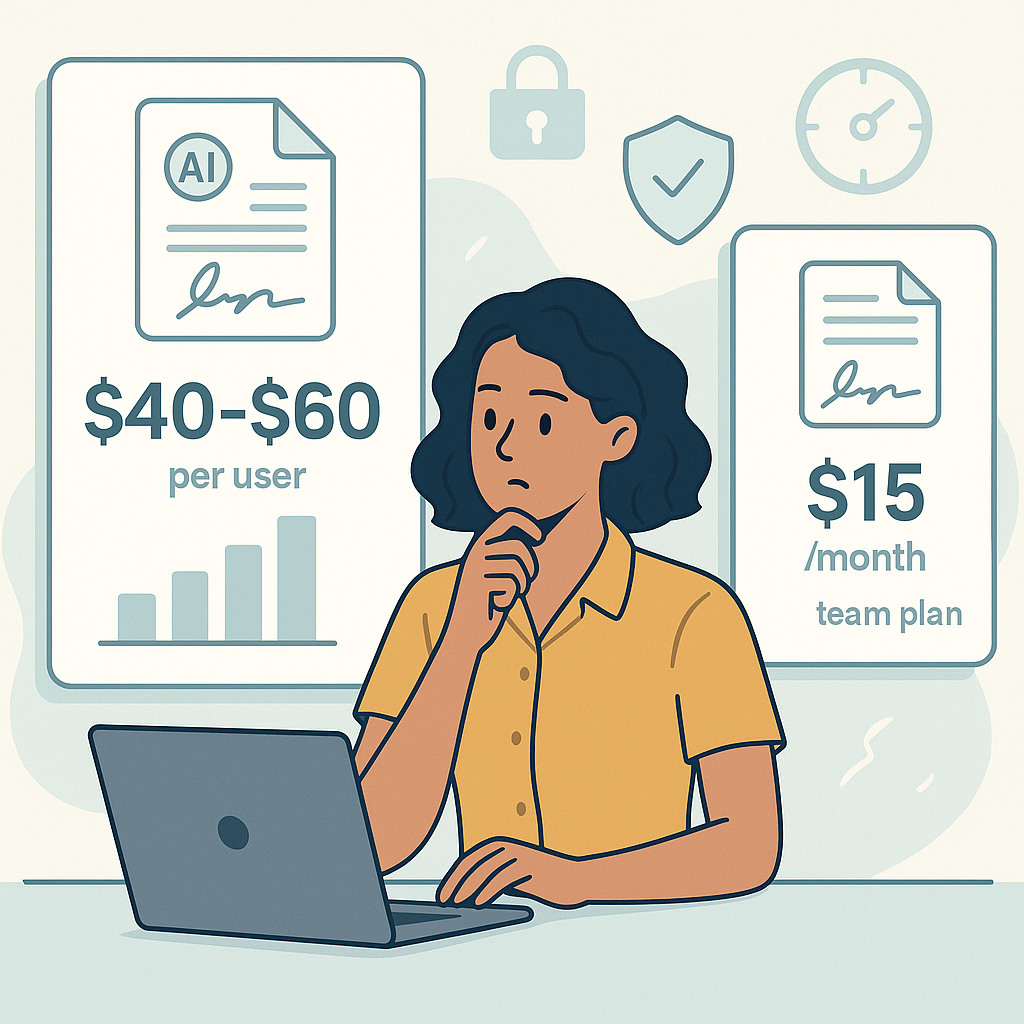
But if you’re a small business, startup, agency, or solo professional, you don’t want to spend $40–$60 per user per month just to get documents signed. You’re looking for e-signature software under $20/month that still feels modern, reliable, and powerful.
This is exactly where QuickSign fits in. It’s a modern, AI-powered e-signature solution with flat-rate pricing starting at $15/month for your whole team, no per-seat licenses, plus a generous free tier for getting started.
Key takeaway: You don’t have to sacrifice features, speed, or legal validity to stay under $20/month. With tools like QuickSign, you can combine AI document generation, drag-and-drop signing fields, and real-time tracking at a budget-friendly price.
Why Affordable E-Signature Software Matters for Modern Businesses
Electronic signatures are not just a “nice to have” anymore; they’re a competitive necessity. Research shows that e-signatures can significantly speed up revenue, reduce errors, and improve security across industries.
For example, recent business surveys report that:
- Two-thirds of companies using e-signatures adopted them in just the last couple of years, showing how fast the market is shifting away from paper. (fujifilm.com)
- Current users of e-signature tools cite increased security and faster time-to-revenue among the top benefits. (fujifilm.com)
- Digital signing can reduce incomplete or error-prone requests by up to 90% in some operational contexts. (fujifilm.com)
For small and mid-sized teams, that kind of efficiency can mean:
- Faster client onboarding
- Shorter sales cycles
- Less time chasing signatures and more time selling or serving customers
QuickSign is designed to bring those benefits to businesses that can’t justify enterprise-level pricing. Its $15/month flat rate is intentionally structured to avoid the “per-seat tax” that makes many legacy platforms expensive as you grow.
Are Low-Cost E-Signatures Really Legal and Secure?
Cost has nothing to do with legality. In the United States, the legal foundation for electronic signatures is defined by the ESIGN Act (federal) and the Uniform Electronic Transactions Act (UETA) (state-level framework). Together, they establish that:
- A contract or signature cannot be denied legal effect just because it’s electronic. (en.wikipedia.org)
- Electronic signatures are valid as long as there is clear intent to sign, consent to use electronic records, and a reliable way to associate the signature with the document. (digisigner.com)
- Most everyday business documents (sales contracts, NDAs, service agreements, HR forms, etc.) are fully covered—only a narrow set of documents like wills, certain family law documents, and some highly regulated notices still require wet signatures. (helpx.adobe.com)
What this means for you: if your e-signature software provides an audit trail, secure delivery, and clear records of signer consent and intent, it can support legally enforceable signatures in typical business scenarios.
QuickSign is built around these requirements with:
- Clear signing workflows that make intent and consent explicit
- Real-time tracking of document views and signatures for audit trails
- Secure document handling suitable for everyday commercial agreements
Pro tip: Whateve
r e-signature platform you choose under $20/month, make sure it gives you an audit trail showing who signed, when, and from which device or IP. QuickSign surfaces this information in a clean, business-friendly dashboard.
What to Look For in E-Signature Software Under $20/Month
Under $20/month, you should still expect a robust feature set. Here are the essentials business professionals typically need—and how QuickSign meets (and often exceeds) them.
1. Unlimited or Generous Document Sending
Some low-cost tools limit how many documents you can send each month. That might be okay for occasional use, but it quickly becomes a bottleneck when you’re growing.
QuickSign starts with a free tier that gives you:
- 2 AI document generations (e.g., a contract, NDA, or agreement from a prompt)
- 1 document send to unlimited recipients—perfect to test a real workflow with a client, vendor, or contractor
Then, for $15/month flat rate, your whole team can send documents without worrying about per-seat fees, which is especially attractive for agencies, brokerages, and startups with multiple collaborators.
2. Drag-and-Drop Field Placement
A core usability factor in any e-signature tool is how fast you can prepare a document. Manually placing fields is often where time is lost.
With QuickSign, you can:
- Upload your PDF or document
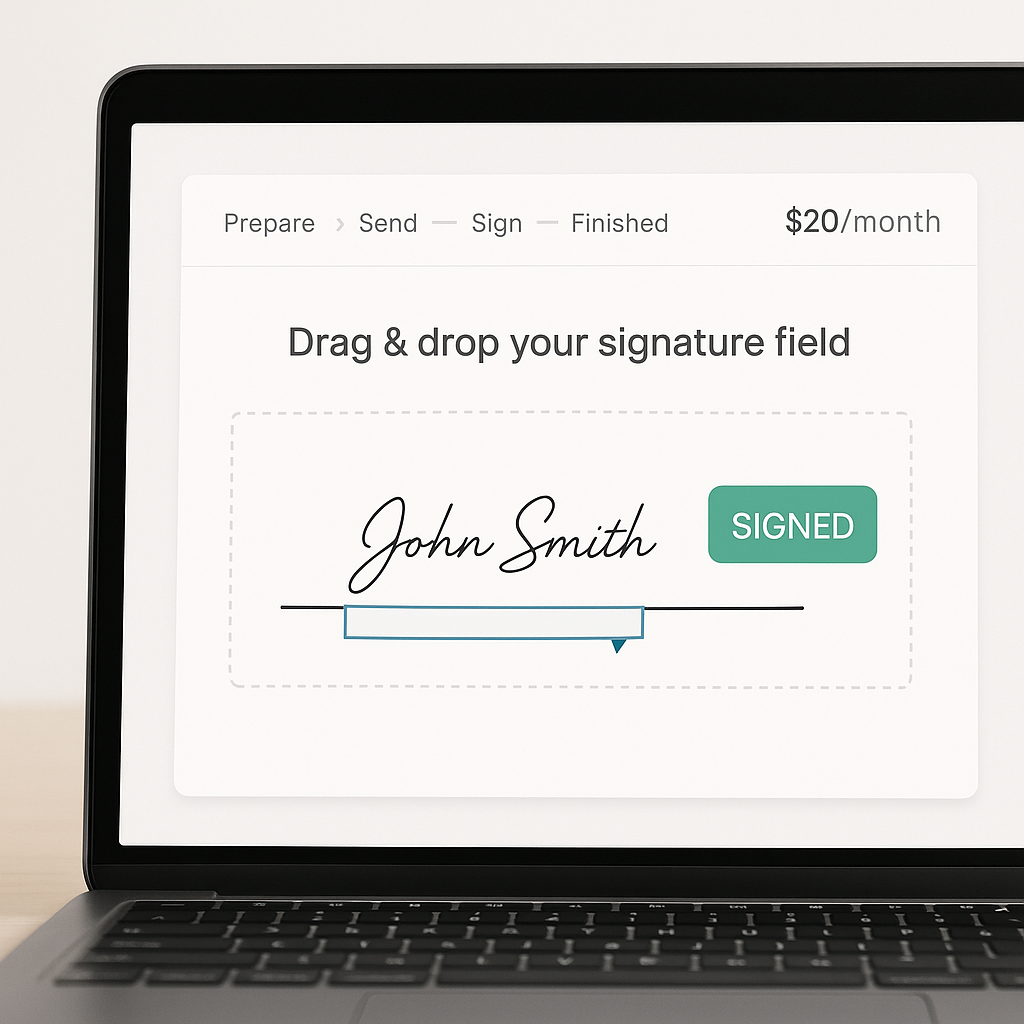
- Drag-and-drop signature, initials, date, and text fields exactly where they belong
- Assign each field to a specific signer (e.g., “Client,” “Internal Approver,” “Vendor”)
This visual approach significantly reduces errors (like missing a signature line) and speeds up preparation, especially when you’re reusing standard contract templates.
3. Easy, Fast Sending to Multiple Recipients
Sending should be a two-step process, not a project. At minimum, you want to be able to:
- Add one or more signers by email
- Define signing order (if needed)
- Include a custom message and deadline
QuickSign focuses heavily on speed here. Its workflow makes it possible to upload, tag, and send a document for e-signature in under 60 seconds, even if you’re not technical. That’s extremely valuable for busy salespeople, founders, and operations teams.
4. Real-Time Tracking and Notifications
Once a document is out for signature, you shouldn’t be guessing what’s happening with it. Modern e-signature platforms provide visibility into the full lifecycle.
With QuickSign, you can see in real time:
- When each recipient opens the document
- How many times it has been viewed
- Exactly when it is signed (per recipient)
This tracking is not just a convenience; it’s an important part of demonstrating intent and consent under ESIGN and UETA, since it helps tie signatures to a specific workflow and timeline. (helpx.adobe.com)
5. AI Document Generation (A Huge Differentiator Under $20)
Most budget e-signature tools are purely “signature layers” on top of documents you create elsewhere. That means you still have to draft contracts, NDAs, and agreements manually or pay a lawyer for templates.
QuickSign adds a major edge here with its AI Document Generation feature:
- You describe what you need in plain language: “I need a one-page social media management agreement for a US-based client with a 3-month term and monthly retainer.”
- QuickSign’s AI drafts a complete, structured document for you to review and edit.
- Once you’re satisfied, you can immediately send it for e-signature in the same interface.
This dramatically cuts down the time between “we need a contract” and “we have a signed contract.” For small businesses and solo professionals, that can mean avoiding expensive legal templates for straightforward, routine agreements (while still having the option to get legal review when needed).
Key advantage: Under $20/month, very few tools combine AI contract generation and e-signature workflows. That makes QuickSign especially attractive if you don’t already have a full library of templates.
Practical QuickSign Workflows for Different Use Cases
To see how a budget-friendly platform like QuickSign fits into real operations, here are a few sample workflows across common business scenarios.
Sales & Client Services: Closing Deals Faster
Imagine you run a small digital marketing agency charging monthly retainers. Historically, you may have used Word templates and email attachments for contracts.
With QuickSign, your process could look like this:
- Generate a contract with AI: Describe your scope (ad spend management, reporting, content creation), payment terms, and contract length.
- Review & tweak: Adjust any clauses for this specific client (e.g., start date, renewal terms).
- Add signature fields: Drag-and-drop a signature field for you and one for the client, along with dates and initials where needed.
- Send in seconds: Enter the client’s email, add a personalized note, and send.
- Track progress: Watch for the “opened” event; if they haven’t signed within a day, follow up with a friendly reminder.
Everything lives in one place—no switching between your document editor, email, and a separate signature platform.
Freelancers & Creators: Clear Agreements Without Legal Headaches
Freelancers and creators often juggle multiple small contracts every month: project scopes, licensing agreements, content usage rights, and more. Trying to draft each one from scratch is a time sink.
Using QuickSign under $20/month, you can:
- Use AI generation to produce standard freelance agreements (e.g., for design, copywriting, consulting)
- Save and reuse those documents as templates
- Quickly send each new client an agreement with updated dates, deliverables, and rates
The drag-and-drop interface makes it straightforward even if you’re not familiar with contract structure—fields go exactly where you see them on screen.
HR & Operations: Streamlined Internal Approvals
HR and operations teams often have a steady volume of internal documents that need signatures: policy acknowledgments, equipment handovers, contractor agreements, and more.
With QuickSign:
- Use AI to generate template policies (e.g., remote work policies, device use agreements)
- Upload and tag them with a signature field for the employee and one for HR
- Send to multiple employees over time without reconfiguring from scratch
- Use real-time tracking to ensure everyone has signed by a certain date
Because QuickSign uses flat-rate pricing, adding more internal users doesn’t increase your cost, which is rare in the e-signature space and especially welcome for growing teams.
How QuickSign Fits Into Broader Digital Workflows
Affordable e-signature software is most powerful when it complements the rest of your tech stack—tools for design, content, and commerce.
From Document Creation Tools to Signature in Minutes
Many businesses use design tools like Canva to create branded proposals, PDFs, or lead magnets. One of the referenced YouTube videos, “$50 Per Day | Make Money With Canva,” shows how creators can monetize custom designs and digital products by packaging them professionally.
Once you’ve created a polished PDF (for example, a branded consulting proposal or coaching agreement) in Canva:
- Download it as a PDF
- Upload it to QuickSign
- Drag-and-drop the required signature, date, and text fields
- Send it to your client or buyer to sign—no printing, no manual edits
This “design in one tool, sign in QuickSign” flow is perfect for solopreneurs selling digital services, custom work, or bespoke packages.
Aligning with Modern Online Business Models
Many modern businesses—dropshippers, creators, influencers—run lean operations with a stack of affordable tools. While some viral content (like the short “I Tried Dropshipping for ONE Week”) focuses on marketing and product testing, the backend still requires solid agreements with suppliers, partners, and sometimes UGC creators.
QuickSign lets these lean operations stay legally organized on a sub-$20/month budget:
- Draft supplier or affiliate agreements with AI
- Send them for signature in seconds
- Keep a clean record of who agreed to what, and when
Even if your business is built on viral content or trending tactics, your agreements don’t have to be improvised.
Cost Breakdown: Why Flat-Rate Pricing Under $20/Month Matters
Most legacy e-signature solutions use per-seat pricing. That means:
- You pay per user, often $20–$40+ each month
- Your bill grows with every new team member who needs to send documents
- You may end up rationing access (“only managers can send contracts”) to keep costs down
QuickSign takes a different approach:
- Free tier: 2 AI document generations + 1 send to unlimited recipients (ideal to test the full workflow)
- Paid plan: $15/month flat rate for the entire team, no per-seat licensing
For small and mid-sized teams, this can make a meaningful difference to your monthly SaaS budget while still giving everyone who needs it the ability to send documents for signature.
Budget insight: If you have a 5-person team, a per-seat model at $25/user would cost $125/month. At $15/month flat for QuickSign, you’re saving over $1,300 per year while gaining AI document generation on top.
Best Practices for Using QuickSign Under $20/Month
To get the most value out of an affordable e-signature solution like QuickSign, follow these simple best practices.
Standardize Your Templates with AI
Instead of reinventing the wheel for every new agreement:
- Use AI document generation to draft a “master” version of each type of contract you need (e.g., NDA, client agreement, contractor agreement).
- Review and have them checked by a legal professional if needed.
- Save them as reusable templates inside your QuickSign account.
This ensures consistency across all deals and dramatically reduces prep time.
Always Include Clear Signature and Initial Fields
Use QuickSign’s drag-and-drop tools to make sure:
- Every required signature field is present and assigned to the right signer
- Critical clauses (like payment terms or non-compete sections) include an initial field to highlight them
- Dates and names are auto-filled or clearly requested
This level of clarity helps avoid disputes and reduces the chance of a contract being rejected or questioned later.
Use Real-Time Tracking to Time Your Follow-Ups
Instead of guessing when to nudge a client or partner:
- Monitor when the document is opened in QuickSign
- If it’s opened but not signed within a day or two, send a polite follow-up
- Use “not opened” status as a signal to verify that the email address is correct or check in via another channel
This approach keeps deals moving without feeling pushy, because your timing is based on real engagement data.
What About “Tricks” and “Hacks” You See Online?
There’s no shortage of online content promising secret hacks or gray-area tactics for making money or “gaming the system.” One example is the provocative-titled video “How to Legally Rob Walmart (SECRET HACK)”—designed as clickbait rather than a serious operations strategy.
In contrast, building a sustainable business means:
- Having clear, written agreements
- Using legally recognized e-signature workflows
- Maintaining proper records of who agreed to what
QuickSign supports exactly this kind of responsible, professional foundation—without requiring an enterprise budget.
Even if your marketing is edgy or viral, your contracts and signatures should be rock solid and compliant with established electronic signature laws. (afslaw.com)
Ready to simplify your document signing? Try QuickSign for free - generate 2 documents and send 1 document to unlimited recipients at no cost. No credit card required.