ECDSA and Modern E‑Signatures: How Elliptic Curve Security Protects Your Documents
Discover how ECDSA powers modern e‑signatures, using elliptic curve cryptography to secure, authenticate, and protect your most critical digital documents.
ECDSA and Modern E‑Signatures: How Elliptic Curve Security Protects Your Documents
When your business sends contracts, NDAs, or sales agreements for e‑signature, you’re not just chasing signatures—you’re trusting the cryptography behind them. One of the most important of these building blocks is the Elliptic Curve Digital Signature Algorithm (ECDSA), a modern standard for digital signatures used everywhere from TLS certificates to blockchains.
Platforms like QuickSign simplify this complexity. You don’t have to understand elliptic curve math to send a secure contract in under 60 seconds—but if you’re responsible for risk, compliance, or IT, you should at least know what ECDSA is and why it matters for your document workflows.
This guide explains ECDSA in business terms, how it compares to older approaches, where it’s used, and how a solution like QuickSign leverages modern cryptography while keeping the user experience frictionless.
What Is ECDSA in Plain Language?
ECDSA (Elliptic Curve Digital Signature Algorithm) is a public‑key cryptography algorithm used to create and verify digital signatures. It’s standardized by NIST under the U.S. Digital Signature Standard FIPS 186‑5, alongside RSA and EdDSA.(nist.gov)
At a high level, ECDSA lets you:
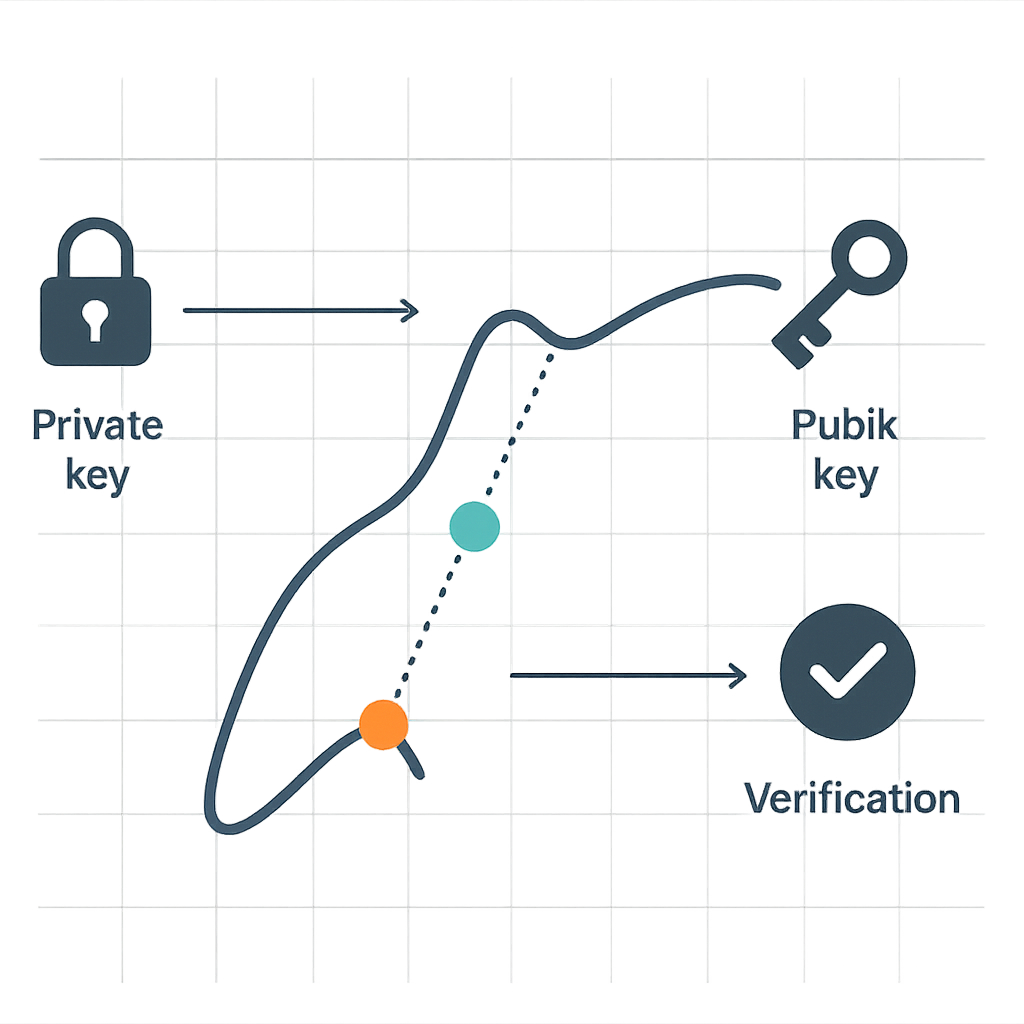
- Sign data with a private key (known only to the signer).
- Verify the signature with a corresponding public key (shared openly).
- Prove authenticity and integrity of a document without revealing the private key.
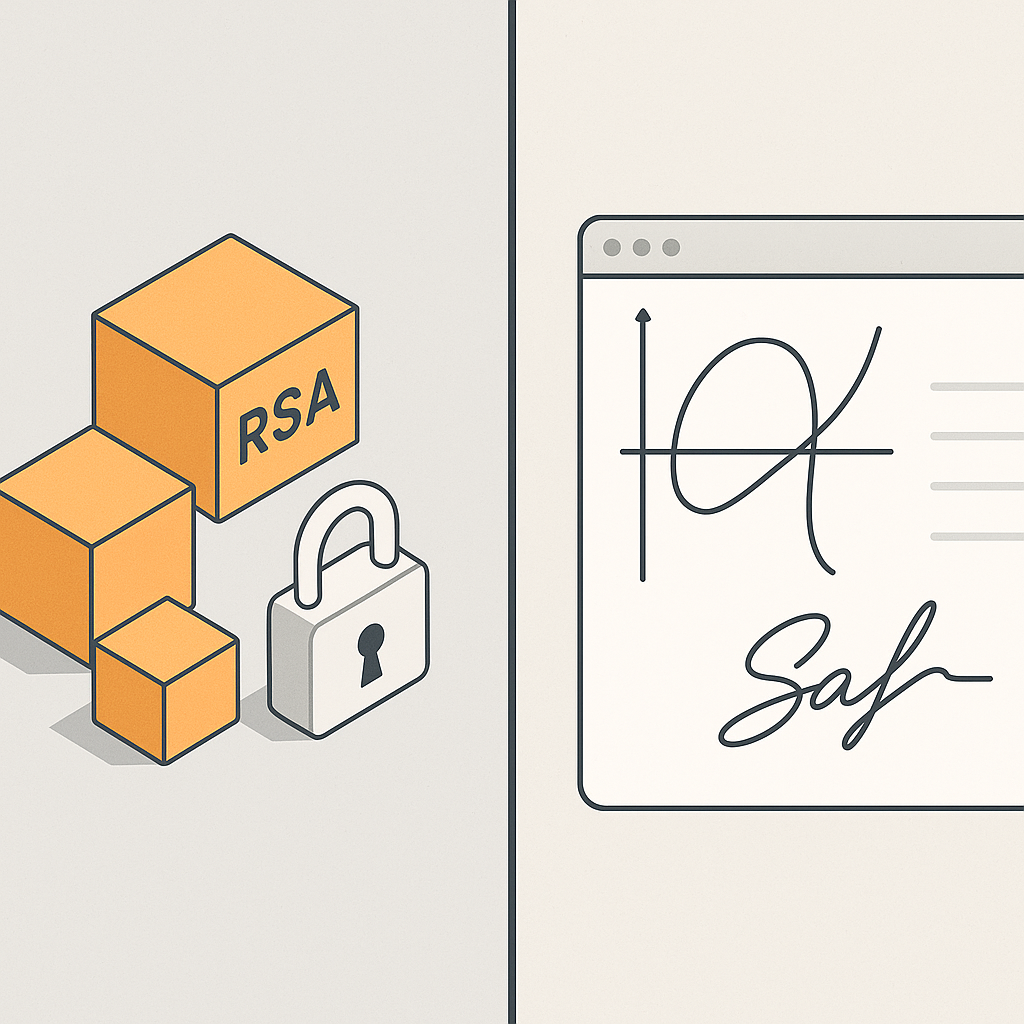
Instead of relying on large prime factorization (as in RSA), ECDSA uses the mathematics of elliptic curves over finite fields. The key benefit: you get the same security with much smaller keys. For example, a 256‑bit ECDSA key provides roughly the same security level as a 3072‑bit RSA key.(ssl.com)
Key takeaway: ECDSA is a modern, efficient way to sign digital data. It’s widely trusted by standards bodies and used in everything from HTTPS to Bitcoin—and it underpins secure, compliant e‑signature platforms like QuickSign.
ECDSA in the Context of Digital Signature Standards
The latest NIST Digital Signature Standard (FIPS 186‑5) officially recognizes three algorithms for generating new signatures: RSA, ECDSA, and EdDSA; the older DSA is now restricted to verifying existing signatures only.(nist.gov) This reflects the broader industry move toward elliptic‑curve‑based schemes for modern systems and protocols.
How ECDSA Works (Without the Heavy Math)
If you want a gentle visual explanation for your team, this video is a great starting point:
Here’s a simplified, business‑friendly view of the ECDSA lifecycle.
1. Key Pair Generation
Each signer has an ECDSA private key and public key pair:
- A secure system generates a random number (the private key).
- Elliptic curve operations turn that private key into a corresponding public key.
In a platform like QuickSign, this happens under the hood. The signer just sees a request to sign a document; key generation and storage are handled securely by the system or its underlying infrastructure.
2. Signing a Document
When you esign a PDF via QuickSign, the underlying process typically involves:
- Hashing the document content (e.g., with SHA‑256).
- Using the private key and a random nonce (one‑time number) to produce an ECDSA signature.
- Embedding that signature (and any associated certificate) into the document or an audit log.
The important part: any change to the signed content invalidates the signature. This is core to guaranteeing that the document a counterparty views and signs through QuickSign is exactly the one you sent.
3. Verifying a Signature
Any party who receives the signed document can:
- Recompute the document hash.
- Use the sender’s public key to verify that the signature is valid for that hash.
 >Confirm the document hasn’t been altered and that it was signed by someone controlling the corresponding private key.
In practice, tools like PDF readers, browsers, or QuickSign’s own verification and tracking layer perform these checks automatically.
Why ECDSA Matters for Business Document Signing
From a business standpoint, the choice of cryptographic algorithm affects:
- Security and compliance (are we aligned with current standards?).
- Performance (do signers experience lag and friction?).
- Scalability and cost (how many signatures can we support efficiently?).
Here’s how ECDSA shines in each area.
Stronger Security at Smaller Key Sizes
Studies and guidance from SSL/TLS practitioners show that 256‑bit ECDSA keys offer security equivalent to 3072‑bit RSA keys, and even higher levels such as 384‑bit or 521‑bit are available for long‑term protection.(ssl.com) In practice, this means:
- Shorter keys and signatures, which ease storage and transmission overhead.
- Stronger resistance to brute‑force attacks at typical deployment sizes.
- Better fit for environments where long‑term confidentiality and authenticity matter (e.g., HR files, IP agreements, financial contracts).
For your e‑signature workflows, this translates into robust cryptographic assurance without slowing down your operations—especially when implemented in a modern platform like QuickSign.
Performance and User Experience
Independent benchmarks show that ECDSA signatures are typically faster to generate and verify than equivalently secure RSA signatures, particularly on mobile and resource‑constrained devices. For example, validation of ECDSA P‑256 signatures can be several times faster than RSA 2048 validation on typical mobile CPUs.(cloudnews.tech)
Why this matters in an e‑signature solution:
- Faster page loads and signing events, especially on smartphones and tablets.
- Better performance when multiple signers are reviewing and signing simultaneously.
- Smoother experience when your team generates and sends dozens or hundreds of documents per day from QuickSign.
Modern Ecosystem Compatibility
ECDSA is now widely used in:
- TLS certificates for websites and APIs (including many high‑traffic services).(ssldragon.com)
- Blockchains and Web3 (Bitcoin, Ethereum, and many others rely on ECDSA for transaction signatures).(ssldragon.com)
- Code signing and software distribution, where compact signatures and strong security are critical.
For your organization, a solution built on these modern standards integrates more cleanly with existing security tooling (e.g., certificate authorities, HSMs, identity providers), and is easier to justify to auditors and regulators.
Where ECDSA Shows Up in Real‑World Document Workflows
1. HTTPS and API Security for E‑Signature Platforms
Whenever you log into an e‑signature dashboard or send a signing link, your browser establishes an HTTPS (TLS) connection to the platform. Many modern TLS certificates now use ECDSA keys to secure the handshake and session.(ssldragon.com)
In practice, this means that when you access QuickSign to upload a contract, your traffic may be protected by ECDSA at the transport layer, shielding your documents and credentials from interception.
2. Digital Signatures Inside PDFs
PDF standards support multiple public‑key algorithms for embedded signatures, including ECDSA. When you drag‑and‑drop signature fields in QuickSign and send a contract out, the underlying service can combine:
- The document contents and metadata (who signed, when, and from which device).
- The signer’s identity context (email, IP, timestamps, etc.).
- A cryptographic signature based on ECDSA or another modern scheme.
This combination makes the signed PDF tamper‑evident and legally defensible.
3. Blockchain‑Backed or Hash‑Anchored Evidence
Some organizations are exploring storing document hashes on blockchains for additional, independent proof of existence and integrity. Since widely used chains like Bitcoin and Ethereum rely on ECDSA, the trust model for your evidence layer can align with the same cryptographic assumptions.(ssldragon.com)
Even if you’re not using blockchain today, it’s useful to know that your e‑signature platform’s security model is consistent with those powering global financial networks.
How QuickSign Wraps ECDSA‑Level Security in a Business‑Friendly Experience
Understanding ECDSA is helpful, but what your team really needs is a workflow, not an algorithm. QuickSign is designed to give you ECDSA‑class security while making every step—from document creation to final signature—as simple as possible.
AI‑Generated Contracts with Cryptographically Secure Delivery
Instead of drafting contracts in Word, saving as PDF, and then uploading them into yet another system, you can use AI Document Generation directly inside QuickSign:
- Describe the agreement you need (e.g., “A mutual NDA between a US marketing agency and a European contractor, with a 2‑year confidentiality term”).
- Let QuickSign’s AI draft a legally structured document for you in seconds.
- Review and edit the draft, then move straight into field placement and sending.
The benefit: your entire contract lifecycle—from generation to cryptographic signing—is centralized in one system that can apply secure, ECDSA‑backed processes end‑to‑end.
Drag‑and‑Drop Signatures on Top of ECDSA Integrity
QuickSign’s drag‑and‑drop field placement removes the friction from preparing documents:
- Upload any PDF (contract, purchase order, HR form).
- Drag signature, date, initials, and text fields to the exact locations signers need to complete.
- Assign each field to one or more signers.
Behind the scenes, when signers complete these fields, QuickSign can anchor the final, flattened document to a digital signature mechanism (e.g., ECDSA‑enabled signing stacks) that ensures the final state of the document is integrity‑protected and traceable.
Pro tip: Use consistent templates in QuickSign for your recurring contracts. You’ll standardize the legal language and benefit from consistent cryptographic protection and audit trails across your organization.
Seamless Sending and Real‑Time Tracking on Top of Strong Cryptography
One of the biggest business wins from combining ECDSA with a platform like QuickSign is end‑to‑end visibility:
- Seamless sending: Add recipients, define signing order, and send documents in seconds.
- Real‑time tracking: See when each recipient opens, views, and signs the document.
- Immutable logs: Combine event logs with cryptographic signatures to build a strong, defensible audit trail.
ECDSA ensures that the integrity of the signed document and its associated metadata are protected; QuickSign ensures your business users can act on that information without needing a cryptography background.
ECDSA vs. RSA: What Decision‑Makers Actually Need to Know
From a technical standpoint, ECDSA and RSA are both approved digital signature algorithms, but they have distinct trade‑offs. Here’s the short version that matters to business and IT leaders.
Security Level and Key Size
- RSA typically requires at least 2048‑bit keys today, and 3072‑bit or more for long‑term security.(cybersguards.com)
- ECDSA offers comparable security with much smaller keys—256‑bit ECDSA is roughly equivalent to 3072‑bit RSA in strength.(ssl.com)
Smaller keys and signatures mean lighter bandwidth, storage, and computation—ideal for high‑volume or mobile‑heavy signing workflows.
Performance and Scalability
- ECDSA generally delivers faster signing and verification than RSA at equivalent security levels, especially on constrained devices.(ssldragon.com)
- This is why ECDSA is now a common choice in performance‑sensitive systems like HTTPS termination for high‑traffic sites and blockchain validation.
For your e‑signature program, that translates into snappier user experiences and better scalability without constantly tuning infrastructure.
Implementation and Risk Considerations
ECDSA is more sensitive to implementation details than RSA, especially around randomness (e.g., nonce reuse and side‑channel protections). Poorly implemented ECDSA can be vulnerable.(ssldragon.com)
The practical answer for most organizations is simple: rely on a modern platform like QuickSign that uses well‑vetted libraries and industry best practices rather than rolling your own crypto.
Designing a Secure Document Workflow with QuickSign and ECDSA‑Class Security
Here’s how to put all this together into a concrete, repeatable workflow for your team.
Step 1: Standardize Your Agreements with AI
- Log into QuickSign and use AI Document Generation to create standard templates for:
- Sales agreements
- Vendor contracts
- Employee NDAs and IP assignments
- Get legal to review and approve these as “golden templates.”
- Save them in QuickSign so business users can generate new contracts from prompts instead of starting from scratch.
This step ensures that every document that later gets cryptographically signed has vetted legal language and structure.
Step 2: Configure Drag‑and‑Drop Fields Once
- Open each template in QuickSign’s drag‑and‑drop editor.
- Place signature, date, and name fields for each party where they belong.
- Lock these into the template so every new contract instance reuses the same layout.
By enforcing consistent field positions, you reduce human error and ensure that the portion of the document covered by the digital signature is predictable and reviewable.
Step 3: Send and Track with Cryptographic and Operational Assurance
- When you need a new agreement, generate it from your QuickSign template (with AI filling in the variable parts).
- Add signers and define the signing order.
- Send the document; QuickSign emails each recipient a secure link over HTTPS.
- Monitor real‑time tracking to see who has viewed and signed.
Behind the scenes, each completed document can be anchored by ECDSA‑class digital signature mechanisms and immutable logs for legal defensibility.
Step 4: Archive Signed PDFs with Verifiable Integrity
- Export or store the final, signed PDF in your DMS or cloud storage.
- Retain QuickSign’s audit trail (timestamps, IP addresses, signer events).
- Optionally, store document hashes in a separate system for additional evidence.
This gives you a multi‑layered assurance model: cryptographic integrity via digital signatures, operational evidence via QuickSign logs, and long‑term accessibility via your archive.
Cost and Accessibility: Making Strong Crypto Affordable
It’s one thing to have modern cryptography; it’s another to make it economically viable for your whole team.
QuickSign is designed to give startups and growing businesses access to a secure, ECDSA‑aligned signature stack without enterprise‑grade licensing complexity:
- Generous free tier: Generate 2 documents and send 1 document to unlimited recipients at no cost—perfect for piloting a secure workflow.
- Flat‑rate pricing: Just $15/month for the whole team, without per‑seat charges—ideal if you want everyone in sales, HR, and operations using the same secure platform.
- Speed: Prepare and send a document for secure signing in under 60 seconds, leveraging AI generation and drag‑and‑drop fields.
That means you can adopt industry‑standard cryptography—like ECDSA—without hiring cryptographers or negotiating complex enterprise contracts.
Ready to simplify your document signing? Try QuickSign for free - generate 2 documents and send 1 document to unlimited recipients at no cost. No credit card required.