Electronic Signature Legal Requirements: What Businesses Need to Know in 2025
Stay compliant in 2025. Discover key electronic signature legal requirements, risks, and best practices every business needs to know before eSigning.

Electronic Signature Legal Requirements: What Businesses Need to Know in 2025
Electronic signatures have gone from “nice-to-have” to a core part of modern business. Whether you’re closing sales, onboarding employees, or signing vendor contracts, chances are you’d rather not chase wet-ink signatures and scan PDFs all day.
But one question still gives many business owners and managers pause: are electronic signatures really legal—and what are the actual legal requirements?
This guide breaks down the key laws, requirements, and best practices behind e-signatures in plain English, so you can confidently move your contracts online. We’ll also look at how modern tools like QuickSign.it help you stay compliant without adding complexity.
Key takeaway: In the U.S. and most major jurisdictions, electronic signatures are broadly legal and enforceable—provided you meet a few core requirements around consent, intent, identification, and record-keeping.
What Is an Electronic Signature (Legally)?
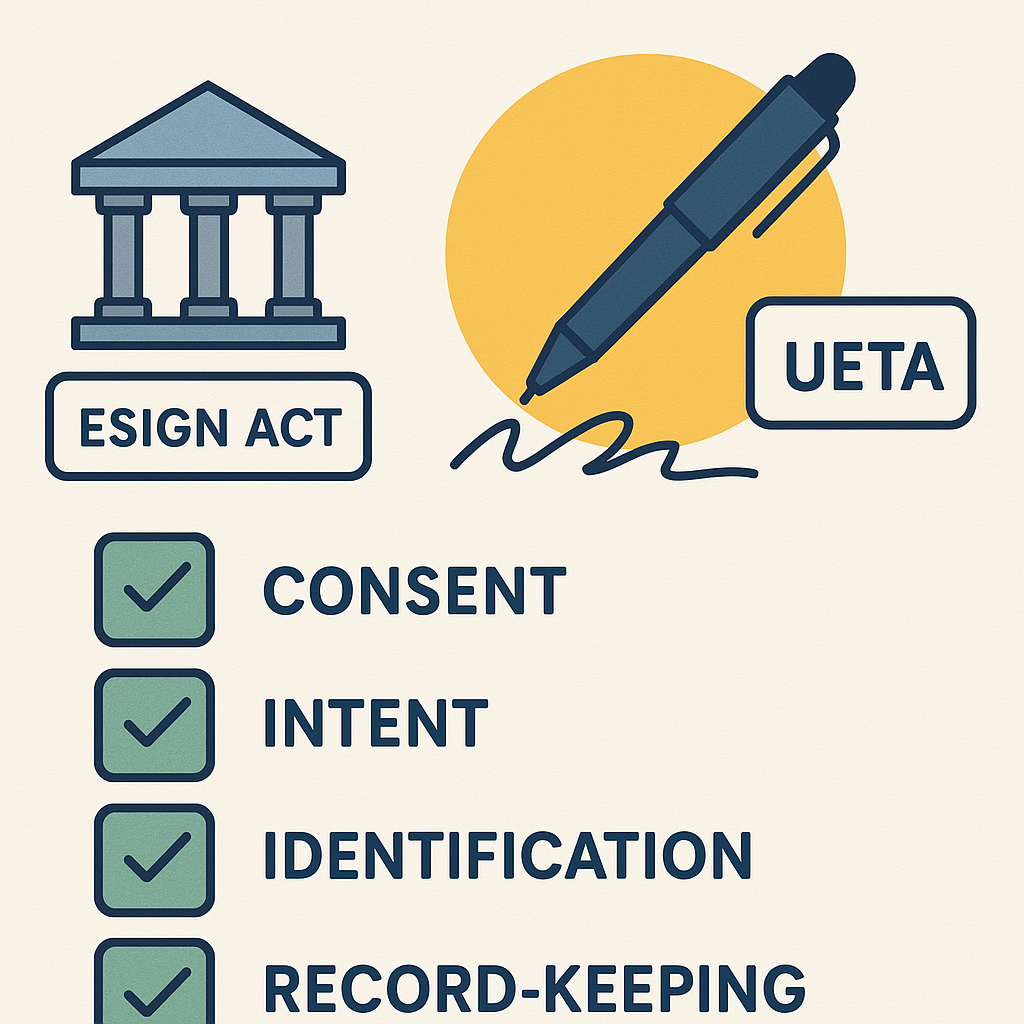
Under U.S. federal and state law, an electronic signature is defined very broadly. The ESIGN Act and the Uniform Electronic Transactions Act (UETA) both describe it as an “electronic sound, symbol, or process” attached to or associated with a record and executed with the intent to sign that record. (en.wikipedia.org)
That means all of the following can be electronic signatures, if used correctly:
- Typing your name at the end of an email agreeing to terms
- Clicking an “I agree” or “Sign” button on a contract
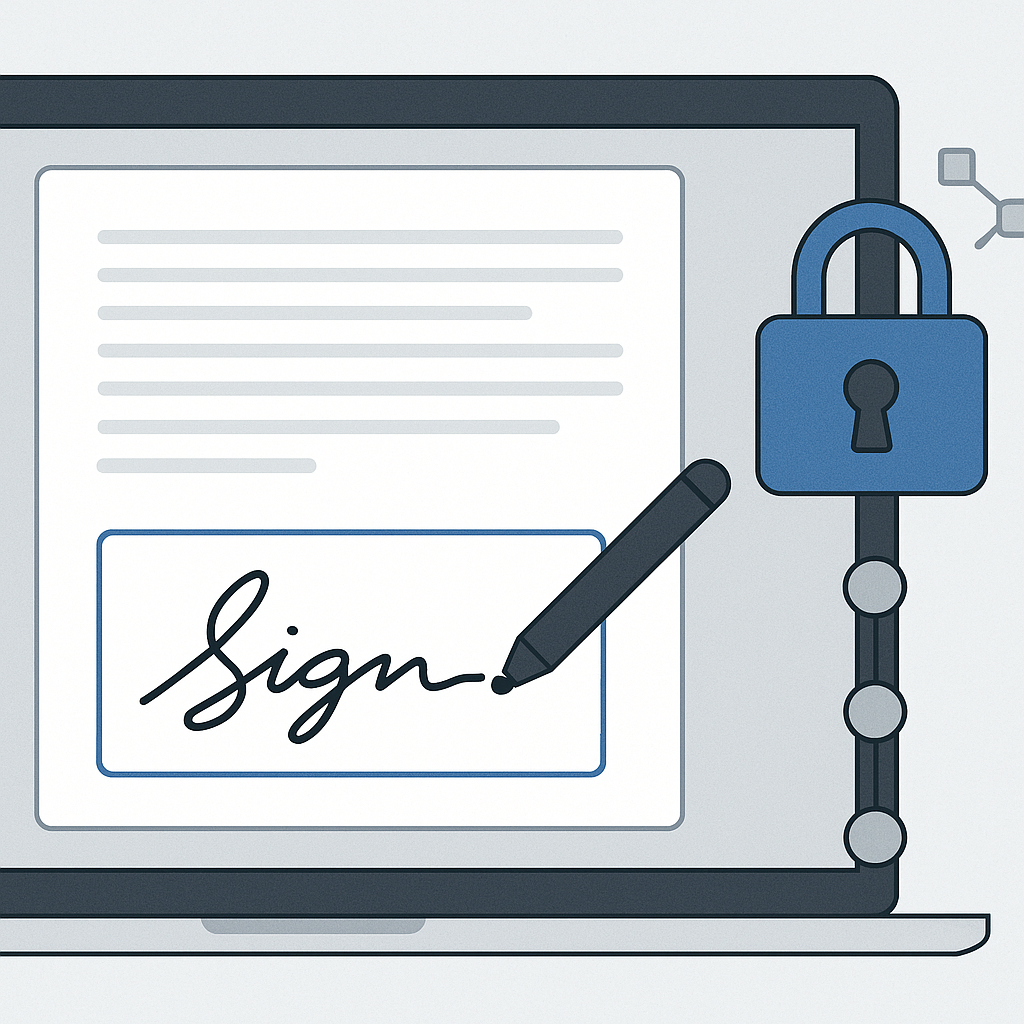
- Drawing your signature with a mouse or finger on a screen
- Using a PIN, one-time code, or other verified action tied to a document
In practice, business-grade e-signature platforms (like QuickSign.it) layer additional security and audit trails on top of this broad legal definition so your signatures are easier to prove and enforce.
Core Legal Frameworks for Electronic Signatures
1. ESIGN Act (United States Federal Law)
The Electronic Signatures in Global and National Commerce Act (ESIGN) is a U.S. federal law that took effect in 2000. It ensures that electronic signatures and records cannot be denied legal effect solely because they are electronic. (en.wikipedia.org)
ESIGN’s core principles:
- A contract or signature cannot be denied legal effect just because it’s in electronic form.
- Electronic records can satisfy “writing” requirements in most cases.
- Parties must consent to use electronic records in consumer transactions, and certain disclosures are required.
2. UETA (Uniform Electronic Transactions Act)
The Uniform Electronic Transactions Act (UETA) is a model state law that most U.S. states have adopted in some form. As of 2024, 47 states plus D.C., Puerto Rico, and the U.S. Virgin Islands have adopted UETA, with a few states (like New York and Illinois) using their own but similar statutes. (en.wikipedia.org)
UETA reinforces many of ESIGN’s concepts at the state level:
- Electronic signatures and records are just as valid as paper and ink.
- Contracts cannot be denied enforcement because they were formed electronically.
- If a law requires a “writing” or a “signature,” electronic equivalents generally qualify.
3. International & EU: eIDAS and Qualified E-Signatures
If you operate globally or work with EU-based customers, you’ll also hear about eIDAS, the EU regulation establishing standards for electronic identification and trust services. It defines different levels of signatures, including the qualified electronic signature (QES)en.wikipedia.org)
For many cross-border B2B transactions, a “standard” or “advanced” e-signature is sufficient, but for certain regulated processes (e.g., some public sector or financial services use cases
Pro tip: If you regularly contract with EU customers or partners, ask your legal counsel whether any of your use cases require eIDAS-compliant or qualified electronic signatures.
When Are Electronic Signatures Legally Binding?
Across ESIGN, UETA, and similar laws, four practical conditions consistently show up as the backbone of a legally enforceable e-signature: (helpx.adobe.com)
1. Clear Intent to Sign
The signer must intend to sign the document—just like with a handwritten signature. Courts will look at context such as:
- Clicking a clearly labeled “Sign” or “Accept” button
- Drawing or typing a name in a dedicated signature field
- Taking steps that unmistakably indicate agreement to terms
Modern e-signature tools help by using explicit prompts (e.g., “By clicking ‘Sign,’ you agree to the terms of this agreement”).
2. Consent to Do Business Electronically
Parties must agree to use electronic records and signatures. In consumer transactions, ESIGN requires you to provide specific consumer consent disclosures and obtain affirmative consent before delivering required notices electronically. (lawsoup.org)
In B2B relationships, consent is often documented via:
- Contract clauses stating that the parties agree to use e-signatures
- Platform terms of service accepted during onboarding
- Conduct (e.g., both sides consistently sign electronically)
3. Association of Signature with the Record
The signature must be logically linked to the document being signed. In practice, this typically means: (blueink.com)
- The e-signature appears on or is embedded within the document
- An audit trail records who signed, when, from what IP/device, and via what method
- The system can prove that the signer took a specific action on a specific document version
4. Record Retention & Integrity
Signed records must be retained in an accurate, accessible form for as long as required by law or contract. This includes: (blueink.com)
- Storing a tamper-evident copy of the signed document
- Retaining the audit trail alongside the contract
- Ensuring authorized parties can retrieve and reproduce it later
A robust e-signature platform will handle this automatically, giving you downloadable PDFs and audit logs for your files and any future disputes.
Documents That Typically Can’t Be Electronically Signed
There are some important exceptions where electronic signatures are restricted or not accepted. Under ESIGN, UETA, and various state laws, e-signatures are often not valid for: (helpx.adobe.com)
- Wills, codicils, and testamentary trusts
- Some estate-planning documents (varies by state)
- Family law matters (e.g., adoption, divorce, certain custody filings)
- Certain court filings and official court documents
- Documents governed by specific sections of the Uniform Commercial Code (e.g., some negotiable instruments)
Recent trends show more states experimenting with electronic options for specific estate and trust documents, but the rules are highly jurisdiction-specific. (dlapiper.com)
Important: Always consult a qualified attorney before relying on e-signatures for estate planning, family law, or other regulated matters. This article is for general information and is not legal advice.
Electronic Signature vs. Digital Signature: What’s the Difference?
People often use “e-signature” and “digital signature” interchangeably, but legally they’re not the same thing:
- Electronic signature – Any electronic process that indicates acceptance of a document (clicking “I agree,” typing a name, etc.). This is what ESIGN and UETA primarily address.
- Digital signature – A technical term for a cryptographic mechanism that verifies the signer’s identity and detects changes to the document, typically backed by a certificate issued by a trusted authority. (findlaw.com)
In the U.S., a cryptographic digital signature is not required for most agreements to be legally binding, but it adds an extra layer of security and non-repudiation—especially useful for higher-risk or high-value contracts.
Practical Compliance Checklist for Businesses
To stay on the right side of electronic signature legal requirements, build your workflows around these practical steps:
1. Use a Dedicated E-Signature Platform
While emailing PDFs back and forth “kind of” works, it’s risky. It’s harder to prove who signed, when, and how. A dedicated platform like QuickSign.it gives you:
- Clear signature fields and consent language for intent
- Automatic audit trails and timestamps
- Centralized record retention and version history
- Real-time status tracking and reminders
This dramatically reduces the chance of a signature being challenged as ambiguous or unenforceable.
2. Make Consent & Intent Explicit
In every signing flow, make it obvious what’s happening and what it means:
- Show a brief clause stating that the parties agree to use electronic signatures.
- Use clear, unambiguous buttons like “Sign Document” instead of generic “Next.”
- For consumers, provide any required ESIGN/UETA disclosures and capture explicit consent.
3. Build a Strong Identity & Authentication Process
Depending on your risk level, you might:
- Use email verification and unique signing links
- Enable two-factor authentication (2FA) for signers
- Cross-check signer details with known data (e.g., CRM records)
Courts often look at whether a signature can be attributed to a person based on context and security procedures. Stronger authentication makes that much easier. (mayerbrown.com)
4. Standardize Your Templates
One of the easiest ways to manage legal risk is to use standardized, pre-reviewed templates for your most common agreements (NDAs, sales contracts, service agreements, etc.).
This is where QuickSign.it’s AI Document Generation becomes especially powerful: you can describe the kind of contract you need, and the platform drafts a structured document you can then review, edit, and reuse. That saves legal costs and ensures your contracts consistently include:
- Appropriate e-signature and electronic records language
- Clear clauses around jurisdiction, dispute resolution, and notices
- Standard data protection and confidentiality terms
5. Preserve Records and Audit Trails
Make sure that, for every signed document, you keep:
- The final signed PDF
- The full audit log (who opened, viewed, and signed; timestamps; IPs)
- Copies of any consent or disclosure language used
E-signature platforms like QuickSign.it automatically store this data and let you download everything if you ever need it in a dispute or audit.
Where E-Signatures Shine: Real-World Business Use Cases
Sales & Customer Contracts
From proposals to master service agreements, e-signatures dramatically shorten your sales cycle. Instead of waiting days for a client to print, sign, and scan a contract, they can review and sign in minutes—on any device.
With QuickSign.it, you can:
- Upload your proposal as a PDF
- Use drag-and-drop field placement to add signature, initials, and date fields where needed
- Add one or multiple recipients and use seamless sending to deliver the document for signature
- Use real-time tracking to see when the client opens and signs, so your team can follow up intelligently
HR, Onboarding, and Policy Acknowledgments
Offer letters, NDAs, employee handbooks, and policy updates are all highly suited to e-signatures. They typically don’t fall within the exceptions for wills, family law, or court filings and are perfect for standardized templates and bulk sending.
Vendor & Partner Agreements
Vendor contracts, reseller agreements, and partnership MOUs can all be handled electronically, provided your jurisdiction doesn’t impose special requirements. For many small businesses, standardizing these into reusable templates with consistent e-signature clauses builds a more defensible contracting process.
Pro tip: Whenever you’re unsure whether a document can be signed electronically, treat that as a flag to get legal advice—especially if it involves family law, real estate records, or estate planning.
Choosing an E-Signature Solution That Supports Legal Compliance
Most modern e-signature tools will claim “ESIGN-compliant” or “UETA-compliant,” but your practical experience—and your costs—can vary dramatically.
Key Capabilities to Look For
- Clear audit trails: Detailed logs of who signed, when, from what IP/device.
- Field controls: Ability to assign signatures, initials, dates, and text fields to specific signers.
- Template support: Reusable documents with consistent language and fields.
- Record retention: Secure storage and easy export of signed documents and logs.
- User-friendly interface: If signers are confused, you increase the risk of disputed intent.
Where QuickSign.it Stands Out
While platforms like DocuSign and HelloSign often charge per user and can become expensive as your team grows, QuickSign.it is designed specifically for modern small businesses and lean teams that need speed and simplicity without enterprise bloat.
- Affordable flat-rate pricing: Starts at just $15/month for the whole team—no per-seat fees, so you can invite as many collaborators as you like.
- Generous free tier: Generate up to 2 documents with AI and send 1 document to unlimited recipients at no cost—perfect for testing real-world workflows.
- AI-powered document generation and variables: Draft NDAs, sales agreements, or service contracts from scratch by describing what you need, then use variables to automatically fill in client names, addresses, and other details.
- Drag-and-drop field placement: Upload any PDF and visually drop signature, text, and date fields exactly where you need them—minimizing user error.
- Built for speed: From upload to send in under 60 seconds, with real-time tracking to show who has opened and signed.
This combination of compliance-friendly features and transparent pricing makes QuickSign.it a compelling, modern alternative to legacy e-signature platforms—especially for solo entrepreneurs, agencies, and small to mid-sized businesses.
Helpful How-To Resources: Creating and Using E-Signatures
If you’re new to e-signatures or training your team, these video resources can help you understand the basics of creating signatures and completing electronic signing workflows:
How to Make an Electronic Signature
Step-by-Step Electronic Signature Guide
Digital Signature Basics for Admins
Once you understand the basics, using a streamlined tool like QuickSign.it makes it easy to apply these concepts in a legally sound, repeatable way across your entire organization.
Ready to simplify your document signing? Try QuickSign for free - generate 2 documents and send 1 document to unlimited recipients at no cost. No credit card required.