Emerging Contract AI Tools Aim to Demystify Legalese for Clients
Discover how emerging Contract AI tools create clear, concise contract summaries, demystifying legalese for clients and speeding smarter business decisions.
Emerging Contract AI Tools Aim to Demystify Legalese for Clients
AI Steps In Where Legalese Shuts Clients Out
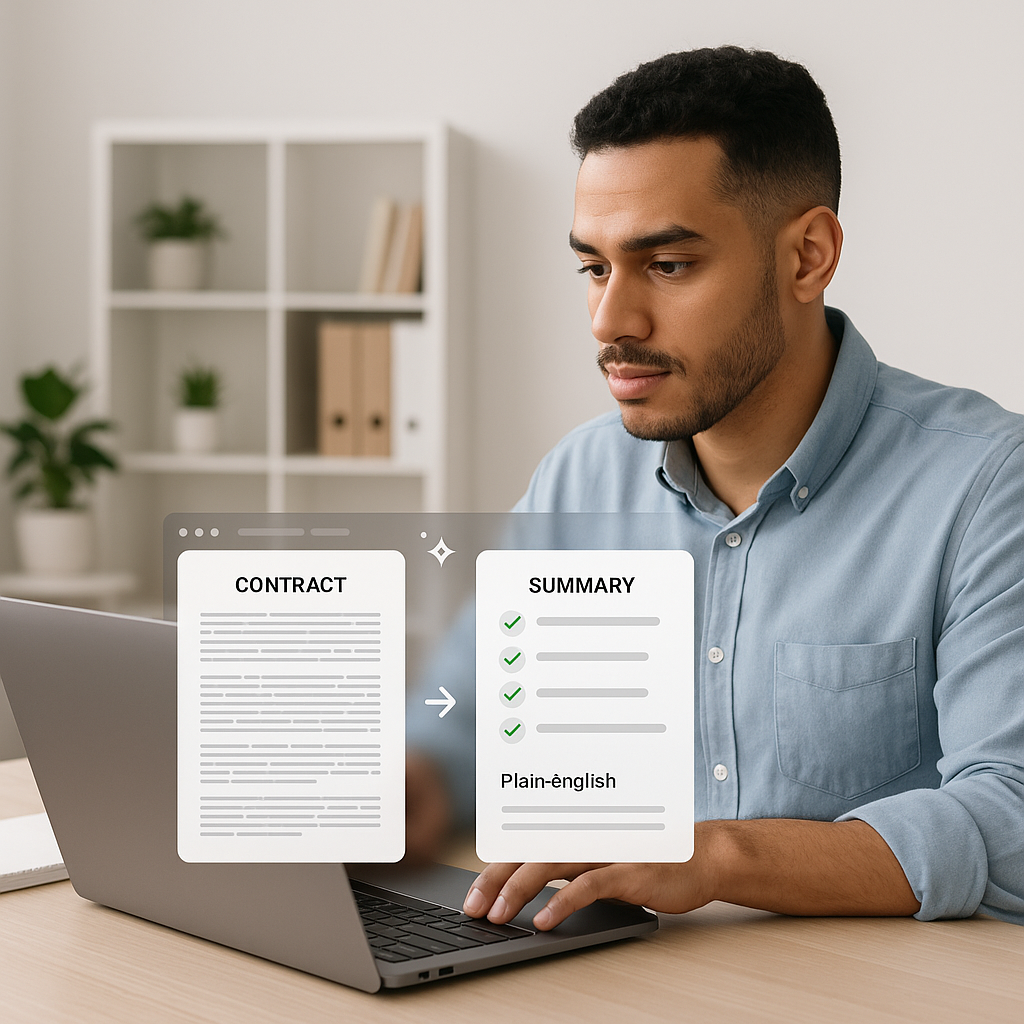
For many small businesses, freelancers, and independent professionals, the hardest part of closing a deal isn’t finding the client—it’s decoding the contract. Dense indemnity clauses, buried renewal terms, and pages of boilerplate can leave even seasoned operators nodding along to agreements they don’t fully understand. A new wave of contract-focused AI tools is trying to change that, turning complex documents into checklists, Q&A chats, and plain‑English summaries that clients can actually act on.
From lightweight web apps designed specifically for freelancers to more advanced platforms spun out of the legal tech world, these tools promise to compress what used to be hour‑long walkthroughs into a few minutes of AI‑assisted clarification. For small practices that live and die by fast, frictionless deals, the impact on client communication and review cycles could be substantial.
Why This Matters for Small Businesses and Solo Professionals
AI is already embedded in many back‑office workflows, but contracts have lagged behind—seen as too sensitive, too risky, or too “lawyer-only” to automate. That’s changing quickly. A 2025 survey on AI and contracts found that 55% of business professionals have already used AI to draft, edit, or review agreements, saving roughly four hours per week on contract‑related work—about 26 workdays per year. Nearly half (47%) reported closing a deal faster with AI than if they’d waited for traditional legal review.(smallpdf.com)
For a freelancer juggling multiple retainers, or a small agency trying to move proposals from “sent” to “signed” before the client’s enthusiasm fades, those time savings translate directly into revenue and less administrative drag. The same survey reported that some businesses saved more than $10,000 in a year by using AI instead of external counsel for routine matters.(smallpdf.com)
At the same time, clients themselves are signaling that they want help making sense of what they sign. One recent announcement from a major e‑signature provider highlighted that nearly 60% of consumers admit to signing contracts they don’t fully understand, but about three‑quarters say they’d feel more confident if they had A

Inside the New Wave of Contract-Clarity AI
From Wall of Text to Actionable Checklist
Emerging tools now focus less on full‑scale legal automation and more on readable, client‑ready explanations. Platforms such as ClauseIQ and Lexitize, for example, offer automated contract analyses that break agreements into key terms, risk scores, and red‑flag lists that a non‑lawyer can understand.(clauseiq.co)
- Plain‑English clause summaries: Instead of dense paragraphs, users see what a clause means in everyday language—what they must do, what they can’t do, and where the risks are.
- Red‑flag detection and risk scoring: Tools highlight problematic clauses—like broad indemnities, one‑sided termination rights, or auto‑renewal traps—and surface them in a dashboard or checklist.(clauseiq.co)
- Suggested questions and edits: Some services even propose questions to ask the counterparty or draft alternative language to rebalance unfair terms.(clauseiq.co)
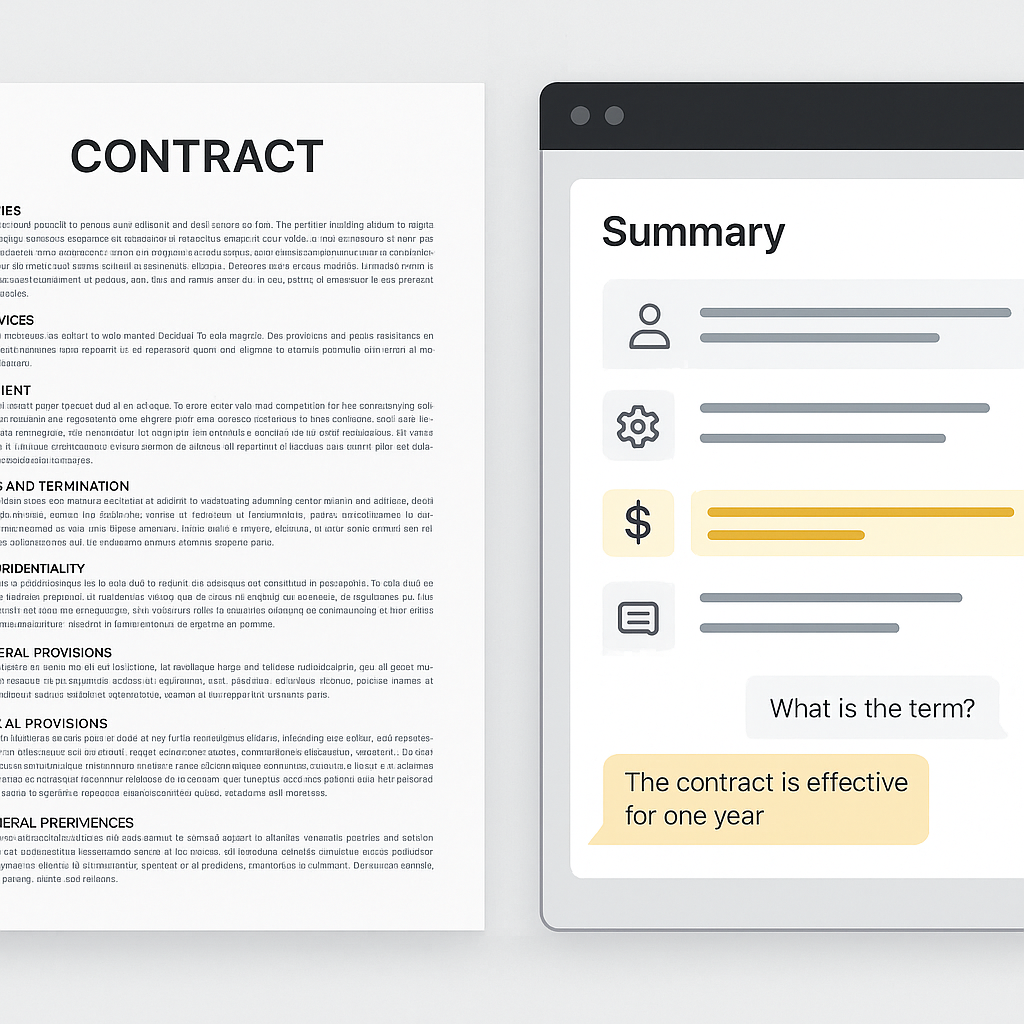
Instead of emailing a 12‑page PDF and hoping the client reads it, small firms can now share a summary view that anchors the discussion: “Here’s where the liability cap is; here’s the renewal term; here’s what happens if either side needs to exit.” That can dramatically shorten review cycles and reduce back‑and‑forth.
Chat With Your Contract, Not Just Your Lawyer
Another trend: conversational interfaces for documents. Platforms like Clara let users “chat with” their contracts, asking questions such as “What happens if we terminate early?” or “Is there a non‑compete?” The system responds in natural language and points to the specific sections it’s using.(clara.legal)
For time‑pressed business owners, this means they can get a first‑pass understanding at 11 p.m. on a Sunday, long before a lawyer’s office opens. It doesn’t replace legal advice, but it equips them with sharper questions and a clearer sense of what’s at stake before they hit “sign.”
AI in the Legal Mainstream—But Not Just for Big Law
While large firms are experimenting with AI in formal programs—one global firm recently began allowing junior lawyers to dedicate 20% of their billable time to exploring AI tools and workflows(thetimes.com)—the more transformative shift may be happening at the small end of the market.
Lightweight web‑based tools, low‑cost subscriptions, and free tiers make it realistic for solo attorneys, boutique agencies, and independent consultants to fold contract AI into their everyday workflows without enterprise budgets or IT teams. Legal tech vendors like LegalOn, which now serves thousands of companies and law firms with AI contract review software, signal how quickly these capabilities are maturing.(en.wikipedia.org)
“What used to require legal training and an hour of line‑by‑line reading is increasingly becoming a 60‑second AI pass and a focused, client‑friendly conversation.”
How QuickSign Fits Into the New Contract AI Landscape
As these specialized AI review tools gain traction, e‑signature platforms are racing to integrate similar capabilities into their workflows. That’s particularly important for small businesses, where contracts don’t live in isolation—they sit at the center of proposals, invoicing, approvals, and long‑term client relationships.
QuickSign positions itself squarely in this emerging space, but with a twist that’s tailored to small practices: it embeds AI document generation and contract workflows directly into an affordable, modern e‑signature stack.
- AI Document Generation: Rather than starting from scratch or copying old templates, users can generate contracts, NDAs, and service agreements with AI, then refine them to match each engagement.
- Effortless sending: The workflow is designed for non‑lawyers—upload a PDF, drag and drop signature and form fields, and send in seconds.
- Real‑time tracking: Status dashboards show when a document is opened, viewed, and signed, giving small teams instant visibility into where deals are stuck.
- Small‑business pricing: Unlike enterprise‑focused solutions that charge per seat, QuickSign uses flat‑rate pricing—$15 per month for the whole team—with a free tier that includes two AI document generations and one document send to unlimited recipients.
For solo lawyers, design studios, or fractional CFOs who need to explain standard terms over and over, combining AI‑assisted drafting with frictionless e‑signing means less time rebuilding the same documents and more time clarifying what actually matters to clients.
Practical Ways Small Practices Can Use Contract AI Today
1. Turn Standard Agreements Into Client‑Ready Explainers
Instead of emailing a bare contract, small firms can generate a companion summary: a checklist or bullet‑point overview of what the client is agreeing to—timelines, payment triggers, termination rights, and key risks. AI tools can help produce the first draft of this summary, which the professional then reviews and annotates.
That approach:
- Improves client understanding and trust.
- Cuts down on repeat questions across engagements.
- Reduces the risk of disputes based on “I didn’t realize that clause meant…” later on.
2. Use Clause‑Level Q&A as a Teaching Aid
For ongoing clients, small practices can maintain a standard set of answers to common questions—“What happens if we terminate early?” “When do late fees apply?”—using chat‑style AI interfaces layered on top of standard forms. Tools like Clara already exemplify how clause‑specific Q&A can anchor these conversations.(clara.legal)
While final advice should still come from the professional, having an AI‑assisted “first read” can make conversations more efficient and focused.
3. Accelerate Internal Review Without Skipping Legal Oversight
Even in small teams, not every document can go straight to a lawyer. Staff can use contract AI to flag obvious issues—missing signatures, lopsided liability provisions, or unusual auto‑renewal terms—before escalating the document for legal review. That triage can shorten turnaround times without sacrificing diligence.
4. Integrate AI‑Generated Documents Into a Clean E‑Signature Flow
Once a contract is generated or reviewed with AI, the next bottleneck is often administration: exporting, emailing, tracking, and filing. By pairing AI‑generated agreements with a platform like QuickSign, small firms can keep the entire lifecycle—creation, clarification, sending, and signing—inside a single workflow.
Thoughtful use of AI isn’t about replacing lawyers; it’s about shifting their time from decoding boilerplate to advising on business decisions.
Risks, Limits, and How to Use Contract AI Responsibly
As attractive as the efficiency gains are, contract AI is not a substitute for legal advice, especially in higher‑risk or novel situations. Surveys on AI and contracts show that trust is still mixed: around one in five professionals cite lack of trust in AI for legal matters, and others worry about privacy and data security.(smallpdf.com)
For small businesses, a few practical guardrails can help:
- Treat AI as a first pass, not a final word. Use tools to surface red flags and clarify language, but let a qualified professional make the final judgment on high‑value or high‑risk deals.
- Protect sensitive data. Choose vendors with clear privacy policies and strong encryption; avoid pasting highly sensitive or regulated data into unvetted tools.
- Standardize what you can. Use AI to generate and maintain standard templates for common engagements, then customize only where necessary.
- Document your process. Keep a record of when AI was used, what changes were made, and who approved them—useful for both compliance and internal learning.
The Road Ahead: From Legalese to Transparency by Default
As contract‑focused AI matures, the expectation that clients will simply “sign and trust us” is fading. With more professionals reporting time and cost savings from AI in contract work—and more consumers asking for understandable summaries—plain‑language clarity is becoming a competitive advantage, not just a nice‑to‑have.(smallpdf.com)
For small firms and independent professionals, the opportunity is twofold: use AI to streamline internal workflows, and use the same tools to offer a better, more transparent experience to clients. Platforms like QuickSign, which combine AI document generation with affordable e‑signature and tracking, are positioning themselves as the glue that holds this new workflow together—bridging the gap between sophisticated legal tech and everyday business users.
Looking for an affordable e-signature solution? Try QuickSign for free - no credit card required.