Employee Onboarding E‑Signature: How QuickSign Transforms New Hire Paperwork
Streamline employee onboarding e-signature with QuickSign. Cut paperwork, speed up approvals, and deliver a seamless, compliant new hire experience.
Employee Onboarding E‑Signature: How QuickSign Transforms New Hire Paperwork
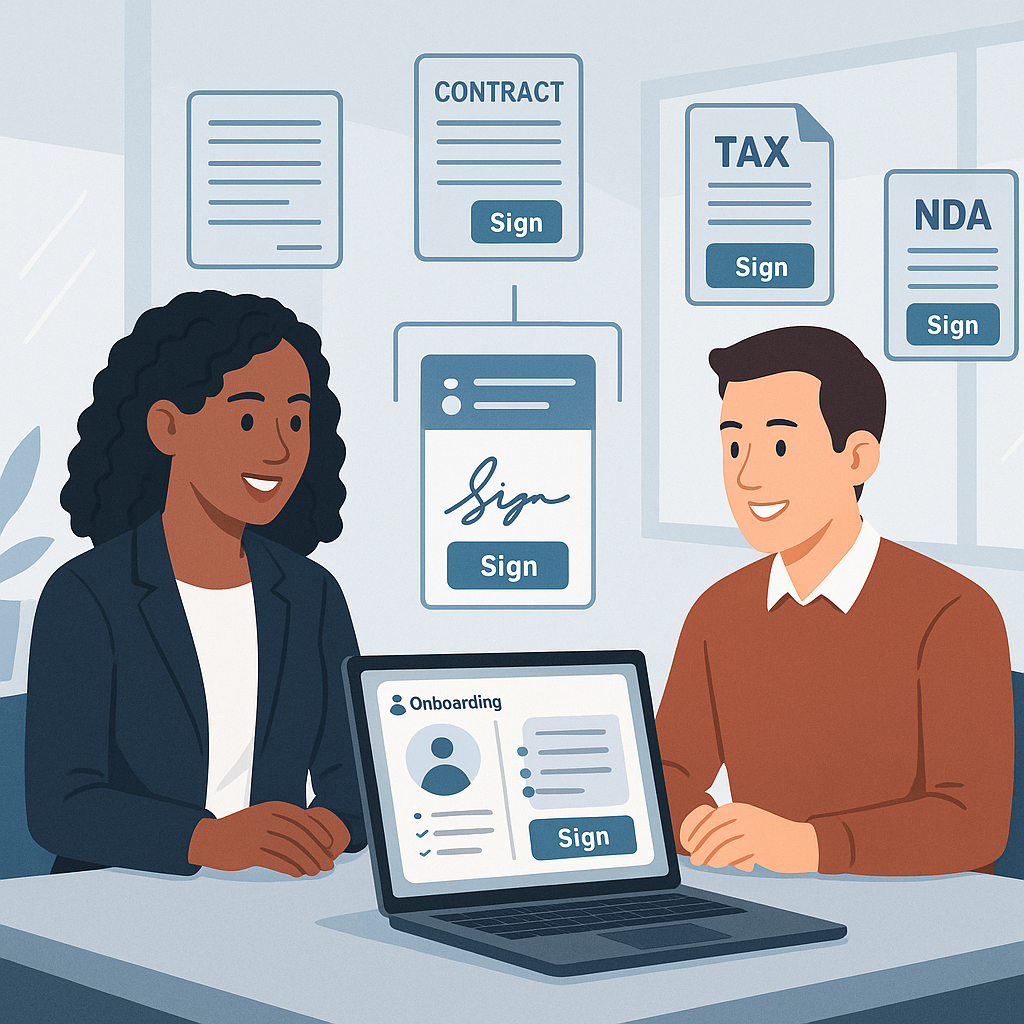
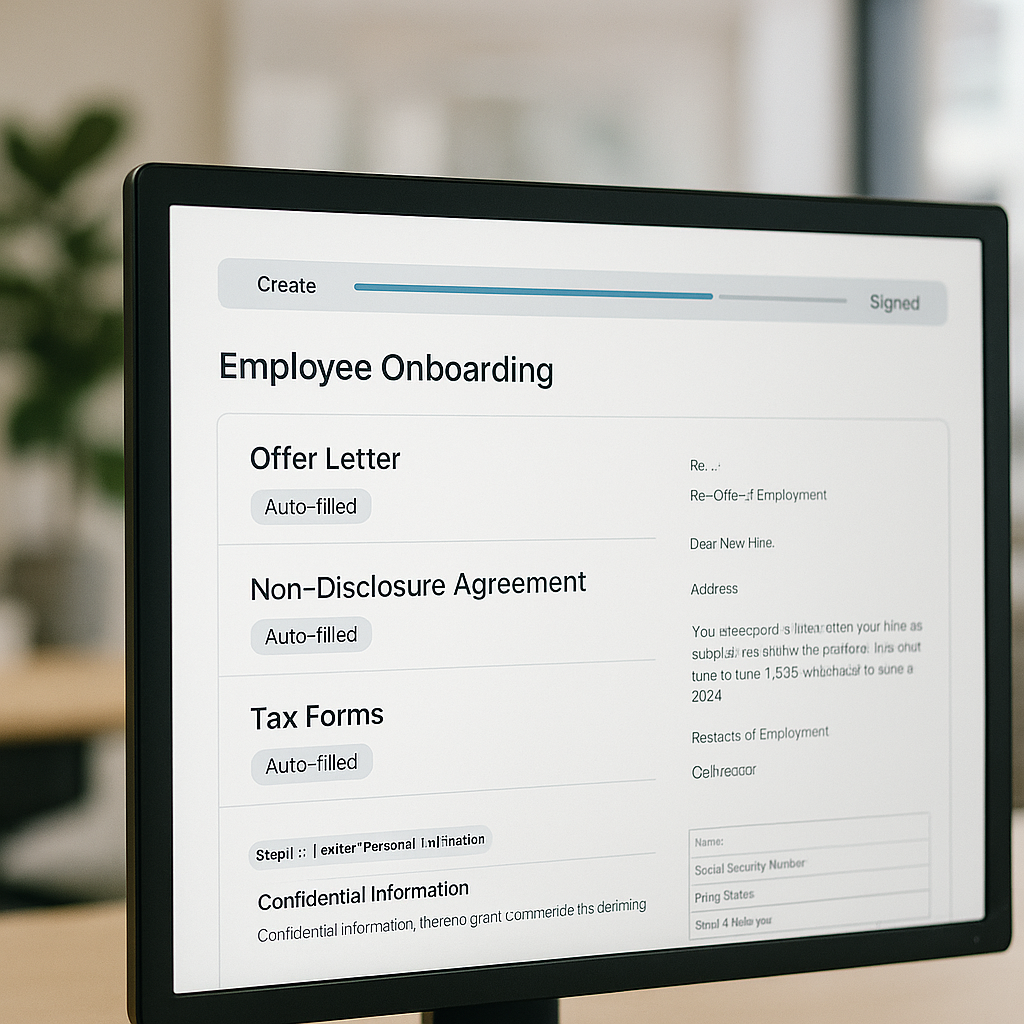
HR and operations teams know that “welcome to the company” often starts with… a pile of paperwork. New hires juggle offer letters, tax forms, NDAs, policy acknowledgements, and benefits enrollments—often across email threads, shared drives, and paper forms. Documents go missing, signatures are delayed, and onboarding stalls.
Modern e‑signature tools have solved some of this, but many platforms are expensive, rigid, and still require you to prepare every document manually. That’s where QuickSign stands out: it doesn’t just collect signatures, it helps you generate the onboarding documents themselves with AI and send them for signature in under a minute.
In this guide, you’ll learn how to streamline employee onboarding e‑signatures end‑to‑end using QuickSign.it, with practical workflows, time and cost savings, and implementation tips for HR and business leaders.
Key idea: With QuickSign, HR teams can go from “we need a contract and NDA” to “documents signed” in a single, automated flow—no manual drafting, no per‑seat pricing, and no chasing signatures.
Why Employee Onboarding Desperately Needs E‑Signatures
Before we dive into how QuickSign works, it’s worth spelling out the common pain points HR and hiring managers face.
1. Too many documents, too many touchpoints
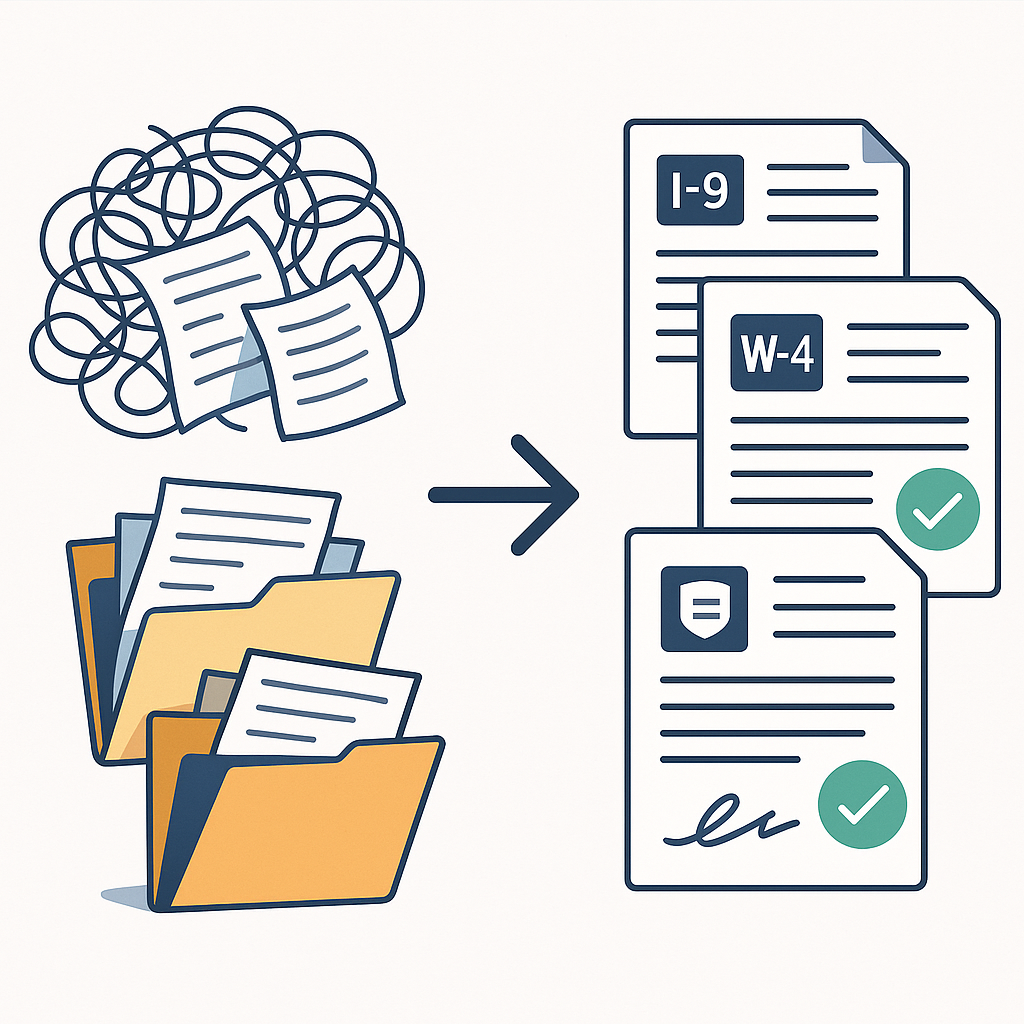
A standard U.S. new‑hire packet can easily include:
- Employment offer letter and contract
- Form I‑9 (employment eligibility verification) and supporting ID docs(en.wikipedia.org)
- Form W‑4 and state tax forms(indeed.com)
- Non‑disclosure agreements (NDAs) and IP assignment
- Employee handbook and policy acknowledgements(paylocity.com)
- Benefits enrollment and direct deposit forms
Managing all of this with paper or email attachments slows everyone down and increases errors.
2. Compliance risk with manual workflows
U.S. employers must complete Form I‑9 for each hire and can face fines for non‑compliance.(en.wikipedia.org) Employment contracts and acknowledgements must also be stored and retrievable for audits and disputes. When HR relies on ad‑hoc email chains and shared folders, it’s easy to lose track of which employee signed what—and when.
3. Poor first impression for new hires
Nobody enjoys printing, signing, scanning, and emailing documents on their first day. A clunky paperwork experience signals that the company is behind the times. Conversely, a clean, mobile‑friendly e‑signature process sets a professional tone from day one.
4. Cost and complexity of many e‑signature tools
Many e‑signature products are sold per seat, making it costly to roll out to every HR stakeholder, recruiter, or hiring manager. Others make it easy to collect signatures, but hard to prepare the documents themselves—you still need a lawyer or templates for every contract and NDA.
QuickSign was built to solve these problems specifically for teams that onboard employees regularly but don’t want enterprise‑grade complexity or pricing.
Are E‑Signatures Legal for Employee Onboarding?
Yes—when implemented correctly, electronic signatures are widely recognized as legally binding for employment contracts and onboarding documents in the U.S.
- The federal ESIGN Act states that a contract or signature “may not be denied legal effect, validity, or enforceability solely because it is in electronic form.”(en.wikipedia.org)
- The Uniform Electronic Transactions Act (UETA), adopted by almost all U.S. states, similarly provides that electronic signatures satisfy legal signature requirements.(en.wikipedia.org)
- Recent legal guides confirm that electronic signatures are valid for HR employment contracts as long as parties consent, the signer is identifiable, and records are retained accurately.(lawsoup.org)
QuickSign supports compliant workflows by capturing signer intent (click‑to‑sign), associating signatures with documents, and maintaining a clear record of who signed what and when—core expectations under ESIGN/UETA.
Pro tip: In your onboarding emails, explicitly state that you’re using electronic signatures and that continuing with the process indicates consent to sign electronically. This simple step strengthens compliance and sets expectations.
How HR Teams Use QuickSign for Employee Onboarding
QuickSign.it goes beyond basic e‑signature by combining AI document generation, intuitive document preparation, and fast sending into one lightweight platform.
1. Generate onboarding documents with AI (no templates needed)
Most tools require you to upload pre‑written contracts or start from templates. With QuickSign, HR can simply describe the document they need, and the AI drafts it in seconds.
Example prompts for onboarding:
- “Create a full‑time employment agreement for a software engineer in California including IP assignment, confidentiality, and at‑will employment language.”
- “Draft an NDA for a remote contractor with a 2‑year non‑disclosure period.”
- “Generate an offer letter for a sales role with base salary, commission structure, and standard at‑will employment terms.”
From there, HR can review, edit, and finalize the text before sending it for signatures—all within QuickSign.it. This dramatically reduces dependence on manual templates or external tools.
2. Upload and prepare standard HR PDFs
For forms that must be used in their original format (for example, government or payroll PDFs), QuickSign supports an upload + drag‑and‑drop workflow:
- Upload your PDF (such as a handbook acknowledgement, device policy, or benefits form).
- Use drag‑and‑drop field placement to position:
- Signature fields
- Date fields
- Initial boxes
- Text fields (for phone, address, etc.)
- Assign each field to the correct signer (employee, HR, manager).
This ensures new hires sign in all the right places the first time—no more bouncing documents back and forth because someone missed a signature line.
3. Send to new hires in seconds
Once your document is ready, seamless sending makes distribution almost instant:
- Enter the employee’s name and email.
- Optionally add HR or manager as co‑signers.
- Add a short message (for example, “Please review and sign your employment agreement before your start date on March 1.”).
- Click send—QuickSign delivers secure signing links via email.
New hires can sign from any device—desktop, tablet, or phone—without creating an account.
4. Track onboarding progress in real time
One of the most valuable onboarding features is real‑time tracking. With QuickSign, HR can see:
- Which documents have been sent
- Which have been opened but not yet signed
- Which are fully signed and completed
This visibility is crucial when juggling multiple hires or coordinating start dates. Instead of manual checklists or status emails, HR works from a single, up‑to‑date view.
5. Keep costs predictable with flat‑rate pricing
Unlike traditional per‑seat solutions, QuickSign offers flat‑rate pricing at $15/month for the whole team. That means:
- No per‑user license juggling for recruiters, HR generalists, and hiring managers
- Easy budgeting for growing teams that are adding more hires—and more internal users
- Freedom to let anyone who needs to send onboarding documents log in and work
There’s also a generous free tier: generate 2 documents and send 1 document to unlimited recipients at no cost, making it simple to pilot the workflow on an upcoming hire.
Example: A Complete QuickSign Onboarding Workflow
To make this concrete, here’s how a typical small or mid‑sized business might use QuickSign.it to onboard a new employee.
Step 1: Create the employment agreement with AI
The HR manager opens QuickSign and types:
“Generate a full‑time employment contract for a marketing manager based in Texas, salary $80,000, at‑will employment, 90‑day probationary period, company‑owned IP, standard confidentiality clause.”
Within seconds, QuickSign’s AI produces a draft contract. HR reviews the language, edits any company‑specific sections, and saves the document.
Step 2: Attach NDA and policy acknowledgements
Next, HR uploads existing PDFs:
- Company NDA
- IT usage and security policy acknowledgment
- Employee handbook acknowledgment form
Using drag‑and‑drop field placement, they add the necessary signature and date fields for the employee and HR representative.
Step 3: Send the full packet for signature
HR selects all three documents (contract, NDA, policy acknowledgements) and sends them to the new hire in one sequence. In the email message, they explain the deadline and next steps.
The new hire receives a clear, mobile‑friendly link, reviews each document, and completes all signatures in a single guided flow.
Step 4: Monitor status and send reminders
From the QuickSign dashboard, HR sees that the employee has opened the documents but hasn’t yet signed the NDA. Real‑time tracking shows “Viewed” status, so HR knows a gentle reminder may help.
They send an automated reminder right from QuickSign.it, avoiding back‑and‑forth emails.
Step 5: Store finalized documents
Once signed, all documents are marked as “Completed” and stored digitally. HR can:
- Download PDFs with signature certificates
- Save them into the employee’s digital file or HRIS
- Retrieve them quickly during audits or legal reviews
This creates a defensible, auditable trail for every hire without extra admin work.
Key takeaway: With QuickSign, a single HR generalist can move from “approved headcount” to “signed offer and NDA” the same day—no lawyers, no paperwork bottlenecks, and no chasing signatures.
Time and Cost Savings from E‑Signature Onboarding
Faster completion times
E‑signatures routinely shorten contract turnaround from days to hours. Industry reports show that digital signatures can accelerate agreement cycles by 80% or more in many business settings, because documents are delivered instantly and signed on any device. While specific numbers vary by company, HR teams typically see:
- Offer letter acceptance in hours instead of days
- Pre‑day‑one paperwork (NDAs, acknowledgements) completed before the start date
- Less time spent fixing missed signatures or incomplete forms
By layering AI document generation on top of e‑signature, QuickSign also cuts the time spent drafting and customizing documents themselves—often the hidden bottleneck in onboarding.
Reduced admin effort per hire
Estimate the manual work per new hire in a traditional process:
- 30–60 minutes drafting or updating the offer and contract
- 20–30 minutes collecting signatures, following up, and fixing errors
- 15–30 minutes filing, renaming PDFs, and logging status
If QuickSign cuts that total by even 50%, HR can save 30–60 minutes per hire. For a team hiring 10 people per month, that’s 5–10 hours of HR time back every month to invest in higher‑value onboarding activities like training and culture building.
Predictable, lower software costs
Many e‑signature tools charge per user, which becomes expensive when recruiters, HR leaders, and managers all need access. With QuickSign you get:
- Flat‑rate $15/month for the entire team
- No “seat” management or surprise license costs as you grow
- A free tier to test onboarding workflows before committing
For small and mid‑sized businesses, this can translate into hundreds or thousands of dollars saved annually compared to per‑seat tools, while still giving every stakeholder the ability to send and track onboarding packets.
Best Practices: Rolling Out QuickSign for Onboarding
Standardize your onboarding document set
Start by deciding which documents will always be part of your onboarding flow. For example:
- Offer letter + employment contract
- NDA and IP assignment
- Handbook and IT policy acknowledgements
- Any role‑specific agreements (commission plans, on‑call agreements, etc.)
Use QuickSign’s AI to draft standard versions of each, then keep them ready as your base templates.
Create reusable field layouts for PDFs
For static PDFs you’ll reuse (like policy acknowledgements), set up fields once using drag‑and‑drop signature, date, and initial boxes. Save these configurations so future hires can be onboarded with just a few clicks.
Bundle documents into a single signing flow
Where possible, send a complete packet rather than multiple separate emails. With QuickSign, you can combine AI‑generated contracts and uploaded PDFs into a single signing session, reducing confusion and ensuring all required signatures are collected together.
Leverage real‑time tracking to manage deadlines
Make a habit of checking your QuickSign dashboard during hiring spikes:
- Filter for “Sent” but “Not signed” documents
- Send timely reminders to candidates or new hires
- Flag any contracts that might delay a start date
This proactive view helps HR keep offers moving and prevents last‑minute delays.
Helpful Video Resources on Onboarding with E‑Signatures
For teams that prefer to learn visually, here are some relevant YouTube resources that complement a QuickSign-based onboarding workflow:
How to onboard users to an e‑signature platform
Choosing an e‑sign solution for new hire onboarding
Simplifying onboarding with signature requests
While these videos are platform‑agnostic or reference other tools, the concepts translate directly to how you’ll configure roles, documents, and workflows inside QuickSign.
Why QuickSign is Ideal for Modern Employee Onboarding
For business professionals evaluating document signing solutions, the question isn’t just “can it collect signatures?”—it’s “does this actually make onboarding easier for my team and my new hires?” QuickSign.it is designed to say “yes” to that broader question:
- AI document generation means HR can create compliant contracts, NDAs, and offer letters from natural‑language prompts instead of hunting for old templates.
- Drag‑and‑drop field placement ensures every PDF—government forms, policy acknowledgements, custom documents—is easy to prepare and impossible to mis‑sign.
- Seamless sending lets you move from draft to signature request in seconds, not hours.
- Real‑time tracking gives HR instant visibility into who has opened, viewed, and signed their onboarding paperwork.
- Affordable flat‑rate pricing at $15/month for the whole team keeps costs predictable and accessible even for small businesses and startups.
For HR managers, founders, and operations leaders, this adds up to a faster, more professional onboarding experience, less administrative friction, and a stronger first impression for every new hire.
Ready to simplify your document signing? Try QuickSign for free - generate 2 documents and send 1 document to unlimited recipients at no cost. No credit card required.