Employment Contract E-Signature: A Practical Guide for Modern HR Teams
Streamline hiring with employment contract e-signature. Learn legal basics, best tools, and HR workflows to sign faster, stay compliant, and wow new hires.

Employment Contract E-Signature: A Practical Guide for Modern HR Teams
Employment contracts are the backbone of every hiring relationship. But printing, signing, scanning, and filing paper agreements is slow, error-prone, and out of step with how modern businesses operate. That’s where employment contract e-signatures come in.
In this guide, you’ll learn how electronic signatures work for employment contracts, when they’re legally valid, and how HR and business leaders can streamline hiring using tools like QuickSign — a modern, affordable e-signature solution built for speed and simplicity.
Key takeaway: In most jurisdictions, an employment contract signed electronically is just as legally binding as a paper contract — provided you use a compliant process and can prove who signed, what they signed, and when.
Are E-Signatures on Employment Contracts Legal?
Yes. In many countries, electronic signatures are recognized as legally valid, including for employment contracts, as long as certain conditions are met.
Legal frameworks that enable employment contract e-signatures
- United States: The federal ESIGN Act and state-level UETA laws state that a contract or signature cannot be denied legal effect solely because it is in electronic form.(en.wikipedia.org)
- European Union: The eIDAS regulation gives electronic signatures legal effect across EU member states, with different levels of assurance (simple, advanced, qualified).
- United Kingdom, Canada, Australia, and others: Each has its own e-signature legislation, and in most cases, employment contracts can be signed electronically as long as intent, consent, and integrity of the record are preserved.
There are some limited exceptions — for example, certain family law documents, wills, or highly regulated documents may require wet-ink signatures in some jurisdictions. Employment contracts are generally allowed to be signed electronically, but if you’re in a highly regulated industry or operating in multiple countries, it’s wise to get legal counsel to confirm local requirements.
Pro tip: Document your e-signature policy internally (HR + Legal). Clearly define when electronic signatures are allowed for employment agreements and what process to follow so every manager hires in a compliant way.
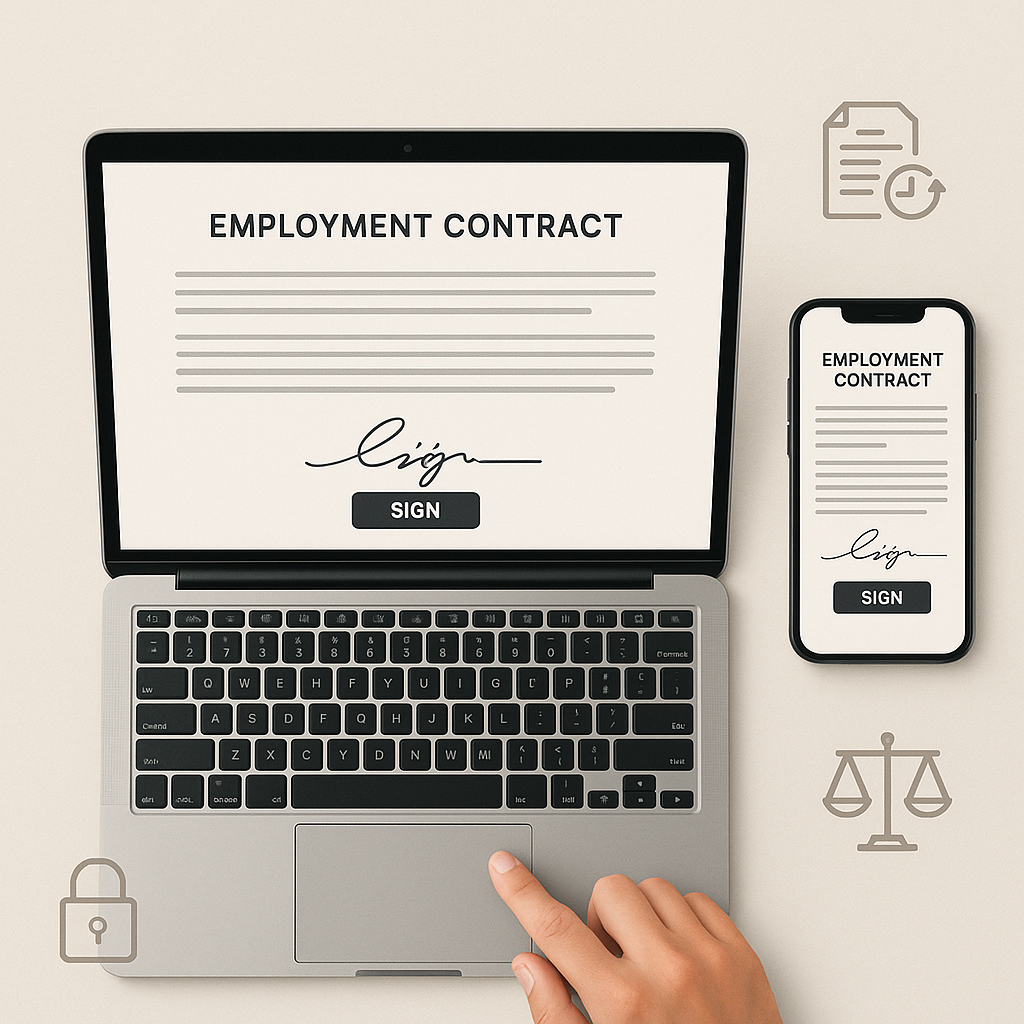
Why Switch to E-Signatures for Employment Contracts?
Moving from paper to electronic signatures isn’t just about convenience — it has tangible business impact across HR, finance, and operations.
1. Faster hiring and onboarding
Traditional hiring workflows often look like this: send a PDF, wait for the candidate to print, sign, scan, email back, then HR prints and files it again. This can add days of friction.
With an e-signature solution like QuickSign, HR can:
- Generate a contract automatically using AI (no manual editing each time)
- Send it for signature in under 60 seconds
- Receive a fully signed PDF in minutes instead of days
Faster signature turnaround means candidates can resign from their current role sooner and you can lock in top talent before competitors.
2. Reduced administrative workload
Every manual step — downloading a Word file, updating names, replacing salary figures, chasing signatures — is a chance for errors and delays. E-signature platforms automate much of this.
QuickSign goes further with AI-powered document generation. Instead of editing a template manually, HR can describe the role (“Senior marketing manager in New York, $95,000 base, eligible for 10% bonus, hybrid schedule”) and let AI draft a compliant employment contract that can be reviewed and adjusted before sending.
3. Better compliance and auditability
For HR, compliance is everything. You need to show that employees:
- Received the correct version of the contract
- Agreed to the terms knowingly
- Signed on a specific date and time
Modern e-signature tools provide:
- Audit trails showing who opened, viewed, and signed the document
- Tamper-evident documents to detect any changes after signing
- Centralized storage so HR can quickly retrieve any signed contract
With QuickSign, real-time tracking lets HR know exactly when a candidate opens, reviews, or signs their employment agreement, making it easier to follow up and document the process.
4. Cost savings vs. legacy providers
Legacy e-signature platforms are powerful but often priced for enterprises, with complex feature bundles and per-user fees. For example, popular tools like DocuSign commonly charge per user, with standard business plans often in the $25–$45 per user per month range and higher plans costing $65+ per user per month.(thebusinessdive.com) Costs add up quickly when HR, finance, and managers all need accounts.
By contrast, QuickSign is built for small businesses and growing teams:
- Affordable flat-rate pricing: starts at $15/month for the whole team — not per user
- Generous free tier: generate 2 documents and send 1 d
ocument to unlimited recipients at no cost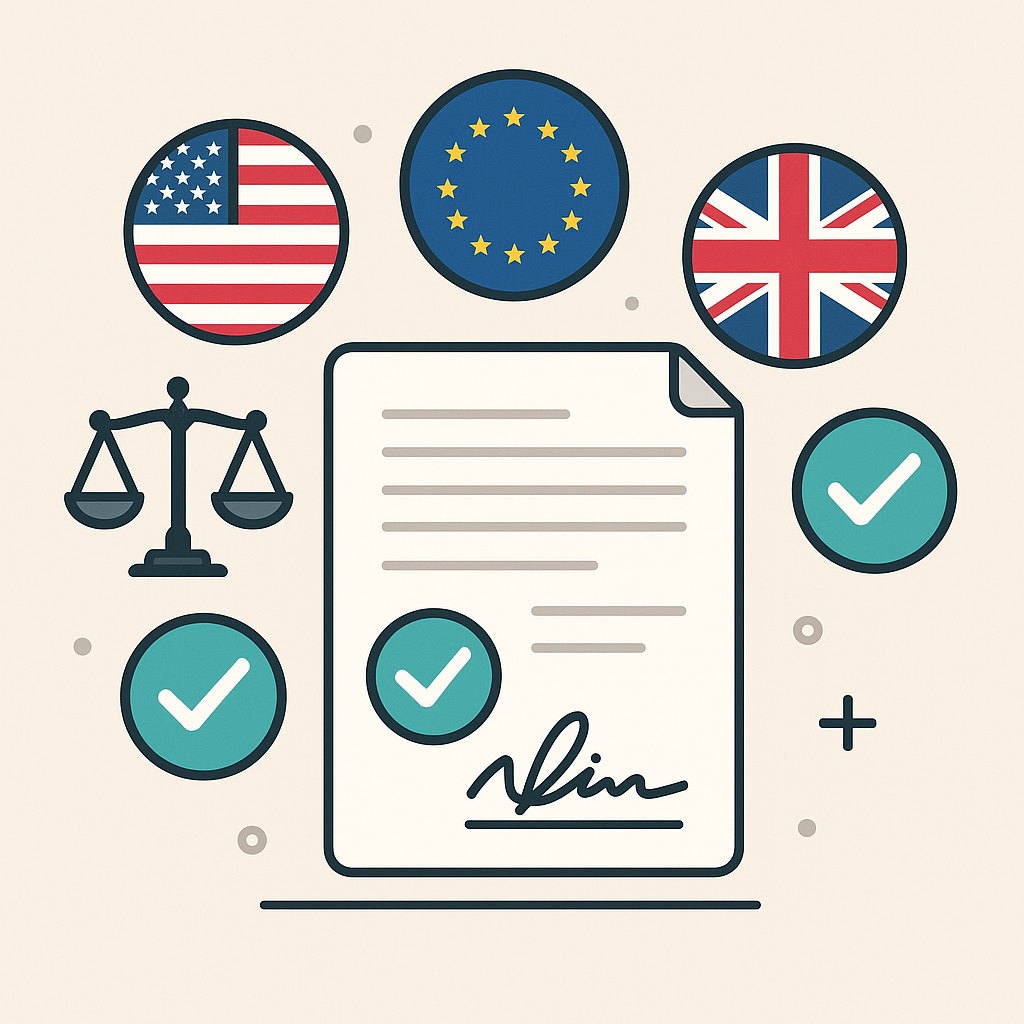
- No hidden fees: no complex enterprise contracts or surprise overage charges
That makes it realistic to give all HR staff and managers access without worrying about per-seat licensing.
How E-Signatures Work for Employment Contracts (Step-by-Step)
Let’s walk through a typical employment contract e-signature workflow and highlight where QuickSign can streamline each step.
Step 1: Draft the employment contract
You have two main options:
- Use an existing template in Word or PDF: This is common if your legal team has already approved standard clauses.
- Use AI to generate the contract from scratch: With QuickSign, you can describe the role and conditions in natural language and let the AI draft a full employment agreement that you can review and edit.
For HR leaders managing multiple roles, locations, and contract types (full-time, part-time, contractor), AI document generation can significantly reduce drafting time and ensure consistency across all agreements.
Step 2: Upload and add signature fields
Once your contract is ready in PDF format, you’ll upload it to your e-signature platform. From there, you need to mark where each party should sign or enter data.
QuickSign provides a drag-and-drop field placement interface:
- Drag signature, date, text, and initials fields onto the contract
- Assign each field to the right signer (e.g., “Employee” vs. “Company representative”)
- Optionally add checkboxes (e.g., acknowledging specific policies) or text fields (e.g., start date if it may change)
This visual approach reduces errors like missing signatures or fields placed on the wrong page.
Step 3: Add recipients and send for e-signature
Next, you’ll add the candidate’s email address and the internal signer (such as the hiring manager or HR director). In most tools, you can set a signing order (e.g., candidate signs first, then HR) if needed.
With QuickSign, seamless sending makes this step quick:
- Add one or multiple recipients
- Customize the email subject and message to explain what the document is
- Send in seconds — the candidate receives a secure link where they can review and sign
QuickSign’s AI-powered document variables can auto-fill recipient details like name, email, job title, and salary into the contract, reducing manual errors and ensuring every recipient sees personalized terms.
Step 4: Track status in real time
As soon as you send the employment contract, the waiting game begins. Candidates may be comparing offers, checking with family, or simply busy.
Real-time tracking in QuickSign lets HR see:
- When the candidate opened the email
- When they viewed the contract
- Exactly when they signed
If you notice the candidate hasn’t opened the contact after a day or two, HR can send a gentle reminder or reach out personally — all with better context than “just checking in.”
Step 5: Store and share the signed contract
Once all parties sign, the platform will generate a final signed PDF with an audit trail. HR can:
- Download the contract for the HRIS or payroll system
- Securely store it in a centralized repository
- Share copies with IT, Finance, or line managers as needed
Centralizing signed employment contracts simplifies compliance audits, internal reviews, and future reference (e.g., promotions, disputes, or offboarding).
Real-World Use Cases: E-Signatures in the Hiring Lifecycle
Use case 1: High-volume hiring
Retail, hospitality, call centers, and seasonal businesses often hire dozens or hundreds of employees in a short period. Managing paper contracts in these scenarios is a nightmare.
An e-signature platform with flat-rate pricing like QuickSign is ideal for high-volume hiring because you can:
- Generate standardized roles with AI (e.g., “Seasonal Warehouse Associate”)
- Send bulk employment offers rapidly
- Track who has signed and who still needs follow-up, all from a central dashboard
Use case 2: Fully remote or hybrid teams
For remote-first companies, requiring new hires to print and scan contracts creates friction and a poor first impression. E-signatures are essential for:
- Employment contracts and offer letters
- Non-disclosure agreements (NDAs)
- IP assignment and confidentiality agreements
- Policy acknowledgements (e.g., remote work, security, code of conduct)
Electronic signatures let you handle all of this before day one, so the employee can start fully onboarded.
Use case 3: SMBs upgrading from manual workflows
Many small and medium-sized businesses rely on manual Word templates and PDF email attachments. They recognize the risk and inefficiency, but enterprise-oriented tools feel too expensive or complex.
While platforms like DocuSign and HelloSign charge per user and can quickly become expensive, QuickSign offers flat-rate pricing starting at just $15/month with unlimited team members. Combined with a generous free tier (2 document generations and 1 send to unlimited recipients), it’s a practical on-ramp for SMBs that want to modernize hiring workflows without committing to large contracts.
How to Insert and Collect E-Signatures in Employment Contracts (Tools & Tutorials)
If your HR team lives in Word today, it’s helpful to understand how signatures typically get into documents before you upload them to an e-signature tool.
Adding electronic signatures in Word
These YouTube tutorials provide a good visual starting point:
However, a critical distinction: typing or inserting an image of a signature in Word is not the same as using a dedicated e-signature platform. For HR compliance, you typically need:
- Authentication of the signer (e.g., unique email link)
- Consent to use electronic signatures
- An audit trail showing the signing process
- Protection against post-signature tampering
That’s why many organizations draft in Word but finalize the signing process through a platform like QuickSign, which handles the legal and technical requirements of electronic signatures.
Pro tip: Use Word or Google Docs to draft employment contracts, then export to PDF and upload to your e-signature tool. Let the e-sign platform manage fields, routing, and compliance — not Word itself.
Key Features to Look for in an Employment Contract E-Signature Tool
Not all e-signature tools are created equal, and HR teams have some specific needs. Here are the capabilities to prioritize.
1. AI document generation and templates
For growing companies, manually editing each contract is error-prone. AI document generation, like in QuickSign, lets you:
- Describe the role, location, compensation, and employment type in natural language
- Generate a full draft contract that aligns with your standard clauses
- Use variables to auto-fill candidate-specific details every time
This keeps contracts consistent and drastically reduces HR’s preparation time per hire.
2. Drag-and-drop field placement
HR should not need IT support to mark where someone must sign. A visual, drag-and-drop interface for signatures, dates, initials, and text fields is essential.
QuickSign makes it simple to:
- Place fields on the correct pages and clauses
- Assign each field to specific signers (employee, HR, manager)
- Reuse layouts for similar roles to avoid repetitive setup
3. Real-time tracking and reminders
HR often manages dozens of open contracts at once. Real-time status tracking saves countless “Did they sign yet?” emails by showing:
- Waiting to send
- Sent but unopened
- Opened but unsigned
- Partially signed
- Completed
With QuickSign, you can see this at a glance and follow up strategically with candidates who may be hesitating or stuck.
4. Pricing that matches HR’s usage
HR teams typically care about the number of documents and number of hires, not how many internal staff need access. That’s why per-user pricing structures can be frustrating — every recruiter or manager you add increases your bill, even if they only send a few contracts.
As shown by multiple pricing analyses, major providers like DocuSign often charge around $25–$45 per user per month for standard business plans, with higher tiers costing more and some enterprise plans reporting thousands of dollars annually.(pricelevel.com)
QuickSign takes a different approach:
- Flat-rate pricing starting at $15/month — for your whole team
- Unlimited team members — no extra per-seat fees
- Transparent limits — no complex envelopes vs. users math
This makes budgeting predictable and encourages adoption across HR, legal, and business units.
Best Practices for Using E-Signatures on Employment Contracts
1. Get explicit consent to e-sign
Include a short clause in your offer letter or an on-screen prompt that clearly states the candidate agrees to conduct the transaction electronically and understands that an electronic signature is legally binding in their jurisdiction.
2. Use clear naming and version control
Name contracts consistently (e.g., “Employment Agreement – [Candidate Name] – [Role] – [YYYY-MM-DD]”) so HR can easily identify the latest signed version. Avoid sending multiple different drafts without marking which is final.
3. Centralize access for HR, not just individuals
Ensure contracts are stored in a central account or integrated document management system, not just in a recruiter’s inbox. This protects you when staff leave and supports audits, disputes, and internal reviews.
4. Train hiring managers on the process
Even with an easy-to-use tool like QuickSign, take time to:
- Document your standard steps for sending offers
- Set expectations for follow-up timelines
- Clarify who is allowed to sign on behalf of the company
This keeps your brand and legal risk aligned across all hiring teams.
Choosing the Right E-Signature Solution for Employment Contracts
When comparing document signing tools, always consider your specific HR needs — not just generic feature lists.
Here’s a simple comparison lens:
- Legacy platforms (e.g., DocuSign, HelloSign): Deep feature sets, strong enterprise integrations, but often priced per user and sometimes require enterprise contracts. Great for large corporations, potentially overkill or expensive for small teams.
- Document-centric suites (e.g., PDF editors with basic signing): Good for ad hoc signatures but often lack proper workflows, tracking, and AI-powered document generation.
- Modern SMB-focused tools like QuickSign: Built for speed, affordability, and ease of use — ideal for solo entrepreneurs, agencies, and small-to-mid-sized businesses.
QuickSign in particular stands out for HR use because it combines:
- AI document generation for contracts, NDAs, and agreements
- Drag-and-drop field placement to set up signing in minutes
- Seamless sending and real-time tracking for transparent hiring workflows
- AI-powered variables to auto-fill recipient information
- Generous free tier plus flat-rate pricing that doesn’t punish you for adding more users
If your goal is to streamline employment contracts specifically — and not to build a heavy, company-wide contract lifecycle management stack — this kind of focused, modern solution is often the best fit.
Ready to simplify your document signing? Try QuickSign for free - generate 2 documents and send 1 document to unlimited recipients at no cost. No credit card required.