Flat Rate vs Per Seat E‑Signature Pricing: How to Choose the Right Model for Your Business
Compare flat rate vs per seat e-signature pricing, uncover true costs, and choose the right model for your business to save money and scale smarter.

Flat Rate vs Per Seat E‑Signature Pricing: How to Choose the Right Model for Your Business
E‑signature tools have gone from “nice to have” to “must have” for modern teams. But as soon as you start comparing platforms, one thing becomes obvious: pricing models are all over the place. Some charge per user, some per envelope, and a few – like QuickSign – offer a simple flat monthly rate for your whole team.
Understanding the trade‑offs between flat rate and per seat pricing is critical if you want to control costs and avoid surprise invoices. In this guide, we’ll break down each model, show how they impact your budget over time, and illustrate how a flat‑rate solution like QuickSign.it can dramatically simplify both pricing and day‑to‑day document workflows.
Key takeaway: The biggest difference between flat rate and per seat e‑signature pricing isn’t just the sticker price—it’s how predictable your costs are as your team and document volume grow.
Why E‑Signature Pricing Feels So Confusing
Most e‑signature providers use some combination of:
- Per seat (per user) pricing – you pay a fixed amount for each person on your team who needs to send documents.
- Usage limits – “envelopes” or documents per month or per year, with overage fees if you exceed them.
- Feature gating – advanced options only in higher tiers.
Industry benchmarks show that e‑signature tools often cost $10–$50 per user per month depending on the plan and provider, with mid‑tier team plans commonly around $25 per user per month.(esignglobal.com) For a 10‑person team, that can quickly turn into hundreds of dollars a month – and that’s before any overage fees.
QuickSign takes a different approach: an affordable flat‑rate plan at $15/month for your entire team, with no per‑seat fees. Instead of paying for every user, you pay once and let your whole team create and send documents.
What Is Per Seat E‑Signature Pricing?
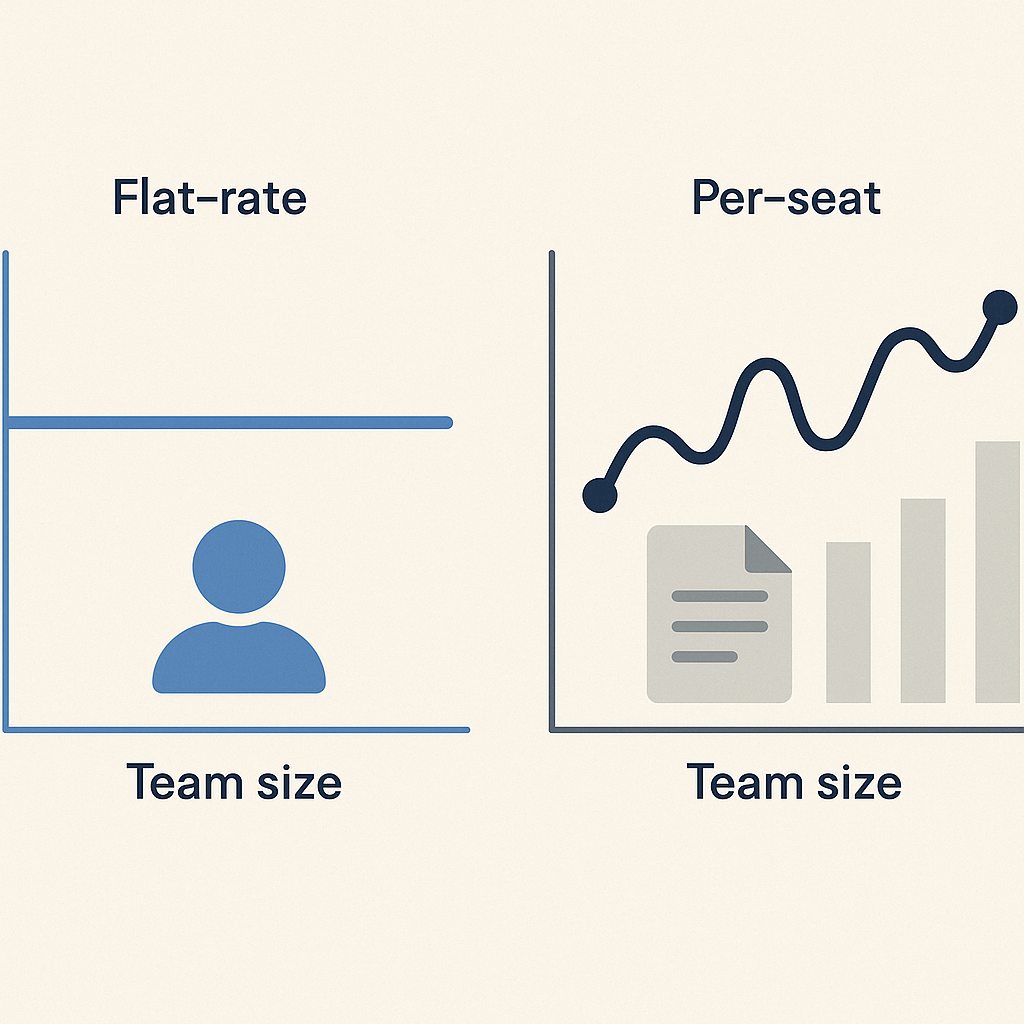
Per seat (or per user) pricing is straightforward at first glance: you pay a fixed amount for every user who needs to send documents.
How Per Seat Pricing Typically Works
In a classic per seat model:
- You choose a plan (e.g., “Standard” or “Business”).
- You pay a monthly fee for each licensed user (commonly $20–$40 per user/month).(esignglobal.com)
- Each user account comes with its own envelope or document send limits.
On paper, this looks flexible—pay only for the people who “need” access. In practice, teams quickly discover they have more people touching documents than expected: sales reps, account managers, HR, legal, operations, and even executives.
Hidden Costs and Constraints of Per Seat Pricing
Common challenges with per seat e‑signature models include:
- Linear cost growth: every time you add a team member, your bill goes up.
- License hoarding: managers limit who gets access to “save seats,” creating bottlenecks.
- Shadow workflows: people without licenses fall back to manual processes or share logins (a security risk).
- Overage and add‑on fees: many providers cap envelopes per user and charge $0.50–$2 per extra document or for advanced features.(esignglobal.com)
Pro tip: If you’re evaluating a per seat solution, don’t just multiply “price per user” by your current headcount. Add 20–30% for future hires and factor in overage fees for busy months.
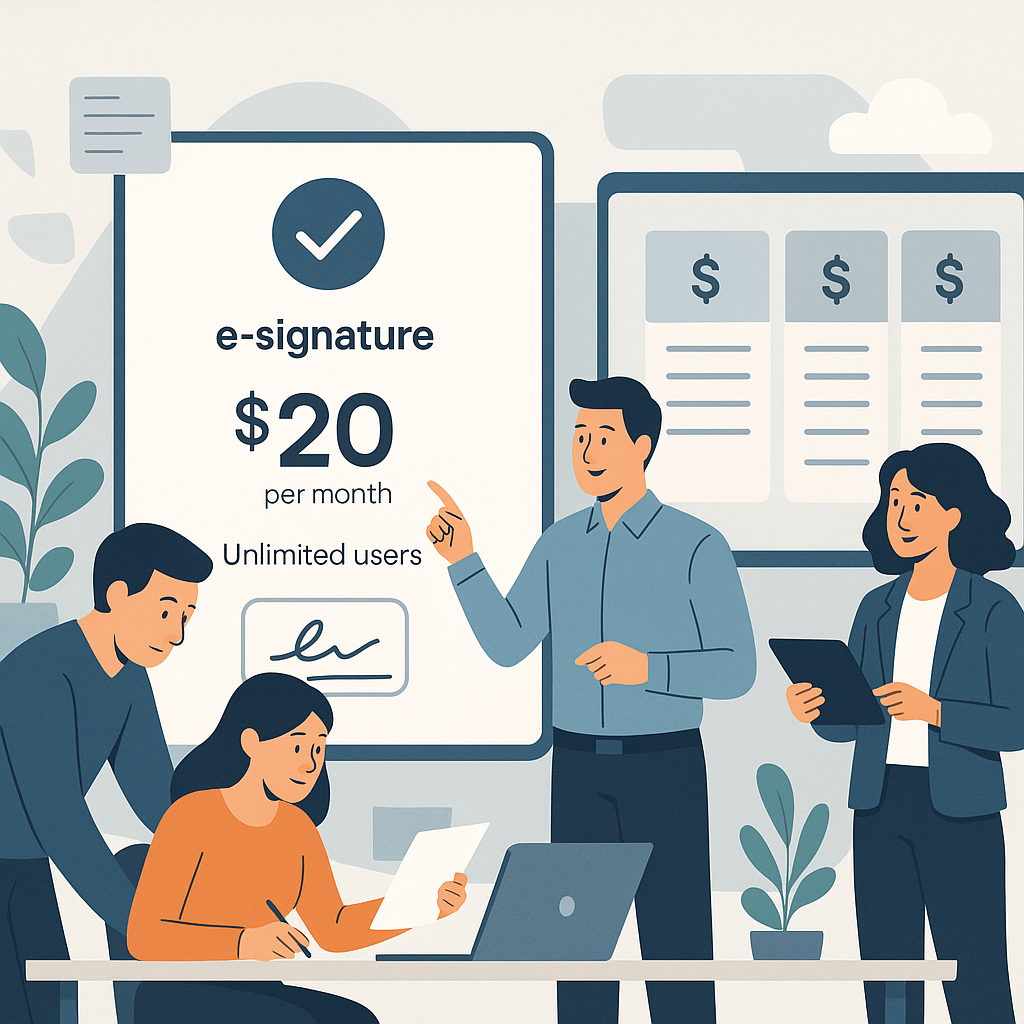
By contrast, QuickSign is intentionally not priced per user, which means you can give access to everyone who participates in document workflows without watching your subscription cost creep upwards.
What Is Flat Rate E‑Signature Pricing?
Flat rate pricing means you pay a single recurring fee for a defined set of features and usage—regardless of how many internal users you have. This model is increasingly popular in SaaS because it’s simple, transparent, and encourages full product adoption.(businessher.com)
With QuickSign.it, the flat‑rate concept is taken seriously: $15/month for the whole team, no per‑seat add‑ons. Everyone can collaborate on contracts, NDAs, proposals, and more under a single, predictable subscription.
Benefits of Flat Rate Pricing for E‑Signatures
Flat rate pricing aligns especially well with e‑signature use cases:
- Cost predictability: Your monthly spend doesn’t spike when you add a new rep or run a big campaign.(businessher.com)
- Faster adoption: You don’t gate access; everyone who needs to send or manage documents can use the tool freely.
- Simpler budgeting: Finance and operations teams can forecast subscription costs with confidence.
- No “license politics”: You avoid internal debates over who “deserves” a seat.
When combined with modern capabilities like AI document generation and drag‑and‑drop field placement, a flat‑rate platform like QuickSign doesn’t just simplify invoices—it streamlines how your whole organization works with agreements.
Flat Rate vs Per Seat: Cost Scenarios for Real Teams
To make this more concrete, let’s compare hypothetical costs using industry‑typical per‑seat pricing versus QuickSign’s flat rate.
Scenario 1: 5‑Person Sales and Operations Team
Assume a per‑seat provider charges $25 per user per month for a standard team plan.(esignglobal.com)
- Per seat model: 5 users × $25 = $125/month
- QuickSign flat rate: $15/month total
Even at this small team size, a flat‑rate subscription is an order of magnitude cheaper, and you’re free to add more internal collaborators without paying more.
Scenario 2: Growing 15‑Person Company
Now imagine a 15‑person team where sales, HR, and operations all need to send agreements.
- Per seat model: 15 users × $25 = $375/month
- QuickSign flat rate: still $15/month
At this scale, per seat fees can easily exceed the underlying value of the software—especially when many users send only a few documents per month. A flat‑rate option like QuickSign.it lets you onboard every employee who touches agreements without revisiting your budget each time.
Scenario 3: High‑Volume Document Sending
Some providers combine per seat pricing with per‑envelope or per‑document charges once you exceed certain thresholds, particularly at high volumes. These overages often sit in the $0.30–$1.50 per document range for larger accounts.(signatureapi.com)
For teams that regularly sign sales contracts, renewals, HR paperwork, and vendor agreements, that can mean:
- Base per seat subscription costs
- Plus variable bills each month depending on document volume
With a flat‑rate tool like QuickSign, you don’t have to micromanage envelope counts or hold off on digitizing more processes because you’re afraid of extra charges.
Beyond Pricing: Why Features Matter in This Decision
Pricing is one side of the equation; capabilities are the other. A low price isn’t helpful if your team spends hours wrestling with templates or manually redrafting contracts.
QuickSign.it is designed so that both the pricing model and the feature set improve efficiency across your document lifecycle.
AI Document Generation: Reduce Legal and Admin Overhead
One of QuickSign’s standout capabilities is AI Document Generation. Instead of starting from a blank page or hunting for old Word files, you can simply describe the document you need in natural language:
- Log into QuickSign.
- Click to create a new document using AI.
- Type a prompt like: “Non‑disclosure agreement between a marketing agency and a freelance designer, valid for 2 years, with mutual confidentiality obligations.”
- Let QuickSign’s AI draft a structured, legally‑oriented document you can review and tweak.
This is a major difference from many legacy e‑signature tools that only handle signing of documents you create elsewhere. With QuickSign, the process starts earlier—at document creation—so your team saves time even before a single signature is requested.
Key benefit: AI Document Generation in QuickSign.it means you don’t need a separate system for contract templates. That’s less software to buy, maintain, and train your team on.
Drag‑and‑Drop Field Placement: Less Friction, Fewer Errors
Once your contract or form is ready—whether AI‑generated or uploaded as a PDF—QuickSign’s drag‑and‑drop field placement makes setup straightforward:
- Upload your PDF or use the AI‑generated document.
- Open the document editor.
- Drag and drop signature, text, date, and initial fields exactly where each signer needs to act.
- Assign fields to specific recipients so no one misses a required input.
This reduces the back‑and‑forth caused by misplaced or forgotten fields and ensures every document is completed correctly the first time—especially useful when multiple departments are involved.
Seamless Sending and Real‑Time Tracking
Sending a document through QuickSign is designed to take under 60 seconds:
- Click “Send for Signature.”
- Add recipients (including CCs, if needed).
- Customize the message and subject line.
- Send.
After sending, real‑time tracking lets you see:
- When the document was delivered
- When each recipient opened it
- Who has signed and who is outstanding
For managers, this makes it easier to keep deals and HR processes moving without constantly asking, “Did they sign yet?” For finance teams, it also improves forecasting by making contract status more visible.
How to Decide Between Flat Rate and Per Seat for Your Organization
When choosing your pricing model, consider the following dimensions—and how a flat‑rate solution like QuickSign stacks up.
1. Number of People Involved in Document Workflows
If only one person in your company ever sends documents (e.g., a solo freelancer), a per seat plan may be acceptable. But as soon as multiple departments—sales, HR, operations, leadership—need to send or manage agreements, per seat pricing becomes more restrictive and costly.
Because QuickSign doesn’t charge per user, you can roll out e‑signatures company‑wide from day one without worrying about license limits.
2. Growth Expectations
Fast‑growing teams need pricing that won’t blow up as they hire. Locking into a per seat contract means each new hire adds incremental cost—even if their e‑signature usage will be low at first.
Flat‑rate pricing at QuickSign.it stays the same as your headcount grows, giving you more budget predictability and freeing up funds for other tools.
3. Document Volume and Seasonality
Many businesses experience seasonal spikes in document volume (e.g., end‑of‑quarter sales, annual review cycles, or hiring waves). Providers that mix per seat and per‑envelope pricing can penalize these peaks through overage fees.(esignglobal.com)
With a flat‑rate platform, you can digitize all high‑volume processes—onboarding, vendor contracts, policy acknowledgments—without wondering what your bill will look like next month.
4. Total Cost of Ownership (Beyond Signatures)
Don’t forget the “hidden” costs of managing multiple tools: a word processor for templates, a shared drive for storage, manual workflows for tracking, and email threads for status updates.
Because QuickSign combines AI document generation, drag‑and‑drop setup, seamless sending, and real‑time tracking in one place, you reduce complexity and training time. That matters just as much as subscription pricing.
What E‑Signature Workflows Look Like with QuickSign
To illustrate how pricing and features come together, here’s a common business scenario handled end‑to‑end in QuickSign.
Example: Hiring a New Employee
Imagine your HR manager and hiring manager both need to be involved in sending and tracking employment documents.
- Create the offer letter: HR opens QuickSign.it and uses AI Document Generation with a prompt like “Full‑time employment offer for a marketing specialist in California, at‑will, with a 90‑day probationary period.”
- Customize fields: They drag and drop signature and date fields for both the candidate and the company representative.
- Send in seconds: HR adds the candidate’s email, CCs the hiring manager, and hits send.
- Track status: Real‑time tracking shows when the candidate opens and signs. The hiring manager can check status without needing a separate paid seat.
- Reuse the template: For the next hire, HR simply reuses the existing offer template and tweaks details.
Under a per seat model, both HR and the hiring manager might require separate paid licenses to participate fully. With QuickSign, the flat‑rate plan covers the whole workflow, no matter how many team members are involved.
Using Data and Dashboards to Understand Value
The value of a flat‑rate tool like QuickSign becomes even clearer when you analyze how much time and cost you’re saving. While the YouTube video below focuses on Excel’s “percentage of total” functionality, the same logic applies to understanding what portion of your software budget goes to e‑signatures.
By exporting simple usage data—like number of documents sent per month—and comparing it against your subscription fee, you can calculate cost per document or cost per signed agreement. Flat‑rate pricing usually drives these metrics down as more teams adopt the platform.
Try Flat‑Rate E‑Signatures with QuickSign’s Free Tier
Many teams hesitate to switch because they’re unsure how a new tool will fit into existing processes. That’s why QuickSign.it offers a generous free tier, so you can experience both the pricing model and the workflow improvements before committing:
- 2 AI‑generated documents so you can see how fast it is to draft contracts, NDAs, or proposals from prompts.
- 1 document send to unlimited recipients to test drag‑and‑drop field placement, seamless sending, and real‑time tracking with your actual team and clients.
- No credit card required, no long demos or sales calls.
Unlike traditional per‑seat solutions, QuickSign offers flat‑rate pricing at $15/month—built from the ground up for small and growing businesses that want modern features without enterprise‑style price tags.
Ready to simplify your document signing? Try QuickSign for free - generate 2 documents and send 1 document to unlimited recipients at no cost. No credit card required.