Free E‑Signature with AI Document Generation: How QuickSign Transforms Business Agreements
Streamline contracts with free e-signature with AI document generation. Discover how QuickSign transforms business agreements with speed, accuracy, and ease.

Free E‑Signature with AI Document Generation: How QuickSign Transforms Business Agreements
Paper contracts, printing, scanning, chasing signatures… for many businesses, this is still the reality of getting agreements signed. Yet e‑signatures are now mainstream, legally recognized across all 50 U.S. states under the ESIGN Act and UETA, and widely adopted in banking, insurance, education, and beyond.(signbulb.com) What’s new is the next step: combining free e‑signature tools with AI document generation so you can create and sign complete, compliant documents in minutes.
QuickSign sits exactly at this intersection. It’s a modern e‑signature platform that doesn’t just let you sign PDFs — it can also generate contracts, NDAs, service agreements, and more from scratch using AI, then send them for secure, legally binding signatures in under 60 seconds.
Key idea: Free e‑signature tools are useful. A free e‑signature plus AI document generation workflow, like the one in QuickSign, is a competitive advantage.
Why e‑Signatures Are Now Essential for Modern Businesses
Businesses of all sizes are rapidly moving away from pen-and-paper processes. Studies show digital signatures can cut document turnaround from days to minutes, dramatically accelerating sales cycles and approvals.(esignly.com) For small and mid-sized businesses, that time savings directly affects revenue and cash flow.
Some of the most cited benefits of e‑signatures for businesses include:(esignly.com)
- Faster deal cycles: Prospects can sign contracts on any device in minutes instead of days.
- Lower costs: Eliminating paper, printing, postage, and storage can reduce document handling costs by up to 55–78%.(esignly.com)
- Better security & compliance: Encrypted documents, detailed audit trails, and time-stamped signatures are often more defensible than ink signatures.(esignly.com)
- Remote‑friendly workflows: Ideal for distributed teams, remote onboarding, and international clients.(blog.flowmono.com)
- Improved client experience: No more printing and scanning — just click, review, sign.
QuickSign encapsulates these advantages in a streamlined experience: upload, add fields, send, track — all supported by AI that can even draft the underlying agreement for you.
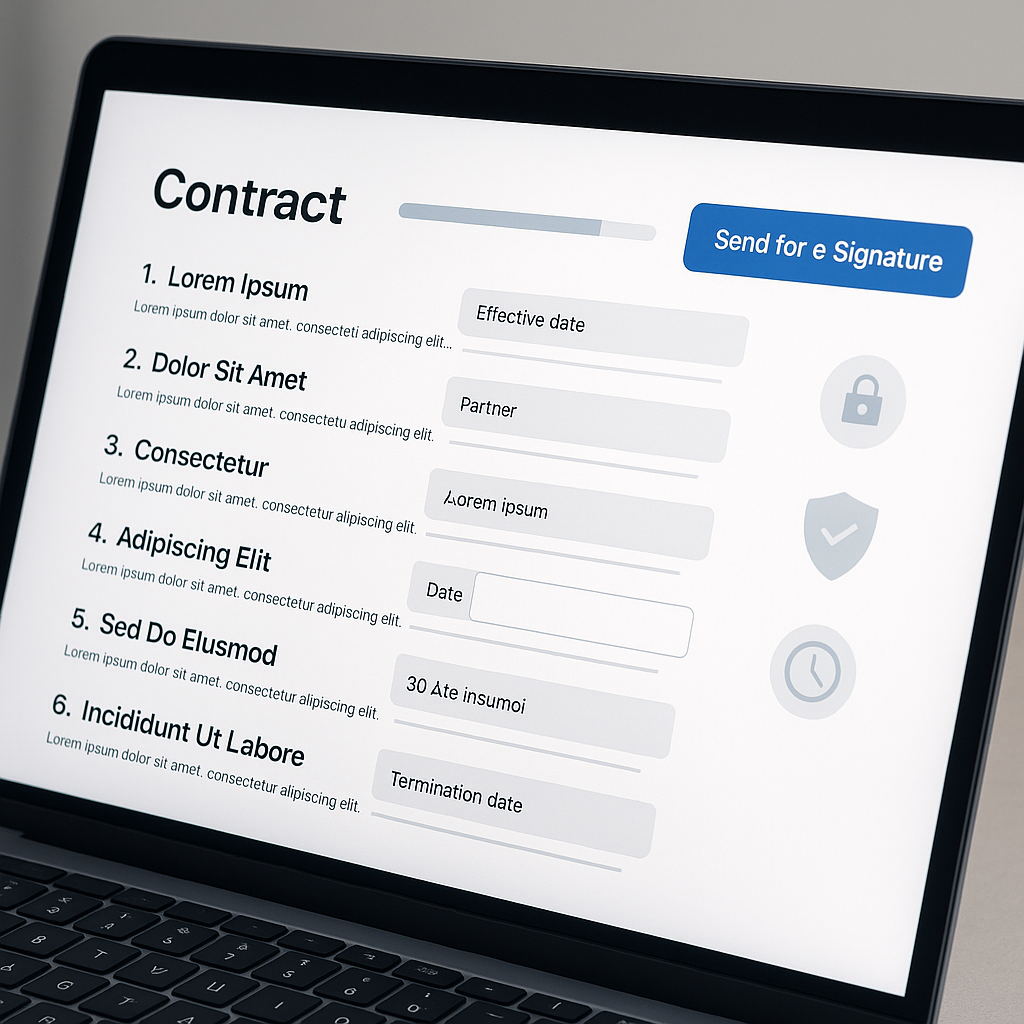
From Blank Page to Signed Contract: What Makes QuickSign Different
Most e‑signature tools start from an existing PDF or Word document. That’s helpful, but it assumes you already have a well‑written contract, NDA, or agreement ready to go.
QuickSign removes that bottleneck by combining:
- AI Document Generation – Turn a plain‑language description into a complete, professional contract.
- Drag‑and‑Drop Field Placement – Visually place signature, initial, date, and text fields exactly where you need them.
- Seamless Sending – Add recipients and send for signature in seconds.
- Real‑Time Tracking – See when each recipient opens, views, and signs.
- Affordable Flat‑Rate Pricing – Starts at $15/month for the whole team with no per‑seat fees, plus a generous free tier.
On top of its paid plans, QuickSign offers a free tier including: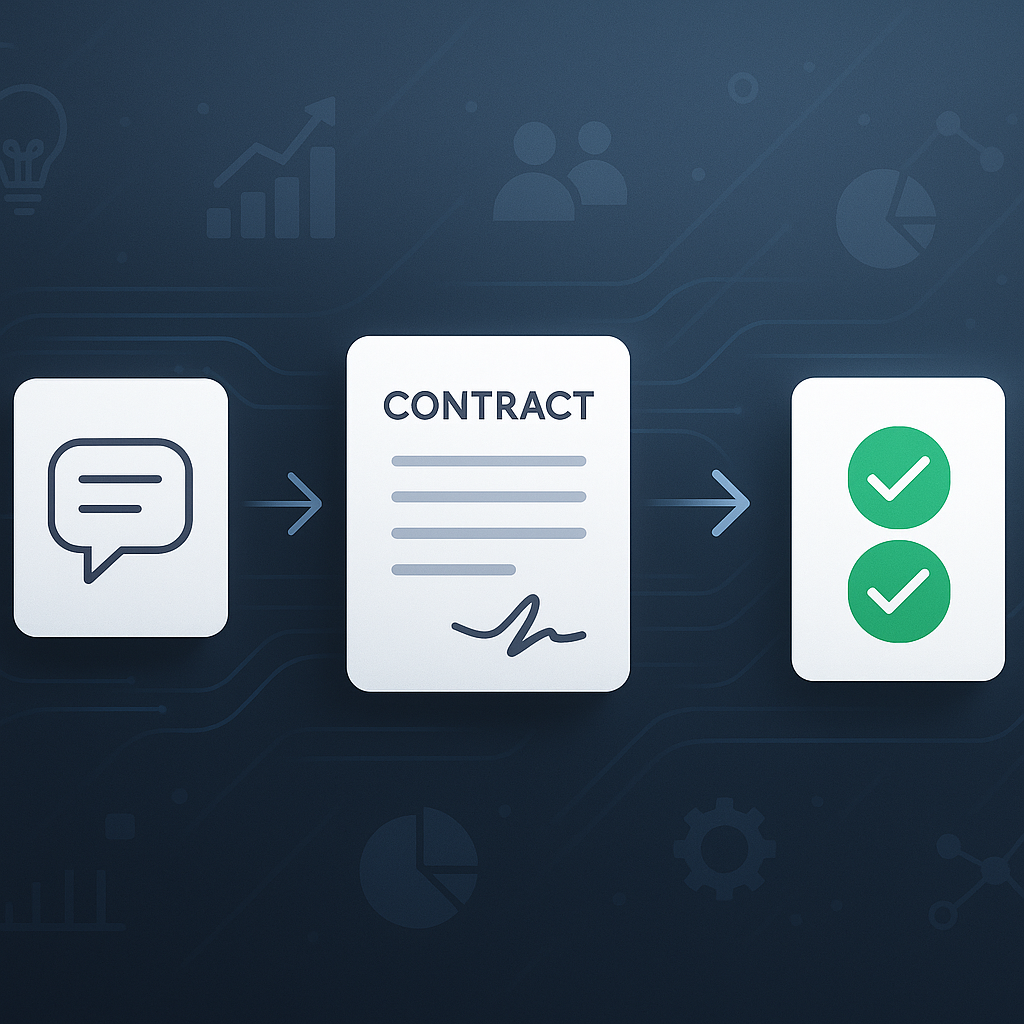
- 2 AI document generations, and
- 1 document send to unlimited recipients.
That makes it ideal for testing a full end‑to‑end workflow — from drafting to signing — without pulling out a credit card.
How Free E‑Signature Typically Works (and Where It Falls Short)
Most “free e‑signature” options follow a similar pattern:
- You create a document in Word or Google Docs.
- You upload it to an e‑signature tool.
- You drag signature fields onto the document.
- You send it out for signing.
The YouTube tutorials below reflect this standard approach:
This works, but there are two recurring pain points for business users:
- Drafting quality legal documents is hard. Many teams don’t have in‑house legal resources, so they rely on old templates or risky copy‑paste jobs.
- Free tiers are often too limited. Some tools cap you at a handful of documents per month or restrict features that matter, like multiple recipients.
QuickSign solves the first problem with AI document generation, and the second with a free tier designed for real‑world testing (2 AI generations + 1 send to unlimited recipients).
Pro tip: If you’re exploring free e‑signature tools, favor platforms that let you test your entire workflow — including AI drafting, sending to multiple recipients, and tracking — not just simple one‑off signatures.
Step‑by‑Step: Using QuickSign for Free E‑Signature with AI‑Generated Documents
1. Generate a Contract with AI (No Template Required)
With QuickSign, you don’t need to start in Word. Instead, you describe what you need and let AI do the heavy lifting. For example:
- “A one‑year marketing services agreement between my agency and a U.S. client, with monthly retainer, clear deliverables, and ownership of creative assets remaining with the client once paid in full.”
- “A mutual NDA between two software companies sharing product roadmaps and API documentation.”
The AI document generation in QuickSign will draft a structured contract including sections like scope, term, payment, confidentiality, and termination. You can then review and edit as needed, just like you would with a traditional template — but you’ve saved hours of manual drafting.
2. Upload or Confirm Your Document
If you already have a contract, you can upload a PDF, Word document, or even image formats. If you’ve just generated the contract with AI inside QuickSign, you simply confirm the document is ready for signing.
This mirrors the workflow you see in popular YouTube tutorials about adding signatures to PDFs and Word docs, but with the added benefit that your document can originate from AI instead of a blank page.
3. Drag and Drop Signature and Form Fields
Once your document is inside QuickSign, you can:
- Drag‑and‑drop signature fields exactly where each signer needs to sign.
- Add initial boxes for key clauses.
- Place date fields that auto‑populate when signed.
- Include extra text fields for information like job titles or PO numbers.
This visual, no‑code layout is designed so non‑technical users — sales reps, HR, operations managers — can configure complex signing workflows without IT support.
4. Add Recipients and Send for Signature in Seconds
Next, you add your signers’ names and email addresses. With QuickSign you can:
- Set a signing order (e.g., client signs first, internal approver signs second).
- Send to unlimited recipients even on the free tier for your first document.
- Include a custom message explaining what the document is and when you need it signed.
When you hit send, each signer receives a secure link. On their end, the experience is straightforward: open the email, review the document, complete any required fields, and click to sign — usually in under a minute.
5. Track Views, Opens, and Signatures in Real Time
A major benefit of professional e‑signature platforms is visibility. Research highlights how audit trails and status tracking improve compliance and reduce uncertainty about who has signed.(esignly.com)
QuickSign provides real‑time tracking so you can see:
- When each recipient opens the email.
- When they view the document.
- Exactly when they sign.
Instead of asking “Have they signed yet?” and digging through email threads, you simply check the document status inside your QuickSign dashboard.
Real‑World QuickSign Workflows for Business Teams
Sales & Proposals
Sales teams often lose momentum waiting for contracts to be generated, approved, and signed. With QuickSign:
- The rep prompts the AI to generate a custom sales agreement based on deal details.
- They review and tweak terms like pricing, term length, and SLA.
- They drag‑and‑drop signature and date fields, then send immediately while the conversation is still warm.
Because e‑signatures can shrink turnaround time from days to minutes, this workflow directly contributes to faster revenue recognition and more closed deals.(esignly.com)
HR, Onboarding, and Remote Work
Remote and hybrid work models make digital onboarding a must. HR teams can use QuickSign to:
- Generate employment agreements or contractor contracts with AI.
- Send offer letters, NDAs, and policy acknowledgements in a single signing packet.
- Track completion so they know exactly which forms are still pending.
New hires can review and sign from any device, which creates a smoother candidate experience and reduces time‑to‑start. This aligns with broader trends showing e‑signatures as a cornerstone of efficient remote onboarding.(blueink.com)
Legal, Compliance, and Audit Readiness
Legal and compliance teams care about enforceability, audit trails, and data protection. Modern e‑signature platforms provide detailed logs and tamper‑evident documents that are often more robust than paper processes.(esignly.com)
QuickSign fits this need by:
- Storing signed documents in a secure, encrypted environment.
- Maintaining event logs that record who signed, when, and from which IP.
- Supporting workflows that make it easy to standardize approved templates via AI and reuse them across the organization.
Cost, Compliance, and ROI: Why QuickSign’s Model Matters
Flat‑Rate Pricing vs. Per‑Seat Complexity
Many legacy tools use per‑seat or per‑envelope pricing, which can quickly balloon costs as your team grows. Unlike traditional per‑seat solutions, QuickSign offers flat‑rate pricing starting at just $15/month for your entire team, with no per‑user charges.
This model makes budgeting simpler and encourages adoption across departments — sales, HR, operations, legal — without worrying about adding “one more seat.”
Quantifying the Savings
Studies consistently show that e‑signatures reduce costs tied to paper, printing, postage, storage, and manual admin time.(esignly.com) For example:
- One analysis estimates that every paper contract can cost around $36 in printing, mailing, and storage — costs that disappear with digital workflows.(signbulb.com)
- Switching to e‑signatures can cut administrative document handling expenses by more than half.(esignly.com)
Because QuickSign also includes AI document generation, you’re not only saving on signing logistics but also reducing the time (and external legal costs) required to draft documents in the first place.
Legal Validity and Security
In the U.S., e‑signatures are legally binding when they meet the requirements of the ESIGN Act and UETA, which most reputable platforms are designed to do.(signbulb.com) Globally, similar regulations (like the EU’s eIDAS framework) define acceptable standards for electronic signatures.
While QuickSign focuses on ease of use for small businesses and teams, it incorporates the same core security expectations you’d find in enterprise‑grade tools, including:
- Encrypted document storage and transmission.
- Time‑stamped signatures and event histories.
- Secure links for signers, reducing the risk of tampering.
Key takeaway: With a platform like QuickSign, you don’t have to choose between affordability, speed, and legal robustness — you get all three in a single workflow.
Practical Tips for Getting the Most from Free E‑Signature + AI
Standardize Your Core Agreements
Identify your 3–5 most common documents (e.g., service agreements, NDAs, SOWs, employment offers) and use QuickSign to:
- Generate a solid “master” version with AI.
- Review it with your legal advisor once.
- Save it for reuse, tweaking only the key variables (client name, price, dates) for future deals.
This approach lets you amortize legal review over many deals while ensuring consistency.
Automate as Much as Possible
Within QuickSign:
- Pre‑define where signatures, initials, and dates go using drag‑and‑drop fields.
- Use consistent field naming conventions so your team can quickly understand each document’s structure.
- Rely on built‑in reminders and tracking instead of manual email chasers.
Train Your Team with Real Examples
Use your free QuickSign allowance to run a full internal pilot:
- Create a sample client contract with AI.
- Send it to colleagues acting as “clients” to experience the full signing flow.
- Collect feedback and document a simple internal playbook.
This not only builds confidence but also ensures everyone understands how to use the platform consistently.
Why QuickSign Is a Strong Fit for Modern Business Teams
There are many e‑signature tools on the market, but QuickSign distinguishes itself as a modern, user‑friendly alternative to legacy solutions by focusing on three pillars:
- Creation: AI document generation so you’re never stuck at a blank page.
- Execution: Drag‑and‑drop fields, seamless sending, and real‑time tracking.
- Affordability: Flat‑rate pricing starting at $15/month for the whole team, plus a genuinely useful free tier.
For small businesses, startups, agencies, and lean teams that need to move fast without sacrificing professionalism or compliance, this combination is particularly compelling.
Ready to simplify your document signing? Try QuickSign for free - generate 2 documents and send 1 document to unlimited recipients at no cost. No credit card required.