Freelancer Proposal and Contract Workflow: How QuickSign Streamlines Every Step
Optimize your freelancer proposal and contract workflow with QuickSign—streamline approvals, protect your work, and close high‑value clients faster.

Freelancer Proposal and Contract Workflow: How QuickSign Streamlines Every Step
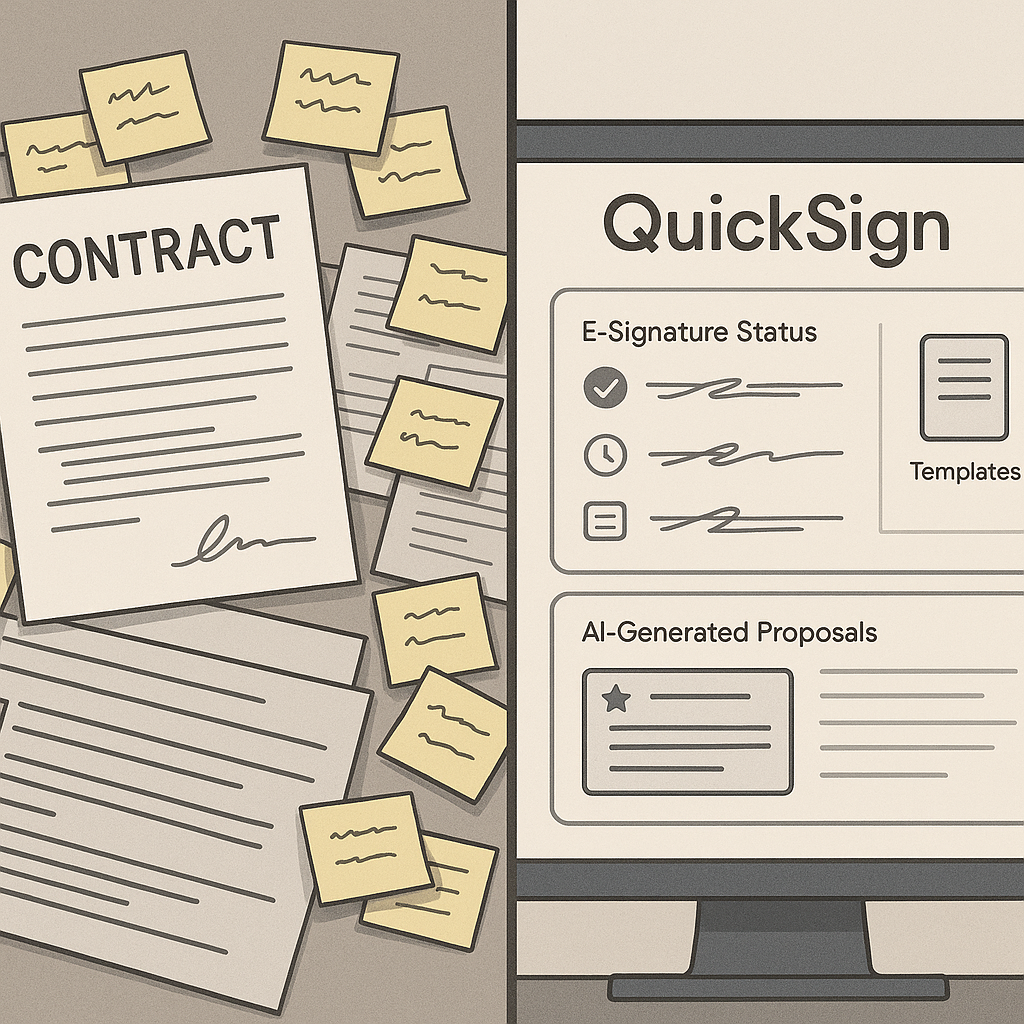
For most freelancers, the work that gets you paid isn’t just design, copy, code, or consulting. It’s the proposals and contracts that come before any project starts. Yet this critical workflow is often messy, manual, and time-consuming.
Surveys show freelancers spend several hours every week on proposals and admin — time that could otherwise be billed to clients. One recent estimate found freelancers spend 2–4 hours weekly just writing proposals, which can add up to the equivalent of 2.5–5 full work weeks per year in lost earning potential. (linkedin.com) On top of that, paper-based or email-based contract signing introduces delays that slow cash flow and make your business look less professional. (esignglobal.com)
This is exactly where QuickSign comes in. As a modern e‑signature platform with built‑in AI document generation, drag‑and‑drop fields, seamless sending, and real-time tracking, QuickSign is designed to take your freelancer proposal and contract workflow from chaotic to frictionless.
Key idea: Every hour you spend wrestling with proposals and contracts is an hour you’re not billing. A streamlined workflow powered by tools like QuickSign turns admin into a competitive advantage.
Common Pain Points in the Freelancer Proposal and Contract Workflow
Before we look at the solution, it’s worth naming the core problems freelancers face from first contact to signed contract.
1. Proposals Take Too Long to Draft
A winning proposal needs a clear structure: intro, client problem, your solution, scope, timeline, and price. (forbes.com) But building this from scratch for every lead is exhausting. Research indicates the average freelancer spends hours each week on proposals alone — often without a proportional increase in win rate. (linkedin.com)
2. Contract Creation Feels Risky and Complicated
Many freelancers know they should use proper contracts but avoid them because legal language feels intimidating or attorney fees are too high. Some still rely on informal email exchanges or outdated templates that don’t fully protect them. That’s risky when you’re dealing with scope creep, IP rights, and payment terms.
3. Slow, Manual Signing Delays Projects and Payments
Print-sign-scan workflows and back-and-forth email attachments introduce days of delay for each contract. Modern e-signatures dramatically reduce turnaround, with many documents now signed within minutes instead of days. (esignglobal.com) For freelancers who depend on consistent cash flow, those days matter.
4. No Visibility Into Client Engagement
Did the client even open your proposal? Are they stuck on a particular clause in the contract? Without real-time tracking, you’re guessing — and follow-ups can feel pushy or poorly timed.
5. Admin Time Quietly Eats Your Profits
Freelancers often underestimate admin work. Studies of entrepreneurs and small business owners show 20–30% of time goes to administrative tasks, not core work. (clockify.me) For freelancers, that includes drafting, editing, sending, chasing, and filing proposals and contracts. If you charge by the project, those hours silently reduce your effective hourly rate.
How Freelancers Can Streamline Proposals with QuickSign AI
Proposal quality is directly tied to win rate, but that doesn’t mean you need to start from a blank page every time. With QuickSign, freelancers can use AI to generate tailored proposals in minutes instead of hours.
Use AI Document Generation to Draft Proposals From a Prompt
QuickSign’s AI Document Generation lets you describe what you need and get a complete document draft — proposal, contract, NDA, or combined proposal+agreement — in seconds. Instead of manually building every section, you can prompt the AI with details like:
- Type of service (web design, copywriting, consulting, development)
- Client industry and goals
- Deliverables and timeline
- Pricing model (fixed fee, retainer, milestone-based)
The AI then generates a professional, legally-minded document you can quickly review and customize. This aligns with broader trends where templates and automation significantly cut document preparation time and errors. (thanksroger.com)
Pro tip: Turn your best-performing proposal into a reusable AI prompt in QuickSign. Each new lead becomes a quick variation instead of a full rewrite.
Match Proposal Tone to Client Expectations
Experts recommend aligning your proposal tone with the client’s culture — more formal for corporate clients, more conversational for creative brands. (forbes.com) With AI generation, you can specify “formal,” “friendly,” or “startup-style” tone directly in your QuickSign prompt, then lightly edit instead of rewriting from scratch.
Embed a Clear Process in Every Proposal
Clients feel more confident when they see your process end-to-end, from discovery to final delivery. That’s a theme echoed in many high-performing freelancer and agency workflows shared online, where transparent step-by-step processes close higher-ticket deals.
Within QuickSign, you can standardize proposal sections like:
- Project overview and objectives
- Scope of work and deliverables
- Timelin
e and milestones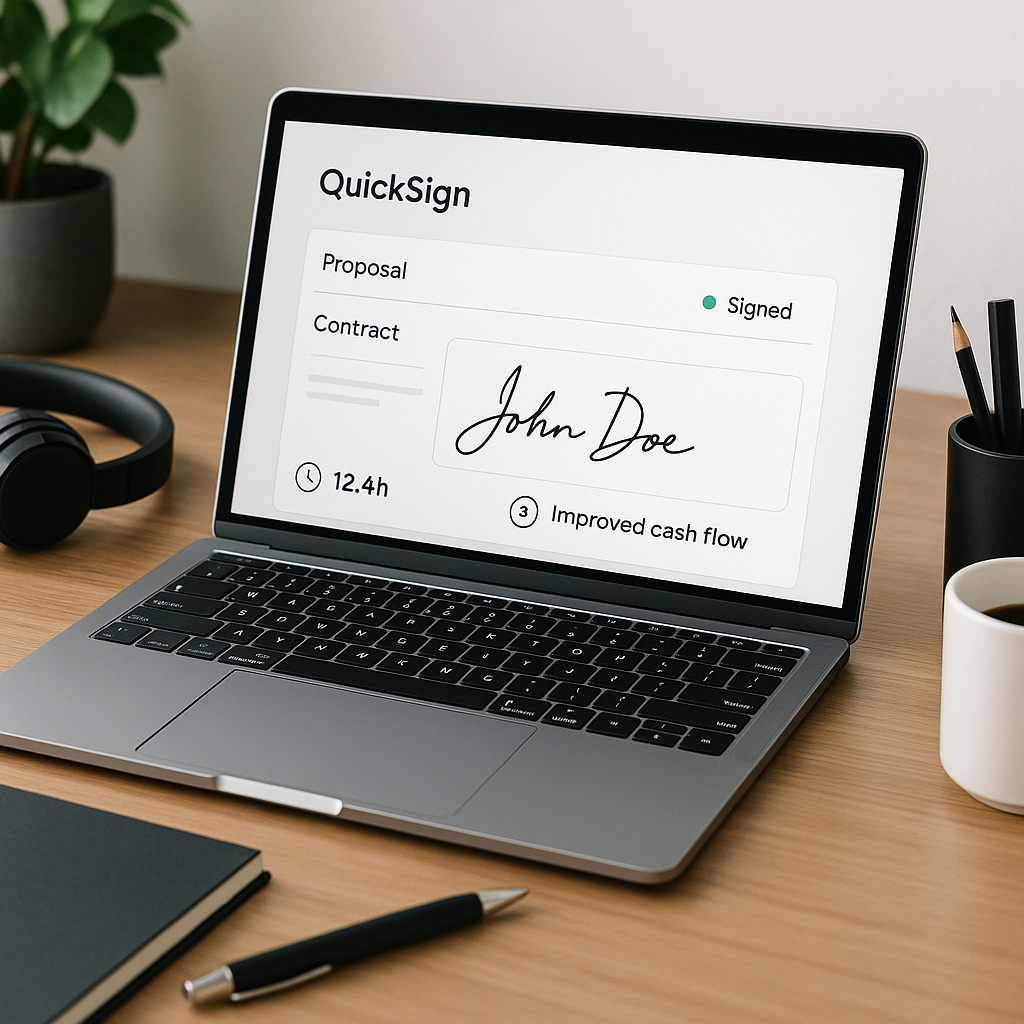
- Communication cadence (e.g., weekly check-ins)
- Next steps for signing and kickoff
Once drafted by AI, you only adjust project-specific details. Over time, this consistency boosts both professionalism and conversion.
Turning Proposals Into Contracts With QuickSign
The most efficient freelancers blur the line between proposal and contract: the client approves the plan and signs the agreement in one smooth flow. QuickSign is built to support exactly that.
Generate Contracts and NDAs With AI
Instead of hiring a lawyer or copying unverified templates, you can use QuickSign’s AI Document Generation to create:
- Service agreements
- Project-based contracts
- Non-disclosure agreements (NDAs)
- Retainer contracts and SOWs
Your prompt might look like:
- “Create a fixed-fee web design contract for a small business website, including scope, 50/50 payment terms, two rounds of revisions, IP ownership transfer upon final payment, and late payment fees.”
The AI generates a structured agreement with the relevant clauses. You review it, adjust any specifics, and you’re ready to send for signature — without leaving QuickSign.
Drag-and-Drop Fields on Any PDF
If you already have your own proposal or contract templates in PDF, QuickSign’s drag‑and‑drop field placement makes them instantly signable:
- Upload your PDF proposal or contract.
- Drag and drop signature, date, text, and initial fields where needed.
- Assign each field to the right recipient.
No coding, no complex setup. This mirrors best practices across modern e-signature tools, where fast field placement and clear signing roles are key to shortening “time to signature.” (thanksroger.com)
Seamless Sending and Real-Time Tracking
Once your document is ready, QuickSign’s sending workflow is built for speed:
- Add one or multiple recipients with their emails.
- Optionally set signing order (e.g., client signs, then their manager).
- Send with a personalized message and clear call-to-action.
From there, QuickSign’s real-time tracking shows you exactly when a client opens, views, and signs your document — similar to how leading sales teams use e-signature analytics to time their follow-ups and keep deals moving. (thanksroger.com)
Pro tip: Use QuickSign’s real-time notifications as your cue to follow up. A gentle message 24–48 hours after “viewed but not signed” can significantly improve close rates.
A Real-World Freelancer Workflow With QuickSign
Let’s walk through a complete example for a freelance web designer closing a new client, inspired by common high-ticket client processes shared by successful freelancers.
Step 1: Discovery Call and Notes
You run a 30–45 minute discovery call to understand the client’s goals, timeline, and budget. Immediately after, you open QuickSign and summarize key details into an AI prompt.
Step 2: AI-Generated Proposal-Plus-Contract
Using QuickSign’s AI Document Generation, you create a hybrid proposal+contract that includes:
- Project summary and objectives
- Scope of work (e.g., 5-page marketing site, copy support, basic SEO)
- Timeline with milestones
- Investment and payment schedule
- Contract terms (revisions, ownership, cancellation, late payments)
In minutes, you have a polished document tailored to this client.
Step 3: Drag-and-Drop Signature Fields
You upload the final PDF into QuickSign (if needed) and drag-and-drop:
- Client signature and date at the end
- Your own signature and date
- Initial fields next to any critical clauses (e.g., IP ownership, payment terms)
Step 4: Send for Signature in Under 60 Seconds
You enter the client’s email, write a brief message recapping the call, and send. QuickSign’s seamless sending makes this entire step take under a minute — aligning with the platform’s goal of letting you send documents for signature in under 60 seconds.
Step 5: Track Engagement and Follow Up
You see a notification: “Client opened the proposal.” Later, “Client signed the contract.” If they view but don’t sign within a day or two, you send a polite follow-up, referencing any questions they might have.
Step 6: Store and Reuse the Workflow
You reuse the same AI prompt and structure for future web design clients, tweaking only the scope, pricing, and timeline. Over time, your proposal+contract process becomes a repeatable asset, not a time sink.
Time and Cost Savings: Why This Workflow Matters
When you add up each small improvement from QuickSign, the business impact becomes significant for freelancers.
Less Time on Proposals and Contracts
- Proposal drafting: If you currently spend 2–4 hours per week on proposals, AI document generation can realistically cut that by 50–70%, freeing 1–3 hours weekly. (linkedin.com)
- Contract creation: Replacing manual editing or lawyer consultations with AI-generated agreements can save additional hours per month.
For a freelancer billing $75/hour, saving even 6–8 hours monthly can translate to $450–$600 in reclaimed billable time.
Faster Turnaround and Cash Flow
E-signatures transform contract turnaround from days to minutes in many cases, leading to faster project kickoff and invoicing. (esignglobal.com) With QuickSign’s real-time tracking and frictionless signing, you’re less likely to lose clients to slow processes or “disappearing” prospects.
Affordable, Predictable Pricing
Unlike traditional per-seat solutions, QuickSign offers flat-rate pricing at $15/month for your whole team — no per-user fees. That keeps your contract infrastructure affordable as you grow, especially compared with the cumulative costs of printing, postage, storage, or hourly legal help. (esignglobal.com)
Plus, QuickSign’s generous free tier — 2 AI document generations and 1 document send to unlimited recipients — lets you test and even close a real client without any upfront expense.
Practical Tips to Improve Your Freelancer Proposal Workflow With QuickSign
Standardize Your Core Templates Using AI
Identify your 2–3 most common project types (e.g., “website redesign,” “monthly content retainer,” “branding package”) and create AI prompts in QuickSign for each. Over time, refine them based on what closes most consistently.
Include Clear Next Steps and a Deadline
Always end your QuickSign-generated proposals with explicit next steps:
- “To move forward, please sign this agreement by [date]. Once signed, we’ll schedule your kickoff call for [week].”
You can then track who has opened and signed in real-time, so your follow-ups are timely and specific instead of generic nudges.
Use Real-Time Tracking to Improve Your Close Rate
Watch how clients interact with your documents in QuickSign:
- If they open quickly but don’t sign, consider whether pricing or scope clarity needs adjustment.
- If they re-open several times before signing, they may be sharing with internal stakeholders — add more context or an FAQ section next time.
Bundle Proposal and Contract to Reduce Friction
Whenever possible, send a single document that describes the project and includes the formal agreement section. With QuickSign’s AI Document Generation, you can naturally integrate both, then place your signature fields at the end. Fewer documents equals fewer delays and fewer chances for something to get “lost in email.”
Embedding Learning and Client Acquisition Content Into Your Workflow
Many freelancers learn proposal techniques and client workflows from YouTube and online communities. You can pair those learnings with QuickSign to create a repeatable, scalable system.
Improve Your Cover Letters and First Touchpoints
Advice from top-performing Upwork and platform-based freelancers often emphasizes concise, tailored proposals that speak directly to client pain points. Combine these messaging tactics with QuickSign-generated documents so that once a client is interested, you can send a professional, signable proposal within the same day — often within the hour.
Map Your Full Client Process End-to-End
High-ticket freelancers often share detailed client processes — from discovery to onboarding. Use QuickSign to formalize key stages:
- Discovery call recap document
- Detailed proposal+contract
- Change order or add-on agreement templates for scope changes
All generated and sent from QuickSign using AI and e-signatures.
Accelerate Getting Your First (or Next) Client
When you’re landing your first client, speed and professionalism matter. Having QuickSign set up with a ready-to-send proposal and contract means you can respond to leads quickly and confidently. Instead of scrambling for a template or Googling “freelance contract,” you click into QuickSign, generate, customize, and send.
Why QuickSign Fits the Way Freelancers Actually Work
Freelancers work odd hours, juggle multiple clients, and often operate solo. Any tool in your stack has to be:
- Fast: Create and send documents in under a minute.
- Flexible: Support everything from simple NDAs to complex retainers.
- Affordable: Flat-rate pricing that doesn’t punish you for adding collaborators.
- AI-native: Built to leverage AI for drafting and customizing documents, not just bolted on.
QuickSign is designed around those realities. With AI document generation, drag-and-drop fields, seamless sending, and real-time tracking, it turns your proposal and contract workflow into a competitive edge instead of a bottleneck.
Ready to simplify your document signing? Try QuickSign for free - generate 2 documents and send 1 document to unlimited recipients at no cost. No credit card required.