How to Sign a Document Without Printing: A Complete Guide for Busy Professionals
Skip the printer hassle. Learn how to sign document without printing using secure digital tools in minutes—perfect for busy professionals on the go.
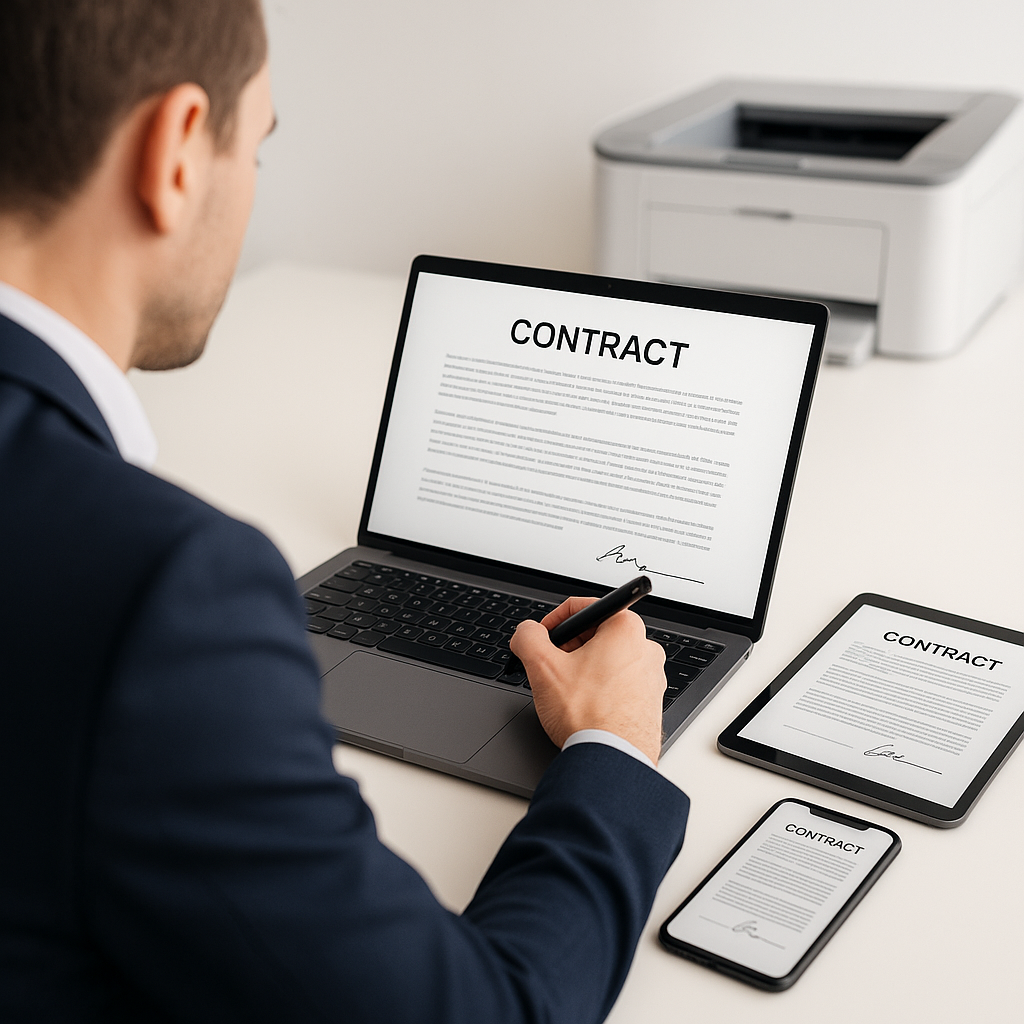
How to Sign a Document Without Printing: A Complete Guide for Busy Professionals
If you’re still printing, signing, scanning, and emailing documents, you’re spending far more time (and money) on paperwork than you need to. Modern electronic signature tools make it easy to sign documents without printing—from your laptop, tablet, or phone—while staying secure and legally compliant.
This guide walks you through practical ways to sign documents digitally, explains the legal side of e-signatures, and shows how platforms like QuickSign can streamline approvals across your business.
Key takeaway: In most business scenarios, you can sign documents digitally in minutes, with full legal validity, no printer required.
Why You Should Stop Printing Documents to Sign Them
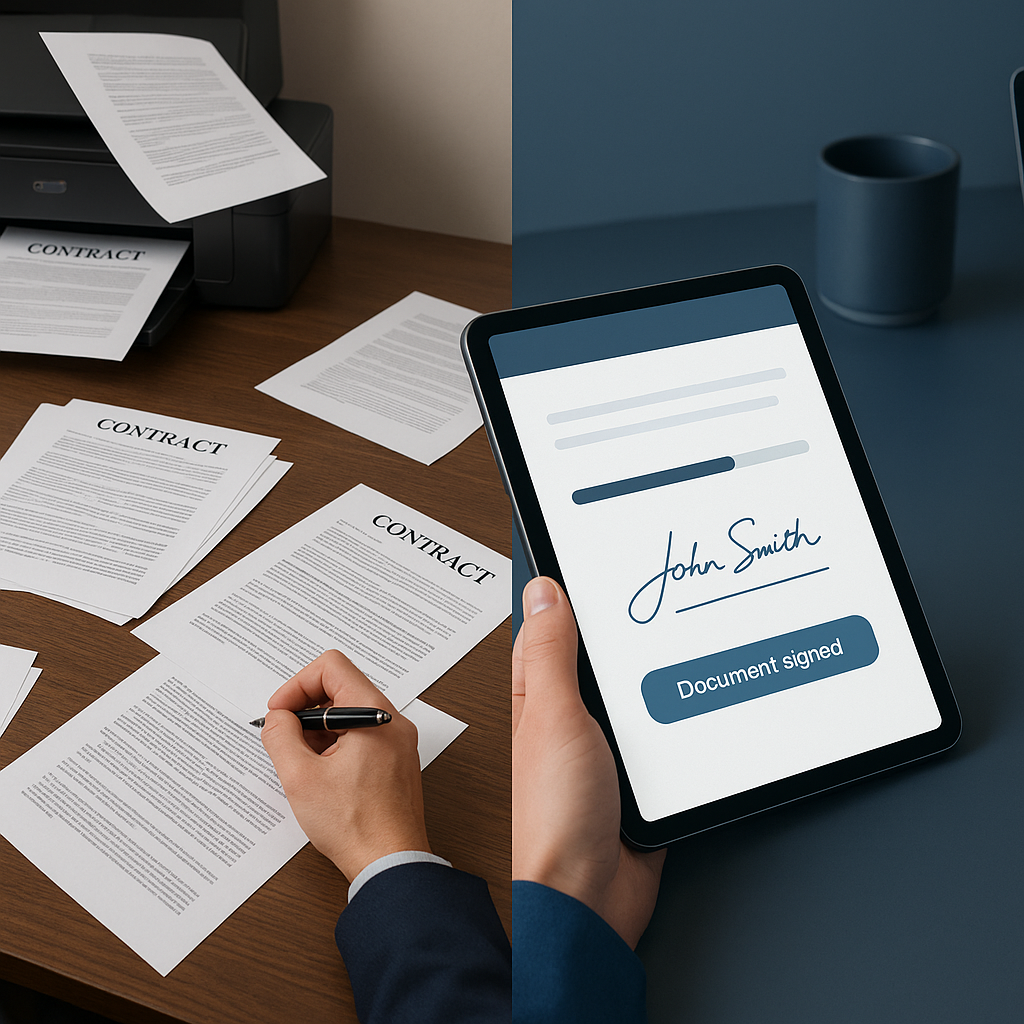
Electronic signatures are now the default in many organizations. Leading providers report that the majority of agreements are completed within a day, with a substantial share finished in under 15 minutes, while saving around tens of dollars per document in hard costs and productivity gains compared with paper-based processes. (docusign.com)
The hidden costs of printing to sign
On the surface, printing a contract might feel “free,” but it carries several direct and indirect costs:
- Time delays: Printing, signing, scanning, and emailing can turn a 2-minute task into a 20-minute chore—multiplied by every agreement.
- Hardware dependence: If you’re traveling or working remotely without a printer or scanner, your process stops.
- Data risk: Paper copies can be lost, misfiled, or left on printers—putting sensitive information at risk.
- Compliance headaches: Tracking who signed which version and when is harder with ad-hoc paper workflows.
Business benefits of signing documents digitally
Moving to digital signatures helps you:
- Accelerate sales and approvals: Proposals and contracts get signed in hours instead of days.
- Improve customer experience: Clients sign from any device, without installing special software. (docusign.com)
- Standardize workflows: Templates and routing rules keep processes consistent across teams.
- Enhance auditability: Electronic signatures provide timestamps, signer identity details, and activity logs for compliance. (docusign.com)
Pro tip: If your team sends recurring agreements (NDAs, vendor contracts, HR forms), standardizing on an e-signature platform can shave days off cycle times and make status tracking trivial.
Are Electronic Signatures Legal?
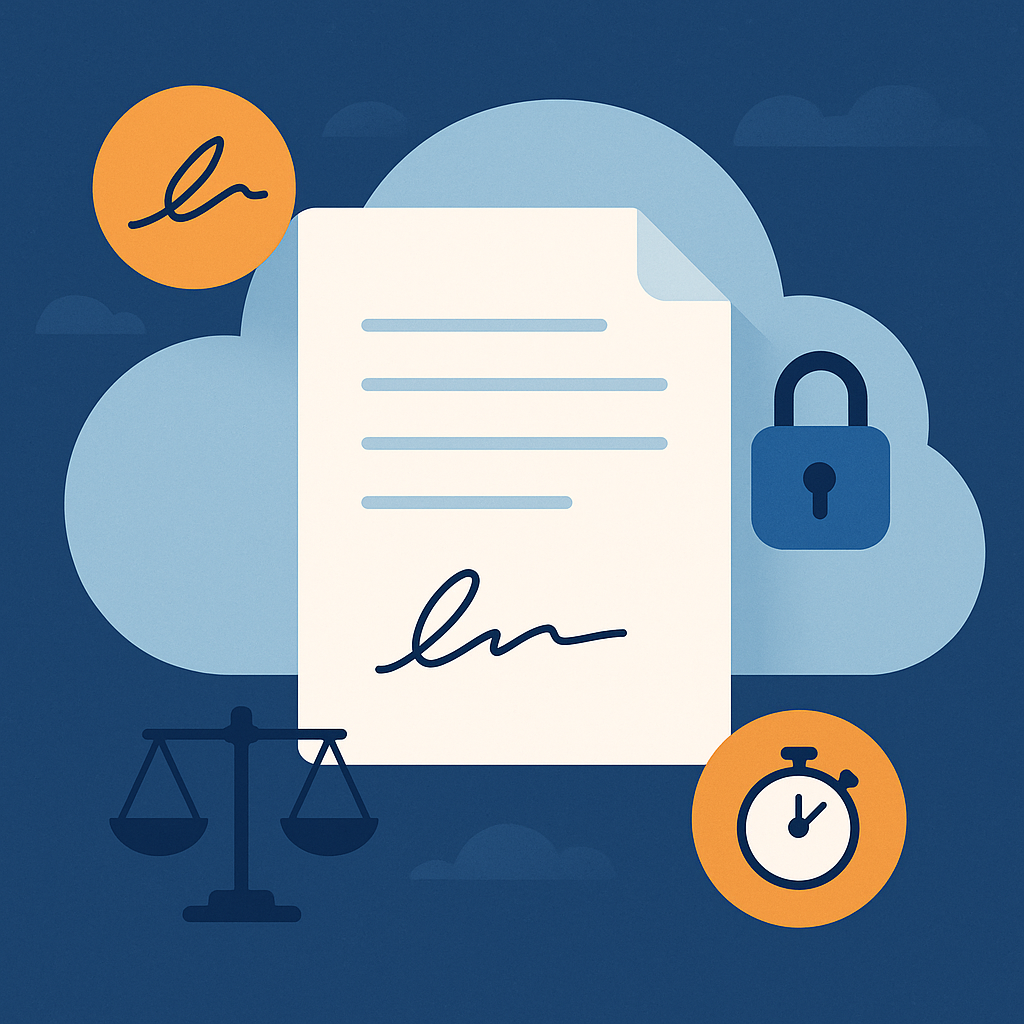
In the United States and many other countries, electronic signatures are widely recognized as legally binding when certain conditions are met.
Legal framework in the U.S.
Two core laws govern e-signatures in the U.S.:
- ESIGN Act (2000): Grants legal effect to electronic signatures and records as long as parties consent to use electronic documents and signatures. (docusign.com)
- UETA (Uniform Electronic Transactions Act): Adopted in 48 states plus D.C. and U.S. territories, defines an electronic signature as an electronic sound, symbol, or process attached to or logically associated with a record and executed or adopted with the intent to sign. (en.wikipedia.org)
Leading e-signature providers explicitly state that their electronic signatures comply with ESIGN and UETA, and that for most everyday business agreements, standard e-signatures are sufficient. (docusign.com)
Electronic vs. digital signatures
The terms are related, but not identical:
- Electronic signature: Any electronic sound, symbol, or process used with intent to sign (for example, clicking “I agree,” typing your name, or drawing your signature on-screen). (docusign.com)
- Digital signature: A more technical subset of e-signatures that uses cryptographic keys and digital certificates (Public Key Infrastructure) to verify identity and detect tampering. (docusign.com)
For typical business documents like NDAs, SOWs, sales contracts, HR forms, and vendor agreements, a standard electronic signature is usually enough. Some regulated industries or specific jurisdic
Pro tip: When in doubt, ask your legal team whether a standard electronic signature is sufficient for a particular document type or jurisdiction.
Practical Ways to Sign a Document Without Printing
There are several practical approaches to signing documents electronically, depending on your tools, device, and how often you need to sign.
1. Use built‑in tools on your computer (occasional signers)
If you only need to sign a few documents a month, your operating system likely has features you can use without installing anything complex.
Signing PDFs and documents on desktop
- PDF tools (like Adobe Acrobat/Reader): The “Fill & Sign” feature lets you type into forms and draw or place a stored signature image, then save and email the signed PDF—no printing required. (helpx.adobe.com)
- Built-in viewers: Many PDF and document viewers let you annotate or add signatures by inserting an image of your signature or drawing it with a mouse or trackpad.
Process overview:
- Open the PDF or document.
- Look for “Fill & Sign,” “Annotate,” or “Markup” tools.
- Create or insert your signature (typed, drawn, or image-based).
- Place it where required, save, and send.
2. Sign documents directly on your phone
Sometimes the fastest way to sign is from your phone, especially when you’re on the go.
For example, tutorials like “Sign documents using just your iPhone” show how to open a document attachment, use built-in markup tools to add your signature, and send it back in minutes—all from iOS Mail or Files.
Typical steps on mobile:
- Open the PDF or attachment from your email or cloud storage app.
- Tap the “Share” or “Markup” option.
- Add your signature (draw with your finger or select a saved signature).
- Position and resize the signature where needed.
- Save and reply/send the signed file.
Pro tip: Save your signature once in your phone’s markup tools so you can reuse it quickly instead of redrawing every time.
3. Use a dedicated e-signature platform (best for teams and frequent signers)
If you send or manage many documents, you’ll quickly outgrow ad-hoc methods. Dedicated e-sign platforms—such as QuickSign and other leading solutions—provide structured workflows, templates, and audit trails.
Typical core features include: (docusign.com)
- Uploading Word, PDF, and other common document formats.
- Drag-and-drop signature, date, checkbox, and text fields.
- Sending documents to one or many recipients via email.
- Automatic reminders and status tracking dashboards.
- Legally valid, tamper-evident signatures with audit history.
Platforms like QuickSign are particularly useful if you want to generate standard documents, send them to multiple parties, and centralize everything instead of hunting through email threads.
Step‑by‑Step: Signing a Document Without Printing
Scenario 1: You just received a PDF to sign via email
Here’s a simple workflow using a modern e-sign platform (the specifics vary by provider, but the flow is similar across tools): (docusign.com)
- Open the email invitation: Click the “Review” or “Sign” button in the email.
- Authenticate if required: Some documents may require you to enter a code sent via SMS or email.
- Follow guided fields: The interface highlights where to sign, initial, and fill in details.
- Adopt your signature:
- Choose a pre-styled signature based on your name,
- Draw with your mouse/finger, or
- Upload an image of your real signature.
- Click “Finish” or “Complete”: The platform stores the signed document and sends copies to all parties.
You don’t need a paid account just to sign; reputable platforms typically allow recipients to sign for free. (docusign.com)
Scenario 2: You need to send a contract for others to sign
If you are the sender (for example, a sales manager, HR lead, or operations owner), the steps are usually:
- Create or log into your e-sign account.
- Upload your document (Word, PDF, etc.). (docusign.com)
- Add recipients with names and email addresses, and define the signing order if multiple people must sign in sequence.
- Place fields: Drag and drop signature, date, text, and other required fields onto the document.
- Send: The platform emails each signer a secure link.
- Track progress: Use the dashboard to see who’s signed, send reminders, and download completed copies. (docusign.com)
With QuickSign, you can also generate standardized agreements directly from templates and send them to one or many recipients, which is ideal for recurring business processes.
Scenario 3: Signing without installing extra software
Sometimes you’re on a locked-down device or don’t want to install additional apps. Many e-sign tools are completely browser-based, so you can:
- Open the signing link in your browser.
- Sign using the web interface.
- Download or receive the completed PDF via email.
For simple one-off documents, even browser-based PDF viewers plus built-in markup can be enough, as demonstrated in tutorials like “Quick Tip #2 - Signing Documents Without a Printer” and “Signing a PDF or a WORD document WITHOUT PRINTING or SCANNING.”
Real‑World Use Cases: Where Digital Signing Shines
Sales and account management
Sales teams often juggle multiple proposals, MSAs, and renewals at once. E-signature platforms help by:
- Standardizing contract templates and approval flows.
- Sending documents to multiple stakeholders (legal, finance, executives) in parallel or sequence.
- Providing real-time status visibility for deal forecasting. (docusign.com)
HR and people operations
HR teams can eliminate piles of onboarding paperwork by sending:
- Offer letters and employment contracts.
- Policy acknowledgments and handbooks.
- Benefits enrollment and compliance forms.
New hires can sign and return everything before day one from any device.
Vendor and partner agreements
Operations and procurement teams can move faster by sending vendor contracts, SLAs, purchase orders, and NDAs electronically. Many common business documents are explicitly cited as suitable for e-signatures, including NDAs, purchase orders, vendor agreements, and hiring contracts. (docusign.com)
Internal approvals and policy sign‑offs
Even internal processes—budget approvals, internal MOUs, policy updates—benefit from digital signing with clear audit trails and centralized storage instead of scattered email attachments.
Key takeaway: Anywhere you collect signatures today—internal or external—you can usually switch to a digital signing workflow without sacrificing legality or control.
Best Practices for Signing Documents Without Printing
1. Choose the right level of security
For most routine documents, standard e-signatures are sufficient. For higher-risk use cases or specific regulations, consider:
- Enhanced authentication: SMS codes, ID verification, or two-factor authentication for signers. (docusign.com)
- Digital signatures with PKI: Where cryptographic certificates are required to prove signer identity and document integrity. (docusign.com)
2. Standardize your templates
Create reusable templates for your most common documents:
- Pre-place signature and date fields.
- Include required clauses for compliance and data protection.
- Lock down sections that should not be edited by senders.
This reduces errors, speeds up sending, and ensures a consistent brand and legal posture.
3. Integrate with your existing tools
Modern e-sign platforms integrate with CRM, HRIS, and productivity tools (like Salesforce, Microsoft 365, and Google Workspace), so you can send and track documents from within the systems your team already uses. (docusign.com)
4. Educate your team (and counterparties)
Adoption improves when everyone understands:
- The legal validity of electronic signatures.
- How to sign from mobile and desktop.
- Where completed documents are stored and how to access them.
Short internal guides or recorded screen-share tutorials can significantly reduce support questions.
Why Consider QuickSign for Your Document Signing Workflows?
While many tools help you sign without printing, QuickSign focuses on making it fast and straightforward for businesses to generate, send, and manage agreements at scale.
Example scenarios where QuickSign can fit seamlessly into your workflow:
- Sales teams: Generate standardized proposals, customize key fields, and send to clients in a few clicks.
- HR departments: Create offer letter and policy templates and send them to new hires and employees for quick, trackable sign-off.
- Operations and finance: Send vendor and partner agreements to multiple stakeholders, ensuring everyone receives the same finalized version.
If you’re looking to move beyond one-off manual signing and establish a consistent, scalable process, adding a platform like QuickSign is a practical next step.
Conclusion: Go Paperless and Keep Business Moving
Signing documents without printing is no longer a “future state”—it’s the standard for modern business. With clear legal frameworks, mature e-signature platforms, and built-in tools on your devices, there’s little reason to keep feeding paper into printers just to add a signature.
Whether you’re closing deals, onboarding employees, or managing vendor relationships, switching to digital signatures will:
- Reduce delays and friction for all parties.
- Cut printing and administrative costs.
- Improve security, compliance, and auditability.
Ready to sign documents without printing? Try QuickSign for free - generate 2 documents and send 1 document to unlimited recipients at no cost. Visit QuickSign to get started today.