How to Sign Real Estate Contracts Online: A Practical Guide for Modern Dealmakers
Learn how to sign real estate contracts online securely and efficiently. This practical guide helps modern dealmakers streamline deals and stay compliant.

How to Sign Real Estate Contracts Online: A Practical Guide for Modern Dealmakers
If you’re a real estate professional, investor, or business owner, you’ve probably felt at least one of these pains:
- Deals slowing down because buyers, sellers, or partners can’t get in the same room to sign.
- Endless email threads managing versions of purchase agreements, assignments, or lease contracts.
- High monthly costs for legacy e-sign tools you barely use, especially if you have a growing team.
The good news: in 2025, most real estate contracts can be legally signed online in the U.S., and end-to-end digital closings are becoming the norm. (certinal.com) A modern platform like QuickSign lets you not only sign real estate contracts online, but also generate them with AI, send them in under a minute, and track every interaction in real time—at a flat, affordable price.
This guide walks you through how to sign real estate contracts online, what’s legally required, and how business professionals are using QuickSign.it to speed up deals while staying compliant.
Are Online Signatures on Real Estate Contracts Legal?
In the United States, electronic signatures are broadly recognized as legally valid for contracts, including most real estate agreements:
- The federal ESIGN Act (Electronic Signatures in Global and National Commerce Act), effective since 2000, states that a contract or signature “may not be denied legal effect, validity, or enforceability solely because it is in electronic form.” (en.wikipedia.org)
- Most states have adopted the Uniform Electronic Transactions Act (UETA), which aligns with ESIGN and explicitly allows electronic contracts and signatures, including for many real estate transactions. (americanbar.org)
However, you should be aware of two important nuances:
- Notarization: Certain real estate documents (for example, deeds and some mortgage documents) require notarization. As of early/mid-2025, 45 states plus Washington, D.C. have permanent remote online notarization (RON) laws, allowing many of these notarizations to be done entirely online through authorized notary platforms. (notarycam.com)
- Local practice and lender/title policies: Even if electronic signatures are legally allowed, specific lenders, title companies, or jurisdictions may have their own rules on what can be e-signed versus what must be wet-signed at closing.
Key takeaway: For purchase agreements, leases, assignments, NDAs, and most ancillary real estate contracts, electronic signatures are widely accepted in the U.S. Today, over 65% of property transactions use eSignatures. (certinal.com)
QuickSign is built with these legal frameworks in mind: it captures a clear audit trail (IP, timestamps, sign order) that supports enforceability under ESIGN and UETA.

Why Real Estate Professionals Are Moving Contracts Online
Speeding Up Deals and Reducing Friction
In real estate, speed kills—or saves—deals. When a buyer is ready to sign, you don’t want to wait days for in-person meetings or paper documents to arrive. Studies across industries show that e-signatures can cut turnaround times dramatically; in some sectors, contract cycles are up to 70% faster with e-signature adoption. (certinal.com)
With QuickSign.it you can:
- Draft a contract with AI in minutes instead of starting from scratch or hunting for an old template.
- Send for signature in under 60 seconds using seamless, multi-recipient sending.
- Track who has opened and signed in real time so you know exactly where the deal stands.
Cutting Costs Compared to Legacy Tools
Traditional e-sign tools often charge per user, which gets expensive when you have agents, assistants, and partners who only sign occasionally. Unlike traditional per-seat solutions, QuickSign offers flat-rate pricing at $15/month for your entire team—no per-seat fees—plus a generous free tier for testing and low-volume use.
Pro tip: If you have multiple agents or partners, a flat-rate platform like QuickSign.it can be significantly cheaper than per-seat pricing while still providing enterprise-grade features.
Supporting Remote, Mobile-First Transactions
Roughly 70% of eSignatures in industries like finance and real estate are now completed on mobile devices. (certinal.com) Investors are signing deals from airports, sellers from different states,
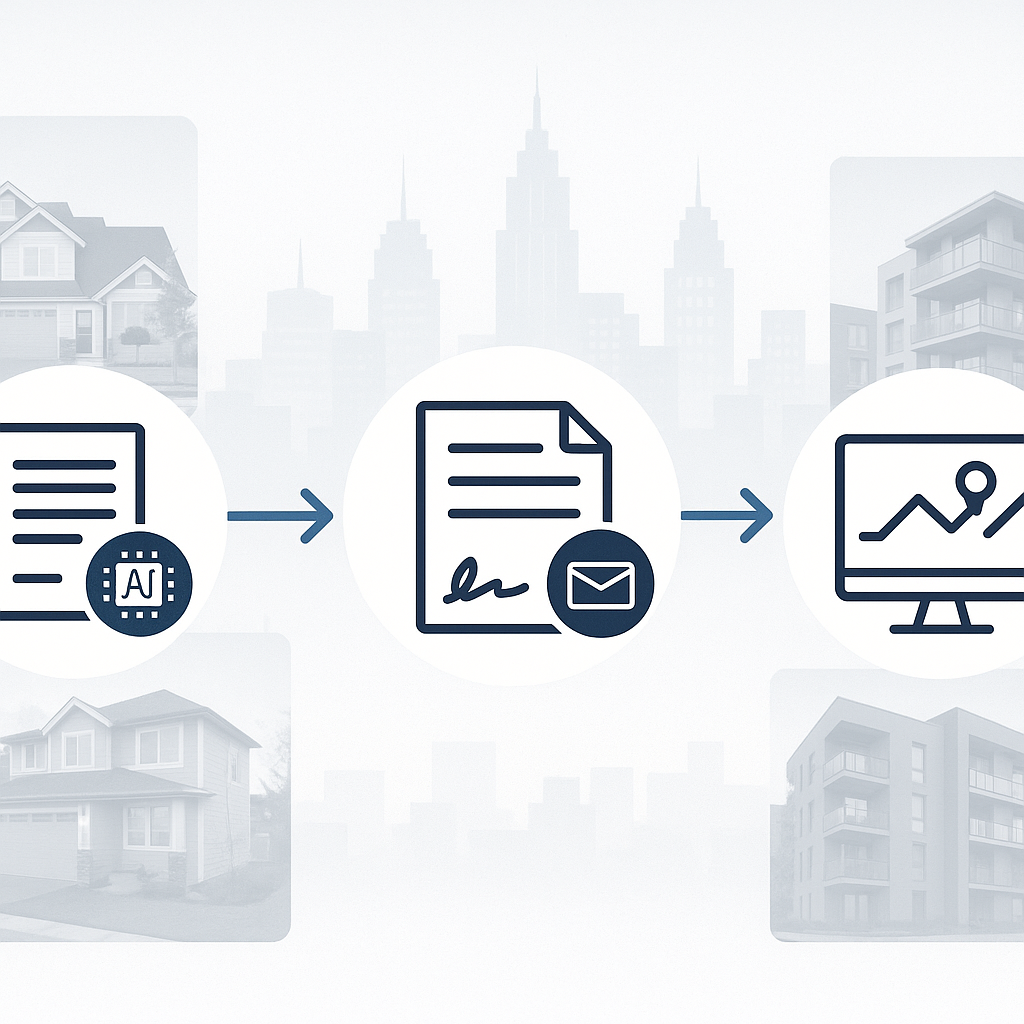
QuickSign is optimized for this reality: recipients don’t need an account, and the signing experience is mobile-friendly—reducing friction and helping you close from anywhere.
How QuickSign Helps You Sign Real Estate Contracts Online
1. Generate Real Estate Contracts with AI
One of the most unique advantages of QuickSign.it is its AI Document Generation capability. Instead of staring at a blank screen or reusing outdated templates, you simply describe the deal and let the AI draft a contract for you.
Examples of prompts you might use:
- “Draft a residential purchase and sale agreement for a single-family property in Texas, investor buyer, 30-day close, 10-day inspection period, as-is condition.”
- “Create a 1-year commercial office lease for a small tech startup, triple-net, with two 1-year renewal options and 3% annual rent increases.”
- “Write a wholesale assignment agreement for an investor assigning a residential purchase contract to another investor buyer, including assignment fee protection.”
You can then review, adjust, or have your attorney refine the language as needed. The time savings add up quickly, especially if you’re doing multiple deals per month.
Key takeaway: AI Document Generation in QuickSign lets you go from idea to draft contract in minutes—ideal for investors, wholesalers, and busy brokers who don’t want to reinvent the wheel for every deal.
2. Upload Existing PDFs and Add Fields with Drag-and-Drop
If you already have attorney-approved templates—like a state-specific REALTOR® contract or custom commercial lease—you can upload them to QuickSign.it as PDFs.
Then use the drag-and-drop field placement tools to add:
- Signature fields for buyer, seller, landlord, tenant, or assignee
- Initial fields for key clauses (disclosures, as-is language, inspection waivers)
- Date fields for effective dates, closing dates, or notice periods
- Text fields for last-minute deal terms (rent amount, purchase price, inspection deadlines)
You’re in control of exactly where each party signs and what’s required, reducing errors and back-and-forth.
3. Seamless Sending to Multiple Parties
Real estate contracts often involve multiple signers: buyers, sellers, spouses, entities, and sometimes agents. QuickSign makes multi-party sending simple:
- Enter each recipient’s name and email.
- Select the signing order (for example, buyer signs first, seller signs second).
- Add a brief message explaining the document and next steps.
- Click send—recipients receive a secure link to sign from any device.
You can do this in under a minute once your template is set up.
4. Real-Time Tracking and Audit Trails
One of the biggest pain points in real estate deals is not knowing where a contract stands. Did the buyer open the email? Has the seller reviewed the document yet?
QuickSign.it provides real-time tracking so you can see:
- Which recipients have opened the document
- Who has signed and who is still pending
- Time-stamped logs for every action taken on the document
This transparency helps you follow up more strategically (“I see you’ve viewed the contract—do you have any questions?”) and gives you a solid audit trail for compliance and dispute resolution.
Step-by-Step: Signing a Real Estate Purchase Contract Online with QuickSign
Let’s walk through a simple workflow for a residential purchase agreement using QuickSign.
Step 1: Draft or Upload Your Contract
- Option A: Use AI to generate the contract. In QuickSign, choose AI Document Generation, describe the property, parties, and key terms (price, closing date, contingencies), and let the AI propose a full draft.
- Option B: Upload your PDF template. If you have a standard state form or attorney-approved agreement, upload it directly.
Either way, you end up with a contract ready to be set up for e-signing.
Step 2: Add Signature and Initial Fields
Using QuickSign’s drag-and-drop interface, place fields on the contract where each party must act:
- Buyer’s signature and date on the final page
- Seller’s signature and date below
- Initial boxes for key pages (e.g., property condition, lead-based paint disclosure)
- Optional text fields for last-minute edits (for example, updated closing date)
This setup process is visual and intuitive—similar to dragging elements on a slide.
Step 3: Add Recipients and Set Signing Order
Next, configure who signs and when:
- Buyer (John Smith) – signs first
- Seller (Maria Lopez) – signs after buyer
- Optional: CC the buyer’s agent or attorney for visibility
QuickSign’s seamless sending means you only need emails—no accounts or passwords for your signers.
Step 4: Send for Signature and Monitor in Real Time
Hit send. Each signer receives an email with a secure link to review and sign. On your dashboard, you’ll see a status timeline:
- Buyer: Viewed, then Signed (with timestamps)
- Seller: Viewed, waiting for signature
QuickSign’s real-time tracking lets you step in quickly if a signer stalls—crucial in competitive markets where delays can cost you the deal.
Step 5: Download the Fully Executed Contract
Once all parties sign, QuickSign automatically emails everyone a copy and stores a final, tamper-evident PDF with an audit log. You can then share this with your title company, lender, or transaction coordinator.
Pro tip: Save your configured contract (with fields and recipients) as a reusable template in QuickSign if you run similar deals regularly. This can shave 10–15 minutes off every future transaction.
Example Workflows for Different Real Estate Roles
Investors and Wholesalers
Real estate investors and wholesalers frequently rely on fast execution—getting contracts signed before competitors do. Many educational YouTube channels now walk viewers through wholesale purchase and assignment contracts step-by-step, underscoring the importance of standardized, repeatable documents.
Here’s how wholesalers use QuickSign.it in practice:
- Use AI Document Generation to create:
- A purchase and sale agreement between wholesaler and seller.
- An assignment agreement between wholesaler and end buyer.
- Upload and add signature/initial fields once, then save as templates.
- When a new deal comes in, duplicate the template, adjust price/dates, and send for signature in under a minute.
- Track signatures in real time to ensure both seller and end buyer are on schedule, preventing last-minute surprises.
Brokers and Agents
Residential and commercial agents often juggle multiple agreements at once: listing agreements, buyer representation agreements, purchase contracts, addenda, and disclosures.
With QuickSign, they typically:
- Upload their association’s standard forms once and overlay required fields.
- Use QuickSign’s templates to generate contract packets for each new deal.
- Send documents to clients from their phone during showings or right after an offer is verbally accepted.
- Monitor who has signed in real time, then forward executed docs to transaction coordinators.
Property Managers and Landlords
For recurring contracts like leases and renewals, QuickSign.it is particularly powerful:
- Use AI to draft lease agreements with consistent clauses for late fees, maintenance, and renewals.
- Send move-in packets (lease, rules, disclosures) as a single signing envelope.
- Renew leases digitally with pre-filled term updates, saving in-person signing appointments.
Time and Cost Savings: What You Can Expect
Quantifying the impact of moving your real estate contracts online helps build the business case:
- Faster closings: With over 65% of real estate transactions already using eSignatures, industry norms are shifting toward same-day or next-day contract execution. (certinal.com)
- Reduced travel and printing: No more driving across town for signatures or printing multi-page packets—especially valuable if your clients are remote or out-of-state.
- Lower software costs: Thanks to QuickSign’s flat $15/month team pricing and free tier (2 AI document generations + 1 document send to unlimited recipients), you avoid per-seat costs that can balloon as your team grows.
- Fewer lost deals: Real-time tracking and mobile-friendly signing reduce delays that can lead to buyers or sellers getting cold feet or accepting competing offers.
Key takeaway: For most small and mid-sized real estate businesses, the combination of faster deal cycles and lower software costs makes a modern platform like QuickSign.it a high-ROI upgrade over manual or legacy processes.
Best Practices for Signing Real Estate Contracts Online
Confirm Local Requirements and RON Availability
While ESIGN and UETA broadly support electronic contracts, local nuances matter, especially for notarized documents like deeds. As of 2025, remote online notarization is permanently authorized in 45 states and Washington, D.C., but there are still state-specific restrictions and implementation timelines. (notarycam.com)
Before relying on a fully remote closing, confirm with:
- Your title company or closing attorney
- Your lender (for financed deals)
- Your local real estate board or association
Maintain Clear, Consistent Templates
Use QuickSign’s AI to generate your first drafts, but always:
- Have a qualified attorney review and approve templates for ongoing use.
- Keep a library of standardized templates in QuickSign for different deal types (wholesale, retail, lease, assignment).
- Avoid ad-hoc edits that could create inconsistent obligations across deals.
Leverage Audit Trails for Compliance
Make sure your signing platform—like QuickSign.it—records:
- Timestamps for viewing and signing
- IP addresses and device information where possible
- A clear sequence of signer actions
This audit trail is often crucial if there’s ever a dispute over whether a party actually signed or agreed to a contract.
Why QuickSign Is a Strong Fit for Real Estate Teams
To recap how QuickSign aligns with the realities of signing real estate contracts online:
- AI Document Generation: Create purchase agreements, leases, NDAs, and assignment contracts from simple prompts—ideal for investors, wholesalers, agents, and landlords.
- Drag-and-Drop Fields: Turn any PDF into a smart, signable document in minutes with signature, text, date, and initial fields.
- Seamless Sending: Add multiple recipients, define signing order, and send from anywhere in under 60 seconds.
- Real-Time Tracking: See exactly when each party views and signs, so you can keep deals moving.
- Affordable Flat-Rate Pricing: $15/month for your whole team, with a generous free tier to get started—no per-seat surprises.
For business professionals who depend on clean, enforceable contracts to close deals, QuickSign.it offers a practical, modern alternative to bulky legacy tools and slow paper processes.
Ready to simplify your document signing? Try QuickSign for free - generate 2 documents and send 1 document to unlimited recipients at no cost. No credit card required.