How to Use Electronic Signatures: A Practical Guide for Modern Businesses
Learn how to use electronic signatures to streamline approvals, boost security, and close deals faster in this practical guide for modern businesses.
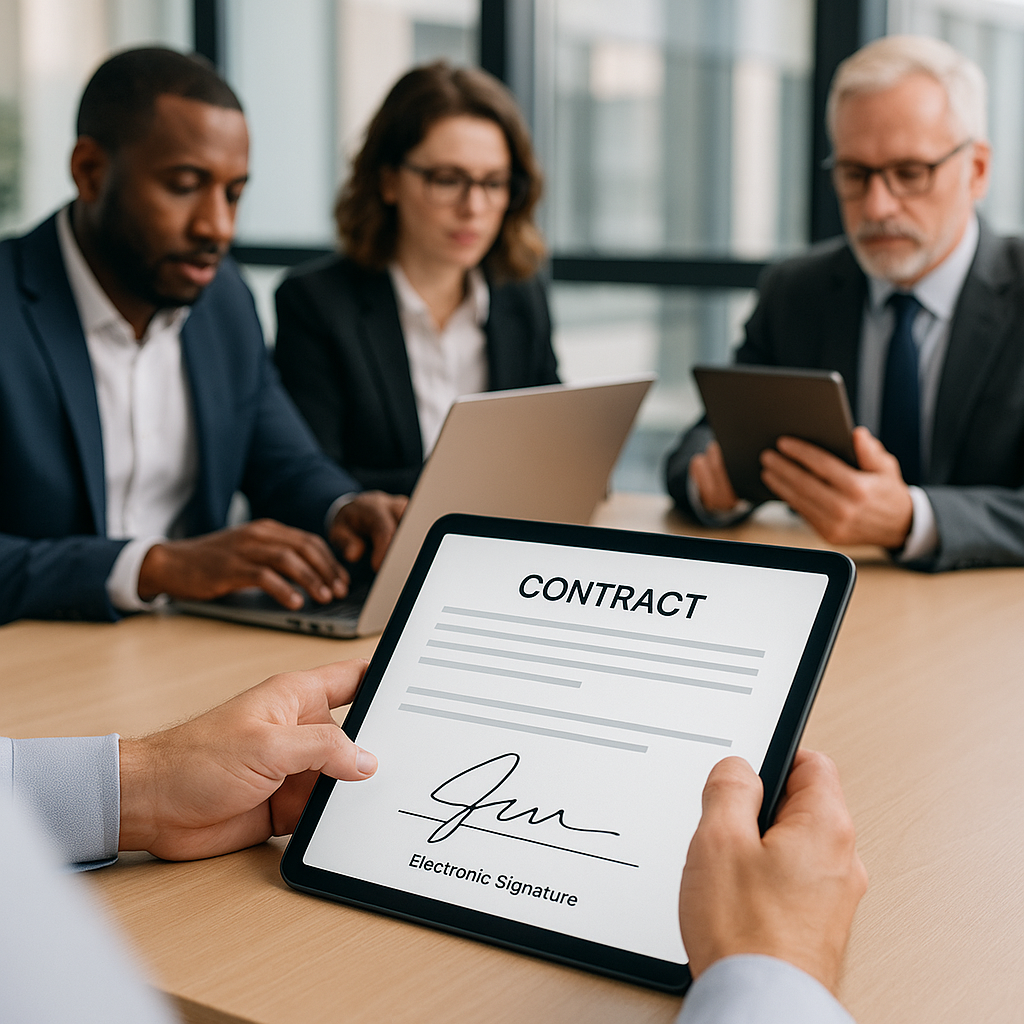
How to Use Electronic Signatures: A Practical Guide for Modern Businesses
Electronic signatures have gone from “nice-to-have” to business-essential. In 2025, the global eSignature market is valued at over $12 billion and is projected to grow at more than 39% annually as organizations move away from paper-based signing.(certinal.com) Whether you’re closing sales, onboarding employees, or signing vendor contracts, knowing how to use electronic signatures correctly can dramatically speed up your workflows and reduce risk.
This guide walks you through how electronic signatures work, where they’re legally accepted, and how to start using them step-by-step—using modern tools like QuickSign.it to keep things fast, affordable, and compliant.
What Is an Electronic Signature?
An electronic signature (often “e-signature”) is any electronic sound, symbol, or process attached to or logically associated with a document and executed with the intent to sign. That definition comes from the U.S. Uniform Electronic Transactions Act (UETA) and the ESIGN Act, which are the core legal foundations for e-signatures in the United States.(en.wikipedia.org)
In practice, this can include:
- Typing your name at the end of an email
- Checking an “I agree” box on a web form
- Drawing your signature on a touchscreen
- Clicking a “Sign” button in an e-signature platform
In the EU and many other regions, regulations like eIDAS define three main levels of electronic signatures: simple, advanced, and qualified. All three are generally legally binding, though “qualified” signatures offer the highest level of assurance and are explicitly equivalent to handwritten signatures in the EU.(fynk.com)
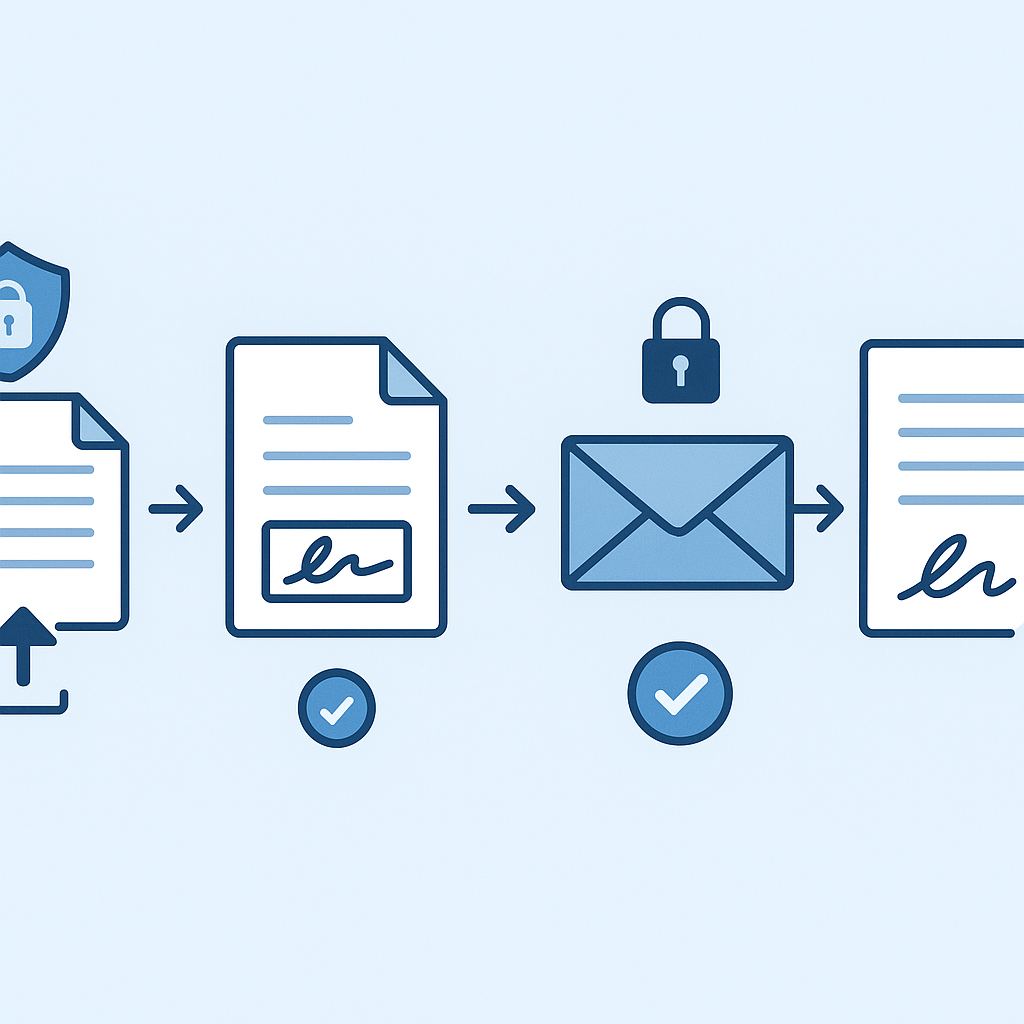
Key takeaway: If you can clearly show who signed, how they signed, and that the document hasn’t been changed since, your electronic signature is very likely to be legally valid in most business scenarios.
Are Electronic Signatures Legally Binding?
Yes—electronic signatures are legally binding in the United States, the European Union, and most major economies, provided certain conditions are met.
Legal frameworks you should know
- United States: Governed primarily by the ESIGN Act (2000) and UETA. These laws state that a contract or signature “may not be denied legal effect” just because it’s electronic.(en.wikipedia.org)
- European Union: Covered by the eIDAS Regulation (EU 910/2014), which recognizes simple, advanced, and qualified e-signatures and confirms that electronic signatures cannot be denied legal effect just because they’re electronic.(fynk.com)
- Global landscape: Many countries (Canada, Australia, India, and others) have similar laws favoring e-signatures, with some exceptions for highly sensitive documents.(globalsign.com)
When electronic signatures are typically valid
In business, e-signatures are widely accepted for:
- Sales contracts and service agreements
- NDAs and partnership agreements
- Employment offers and HR onboarding documents
- Purchase orders and vendor contracts
- Real estate and leasing documents (with some jurisdictional caveats)
Common exceptions and restrictions
Most e-signature laws exclude certain categories where a traditional “wet ink” signature may still be required, such as:(globalsign.com)
- Wills and testamentary documents
- Some family law documents (e.g., adoption or divorce)
- Certain court orders and official court filings
- Some real estate transactions
(varies by jurisdiction)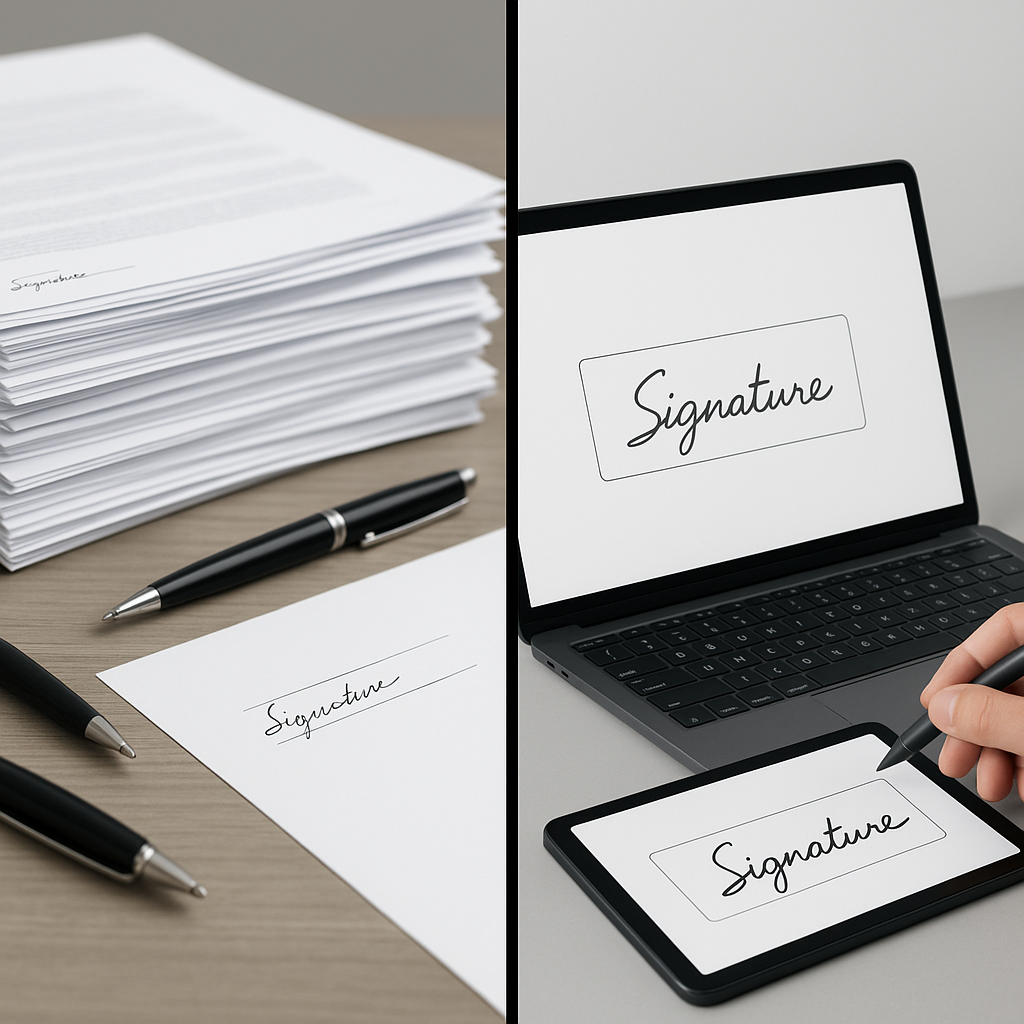
Pro tip: For cross-border agreements or highly regulated transactions, always confirm local e-signature rules with legal counsel, especially if the document falls into an exception category.
Why Use Electronic Signatures in Your Business?
Beyond legality, the real power of e-signatures is in the efficiency and experience gains.
- Speed: Many organizations report up to 70% faster turnaround times when using e-signatures for things like onboarding and account opening.(certinal.com)
- Cost savings: You reduce printing, scanning, shipping, and storage costs—not to mention staff time chasing signatures.
- Remote-friendly: Signers can complete documents from anywhere, often on mobile—critical now that roughly 70% of eSignatures in some industries are done on mobile devices.(certinal.com)
- Security & audit trails: Good e-signature tools track timestamps, IP addresses, and document history, which is often more robust than a handwritten signature.(esigndigital.com)
- Better customer and employee experience: No more “print, sign, scan, email back” friction.
Modern, small-business-focused platforms like QuickSign.it let you send documents for signature in under 60 seconds, making it realistic to digitize even small, everyday agreements.
How to Use Electronic Signatures Step-by-Step
While every platform is different, the core steps to using e-signatures in your business are similar. Below is a practical walkthrough, with examples of how a tool like QuickSign handles each step.
1. Decide what you want to sign
Start by identifying the documents you want to move from paper to e-signature. Common starting points include:
- Sales proposals and contracts
- Non-disclosure agreements (NDAs)
- Freelancer or contractor agreements
- New-hire paperwork (offer letters, policy acknowledgments)
- Service renewals and change orders
You can upload existing PDFs or generate new documents from scratch.
2. Generate or upload your document
You have two main options:
- Upload an existing PDF or document
If your contract already exists, upload it into your e-sign tool. Platforms like QuickSign.it accept standard PDF and document formats. - Generate a new document with AI
This is where modern tools like QuickSign stand out. Instead of drafting from scratch or copy-pasting from old templates, you can describe what you need (e.g., “A simple one-page social media management contract for a U.S.-based freelancer”) and use AI Document Generation to produce a first draft automatically.
Pro tip: Use AI-powered document variables (available in tools like QuickSign.it) to auto-fill recipient names, company names, and key terms across the document. This reduces manual errors and saves time when sending similar contracts repeatedly.
3. Place signature and form fields
Once the document is in your e-sign platform, you’ll place the fields that signers need to complete.
Look for features like:
- Drag-and-drop field placement – Quickly add signature, initials, text, checkboxes, and date fields.
- Field assignment – Decide which recipient signs where, and which fields are required vs. optional.
- Reusable templates – Save commonly used documents with predefined fields so your team doesn’t rebuild each time.
With QuickSign, you can upload any PDF and use drag-and-drop tools to place exactly where signatures and initials go, eliminating confusion for recipients and reducing back-and-forth.
4. Add recipients and define the signing order
Next, you’ll add the people who need to sign or receive a copy:
- Enter each person’s name and email address.
- Specify whether they are a signer or just need a copy.
- Optionally set a signing order (e.g., client signs first, your internal approver signs second).
Modern e-sign tools can also:
- Send automatic reminders if someone hasn’t signed.
- Expire links after a certain date for security.
- Use variables (e.g., Company Name) to customize messaging to each signer.
QuickSign.it is designed for speed here: you can add recipients and send a document out for signature in seconds, even if you’re not “techy.”
5. Send the document and collect signatures
When you click “Send,” your e-signature platform will email each recipient a secure link to review and sign the document.
On the signer side, the experience typically looks like this:
- They click the email link and open the document in their browser (desktop or mobile).
- They review the document text.
- The system guides them through required fields (sign here, initial here, date here).
- They confirm their intent and complete the signing process.
The following videos give a visual overview of creating and using an electronic signature:
For those specifically interested in free ways to sign PDFs and create signatures, this video is also useful:
6. Track status and follow up
One of the biggest advantages of e-signatures over paper is real-time tracking. Instead of wondering “Did they get the contract?”, you can see:
- Who has viewed the document
- Who has signed
- Who is still pending
- When each action occurred (timestamped)
Platforms like QuickSign.it provide clear dashboards so you know exactly where each document stands. This is especially valuable for sales teams and HR departments working to hit tight deadlines.
7. Store and manage completed documents
After everyone signs, the platform typically:
- Generates a certificate of completion or audit trail containing timestamps, IP addresses, and signer details.(esigndigital.com)
- Locks or encrypts the document so it’s tamper-evident.
- Stores it securely in the cloud, where you can search, filter, and export as needed.
From there, you can also:
- Download PDFs to your own systems or DMS
- Attach contracts to your CRM records
- Re-use the same template for future deals or hires
Best Practices for Using Electronic Signatures in Your Organization
To get the most from e-signatures—and stay compliant—build these best practices into your workflows.(blueink.com)
1. Clearly define what will be signed electronically
Map your document lifecycle and identify which stages will use e-signatures. For example:
- Sales: proposals, MSAs, order forms
- HR: offer letters, policy acknowledgments, contractor agreements
- Operations: vendor contracts, SOWs, renewals
Having a clear scope reduces confusion and helps with training and compliance.
2. Standardize templates and clauses
Use standardized templates for high-volume documents (NDAs, basic contracts, onboarding forms). AI-powered document generation in QuickSign makes it easy to spin up consistent, legally sound templates with the right clauses, even if you don’t have a dedicated legal team.
3. Build strong authentication and consent steps
To keep signatures enforceable, your process should show:
- Intent to sign – Use clear “Sign” buttons and confirmation screens.
- Consent to do business electronically – Include a short consent clause before signing (e.g., “By clicking ‘Sign,’ you agree to conduct this transaction electronically.”).(esign.co.uk)
- Identity verification – At minimum, use verified email; for higher-risk scenarios, consider additional authentication (e.g., SMS codes).
4. Keep a robust audit trail
Ensure your e-signature platform maintains an audit log including:
- Who opened the document and when
- Which IP address or device was used
- When each signature was applied
- Any changes or attempted modifications
These details are invaluable if a signature is ever challenged.
5. Integrate e-signatures into existing workflows
Don’t treat e-signatures as an isolated tool. Integrated well, they become part of a streamlined digital workflow:
- Trigger contract generation from your CRM when a deal reaches a certain stage.
- Automatically send onboarding documents when an offer is accepted.
- Route signed documents to finance or operations for next steps.
Modern platforms like QuickSign.it are particularly suited to solo entrepreneurs and small teams who need simple, intuitive workflows without heavy IT overhead.
Choosing the Right Electronic Signature Solution
There are many e-signature tools on the market, from heavyweight enterprise platforms to nimble, SMB-focused solutions. When evaluating options, consider:
- Ease of use – Can non-technical staff send a document for signature in under a minute?
- Pricing model – Are there per-user charges, document limits, or hidden fees?
- Document generation capabilities – Do you have to draft everything manually, or is there AI assistance?
- Tracking and reporting – Can you easily see signing status at a glance?
- Compliance and security – Does the tool support ESIGN, UETA, eIDAS, encryption, and audit trails?
How QuickSign.it compares to legacy e-signature tools
While well-known platforms like DocuSign and HelloSign (now Dropbox Sign) are powerful, they often charge per seat and can become expensive as your team grows.
In contrast, QuickSign.it is designed as a modern, user-friendly alternative, especially for solo entrepreneurs, agencies, and small businesses that want simplicity and predictable costs:
- Generous free tier: Get 2 AI-generated documents and send 1 document to unlimited recipients at no cost—ideal for testing real workflows before you pay.
- Flat-rate pricing: Pricing starts at just $15/month for the whole team, with no per-user fees and no complex enterprise contracts.
- AI Document Generation: Draft contracts, NDAs, and agreements by simply describing what you need.
- Drag-and-drop fields: Upload any PDF and place signature, text, checkboxes, and date fields exactly where you need them.
- Real-time tracking: See when recipients open, view, and sign your documents.
- AI document variables: Automatically fill in recipient and company details across the document.
While platforms like DocuSign and HelloSign charge per user and can quickly become expensive, QuickSign.it offers flat-rate pricing starting at just $15/month with unlimited team members—making it far more budget-friendly for growing small businesses.
Real-World Use Cases: How Businesses Use Electronic Signatures
1. Sales teams closing deals faster
A B2B services company sends proposals and contracts immediately after sales calls. Using e-signatures, they can:
- Auto-generate a proposal with AI based on deal details
- Add the client as a signer and send in under a minute
- Track in real time when the client opens and signs
- Trigger onboarding automatically once the contract is complete
The result: shorter sales cycles and fewer deals “stuck in legal” due to paper friction.
2. HR and recruiting streamlining onboarding
HR teams can bundle offer letters, tax forms, and policy acknowledgments into one digital envelope. New hires:
- Receive everything via email
- Complete signatures and form fields from any device
- Trigger automatic distribution of signed copies to HR, IT, and payroll
This not only speeds up onboarding but creates a consistent, professional candidate experience.
3. Freelancers and agencies protecting their work
Solo professionals and agencies can use QuickSign to:
- Generate standard client agreements and NDAs using AI
- Collect signatures before starting any work
- Store all client contracts in one place for future reference
With a low flat monthly cost and a strong free tier, e-signatures become accessible even to very small operations that previously relied on email approvals or verbal agreements.
Ready to simplify your document signing? Try QuickSign for free - generate 2 documents and send 1 document to unlimited recipients at no cost. No credit card required.