HR Contract Management with E‑Signatures: How QuickSign Transforms Hiring and Onboarding
Streamline HR contract management with e-signatures. Discover how QuickSign speeds up hiring, secures approvals, and delivers a seamless onboarding experience.
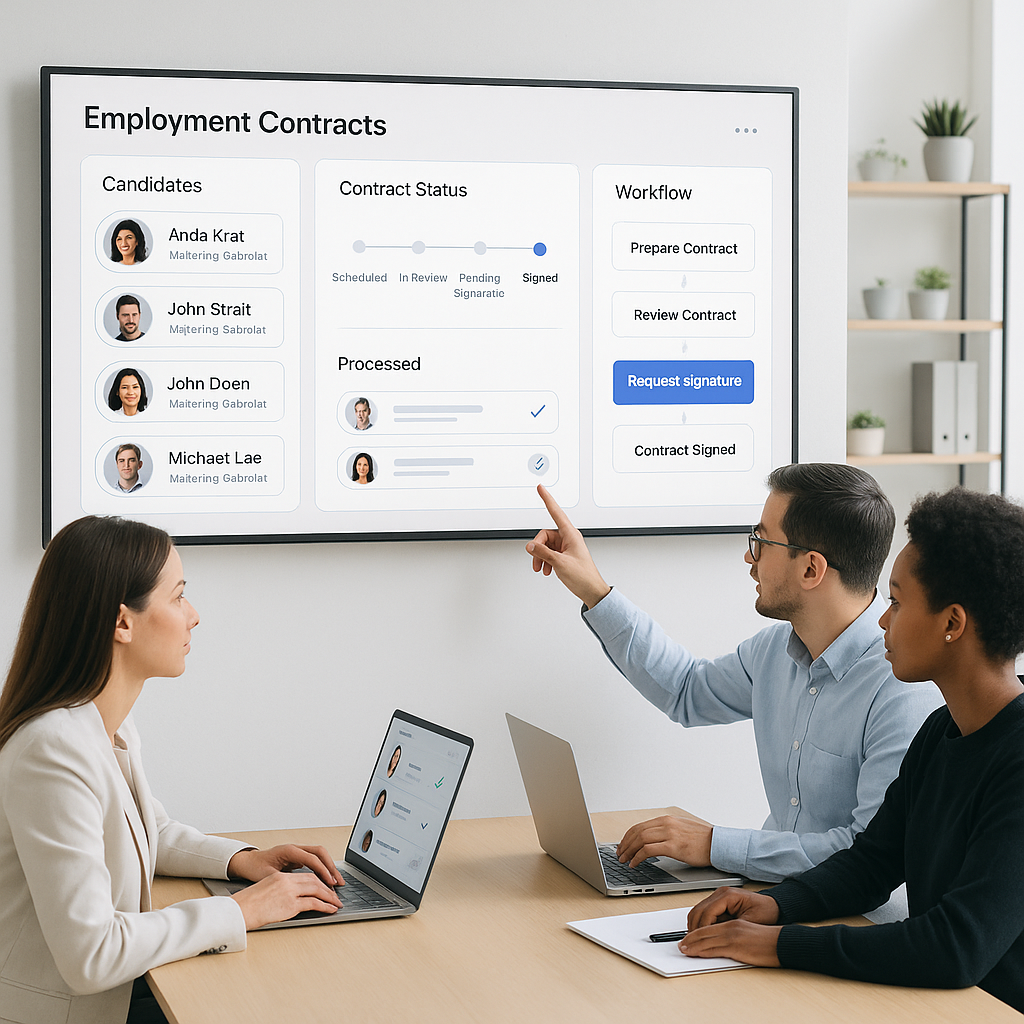
HR Contract Management with E‑Signatures: How QuickSign Transforms Hiring and Onboarding
HR teams are under constant pressure: roles need to be filled faster, compliance keeps tightening, and candidates now expect a seamless, digital-first experience. Yet many HR departments still juggle email attachments, manual edits to Word templates, printing, scanning, and chasing signatures for days.
Modern e-signatures already cut onboarding time by up to 80% and dramatically reduce errors and costs in HR workflows. (esignglobal.com) But most tools focus only on the “signature” step. QuickSign goes further by combining e-signatures with AI-powered contract generation, real-time tracking, and flat-rate pricing that works for growing teams.
Key idea: HR contract management isn’t just about getting a signature—it’s about creating, sending, tracking, and storing compliant documents with as little human effort as possible. That’s exactly the gap QuickSign is built to close.
Why HR Contract Management Is Broken Without E‑Signatures
Before looking at how QuickSign helps, it’s worth spelling out why traditional HR contract management feels so painful.
1. Slow, fragmented hiring and onboarding
In many organizations, HR still:
- Builds each offer letter or employment contract from a previous file
- Emails the document as an attachment and waits days for a response
- Prints, scans, or even mails physical copies for signatures
- Manually re-enters data into HRIS or payroll systems afterward
Industry data shows that when companies move to e-signatures, contract processing time typically drops by 28–80%, and onboarding can be up to 80% faster. (esignglobal.com) Every extra day a candidate spends with paperwork delays their start date and productivity.
2. High administrative costs per document
Paper-based HR contracts carry hidden costs: printing, scanning, postage, storage, and the HR time needed to chase missing signatures and fix errors. Studies estimate that paper processes cost around $6–$8 per document versus $0.50–$1.00 with e-signatures, and organizations can save up to $28 per signed document when they digitize. (certinal.com) For HR teams managing dozens or hundreds of contracts each month, this quickly becomes a major budget item.
3. Compliance and audit risk
Employment contracts and HR forms contain sensitive personal data. They must comply with laws like ESIGN and UETA in the U.S. and data privacy regulations such as GDPR or CCPA. (esignglobal.com) Paper workflows make it harder to:
- Prove when and how an employee consented
- Maintain a clear audit trail of changes and signatures
- Securely store and retrieve contracts during audits or disputes
E-signature platforms solve much of this through audit trails, secure storage, and tamper-evident documents, which are already recognized as legally valid for employment contracts in all 50 U.S. states under ESIGN and UETA, and across the EU under eIDAS. (esignglobal.com)
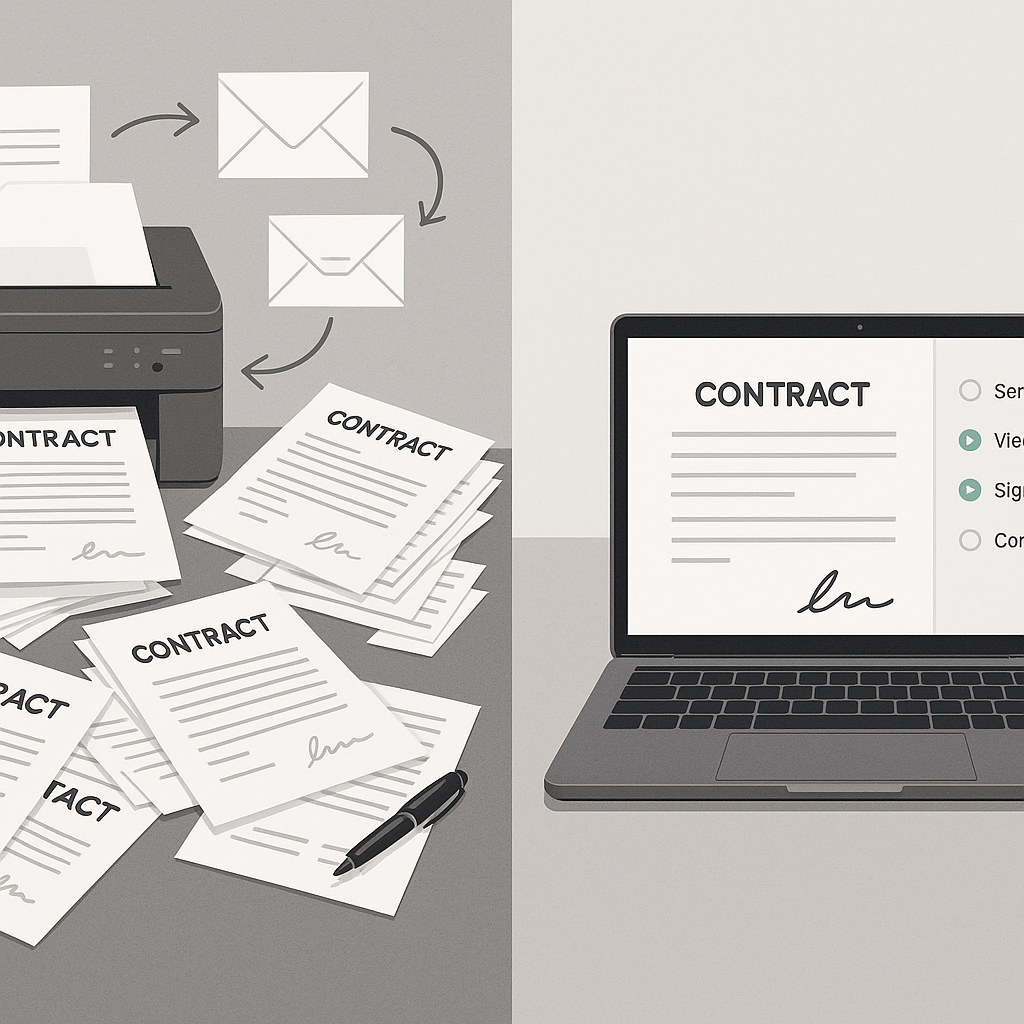
How QuickSign Simplifies HR Contract Management End-to-End
QuickSign is designed as a modern, HR-friendly alternative to legacy e-signature tools. It doesn’t just digitize your existing manual process; it helps you rebuild it around automation and AI from the first draft to the final signature.
AI document generation for HR contracts and letters
Most HR teams maintain a folder of templates—offer letters, NDAs, contractor agreements, policy acknowledgements, promotion letters—and edit them manually for each hire. This is time-consuming and prone to inconsistencies.
With AI Document Generation in QuickSign, you can describe the document you need in natural language, and the platform drafts it for you:
- “Create a full-time U.S. employment contract for a software engineer in California with at-will employment, standard IP assignment, and 90-day probation.”
- “Generate a mutual NDA for a candidate interview process with 2-year confidentiality and no non-solicit clause.”
You get a ready-to-review contract that aligns with your instructions, which you can further tweak and then send for signature—all inside the same platform. This drastically reduces the time spent on first drafts and versioning for HR generalists and recruiters.
Pro tip: Use QuickSign’s AI to standardize language across regions or departments (e.g., sales vs. engineering), so every candidate receives consistent, compliant terms without HR rewriting from scratch.
Drag-and-drop field placement on any HR PDF
Many HR forms still start as PDFs: benefits enrollment, policy acknowledgements, background check authorizations, and more. Rebuilding every form in a new system can be a blocker.
QuickSign solves this with intuitive drag-and-drop field placement:
- Upload any existing HR PDF (offer letter, onboarding packet, policy form).
- Drag signature, date, text, and initial fields exactly where they need to be.
- Assign each field to the right recipient (candidate, HR, manager).
No design skills are needed—HR can adapt existing documents instead of asking IT or legal to rebuild them.
Seamless sending and real-time tracking for HR teams
Once your document is ready, QuickSign makes distribution and tracking simple:
- Seamless sending: Add recipients (candidate, hiring manager, HR approver) and send for signature in seconds.
- Real-time tracking: See when each recipient opens, views, and signs.
- Automatic reminders: Reduce manual follow-ups and keep offers moving.
Other e-signature platforms highlight tracking and reminders as core HR benefits because they eliminate the “chasing signatures” problem. (signnxt.com) With QuickSign, HR teams get that visibility plus AI drafting in one place.
Affordable flat-rate pricing for growing HR teams
Many e-signature tools charge per user or per envelope, which penalizes organizations that want to empower more HR staff or managers to send documents.
Unlike traditional per-seat solutions, QuickSign offers flat-rate pricing at $15/month for your whole team, with no per-seat fees. That means you can:
- Let recruiters, HR business partners, and even hiring managers send contracts directly
- Avoid complex license management as your organ
ization grows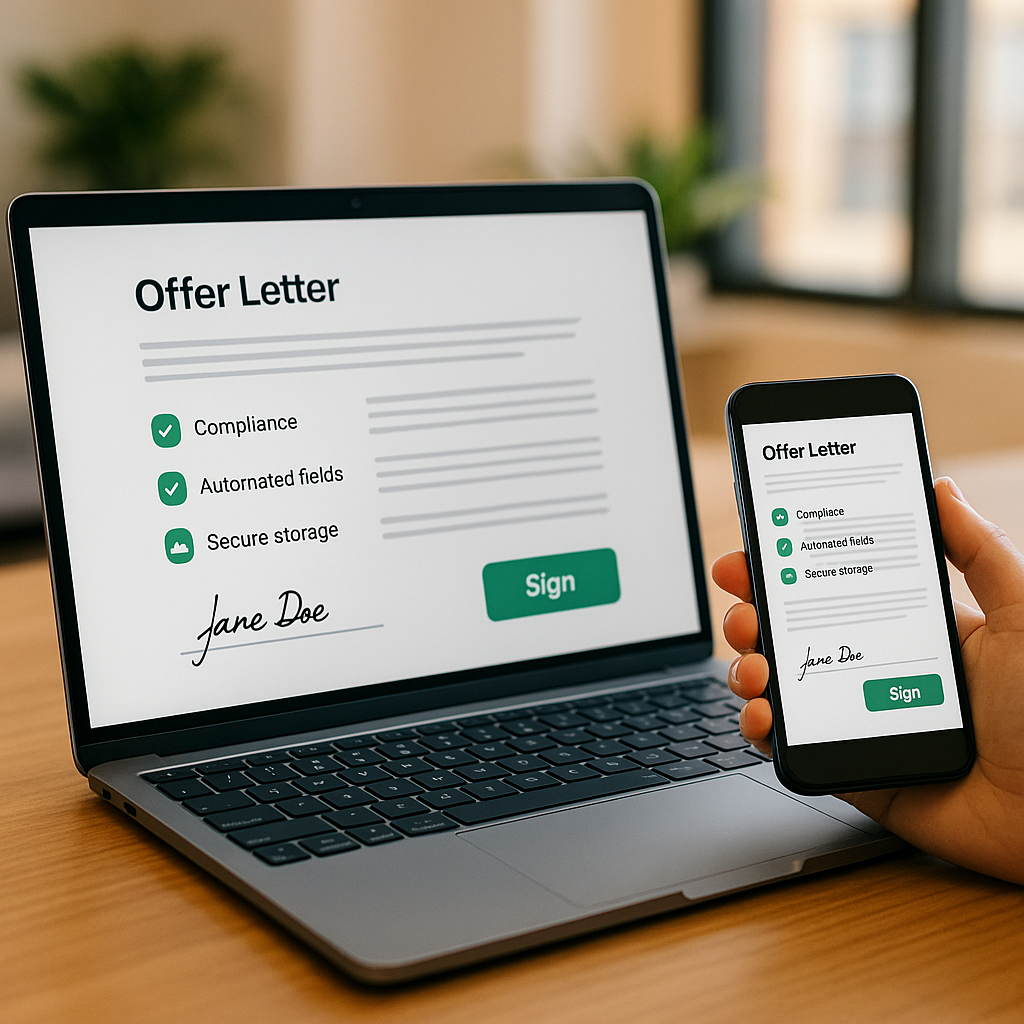
- Keep predictable costs while volumes of contracts increase
There’s also a generous free tier—2 AI document generations and 1 document send to unlimited recipients—so HR leaders can pilot the workflow without any budget approvals.
Where HR Teams Use QuickSign in the Employee Lifecycle
Almost every HR touchpoint that involves a contract or signed acknowledgement can be streamlined with QuickSign.
1. Recruiting and hiring
- Offer letters: Generate and send personalized offers in under a minute, with salary, equity, and start date clearly laid out.
- Employment contracts: Use AI Document Generation to create region-specific agreements (e.g., U.S. at‑will vs. EU fixed-term contracts) and send for signature instantly.
- Interview NDAs: Protect your IP by quickly generating and signing NDAs for candidates before deep-dive technical or strategic interviews.
Research shows that organizations using e-signatures for new hire forms dramatically improve time-to-sign and candidate experience, especially for remote hiring. (docusign.com) QuickSign lets you get offers out fast and track exactly when a candidate opens and signs.
2. Onboarding and policy acknowledgements
- Onboarding packets: Upload a combined onboarding PDF and place all signature and initial fields with drag-and-drop.
- Handbook and policy acknowledgements: Generate standardized acknowledgement forms, send to new hires, and maintain a complete audit trail.
- Compliance forms: Handle documents like confidentiality agreements or remote work policies digitally with tracked signatures.
E-signatures help HR teams move away from onboarding that is “too process and paperwork focused” and toward a people-centered experience. (docusign.com) With QuickSign, new hires can complete everything from their laptop or phone before day one.
3. Ongoing HR administration
- Promotions and compensation changes: AI-generate change-of-status letters and compensation adjustment agreements.
- Remote work and flexible schedule agreements: Standardize terms and track approvals for hybrid or remote roles.
- Performance plans or bonus plans: Create clear, signed documentation for PIPs, bonus schemes, and commission plans.
- Contractor and freelancer agreements: Quickly generate and sign short-term or project-based agreements.
Digital HR contract management platforms highlight how centralizing these documents reduces errors and strengthens compliance. (elvium.com) QuickSign acts as that centralized hub for your signed HR documents.
Example HR Workflow: From Verbal Offer to Signed Contract in Under an Hour
To see how this plays out day-to-day, here’s a realistic scenario using QuickSign for a new hire in a mid-sized company.
Step 1: HR generates the employment contract with AI
The recruiter gets verbal acceptance from a candidate for a remote Product Manager role. Instead of copying an old Word file, HR opens QuickSign and prompts:
“Create a U.S. full-time employment contract for a Product Manager in New York, salary $130,000, at-will employment, 90-day probation, standard confidentiality and IP assignment, remote-first.”
Within seconds, AI Document Generation produces a detailed contract. HR reviews, tweaks any clauses with inline edits, and saves.
Step 2: HR adds signature fields and recipients
HR clicks “Prepare for signing,” and uses drag-and-drop to place:
- One signature field, one date field, and one set of initials for the candidate
- One signature and date field for the hiring manager
They add the candidate’s email, the hiring manager’s email, and specify the signing order (manager first, then candidate).
Step 3: Seamless sending and automated follow-up
HR hits “Send.” QuickSign instantly emails the hiring manager with a secure link. As soon as the manager signs, the candidate automatically receives their link to sign from any device.
In the QuickSign dashboard, HR can see real-time status:
- Viewed by Manager – 10:12 AM
- Signed by Manager – 10:15 AM
- Viewed by Candidate – 10:20 AM
- Signed by Candidate – 10:27 AM
If the candidate gets distracted, automatic reminders kick in—no more manual “Just checking in on the signed offer” emails.
Step 4: Savings in time and cost for HR
Compared to a legacy process (draft in Word, email PDF, print/scan, chase signatures), this workflow can cut:
- Processing time per contract from days to under an hour, in line with industry reports that show e-signatures reducing contract time by up to 80%. (esignglobal.com)
- Per-document costs by up to $20–$28 when factoring in paper, printing, and labor for follow-ups. (certinal.com)
At scale, if your HR team manages 50–100 new hires and contract changes per month, the combination of time savings and cost reduction can translate into tens of thousands of dollars and hundreds of work hours reclaimed each year.
How to Integrate E‑Signatures into Your HR Contract Process
The good news: you don’t need to redesign your entire HR tech stack to benefit from QuickSign. You can start small and expand.
1. Start with one high-impact use case
Most HR teams begin with either offer letters or onboarding packets:
- Identify your most painful document (e.g., employment contracts, NDAs).
- Move that single workflow into QuickSign.
- Measure time-to-sign, error rate, and HR time saved compared to your previous approach.
This gives you quick wins and data to justify broader rollout.
2. Standardize templates with AI Document Generation
Next, use QuickSign to standardize your core HR document library:
- Offer letter variants (by level, department, or region)
- Full-time, part-time, and contractor agreements
- Policy acknowledgements (remote work, code of conduct, device usage)
AI Document Generation helps you quickly spin up clean, consistent templates from prompts, which you can then reuse and adjust as your policies evolve.
3. Train HR and hiring managers on drag-and-drop workflows
Because field placement is visual, most HR users can learn QuickSign in a short session:
- Show how to upload a PDF and add signature, initial, date, and text fields.
- Explain how to assign fields to different recipients and set signing order.
- Walk through sending a document and checking real-time status.
Once hiring managers see that they can sign from their phone in seconds, adoption usually follows naturally.
4. Expand to the full employee lifecycle
After your core contracts are running smoothly, layer in more HR use cases:
- Performance-related documents (PIPs, promotion letters)
- Compensation changes and bonus plans
- Return-to-office or remote work agreements
- Offboarding documents and release agreements
The goal is to make QuickSign the default destination anytime someone in HR says, “We need this signed.”
Learn More: E‑Signature Best Practices for Contract Workflows
For additional context on how e-signature integrations streamline contract workflows, these videos provide practical overviews that complement what you can do in QuickSign:
Why QuickSign Fits Modern HR Teams
For HR leaders and business professionals evaluating document signing solutions, QuickSign aligns closely with the realities of today’s workplace:
- Speed: Generate contracts and send them for signature in under 60 seconds, keeping hiring velocity high.
- AI-powered creation: Draft HR documents from simple prompts instead of wrestling with outdated templates.
- Usability: Drag-and-drop fields, seamless sending, and mobile-friendly signing make adoption easy for HR, managers, and candidates.
- Visibility: Real-time tracking ensures no contract gets “lost in someone’s inbox.”
- Affordability: Flat-rate $15/month pricing for the whole team lets you scale usage without worrying about per-seat fees.
- Low-risk trial: A free tier with 2 document generations and 1 send to unlimited recipients means you can test in a live HR scenario immediately.
Key takeaway for HR: With QuickSign, you’re not just adding an e-signature tool—you’re upgrading your entire HR contract workflow from manual and reactive to digital, fast, and data-driven.
Ready to simplify your document signing? Try QuickSign for free - generate 2 documents and send 1 document to unlimited recipients at no cost. No credit card required.