HR Document Signing Workflow: How QuickSign Makes It Fast, Compliant, and Hassle-Free
Streamline your HR document signing workflow with QuickSign—fast, compliant, and hassle-free digital signatures that simplify onboarding and everyday HR tasks.
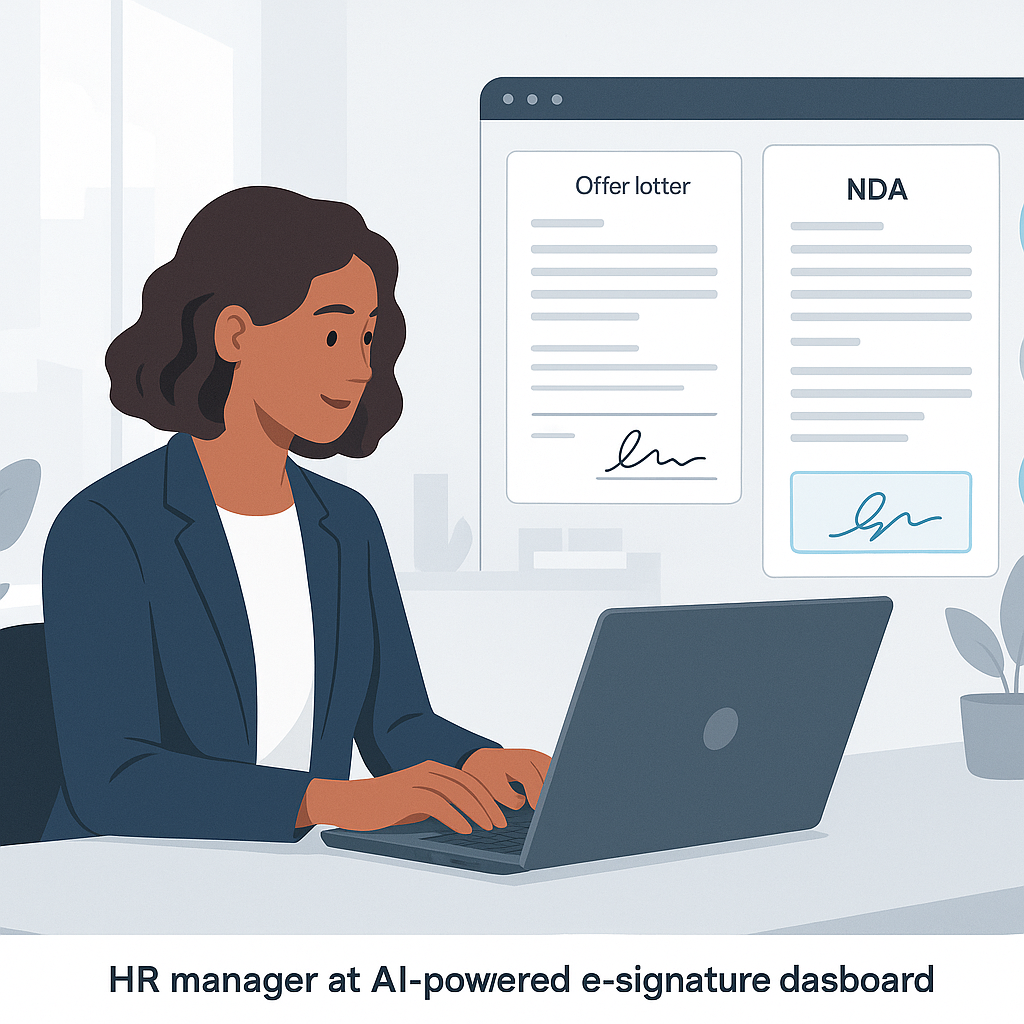
HR Document Signing Workflow: How QuickSign Makes It Fast, Compliant, and Hassle-Free
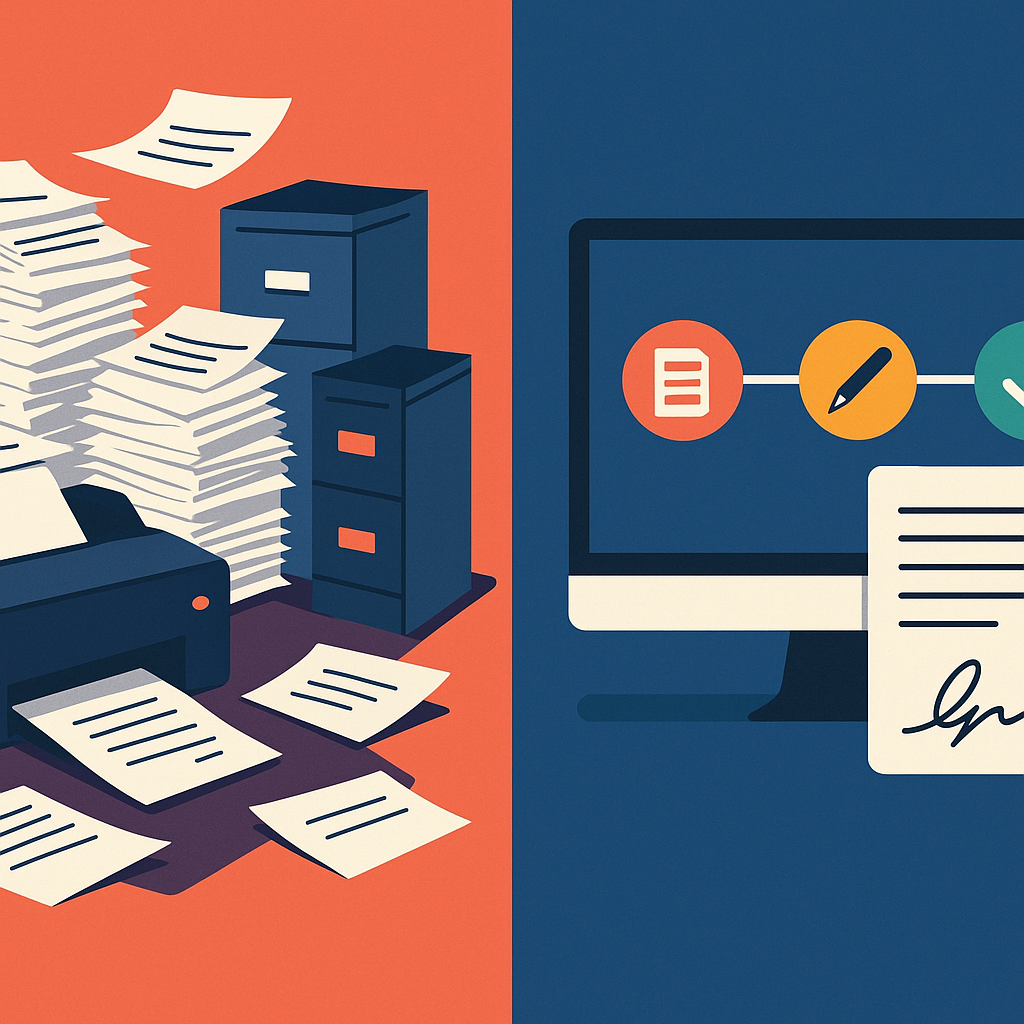
HR teams live in documents: offer letters, NDAs, contracts, policy acknowledgements, performance reviews, benefits forms, and more. But for many organizations, the document signing workflow is still painfully manual—printing, chasing signatures, scanning, and filing.
In a world of remote and hybrid work, that’s not just inconvenient—it’s a business risk. Slow turnaround times delay hiring, paper-based workflows hurt compliance, and per-seat e-signature tools can quietly eat into your budget. Modern HR leaders need a faster, more affordable way to manage signatures without sacrificing security.
This is exactly where QuickSign comes in. As a modern, AI-powered e-signature platform, QuickSign simplifies HR document workflows end-to-end—from generating HR documents with AI to collecting signatures in under 60 seconds.
Key idea: Your HR team shouldn’t be a paperwork traffic controller. With the right e-signature workflow, they become true people strategists again.
Why HR Document Signing Workflows Are Broken
Before we look at how QuickSign optimizes your process, it helps to understand the typical pain points.
1. Slow, manual processes that delay hiring
Traditional HR signing workflows often look like this:
- Download a contract template
- Customize it in Word
- Export to PDF and email it to the candidate
- Wait for them to print, sign, scan, and email back
- Manually check if all fields are signed
- Save the final version to shared storage
Research shows that e-signatures can reduce document processing time by up to 80% compared to paper-based workflows, dramatically speeding up onboarding and approvals.(crewhr.com) In fast-moving labor markets, those days saved can be the difference between hiring your top candidate and losing them.
2. Compliance, security, and audit-trail headaches
HR deals with highly sensitive data—social security numbers, compensation, medical benefits, and performance records. Regulations like the ESIGN Act and UETA in the U.S. recognize electronic signatures as legally binding when certain criteria are met, including clear intent, consent, record retention, and integrity of the signed record.(signntrack.com)
Without a structured digital workflow, proving who signed what and when can be difficult. Paper documents get misplaced; ad-hoc email workflows lack proper audit trails.
3. Rising costs for tools and paper-based processes
Paper-based HR processes are surprisingly expensive when you factor in printing, mailing, storage, and admin time. Studies estimate the cost of processing a paper HR document can be around $20, versus roughly $2 for an electronic document.(certinal.com)
On top of that, many legacy e-signature providers charge on a per-seat license model, meaning every recruiter, HRBP, and manager who needs to send documents adds to your monthly bill—even if they only send a few docs per month.
4. Poor candidate and employee experience
Modern candidates expect a digital-first experience. Forcing them to print and scan documents—or juggle multiple PDFs and attachments—creates friction at the worst possible time: when they’re forming their first impression of your company.
Organizations that adopt e-signatures for HR report faster onboarding, fewer errors, and a more professional image that appeals especially to younger, tech-savvy talent.(konze.com)
What an Ideal HR Document Signing Workflow Looks Like
At a high level, a well-designed HR signing workflow should:
- Allow HR to create and customize documents quickly
- Make it easy to place signature and data fields correctly
- Enable fast, secure sending to candidates and employees
- Provide real-time tracking of who has opened and
signed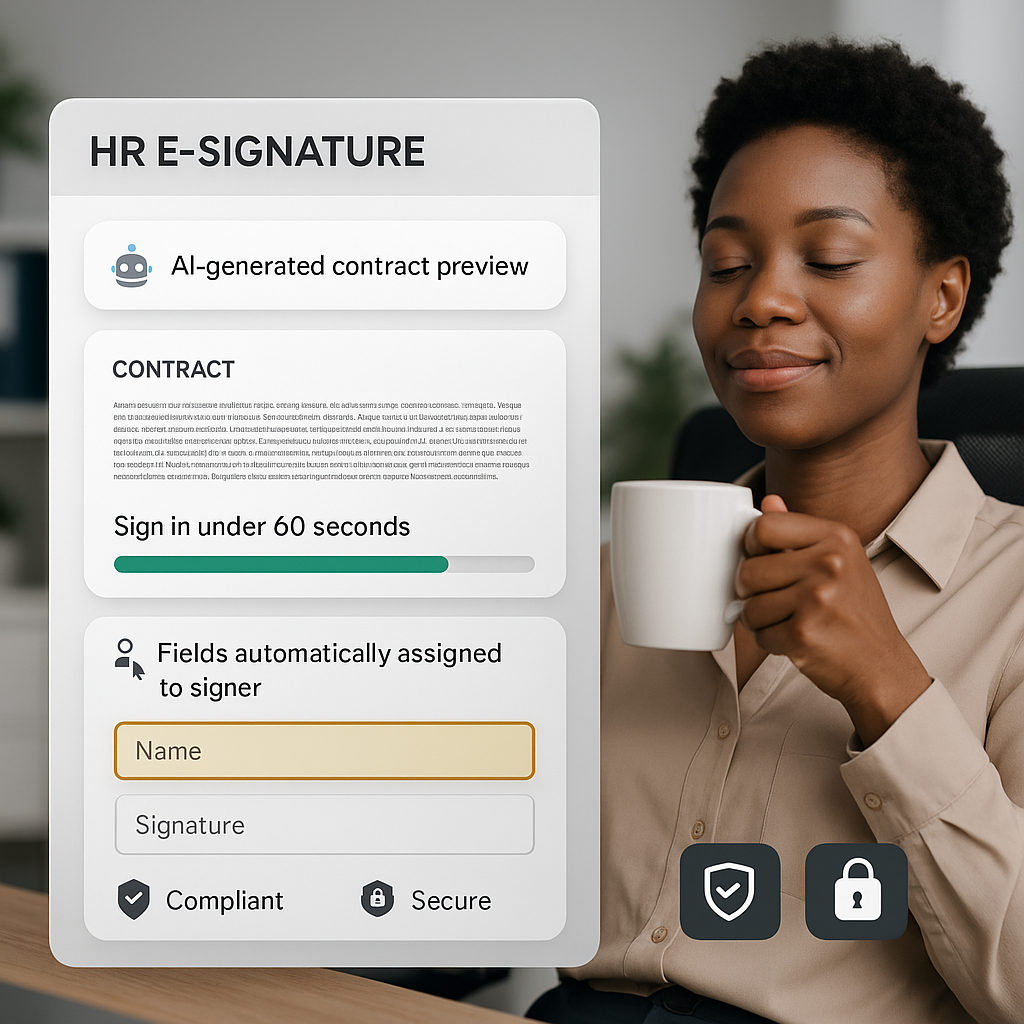
- Automatically store and organize signed documents
- Be affordable and scalable as your team grows
QuickSign is built around this ideal flow, with HR in mind.
How HR Teams Use QuickSign for Document Signing Workflows
Let’s break down how an HR team can manage end-to-end document signing using QuickSign.
Step 1: Generate HR documents instantly with AI
This is where QuickSign’s AI Document Generation stands out.
Instead of hunting for old Word templates or asking legal to draft a new agreement, HR can describe what they need in plain language, and QuickSign’s AI generates a tailored document. For example:
- “Create a full-time employment contract for a software engineer in California with base salary, bonus eligibility, and IP assignment terms.”
- “Draft a mutual non-disclosure agreement between our company and a job candidate interviewing for a leadership role.”
- “Generate a remote work policy acknowledgment form for employees working outside the office three days per week.”
Within seconds, you have a professional draft that you can review, tweak, and send—without leaving the platform.
Pro tip: Use QuickSign AI to maintain consistent language across all your HR docs, reducing legal risk from outdated or inconsistent clauses.
Step 2: Upload or finalize the PDF
If you already have approved templates (for example from legal counsel), you can simply upload them as PDFs into QuickSign. This is ideal for:
- Standard offer letters
- Benefit selection forms
- Policy acknowledgments and handbooks
- Performance review forms
Once uploaded or generated, your PDF is ready for field placement.
Step 3: Place fields with drag-and-drop simplicity
QuickSign’s drag-and-drop field placement lets HR teams visually add:
- Signature fields
- Initials boxes
- Date fields
- Text fields (for addresses, phone numbers, etc.)
You can assign each field to a specific signer (e.g., “Candidate,” “Hiring Manager,” “HR Representative”) and ensure nothing is missed. This dramatically reduces the error rate compared to manual, unstructured email workflows—something HR leaders cite as a major benefit of e-signature tools.(payscale.com)
Step 4: Send documents for signature in seconds
With QuickSign’s seamless sending, you simply:
- Add recipients (candidate, manager, HR, etc.)
- Set signing order if needed (e.g., candidate first, then HR)
- Include a personalized message
- Click Send
Because QuickSign is built for speed, HR can send a fully prepared document for signature in under 60 seconds—even faster when using saved templates.
Step 5: Track status in real time
One of the most frustrating aspects of traditional workflows is not knowing where a document is stuck. Modern e-signature solutions provide real-time status tracking, allowing HR to see if a document is sent, viewed, or completed.(payscale.com)
QuickSign’s real-time tracking shows:
- When each recipient opened the document
- Which pages they viewed
- When they signed
- Where the process is blocked (e.g., manager hasn’t signed yet)
This transparency not only speeds up follow-ups but also strengthens your compliance posture with a reliable audit trail.
Step 6: Store and retrieve documents effortlessly
Once completed, signed documents are stored securely in the cloud. HR can filter by employee, document type, or date range, dramatically reducing the time spent searching for files—an efficiency gain widely reported by HR teams who switch to e-signatures.(apspayroll.com)
Real-World HR Onboarding Workflow with QuickSign
To make this concrete, here’s how a typical digital onboarding process might look using QuickSign.
Scenario: Hiring a remote customer success manager
Your company has just hired a remote Customer Success Manager in another state. You need to collect:
- Offer letter acceptance
- Employment contract
- NDA
- Direct deposit form
- Employee handbook acknowledgment
Day 0: Offer accepted
- Recruiter confirms verbal acceptance.
- HR opens QuickSign and uses AI Document Generation to draft a customized employment contract and NDA, based on the candidate’s role and jurisdiction.
- HR uploads existing templates for direct deposit and handbook acknowledgment.
- Using drag-and-drop, HR places all necessary fields (signatures, initials, dates, bank info fields).
- HR sends the full onboarding packet to the candidate and sets the signing order (candidate → HR).
Day 0–1: Candidate signs remotely
The candidate receives a single, clean link by email. They can:
- Review all documents from any device
- Sign electronically in minutes
- Ask clarifying questions before signing, if needed
Throughout this process, HR monitors activity through QuickSign’s real-time tracking dashboard.
Day 1: HR countersigns and files
- Once the candidate signs, HR is notified instantly.
- HR or a designated manager countersigns within QuickSign.
- All completed documents are automatically stored and associated with the new hire’s record.
- HR shares finalized copies with payroll and IT, as needed.
Instead of a 7–10 day paper chase, e-signature workflows like this typically reduce turnaround to under 1 day, and in many cases to less than an hour.(crewhr.com)
Key takeaway: With QuickSign, remote hires can finish all onboarding paperwork before day one, so their first day is about culture and connection—not forms.
Time and Cost Savings for HR with QuickSign
Industry data combined with QuickSign’s streamlined workflow highlights several quantifiable benefits:
Up to 80% faster document completion
E-signatures cut out printing, mailing, and scanning, with many HR teams seeing up to an 80% reduction in document turnaround time for onboarding and approvals.(crewhr.com) QuickSign’s AI document generation compounds this by also reducing the creation time for agreements.
Document processing costs slashed by up to 80–90%
Studies indicate that processing a digital HR document can be up to 10x cheaper than handling paper.(certinal.com) By eliminating printing, postage, and storage, and by freeing HR staff from repetitive tasks, QuickSign helps organizations realize significant annual savings—often in the tens of thousands of dollars for mid-sized teams.
Flat-rate pricing that scales with your HR team
Unlike traditional per-seat solutions, QuickSign offers flat-rate pricing at $15/month for your entire team. This means:
- No incremental cost for adding recruiters, HRBPs, or managers
- Predictable budgeting as your org grows
- High ROI even if some users only send a few documents per month
Combined with a generous free tier—2 AI document generations and 1 document send to unlimited recipients—HR teams can trial real workflows without financial risk.
Video Resources: HR E-Signature Workflows in Action
Managing digital signing for onboarding
Streamlining HR documents with e-signatures
Designing efficient digital signing workflows
Best Practices for HR Document Signing with QuickSign
Standardize templates with AI and legal review
Use QuickSign’s AI Document Generation to create baseline templates for your most common HR documents—then have legal review and approve them. Store these as your canonical templates so every recruiter and HRBP uses the same language.
Build reusable field layouts
For documents you send often (e.g., offer letters), configure fields once with drag-and-drop and save the configuration. Next time, simply select the template, personalize a few details, and send.
Use real-time tracking to enforce SLAs
If your HR team has service-level agreements (SLAs) for document turnaround, use QuickSign’s real-time tracking to monitor bottlenecks—whether at the candidate, the hiring manager, or internal approvers—and nudge them accordingly.
Centralize storage and access control
Ensure signed documents in QuickSign are organized by employee and document type. Set appropriate access controls so only authorized HR staff and managers can access specific categories of documents, supporting privacy and compliance.
Pro tip: Pair QuickSign with your HRIS or payroll system by linking to employee IDs in your naming conventions. This makes cross-system auditing and reporting far easier.
Why QuickSign is a Perfect Fit for Modern HR Teams
HR leaders evaluating e-signature tools should look beyond basic signing capabilities and consider the full lifecycle of HR documents. QuickSign brings several advantages together in one platform:
- AI-powered document creation for contracts, NDAs, and HR policies from natural-language prompts
- Intuitive drag-and-drop field placement to eliminate errors and missing signatures
- Lightning-fast sending so recruiters can dispatch offers in under a minute
- Real-time tracking and audit trails to support compliance and reduce chase work
- Affordable, flat-rate pricing at $15/month for your whole team, plus a generous free tier
For small and mid-sized businesses especially, this combination of power, simplicity, and cost control makes QuickSign.it a compelling, modern alternative to legacy solutions.
Ready to simplify your document signing? Try QuickSign for free - generate 2 documents and send 1 document to unlimited recipients at no cost. No credit card required.