Independent Consultant Contract Workflow: How to Go from Verbal “Yes” to Signed Agreement with QuickSign
Streamline your independent consultant contract workflow, from verbal “yes” to signed agreement fast. Discover a step‑by‑step process with QuickSign.

Independent Consultant Contract Workflow: How to Go from Verbal “Yes” to Signed Agreement with QuickSign
For many consulting firms and professional services teams, the independent consultant contract workflow is a hidden bottleneck. Verbal agreements stall in email threads, contract versions multiply in shared drives, and deals slip because signatures take weeks instead of hours. On top of that, leaders worry about whether their independent contractor agreements are compliant and detailed enough to avoid disputes over scope, payment terms, or classification.(nextsource.com)
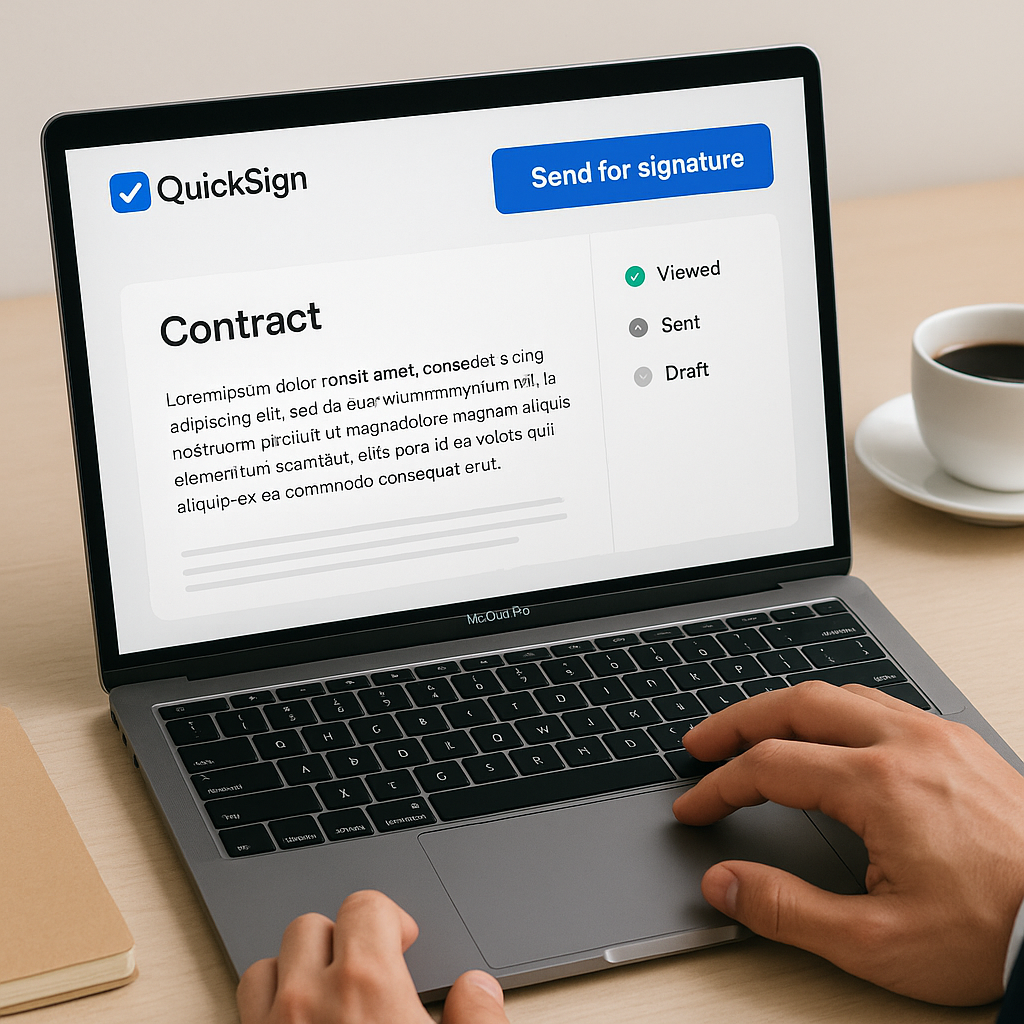
This is exactly where QuickSign, a modern, AI-powered e‑signature platform, can transform your independent consultant contract workflow. Instead of wrestling with templates, PDFs, and manual follow-ups, you can generate clean agreements in minutes, send them for signature in under 60 seconds, and track every step in real time.
Why Independent Consultant Contracts Get Stuck
Before improving your workflow, it helps to understand why independent consultant agreements often become a bottleneck:
- Scope of work isn’t clear enough. Vague project descriptions are a leading cause of disputes and unpaid work for contractors and clients alike.(aaronhall.com)
- Payment terms are fuzzy or undocumented. Industry guidance stresses precise payment schedules, methods, and late-fee policies to avoid conflict and compliance risk.(adp.com)
- Manual workflows drag out timelines. Drafting, printing, scanning, and emailing contracts can easily add days or weeks to your sales and onboarding cycle.
- Compliance and misclassification risks. Agreements must clearly define contractor status, responsibilities, and independence to avoid being treated as de facto employees.(nextsource.com)
Key takeaway: Most independent consultant contract problems come from unclear terms and slow, manual execution. A streamlined, digital-first workflow with the right tools dramatically reduces both risk and delay.
What an Effective Independent Consultant Contract Workflow Looks Like
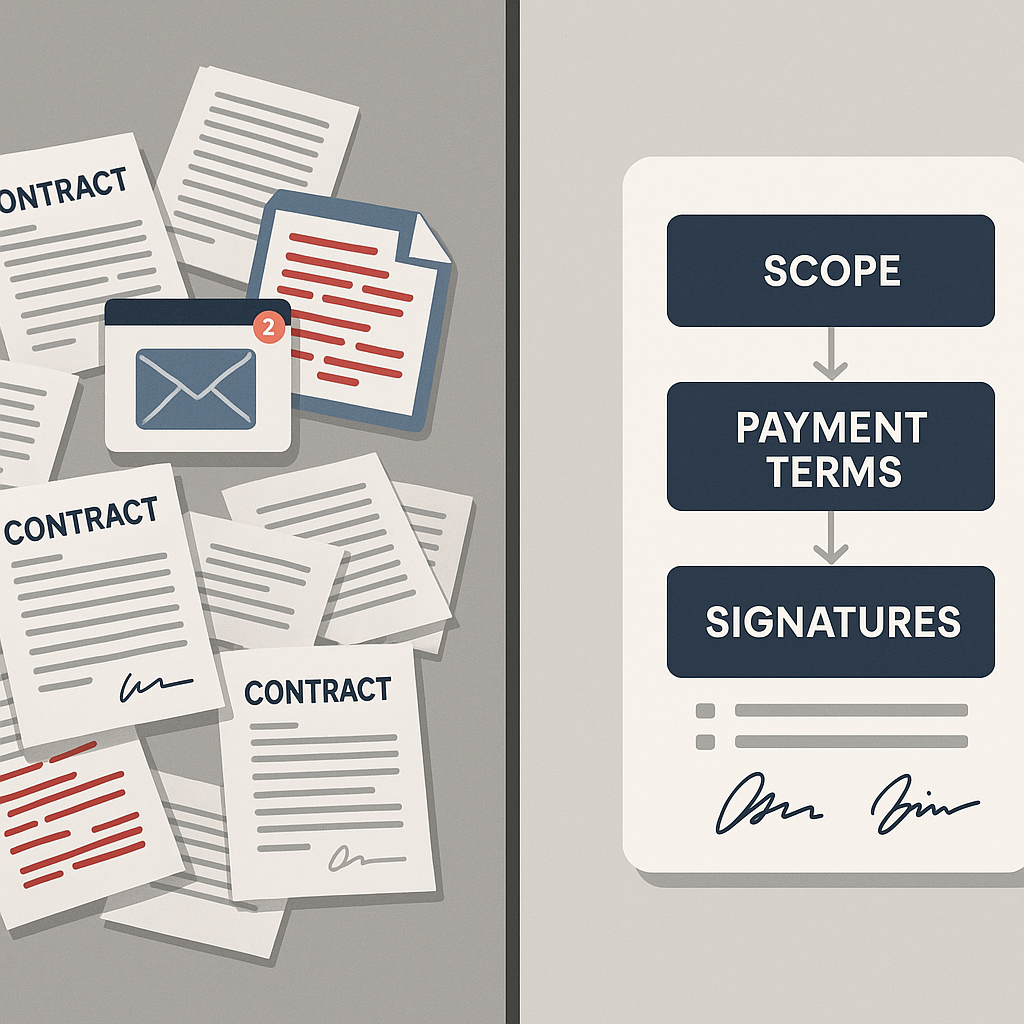
A modern, efficient workflow for independent consultants or the businesses that hire them typically includes these stages:
- Pre‑contract alignment (scope, pricing, and outcomes)
- Drafting a legally sound independent contractor agreement
- Internal review and approvals (if needed)
- Sending for e‑signature
 li>
li>
- Tracking, reminders, and completion
- Centralized storage and future reuse of templates
QuickSign is designed to support each stage, with special strengths in drafting (via AI), sending, and tracking.
Step 1: Capture the Deal Clearly — Then Let QuickSign Draft the Contract
From verbal agreement to structured scope of work
Best-practice guidance for independent contractor agreements consistently highlights the need for a detailed scope of work, including deliverables, timelines, and revision limits.(adp.com) A consultant who just wrapped up a promising discovery call should quickly turn those notes into a concrete scope—before momentum fades.
Many consultants do this in a Word template, which then has to be updated manually for every new project. With QuickSign, you can turn that into a faster, repeatable system.
Using QuickSign’s AI Document Generation for independent consultant contracts
Instead of opening a blank document or hunting for an old template, you can rely on QuickSign’s AI Document Generation to create a tailored independent contractor agreement from a simple prompt. For example, you might enter:
- Industry and role: “Marketing analytics consultant for a SaaS company.”
- Scope: “Conduct analytics audit, set up dashboards, and deliver monthly reporting for three months.”
- Payment terms: “Fixed project fee, paid 50% upfront, 50% on final delivery, Net 15.”
- Location/jurisdiction for governing law and compliance context.
The AI will generate a draft that includes:
- Detailed scope and deliverables
- Payment schedule and invoicing terms
- Confidentiality and IP ownership clauses(aaronhall.com)
- Independent contractor status and responsibility for taxes and benefits(nextsource.com)
You can further edit the draft directly in QuickSign to reflect your internal policies or outside legal guidance.
Pro tip: Save your AI‑generated consultant agreements as reusable templates inside QuickSign. Over time you’ll build a library of industry‑specific contracts that can be customized in minutes.
Step 2: Internal Review Without Losing Momentum
Streamlining approvals with a digital-first contract
Many consulting firms (and their clients) need internal sign‑off from finance, legal, or operations before sending a contract to the independent consultant. When agreements are stuck as email attachments, reviewers often lose track of the “latest” version.
Because QuickSign operates as a centralized contract hub, your team can:
- Store the latest version of the consultant agreement in one place
- Share a link to the draft internally for review
- Update fields (rates, dates, milestones) quickly instead of re‑authoring
This reduces the review cycle from days to hours and helps you move from verbal “yes” to a ready‑to‑sign agreement while the project is still top of mind.
Step 3: Prepare the Contract for Signature with Drag-and-Drop Fields
Turn any PDF into a ready-to-sign document
Once your independent contractor agreement is finalized, you can upload it to QuickSign and use drag‑and‑drop field placement to make it signature‑ready:
- Drag signature fields to the appropriate lines for both parties
- Add date fields wherever needed
- Insert text or initials for key clauses (such as non‑disclosure or IP ownership)
Because you’re working in a browser with visual placement, there’s no guesswork about where your consultant or client needs to sign. This is especially useful when you have multiple signers (e.g., consultant, client contact, and a finance approver).
Embed approval logic in the document structure
You can assign fields to specific recipients, ensuring that:
- The consultant only sees and signs the parts they’re responsible for
- The client representative signs on the correct line
- Optional internal countersignature fields are completed last
This structured flow reduces the chance of someone signing in the wrong place or skipping a critical clause.
Step 4: Send Contracts for Signature in Under 60 Seconds
Seamless sending to multiple recipients
Legacy processes often involve downloading PDFs, attaching them to emails, and writing ad‑hoc instructions. With QuickSign, you use the seamless sending feature:
- Enter the consultant’s name and email address.
- Add your internal or client‑side counter‑signer, if applicable.
- Include a brief message clarifying the purpose and deadline for signing.
- Click send — QuickSign delivers secure, trackable e‑signature links to each recipient.
This reduces your send‑out time to under a minute. For busy consulting leaders who split time between business development, project delivery, and client management, this time savings adds up quickly.
Unlimited recipients on a single send
Because QuickSign supports sending a single document to unlimited recipients, you can easily handle scenarios like:
- Several co‑founders needing to sign an agreement with an independent advisor
- Multiple stakeholders at a client organization signing the same consulting SOW
- Consulting networks engaging several subcontractors on the same master agreement
All of this is supported even in the free tier, where you can send one document to unlimited recipients at no cost.
Step 5: Track Opens, Views, and Signatures in Real Time
Stop guessing where your contract stands
Without an e‑signature platform, you’re often left wondering: “Did they see the contract?” or “Is legal still reviewing it?” Manual follow‑ups can feel awkward and time‑consuming.
QuickSign includes real‑time tracking, so you can see:
- When each recipient opens the email
- When they view the independent contractor agreement
- When they sign — with a full audit trail
This visibility lets consultants and hiring managers time their follow‑ups strategically, which is critical in B2B environments where decisions often involve multiple people and can otherwise drag out for weeks or months.(reddit.com)
Pro tip: Use QuickSign’s status dashboard as your contract “pipeline.” If a consultant agreement has been viewed but not signed for several days, schedule a friendly check‑in call to address any concerns.
Step 6: Store, Reuse, and Improve Your Independent Consultant Templates
Building a contract library for repeatable engagements
Many organizations re‑negotiate similar consulting terms multiple times a year. Instead of reinventing the wheel, you can:
- Save AI‑generated contractor agreements as templates in QuickSign
- Clone and adjust scope, pricing, and timelines for each new engagement
- Maintain a consistent legal framework while customizing project‑specific details
Over time, this reduces legal risk, keeps your agreements aligned with best‑practice guidance around scope, deliverables, and payment terms,(adp.com) and saves your team hours each month.
Real-World Example: Consulting Firm Contract Workflow with QuickSign
Scenario: A boutique strategy consulting firm onboarding an independent analyst
Imagine a three‑partner strategy boutique that brings in independent consultants for specialized projects. Here’s how their workflow looks with QuickSign:
- Business development call. A partner identifies a need for a data analyst on a new engagement (a use case covered in many business development frameworks for consultants, like those discussed in the video below).
- Scope definition. The partner documents:
- Duration: 12‑week engagement
- Deliverables: Weekly performance dashboards, executive summary deck, and a final recommendations report
- Compensation: Fixed fee, paid in three milestones tied to deliverables
- AI contract generation. In QuickSign, the partner describes the role and project details. AI Document Generation produces a tailored independent contractor agreement with:
- Clear SOW and milestones
- Confidentiality and IP clauses
- Independent status, tax and benefit disclaimers
- Internal review. Operations and finance review the contract in QuickSign, tweak a couple of clauses, and approve it the same day.
- Field placement. The partner uploads the final PDF and uses drag‑and‑drop to:
- Add the consultant’s signature and date fields
- Add a countersignature field for the managing partner
- Seamless sending. With a few clicks, the partner sends the agreement to both the consultant and the managing partner, along with a note and requested signing date.
- Real‑time tracking. Within an hour, QuickSign shows that the consultant opened and viewed the agreement. The consultant signs the same day, and the managing partner signs the next morning.
- Onboarding and storage. The signed agreement is stored in QuickSign, linked to the project. If the firm later re‑engages the same consultant, they clone the contract, adjust the dates and fee, and repeat the workflow in minutes.
The result: what used to be a week‑long back‑and‑forth with documents and signatures now takes less than 24 hours, with full visibility and a clean audit trail.
Time and Cost Savings for Independent Consultant Workflows
Reducing contract cycle time
While exact savings vary, organizations consistently report that moving from manual to digital e‑signature reduces contract cycle times by days or even weeks, especially when multiple stakeholders are involved. Faster signatures mean consultants can start billable work sooner, and companies can capture value from projects more quickly.
With QuickSign specifically, you can:
- Draft a consultant agreement via AI in minutes
- Send the document for signature in under 60 seconds
- Eliminate printing, scanning, and manual follow‑ups
Cost savings with flat-rate pricing
Many e‑signature tools charge per user, which becomes expensive when several people (HR, legal, finance, project leads) need access to consultant contracts. Unlike traditional per‑seat solutions, QuickSign offers affordable flat‑rate pricing starting at $15/month for the whole team, so you can:
- Extend access to everyone involved in contractor management
- Standardize workflows across departments without worrying about per‑seat costs
- Scale up your use of e‑signatures without surprise bills
Plus, QuickSign’s generous free tier (2 AI document generations and 1 document send to unlimited recipients) lets you test and refine your independent consultant workflow before committing.
How Independent Consultants Use QuickSign to Look More Professional
Solo consultants and small firms
Independent consultants themselves often struggle with contract administration — especially when juggling business development, delivery, and client relationships. Tools like QuickSign help them:
- Generate professional contracts with AI instead of cobbling clauses together from the internet
- Send polished e‑signature links that make them look established and organized
- Track client behavior (opens and views) to time follow‑ups and close engagements faster
These improvements align with common business development advice for consultants: systematize “back office” tasks so you can spend more time nurturing relationships and delivering value.
Consultants in regulated or government-related sectors
Consultants working in regulated industries or around government contracting often face stricter documentation, confidentiality, and compliance expectations.(nextsource.com) With QuickSign, they can:
- Maintain consistent language around confidentiality, liability, and IP
- Provide clients with a clear, professional audit trail of signatures
- Store all agreements centrally for easier compliance reviews and renewals
Independent Consultant Workflow Benefits with QuickSign: A Summary
For businesses and consultants managing independent contractor relationships, QuickSign offers a complete, modern workflow:
- Faster drafting: AI Document Generation turns your deal terms into ready‑to‑review independent contractor agreements in minutes.
- Cleaner execution: Drag‑and‑drop field placement and seamless sending ensure that every stakeholder signs in the right place, in the right order.
- Greater visibility: Real‑time tracking shows opens, views, and signatures so you always know where each engagement stands.
- Lower costs: Flat‑rate pricing at $15/month for the whole team unlocks e‑signature for everyone involved in contractor management.
- Professional experience: Both consultants and hiring organizations present a polished, digital‑first contracting process that builds trust.
Whether you’re a business hiring independent consultants, a solo consultant building your practice, or a small firm scaling your subcontractor network, streamlining your contract workflow directly impacts your revenue, compliance posture, and client satisfaction.
Ready to simplify your document signing? Try QuickSign for free - generate 2 documents and send 1 document to unlimited recipients at no cost. No credit card required.