Legal Document E-Signature Solution: How QuickSign Simplifies Secure Signing for Modern Businesses
Streamline contracts with our legal document e-signature solution. Discover how QuickSign simplifies secure signing for modern businesses in every industry.

Legal Document E-Signature Solution: How QuickSign Simplifies Secure Signing for Modern Businesses
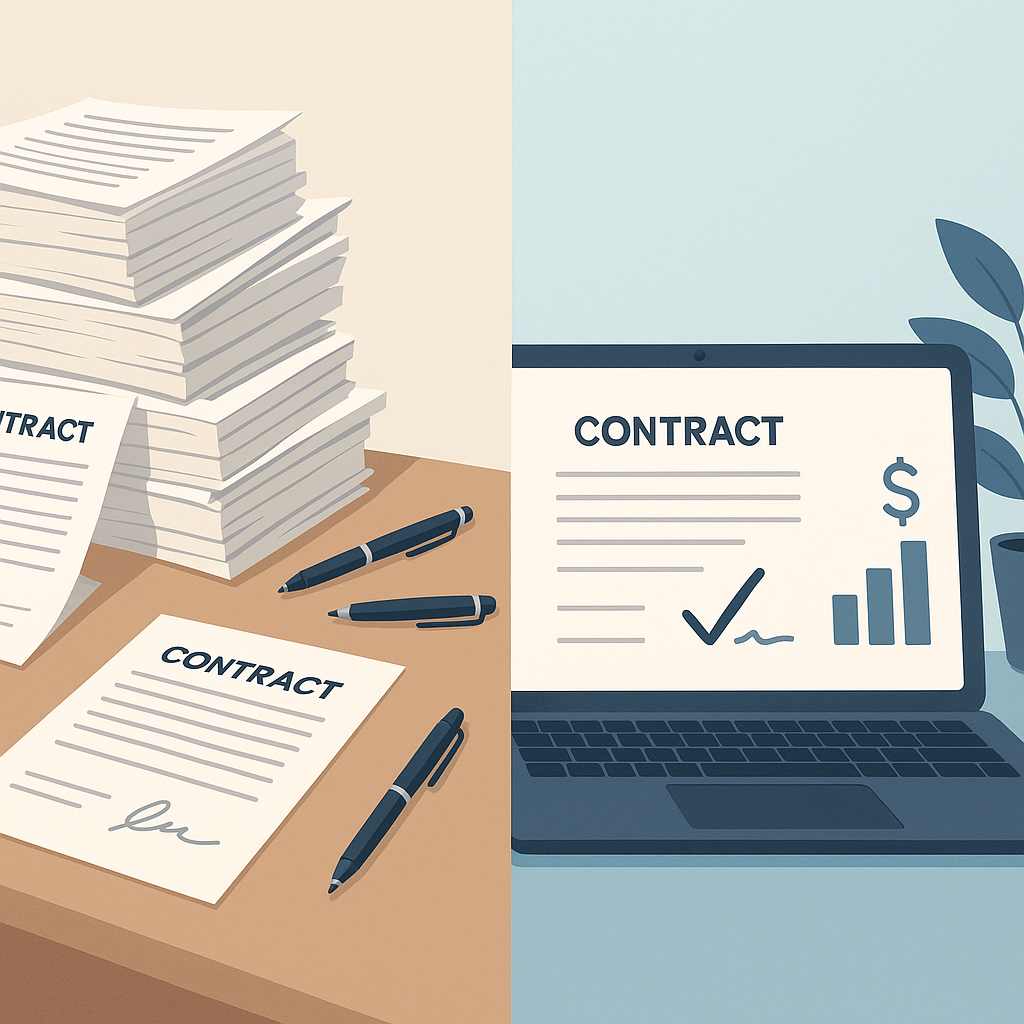
If you’re a business professional, you probably spend more time than you’d like chasing signatures, updating contract versions, and reminding people to “please sign and send back.” Paper-based and email-based signing isn’t just annoying—it’s slow, error-prone, and costly.
On top of that, you’re expected to keep documents legally enforceable, secure, and audit-ready, while also keeping costs under control. That’s exactly where a modern legal document e-signature solution like QuickSign stands out.
This guide explains what to look for in a legal e-signature platform, how the law views electronic signatures, and how QuickSign helps you generate, send, and track legal documents in minutes—without enterprise-level pricing.
Why Legal Document E-Signature Solutions Are Now Business-Critical
Electronic signatures are widely recognized as legally valid in the United States under the federal ESIGN Act and state-level UETA laws, which state that contracts cannot be denied legal effect “solely because” they are in electronic form.(en.wikipedia.org) That means properly implemented e-signatures are acceptable for most business agreements, NDAs, HR documents, and commercial contracts.
Beyond legality, the business case is overwhelming. Recent industry data shows that companies using e-signatures:
- Save up to $28 per document compared to paper processes, thanks to reduced printing, shipping, and handling costs.(certinal.com)
- Cut document processing costs from roughly $6–$8 per document down to $0.50–$1.00.(certinal.com)
- Improve contract turnaround time by over 75% on average, with most agreements signed within 24 hours.(certinal.com)
Key takeaway: A good legal e-signature solution doesn’t just replace wet signatures—it accelerates revenue, reduces operational cost, and improves compliance visibility.
QuickSign is designed to deliver these benefits to small and mid-sized teams that don’t want expensive, complex “legacy” tools.
What Makes an E-Signature Solution “Legal-Grade”?
Not every digital signing workflow is automatically enforceable. Under ESIGN and UETA in the U.S., recommended best practices for legally binding e-signatures include:(esignglobal.com)
- Clear intent to sign – The signer must take an action clearly associated with signing (clicking “Sign,” typing their name, etc.).
- Consent to do business electronically – Signers should agree to receive and sign documents electronically.
- Opt-out options – There should be a way to sign via alternative methods if needed.
- Copies of executed agreements – All parties receive a final, tamper-evident copy.
- Reliable record retention – Signed documents and audit logs must be stored so they can be reproduced as needed.
Modern e-signature tools for business—such as Adobe’s offerings—emphasize structured workflows, audit trails, and tracking to support t
How QuickSign Supports Compliant Legal E-Signatures
A legal document e-signature solution has to balance three things: compliance, usability, and cost. Here is how QuickSign helps you maintain that balance.
1. AI Document Generation for Legally-Sound Templates
Most e-signature tools assume you already have the document drafted. QuickSign goes a step further with built-in AI Document Generation. Instead of starting from a blank page, you can:
- Describe the agreement you need in natural language (e.g., “mutual NDA between two companies under U.S. law, 1-year term, standard confidentiality and IP clauses”).
- Have QuickSign’s AI generate a structured first draft with the appropriate sections, placeholders for party details, and signature blocks.
- Quickly edit and tailor the document for your specific transaction before sending it for signature.
This is particularly valuable when you need repeatable, standardized legal documents like:
- Non-disclosure agreements (NDAs)
- Service contracts and statements of work
- Sales agreements and proposals
- Employment offers and HR forms
Pro tip: Use AI Document Generation in QuickSign to maintain consistent language across all your contracts—reducing the risk of outdated or mismatched clauses.
2. Drag-and-Drop Field Placement on Any Legal Document
Legal documents often have very specific signature and initialing requirements. With drag-and-drop field placement in QuickSign, you can:
- Upload any existing PDF contract or agreement.
- Drag in signature, initials, date, and text fields exactly where they are required.
- Assign each field to a specific signer, ensuring the right party signs the right spot.
This mirrors best practices highlighted in enterprise-level tools—upload, prepare, assign fields, then send—without the complexity.(helpx.adobe.com)
3. Seamless Sending and Real-Time Tracking
Strong legal workflows require visibility. According to industry guidance, being able to see who has signed, who hasn’t, and when documents were accessed is key to managing deadlines and reducing risk.(adobe.com)
QuickSign simplifies this with:
- Seamless sending – Add recipients by email, define signing order (if needed), and send out a document in seconds.
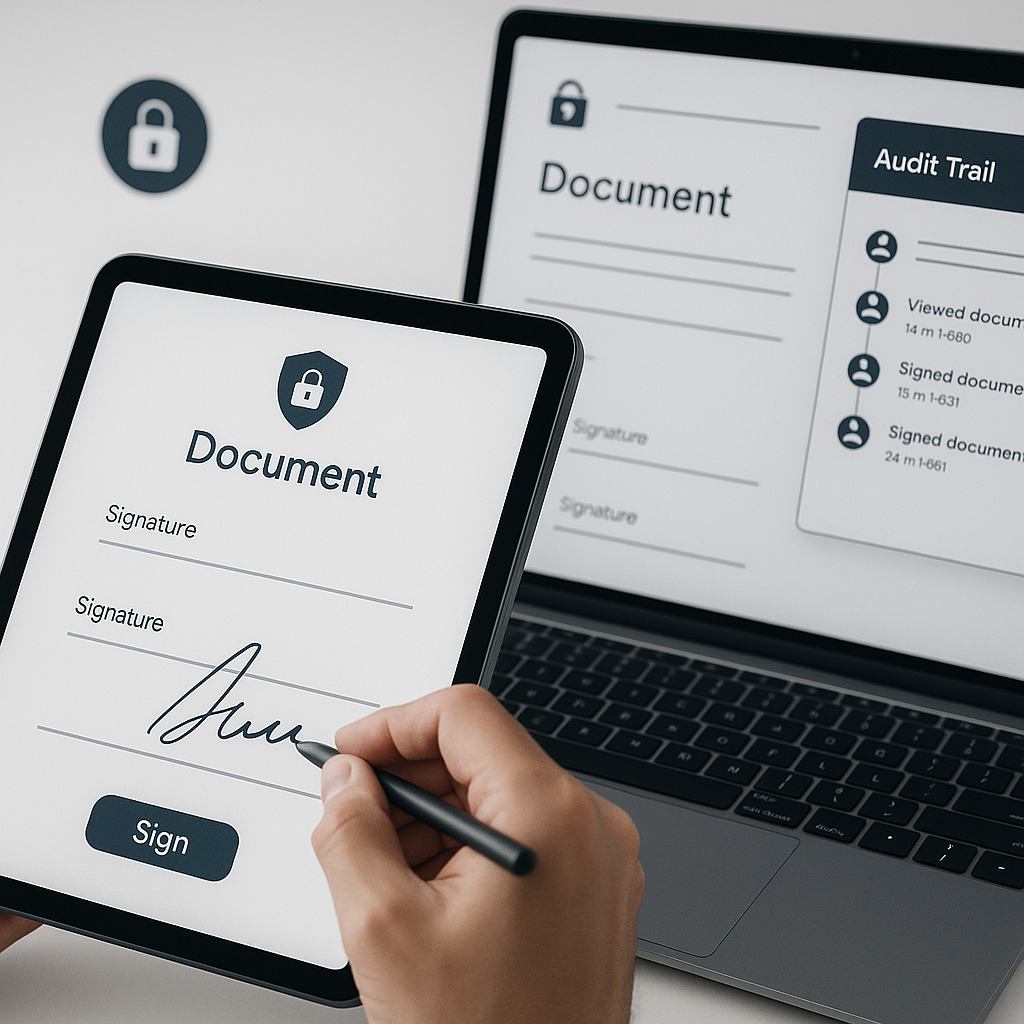
- Real-time tracking – See when each recipient opens, views, and signs the document.
- Status visibility – Know at a glance which agreements are pending, completed, or overdue.
These tracking details support your internal compliance processes, help you follow up with lagging signers, and provide a clear audit trail if questions arise later.
4. Affordable, Predictable Pricing for Teams
A lot of established e-signature solutions charge per user or per envelope, which can become expensive as your usage grows. Industry research shows that companies can save significantly by digitizing signing workflows, but only if the tool itself doesn’t erode the savings.(certinal.com)
QuickSign offers flat-rate pricing at $15/month for your whole team, with no per-seat fees and a generous free tier that includes:
- 2 AI-generated documents
- 1 document send to unlimited recipients
This makes it realistic for small and medium-sized businesses to standardize on a single, modern e-signature platform across departments.
How Business Professionals Use QuickSign for Legal Documents
Let’s look at how different roles inside a business might use QuickSign day-to-day.
Sales and Business Development
Sales teams are under constant pressure to reduce time-to-close. E-signature workflows are proven to speed up transaction cycles by over 75% on average.(certinal.com) Here’s how a sales rep could use QuickSign:
- Generate – Use AI Document Generation to create a standard sales agreement or proposal.
- Customize – Adjust pricing and terms for the specific client.
- Prepare – Drag and drop signature and date fields for the customer and internal approver.
- Send – Add the customer’s email and send for signature in under a minute.
- Track – Monitor when the customer opens the document and send gentle reminders based on real-time status.
Operations and HR
Operations and HR teams manage a high volume of repetitive documentation—employment contracts, policy acknowledgments, onboarding packets, and more. E-signature workflows are widely used to digitize HR processes in organizations of all sizes.(adobe.com)
With QuickSign, they can:
- Generate standard offer letters or NDAs via AI.
- Upload existing forms like policy acknowledgments and place signature/initial fields where needed.
- Send documents to multiple recipients and see who has signed and who has not in real time.
Legal and Compliance Teams
While in-house or external counsel will still review critical agreements, legal and compliance teams benefit from having a consistent e-signature platform. Features like real-time tracking, standard templates, and auditable records support defensibility and risk management, complementing their existing contract review processes.
Example Workflow: From Verbal Agreement to Signed Contract in Under an Hour
To see how this works in practice, imagine a typical B2B services deal.
Step 1: Draft the Contract with AI
The account manager logs into QuickSign right after a verbal agreement with a prospective client.
- They describe the needed document: “Service agreement for marketing consulting, U.S. law, monthly retainer, 6-month term, termination with 30 days’ notice, standard confidentiality clause.”
- QuickSign’s AI Document Generation produces a draft contract with all core sections.
- The manager reviews and adjusts scope, fees, and timelines, then saves the final version.
Step 2: Place Signature Fields
Next, they upload the contract (or work on it directly if generated within the platform) and:
- Drag a signature and date field to the bottom of the document for the client.
- Add a second signature field for an internal approver if their company policy requires it.
- Insert initial fields on key clauses, if needed, for explicit acknowledgment.
Step 3: Send and Track
With the document prepared, the manager:
- Adds the client’s email and the internal approver’s email.
- Specifies signing order—internal approver first, then client.
- Clicks send. The entire process—from drafting to sending—takes under 15 minutes.
Over the next hour, QuickSign’s real-time tracking shows:
- Internal approver opened and signed the document.
- Client opened the document, viewed it for 12 minutes, then signed.
Everyone receives a copy of the fully executed agreement. The business just completed a legally-binding contract workflow in less time than it would have taken to print, sign, scan, and email a single paper document.
Key takeaway: By combining AI drafting, drag-and-drop fields, and real-time tracking, QuickSign enables same-day (often same-hour) contract execution without sacrificing legal robustness.
Time and Cost Savings You Can Expect
Using industry data as a baseline, businesses adopting e-signatures commonly see:(certinal.com)
- $4–$10 saved per document on printing, scanning, courier, and postage alone.
- Up to $28 saved per signed document when factoring in labor and overhead.
- Contract turnaround time improved by 75%+, with most agreements signed in under 24 hours.
When you pair those savings with QuickSign’s flat-rate $15/month pricing for your entire team, the ROI compounds quickly. A team sending just 40 contracts per month could realistically:
- Save hundreds of dollars in direct processing costs.
- Free up dozens of staff hours that can be reallocated to revenue-generating work.
- Accelerate billing and revenue recognition by getting contracts signed faster.
Learning from Existing E-Signature Workflows
There’s a growing body of tutorials and guides showing how businesses implement e-signatures for legal documents. For example, popular video tutorials on tools like Adobe Sign and Google’s e-signature features walk through uploading documents, adding fields, defining recipients, and tracking signatures—essentially the same core workflow you’ll use inside QuickSign.(experienceleague.adobe.com)
Here are a few example videos for general e-signature best practices (note: these demonstrate generic workflows, not QuickSign specifically):
E-Signature Software for Legal Documents
Business E-Signature Workflows with Adobe Sign
Contract Signing Made Easy
The advantage of QuickSign is that it brings these best practices together in a focused, simpler interface with AI-first document creation and predictable team pricing.
Practical Tips for Using QuickSign as Your Legal E-Signature Solution
Standardize Your Core Legal Documents with AI
Start by identifying your top 3–5 recurring document types—NDAs, MSAs, SOWs, offer letters, etc. Use QuickSign’s AI to generate baseline templates for each, then have your legal or compliance team review and approve them. Going forward, your team can generate consistent, legally-aligned documents in seconds.
Use Drag-and-Drop Fields to Reduce Errors
Misplaced or missing signature fields can slow deals and create ambiguity. Always:
- Place all required signatures, initials, and dates using drag-and-drop fields.
- Assign each field to a specific signer to avoid mistakes.
- Save commonly used field layouts as templates for reuse.
Leverage Real-Time Tracking to Stay on Schedule
Make QuickSign’s real-time tracking part of your operational rhythm:
- Have sales or operations teams check pending documents daily.
- Trigger follow-up emails or calls based on “viewed but not signed” status.
- Use tracking data to identify bottlenecks and improve your process.
Start Small with the Free Tier
If you’re just getting started with e-signatures, use the generous free tier at QuickSign—2 document generations and 1 document send to unlimited recipients—to pilot a real workflow with your team and measure the impact before rolling it out more broadly.
Why QuickSign Is a Strong Fit for Business Professionals
For business professionals evaluating a legal document e-signature solution, QuickSign offers a compelling combination of:
- AI-powered drafting to accelerate and standardize contract creation.
- Intuitive drag-and-drop preparation for precise signatures and initials.
- Fast, seamless sending so you can get documents out the door in under a minute.
- Real-time visibility into who has opened, viewed, and signed each agreement.
- Affordable flat-rate pricing that makes it realistic to deploy across your entire team.
Together, these capabilities turn your document signing from a manual chore into a streamlined, legally robust workflow that keeps your business moving.
Ready to simplify your document signing? Try QuickSign for free - generate 2 documents and send 1 document to unlimited recipients at no cost. No credit card required.