Legal Sector Highlights Internal Innovators Driving Practical AI Document Tools
Discover how legaltech leaders are spotlighting internal innovators to build practical AI document tools that streamline workflows and elevate legal services.

Legal Sector Highlights Internal Innovators Driving Practical AI Document Tools
Inside many law firms, a quiet transformation is being led not by vendors or consultants, but by “internal innovators” — lawyers, operations leaders, and tech-minded staff who are turning generative AI from a buzzword into practical tools for contract drafting and review. While much of the coverage focuses on large firms and corporate legal departments, the same playbook is now being adapted into lightweight, affordable platforms that small firms, solo practitioners, and freelancers can actually use.
From Hype to Workflow: Legal AI Adoption Becomes Real
Several recent industry reports show that generative AI in legal practice has moved from experimentation to everyday use — especially in document-heavy work.
According to Thomson Reuters’ 2025 Generative AI in Professional Services Report, active use of generative AI in legal organizations nearly doubled in a year, from 14% in 2024 to 26% in 2025. Even more striking, 78% of law firm respondents expect generative AI to become central to their workflows within five years. (thomsonreuters.com)
Other research echoes this trajectory. The 2025 Legal Industry Report cites that while only about 21% of firms report formal, firm-wide use of generative AI, individual lawyers are moving faster: 31% say they personally use generative AI for work, up from 27% the prior year. (americanbar.org)
“The challenge isn’t technological but organizational — how to integrate these powerful tools while addressing legitimate ethical concerns unique to legal practice.” (thomsonreuters.com)
That “organizational challenge” is increasingly being tackled by internal champions: practice group leaders, legal ops professionals, and tech-savvy associates piloting AI tools on specific document workflows, then scaling what works.
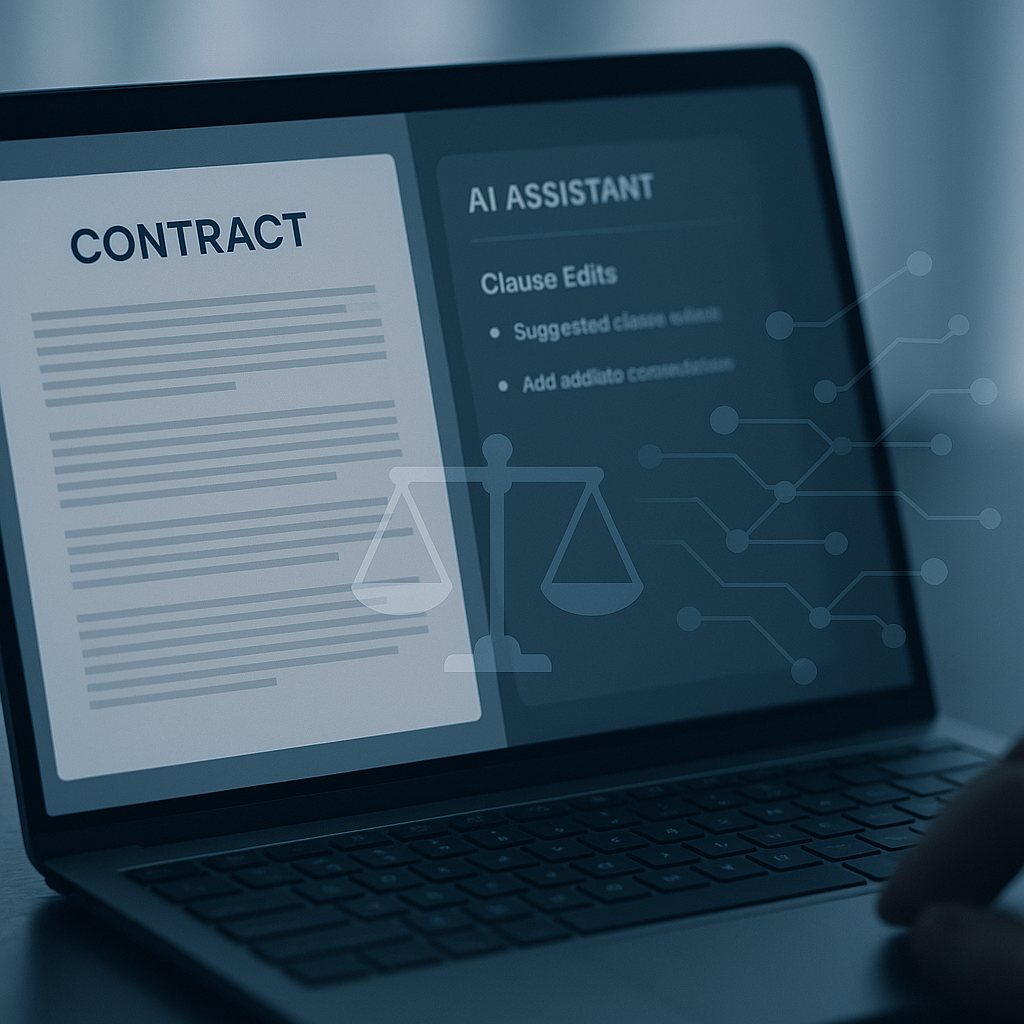
Template-Driven Drafting: Internal Champions Start with the Basics
For many firms, the first wave of AI innovation has centered on a simple, high-impact question: how do we stop reinventing the same contracts from scratch?
Document automation and clause libraries have existed for years, but generative AI is making them more flexible and easier to use. Internal innovators are taking proven templates — NDAs, engagement letters, basic service agreements — and pairing them with AI to:
- Pre-populate drafts based on a short client intake form or email
- Swap in preferred clauses depending on jurisdiction, risk profile, or deal size
- Standardize firm language while still tailoring to the client’s facts
Industry data shows why this matters. Studies of AI in law report that lawyers using generative tools can reclaim the equivalent of more than 30 working days per year, with a large portion of savings coming from document drafting and review. (allaboutai.com)
At large firms, these systems often plug into sophisticated knowledge-management platforms. But the underlying approach — templates plus AI-assisted drafting — translates well to smaller practices, especially when offered through accessible, cloud-based tools.
How This Model Is Reaching Small Firms
Historically, robust document automation was priced and implemented as enterprise software. That’s changing as modern SaaS tools bake templating and AI directly into e-signature and document workflow platforms.
For example, QuickSign offers AI-powered document generation specifically aimed at small businesses, solo lawyers, and freelancers. Instead of requiring a separate automation stack, users can:
- Start from pre-built templates for common agreements like NDAs or service contracts
- Use AI to generate a first draft by describing the deal
in plain language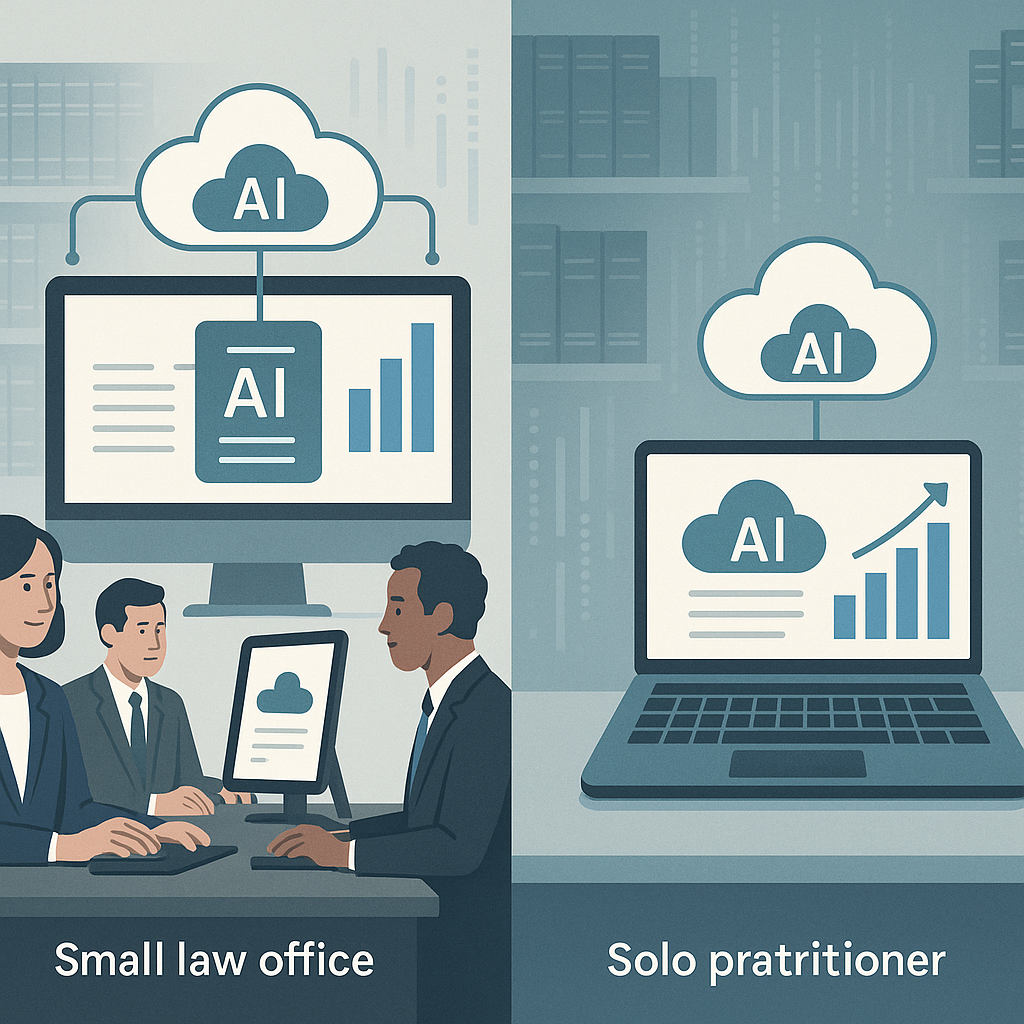
- Send the finalized document for e-signature in the same interface
This “all-in-one” pattern mirrors what large internal legal innovation teams are building — but without the implementation burden or enterprise-level pricing.
AI-Assisted Clause Analysis: From Risk Spotting to Negotiation Support
Another area where internal innovators are driving change is clause-level analysis. For years, AI-powered contract review tools have helped large legal teams flag non-standard or risky language. Recent statistics show that about 77% of lawyers who use AI rely on it for document review and 74% for summarization — precisely the tasks that dominate contract work. (allaboutai.com)
In practice, legal teams are deploying AI to:
- Highlight deviations from firm “playbook” language
- Summarize long contracts for business stakeholders
- Compare opposing party drafts against prior versions or standard templates
Internal innovators are reframing AI as an “assistant reviewer” — fast at spotting patterns and variances, while final judgment remains firmly with licensed counsel.
For small firms and independent professionals, the same pattern can be applied in a lighter, more affordable way. Instead of complex integrations, small practices can upload a contract, run an AI summary, and quickly identify sections to scrutinize before sending or signing.
Balancing Speed with Ethics and Accuracy
Alongside the enthusiasm, courts and regulators have raised concerns about uncritical AI use, especially when it comes to “hallucinated” case citations. U.S. judges have repeatedly sanctioned attorneys who relied on AI tools that fabricated case law, underscoring that AI outputs must be verified like any other research. (washingtonpost.com)
That’s why internal innovators are emphasizing guardrails: using AI for drafting and clause analysis while prohibiting unverified AI-generated citations, and embedding human review at every step. For small firms, the lesson is clear — AI can speed up contract workflows, but professional standards and ethical duties do not change.
Structured Data Platforms: Turning Documents into Legal Intelligence
Beyond drafting and review, many large firms and corporate law departments are investing in “structured data” platforms — systems that convert unstructured contracts into searchable, analyzable data.
By tagging fields such as renewal dates, liability caps, governing law, and non-compete language, these platforms allow legal teams to:
- Run portfolio-wide risk audits across thousands of agreements
- Quickly respond to regulatory changes or M&A due diligence
- Standardize terms across different practice groups or jurisdictions
Reports on the alternative legal services market, which reached $28.5 billion in 2023, show strong growth among providers specializing in technology-enabled contract review and structured data extraction — often serving as external “innovation labs” for law firms and corporate clients. (reuters.com)
While small firms may not need enterprise-grade contract analytics, the underlying principle still applies: the more structured your documents and workflows, the easier it is to track obligations, deadlines, and risk.
What Structured Data Looks Like for a Small Practice
In a small firm or freelance environment, structured data might be as simple as:
- Standardizing key fields (party names, fees, terms, jurisdiction) across templates
- Using tags and folders to group documents by client, matter type, or renewal date
- Relying on cloud tools that surface document status and key milestones at a glance
Platforms like QuickSign build basic structure into routine workflows. Every document that goes out for signature can be tracked in real time — who has viewed, who has signed, and what’s outstanding — without building a custom data platform.
Why This Trend Matters for Small Firms and Freelancers
While the headlines often spotlight global firms and corporate legal departments, the underlying innovation themes are directly relevant to smaller practices:
- Clients expect speed and transparency. As in-house teams adopt AI and insource more drafting and research work, outside counsel — including boutique and solo firms — will be under pressure to match that efficiency. (acc.com)
- Margins are tightening. Studies show rising tech and AI investments are squeezing profitability and challenging billable-hour models, especially when clients resist rate increases. (reuters.com)
- High-volume work is the first to be automated. Routine NDAs, vendor contracts, and engagement letters are precisely where AI and templates can deliver quick wins — the same document types that small firms handle every day.
For smaller practices, the opportunity is to selectively borrow big-firm innovation patterns — AI drafting, clause playbooks, structured tracking — without the big-firm overhead.
How QuickSign Brings Practical AI Document Tools to Smaller Practices
Many enterprise-focused legal AI platforms are powerful but come with per-seat pricing, long implementation cycles, and complex integrations that don’t fit the realities of solo lawyers, small firms, or non-legal small businesses that still need solid contracts.
QuickSign is positioning itself as a modern, user-friendly alternative tailored to that underserved segment. Key aspects include:
- AI Document Generation baked in: Users can generate legal documents — such as basic contracts and NDAs — by answering a few guided questions or describing the deal in plain language. This mirrors internal template + AI setups at large firms, but in a simple web interface.
- Effortless sending and signing: The workflow is streamlined: upload a PDF, drag and drop signature and form fields, and send. No advanced training or IT support required.
- Real-time tracking: Built-in status monitoring shows when a document has been opened, viewed, or signed, making “structured” tracking accessible without heavy systems.
- Small-business-friendly pricing: Unlike enterprise-focused solutions that charge per seat, QuickSign’s flat-rate model is $15 per month for the whole team, with a free tier that includes 2 AI document generations and 1 document send to unlimited recipients.
For independent professionals — consultants, designers, developers, and other freelancers — this combination of AI drafting, easy e-signature, and flat-rate pricing can replicate many of the benefits that internal innovators are building inside large law firms, but at a scale and cost aligned with their needs.
Practical Takeaways: Building a Smarter Document Workflow on a Small Budget
For small firms and freelancers watching the wave of legal AI innovation, the key is not to replicate big-firm infrastructure, but to adopt the underlying practices in a pragmatic way. Consider these steps:
- Standardize your core templates. Identify your 5–10 most common documents (e.g., retainer agreements, NDAs, services contracts). Clean them up, standardize the language, and store them in a central place.
- Use AI for first drafts, not final approvals. Let AI propose language and variations, but build internal rules: a lawyer or responsible professional always performs final review, especially for non-standard deals.
- Introduce basic clause playbooks. Even a short internal note explaining your preferred positions on indemnity, governing law, or IP ownership can help you use AI more consistently — and review AI-generated drafts more quickly.
- Make e-signature the default. Requiring printing and scanning introduces friction and delays. An e-signature platform that also supports AI document generation, like QuickSign, aligns your drafting, sending, and tracking workflows.
- Track status and key dates. Use your e-signature dashboard or a simple spreadsheet to monitor which documents are out for signature, which have been executed, and which contain important renewal or notice dates.
- Educate your team on AI ethics. Even in a small firm, adopt clear guidelines: no unverified AI case citations, protect client confidentiality, and always disclose to clients how you’re using AI if it affects your billing or workflows.
Video: Understanding Generative AI and Productivity Tools
For professionals still getting comfortable with generative AI concepts, short explainers and practical tool demos can help bridge the gap between theory and everyday work.
Meanwhile, productivity tools like Google Workspace and AI-powered notebooks increasingly show how everyday knowledge work — including drafting and organizing documents — can benefit from AI assistance, mirroring what’s happening in legal workflows.
As these mainstream tools evolve, small legal practices and independent professionals will find it even easier to integrate AI-assisted drafting into their broader document and collaboration environments.
Looking for an affordable e-signature solution? Try QuickSign for free - no credit card required.