Low-Cost Self-Signing E‑Signature Tools Gain Traction With Cost-Conscious Small Businesses
Discover how low-cost self-signing tools help cost-conscious small businesses streamline approvals, cut document delays, and boost productivity securely.

Low-Cost Self-Signing E‑Signature Tools Gain Traction With Cost-Conscious Small Businesses
For many small businesses, freelancers, and solo consultants, “e‑signature” no longer means a full-blown contract management platform. A new wave of ultra-simple, low-cost tools is emerging that focus on a single job: letting users quickly sign and return incoming documents — from vendor agreements to one-off client contracts — without complex routing, approvals, or heavyweight audit trails.
This “self-signing tools” category is carving out space beneath traditional e‑signature suites, offering minimal workflows, limited features, and in many cases, near-zero pricing. For small teams that simply need to sign PDFs occasionally, these tools promise to dramatically cut software costs while still moving paperwork online.
Why Self-Signing Tools Are Suddenly Everywhere
Electronic signatures are no longer a niche technology. Recent industry data indicates that in 2023, 73% of U.S. small and medium-sized businesses used e‑signatures in daily operations, reflecting how central digital signing has become to basic business processes. (zipdo.co)
At the same time, cost pressures are intense. Many micro‑businesses and freelancers balk at per-seat subscription models designed for larger organizations. Instead, they’re looking for ways to handle everyday paperwork — signing NDAs, approving vendor terms, counter‑signing client proposals — without paying enterprise-level rates.
Analysts tracking the e‑signature market note that simplified onboarding and transparent, usage-based pricing are key to capturing small-firm demand. OECD data, for example, shows that U.S. small-firm usage of advanced digital solutions jumped from 45% in 2020 to 69% in 2024, driven in part by more accessible, lighter-weight tools. (mordorintelligence.com)
In this environment, tools that can handle “sign and send back” scenarios — and nothing more — are finding a receptive audience among businesses that simply want to stop printing PDFs, without rebuilding their entire contract workflow.
What “Self-Signing Only” Really Means
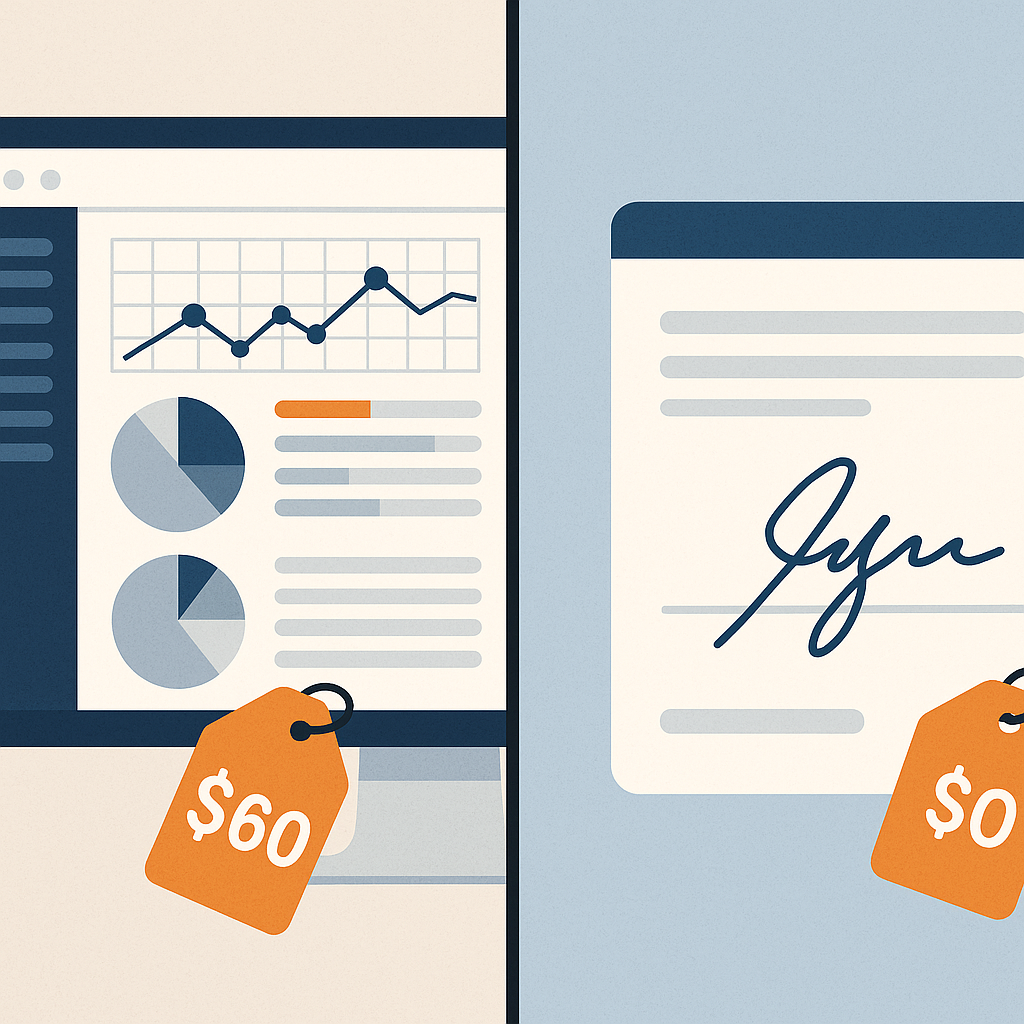
Unlike full e‑signature platforms that support multi-party routing, complex template libraries, and deep integrations, self-signing tools zero in on a narrow workflow: one person, one document, one signature.
Typical characteristics include:
- Upload-and-sign behavior: Users drag a PDF into a browser, place a signature and date field, then download or email the signed file.
- Minimal or optional accounts: Several tools allow signatures without creating an account at all, catering to infrequent use cases and first-time users. (sign.app)
- Limited or basic audit data: While many services offer a simple timestamp and email record, they often stop short of enterprise-grade audit trails, identity verification, or retention policies.
- Strictly single-signer focus: Some offerings don’t attempt multi-signer workflows or complex routing at all — they’re designed for the business owner who just needs to sign and send back someone else’s contract.
- Generous free tiers or token usage caps: In lieu of rich feature sets, these platforms attract micro‑businesses with free or extremely low-cost plans that cap only the number of documents per month. ( " target="_blank" rel="noopener noreferrer">sign.app)
Recent guides and product pages emphasize exactly this streamlined experience: upload, sign, and share — often with phrases like “no signup required,” “sign for free,” or “10 docs/month, free forever.” (sign.app)
The Economics: Why SMBs Are Downgrading, Not Upgrading
On paper, the broader e‑signature market is booming. One recent report values the global electronic signature market at $6.7 billion in 2022, projecting it to grow to $14.6 billion by 2027 and even higher by 2030. (zipdo.co) Yet much of that growth is driven by enterprise and regulated industries, not the smallest firms.
For a three-person creative studio or a solo bookkeeping practice, the question is simpler: how do we get contracts signed quickly, legally, and cheaply?
Key drivers behind the rise of self-signing tools include:
- Subscription fatigue: Small teams often juggle CRM, invoicing, project management, and marketing subscriptions. Adding a full e‑signature suite — especially on a per-seat basis — can feel disproportionate to their needs.
- Infrequent, bursty usage: A consultant might sign clusters of documents at the start of new engagements, then go months without new paperwork. Paying every month for constant access feels misaligned with reality.
- Preference for simplicity: Many business owners don’t want to “implement” e‑signature; they just want it to work. Tools that resemble a simple PDF editor with a signature layer often win out over platforms that require configuration or training.
- Mobile-first, ad hoc workflows: With mobile e‑signature volumes projected to reach 75% of total transactions by 2025, simple web-based tools that work instantly on phones are increasingly attractive. (zipdo.co)
In this context, ultra-light e‑signature utilities provide a sort of safety valve: they let the smallest businesses participate in digital workflows without committing to a full stack of contract tools.
Where Self-Signing Tools Fall Short
However, there are trade‑offs. What makes self-signing tools attractive — their narrow scope and low price — also limits their usefulness as businesses grow.
Common limitations include:
- No reusable templates: Drafting the same NDA or service agreement repeatedly quickly becomes tedious. Many self-signing utilities focus purely on uploaded PDFs and lack robust template management.
- Weak or inconsistent audit history: Basic timestamp and email logs may satisfy casual use, but they can be insufficient in regulated industries or when disputes arise.
- Little to no team visibility: When only one person can see what’s been signed, there’s no shared dashboard for partners or staff to track agreements.
- Fragmented document workflows: Without integrated tracking or reminders, it’s easy to lose track of which contracts are signed, pending, or overdue.
Those gaps matter. Research shows that 89% of organizations cite faster contract processing as a key reason for adopting e‑signatures, and 76% report meaningful cost reductions when workflows are properly digitized. (zipdo.co) If signing tools don’t help users track and manage documents, much of that potential efficiency remains untapped.
How QuickSign Bridges the Gap Between Self-Signing and Full Workflow Tools
For small businesses, the emerging question is not whether to use “simple” or “advanced” e‑signature solutions, but how to get both simplicity and affordability in one platform.
QuickSign positions itself squarely in that middle ground. While it retains the ease of self-signing tools — upload a PDF, drag and drop signature fields, and send — it layers on capabilities that address the most common pain points small teams encounter once they grow beyond “just signing.” (quicksign.it)
Key aspects of the QuickSign approach that respond to the self-signing trend include:
- Effortless sending: Users can upload PDFs or Word documents, drag and drop signature and form fields, and send to one or many recipients with just a few clicks — preserving the straightforward user experience small businesses expect. (quicksign.it)
- Real-time tracking: Unlike bare-bones self-signing utilities, QuickSign offers live status updates, making it easy to see which documents are viewed, signed, or still pending.
- AI Document Generation: One of QuickSign’s distinctive features is the ability to generate legal documents — including NDAs, freelance contracts, and service agreements — with AI. This directly addresses the “I don’t even have a contract to upload” problem many small businesses face. (quicksign.it)
- Flat-rate pricing at $15/month: Rather than charging per user, QuickSign offers flat-rate pricing that covers the whole team, aligning better with how small businesses actually operate and budget.
- Free tier for testing the waters: A free plan that includes 2 AI document generations and 1 document send to unlimited recipients allows micro‑businesses to experiment without immediate commitment.
Unlike enterprise-focused solutions with complex pricing matrices and implementation cycles, QuickSign is intentionally tuned to the realities of freelancers and small teams: they need to move fast, avoid per-seat surprises, and still look professional when sending documents to clients.
How Small Businesses Can Decide What They Really Need
With so many options now available — from one-click self-signing sites to more capable but still affordable platforms — small businesses need a clear framework for choosing the right tool for their document workflows.
Questions to Ask Before You Commit
- How often do we sign documents? If you only sign a few vendor forms a year, a basic self-signing tool may suffice. If you’re sending proposals and contracts weekly, tracking and templates quickly pay off.
- Who needs visibility? Solo operators can often live with email-based tracking. Multi-person teams usually benefit from a shared dashboard and unified history.
- Do we need to generate documents? If you’re frequently cobbling together contracts from old Word files, AI-powered document generation — such as what QuickSign offers — may save more time than the signing step itself.
- What are our compliance and risk requirements? Even if you’re not in a strictly regulated industry, basic audit trails and secure storage provide protection when disputes arise.
- How predictable is our budget? Per-seat pricing can become unpredictable as teams grow and contractors rotate. A flat-rate structure keeps costs simple and transparent.
Blending Tools Without Losing Control
In practice, some small businesses will continue using ultra-simple self-signing utilities for quick, one-off needs — for example, when a founder is forwarded a PDF to sign once a year. At the same time, they may standardize on a more capable, but still cost-effective, platform like QuickSign for recurring contracts, client onboarding, and formal agreements.
The key is to avoid letting ad hoc tools become the default system of record. Without centralized tracking and templates, organizations risk scattering critical agreements across email inboxes and desktop folders — exactly the problem e‑signature technology was meant to solve.
Practical Takeaways for SMB Document Workflows
As self-signing tools proliferate and the broader e‑signature market matures, a few practical lessons stand out for small businesses, freelancers, and independent professionals:
- Treat signing as part of a workflow, not a one-off action. Even simple agreements benefit from basic structure: a clear template, consistent terms, and an easy way to find the signed document later.
- Don’t overpay for unused features. If you’re not running complex, multi-department approval flows, you likely don’t need an enterprise-grade contract lifecycle tool.
- But also don’t underinvest in visibility. A system that only lets you “sign and forget” can create problems down the line when you need to reference or enforce agreements.
- Look for AI where it truly helps. Generating documents, tagging fields, and suggesting clauses are areas where AI can deliver tangible time savings — especially for non-legal teams writing their own contracts.
- Favor pricing that matches your team structure. Flat-rate plans like QuickSign’s $15/month for the whole team can be more predictable and fair than per-seat licenses.
The Bottom Line: Self-Signing Is a Feature, Not the Whole Strategy
Low-cost, self-signing e‑signature options are a welcome development for cost-conscious small businesses. They make it easy to stop printing and scanning PDFs, reduce friction in everyday paperwork, and open the door to broader digital transformation.
But as the volume and importance of digital agreements grow, so does the need for more deliberate workflows, reliable tracking, and better document generation. That’s where platforms like QuickSign aim to stand out — combining the simplicity of self-signing utilities with the structure and visibility small teams need, all at a flat monthly cost designed for real-world budgets.
Looking for an affordable e-signature solution? Try QuickSign for free - no credit card required.