New AI Assistants Help Freelancers Automate Proposal and Contract Drafting
Discover powerful freelancer tools and new AI assistants that automate proposal and contract drafting, saving time, boosting accuracy, and winning more clients.
New AI Assistants Help Freelancers Automate Proposal and Contract Drafting
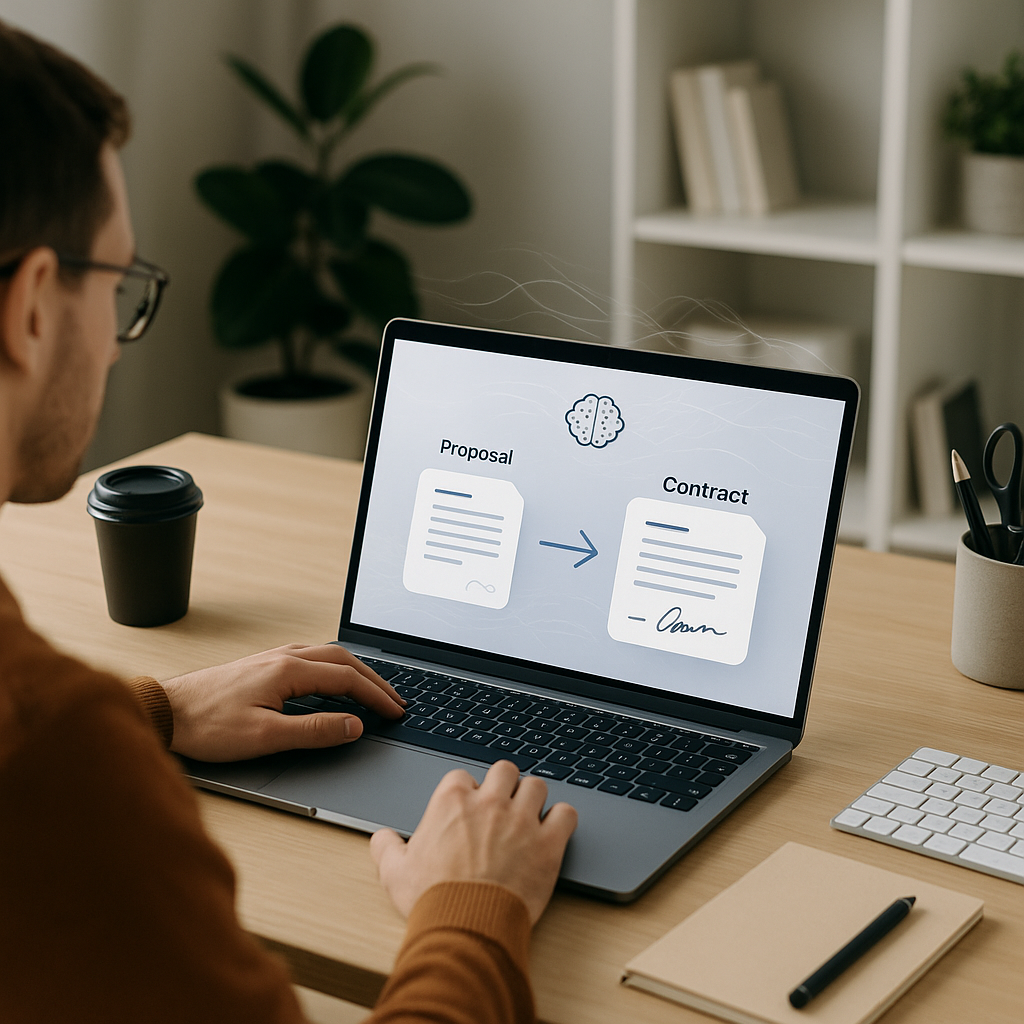
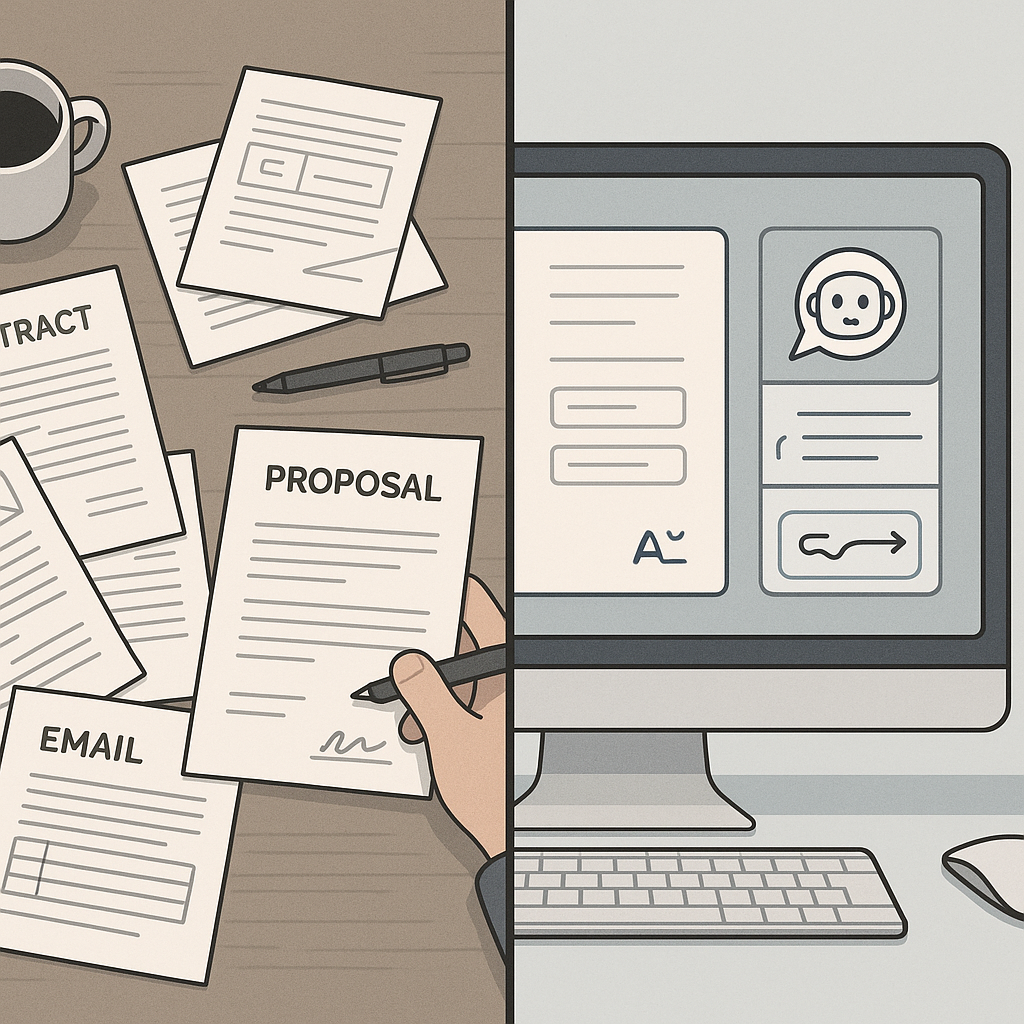
In the last few weeks, a new wave of AI-powered assistants has quietly reshaped how freelancers and independent professionals handle proposals and contracts. Instead of stitching together templates, email threads, and PDFs, solo workers can now use integrated “proposal-to-contract” workflows: describe the project, confirm the scope and price, and send an e‑sign-ready agreement in minutes—often without touching a word processor or hiring an attorney for each engagement.
Why This AI Shift Matters for Freelancers and Small Businesses
For years, digital signatures have helped replace printers and scanners. The new shift is deeper: AI is increasingly generating the contracts themselves, tailored to the specifics of each project, and then routing them directly into e‑signature flows.
Recent freelance-focused platforms now advertise AI contract generation that can:
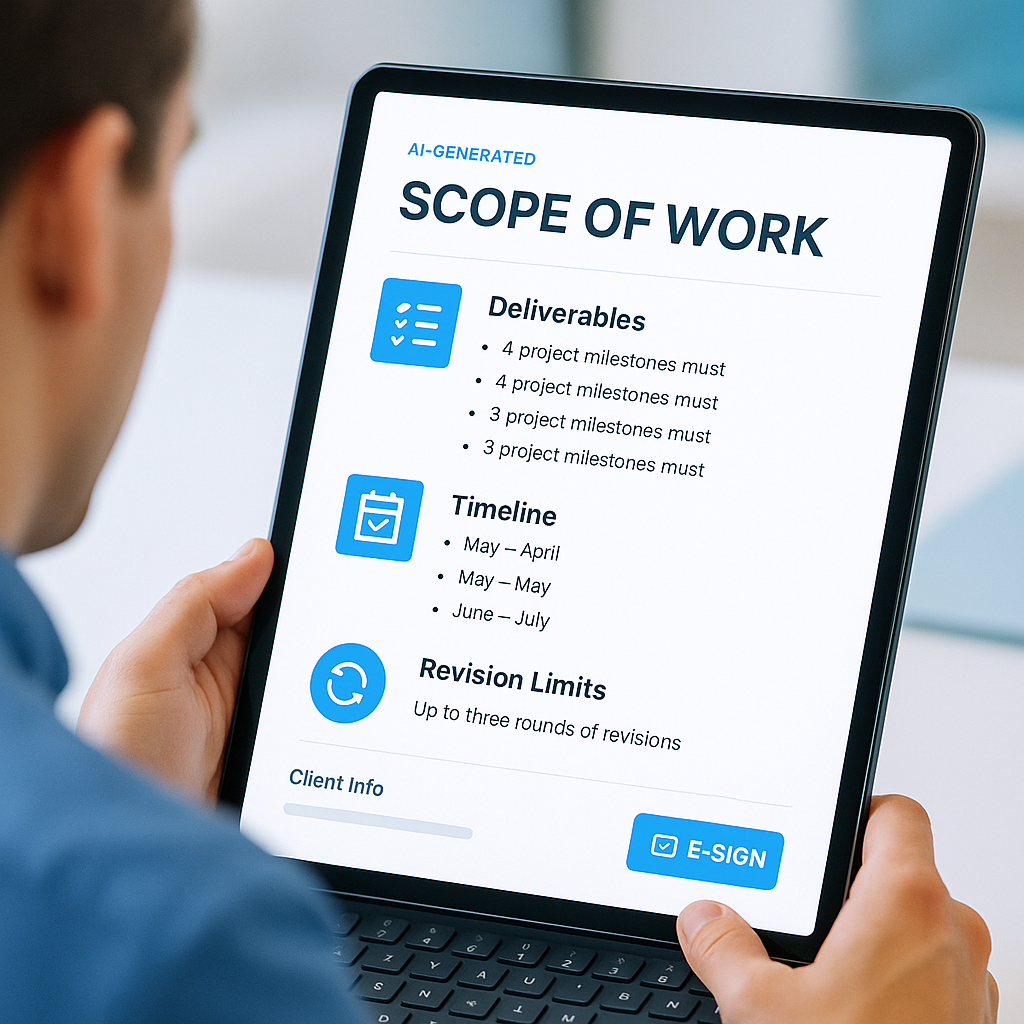
- Turn a plain‑language project description into a detailed scope of work, including deliverables, timelines, and revision limits (flowsign.com)
- Pull from stored client details, prior projects, and standard terms to assemble a “deal-ready” agreement in under a minute (flowsign.com)
- Bundle contract drafting with integrated e‑signatures, so documents are drafted, sent, signed, and archived in one workflow (bookipi.com)
This is particularly significant for freelancers, who often lack legal budgets and spend substantial unpaid time on administrative work. Some contract platforms aimed at solo professionals claim that freelancers typically spend 8+ hours per week on paperwork and lose clients to slow contract processes; they position AI-generated contracts as a solution that “creates, sends, and gets signatures in minutes,” cutting that admin time dramatically. (flowsign.com)
“The real story isn’t just e‑signatures anymore—it’s how AI is collapsing proposal writing, legal drafting, and document routing into one step for independent professionals.”
What’s Actually New: Proposal-to-Contract Pipelines and AI Scope Generation
Several recently updated tools now offer complete, guided workflows rather than just a blank AI text box or a static template library. These systems typically follow a pattern:
- Capture the opportunity – import a lead from a CRM or freelance marketplace, or start with a short project description.
- Generate a proposal – AI drafts a structured proposal including overview, deliverables, pricing, and timeline, often using your historical pricing and messaging as a reference.
- Auto-convert to a contract – once the client accepts, the proposal is transformed into a contract, with AI filling in scope of work, payment terms, IP clauses, and cancellation policies (flowsign.com).
- Send for e‑signature – the contract is immediately sent via an integrated e‑signature tool, with reminders and audit trails baked in (signlyai.com).
Some platforms market “30‑second contract creation” for freelancers, combining AI drafting with embedded digital signatures so users never leave the browser. These tools emphasize that they are built specifically for solo professionals, with features like revision limit clauses, built‑in change orders, and automatic late fee calculations for overdue invoices. (flowsign.com)
Others focus on guided Q&A flows: users answer a few questions about contract type, jurisdiction, and industry,
How AI Contract Drafting Reduces Friction—and Risk
For small businesses and freelancers, the promise of AI-assisted contracts is twofold: faster sales cycles and more consistent protection.
- Shorter sales cycles: When contracts can be generated and sent in minutes, instead of days of back-and-forth edits, prospects are less likely to “go dark.” Freelancer-focused platforms report that slow contract processes are a top reason leads vanish—AI-driven workflows directly target this bottleneck. (flowsign.com)
- More consistent terms: AI that is trained on thousands of contracts—or your own preferred clauses—can ensure that critical sections (IP rights, payment schedules, scope change rules) are not forgotten when you’re in a rush. (flowsign.com)
- Integrated signing and storage: Combining drafting with signing removes the need to juggle word processors, email, and a separate e‑signature app. Documents stay in a single system, with audit trails and signed PDFs accessible later. (signlyai.com)
Of course, AI does not replace legal advice. Even the tools themselves often recommend attorney review for unusual, high‑risk, or high‑value engagements. But for routine NDAs, standard service agreements, and recurring client work, many freelancers are increasingly comfortable relying on AI-generated starting points, adjusting language manually, and then pushing the contract directly to signature.
The QuickSign Perspective: AI + E‑Signature Built for Freelancers
As AI contract assistants proliferate, small businesses also need affordable, flexible signing tools that don’t require enterprise budgets or long-term licenses. That’s where modern platforms like QuickSign.it aim to differentiate themselves.
QuickSign combines AI document generation with streamlined e‑signature, specifically tuned for the realities of freelancers and small teams:
- AI document generation for contracts and NDAs – Freelancers can generate standard agreements, NDAs, and recurring client contracts with AI, then customize terms before sending—ideal for those who don’t have an in‑house legal team but still want professional, repeatable documents.
- Effortless sending workflow – Users can upload an existing PDF or a newly generated contract, drag and drop signature, date, and text fields, and send it out in a few clicks. This matches the workflow of newer AI tools that promise “from draft to signed” in a single session.
- Real-time tracking – QuickSign provides live status updates (sent, viewed, signed), so independents can see exactly where a deal is stuck and follow up proactively rather than guessing.
- Flat-rate pricing built for small teams – Unlike enterprise-focused solutions that charge per seat, QuickSign offers a flat-rate plan at $15/month for the entire team, plus a free tier that includes 2 AI document generations and 1 document send to unlimited recipients—useful for freelancers just starting or testing digital workflows.
“Unlike many enterprise-focused solutions, QuickSign’s flat $15/month pricing and free tier are intentionally aligned with how freelancers and micro‑agencies actually work—small teams, fluctuating workloads, and tight margins.”
Practical Takeaways: How Independent Professionals Can Use These New AI Assistants
For independent professionals, the immediate question is not whether AI contract drafting exists—it clearly does—but how to plug it into day‑to‑day work without losing control over terms or client relationships. Here are some concrete ways to take advantage of the trend:
1. Standardize Your “Gold” Contract Once—Then Let AI Adapt It
Instead of rewriting your terms from scratch each time, create a single, carefully vetted “gold standard” agreement (ideally reviewed by an attorney). Then, use AI tools to adapt that baseline to each new client or project while keeping core protections intact.
- Lock in clauses for IP, payment, revisions, and cancellation.
- Let AI vary only the project-specific sections—scope, dates, and pricing tiers.
- Use a platform like QuickSign to store these AI-generated variants and send them for signature without leaving your browser.
2. Turn Proposals into Contracts in One Flow
Many freelancers still treat proposals and contracts as separate documents. New AI pipelines blur that line by transforming accepted proposals into contracts automatically. To mirror this in your own workflow:
- Draft proposals in a format that already includes key legal scaffolding: deliverables, payment milestones, and acceptance criteria.
- Once the client agrees, have your AI assistant convert the proposal into a full contract that pulls through the agreed scope and price, then route it to an e‑signature tool.
- Use status tracking (like QuickSign’s real-time updates) to see when a client has viewed the contract so you can time your follow‑ups.
3. Use AI to Enforce Boundaries: Scope, Revisions, and Change Orders
Scope creep and unpaid revisions are persistent freelancer headaches. Notably, some of the latest contract tools aimed at solo workers bake in revision limits and change-order templates by default, making it easier to maintain boundaries without awkward conversations. (flowsign.com)
In practice, this can look like:
- Ensuring every AI-generated contract includes a “number of included revisions” field.
- Configuring templates to automatically add a small “extra work” rate card or change‑order clause.
- Generating quick addendums via AI when a client wants more work, then sending them through your e‑signature tool before starting additional tasks.
4. Keep a Human-in-the-Loop for High-Stakes Deals
For small, routine engagements, AI-generated agreements plus digital signatures can vastly speed up sales while still providing clear documentation. For larger or higher-risk projects, a hybrid approach is more prudent:
- Use AI to draft a comprehensive first version from your standard clauses.
- Have a lawyer review the final draft, especially when jurisdictional nuances or unusual liabilities are involved.
- Once approved, lock that pattern in your templates so future AI drafts follow the same structure.
What This Means for the Future of Small Business Document Workflows
The convergence of AI drafting and e‑signature technology is moving independent professionals toward a world where “paperwork” is less about pushing documents around and more about configuring workflows once, then letting automation run.
For freelancers and very small teams, that could mean:
- Less time on admin: Hours previously spent on formatting, copying clauses, and chasing signatures can be redirected to billable work or business development.
- More predictable cash flow: Faster contract turnaround and clearer payment terms, enforced through signed agreements, can reduce late or missing payments.
- More professional client experience: Smooth, mobile-friendly signing and consistent contract language signal maturity—even for a one-person business.
As these tools mature, the differentiator won’t be whether you use AI at all, but how intentionally you design your workflows around it. A freelancer who can send a polished, accurate contract for signature within an hour of a discovery call will likely have a significant edge over one who needs a week to assemble paperwork.
Modern, freelancer-friendly platforms like QuickSign fit squarely into this new landscape: combining AI document generation, simple drag‑and‑drop sending, and flat-rate pricing that makes sense for independent professionals rather than large enterprises.
Looking for an affordable e-signature solution? Try QuickSign for free - no credit card required.