New Practice Management Tools Help Solo Lawyers Automate Documents and Billing
Solo practitioner software that automates documents, billing, and workflows—discover new practice management tools built to save solo lawyers time and money.
New Practice Management Tools Help Solo Lawyers Automate Documents and Billing
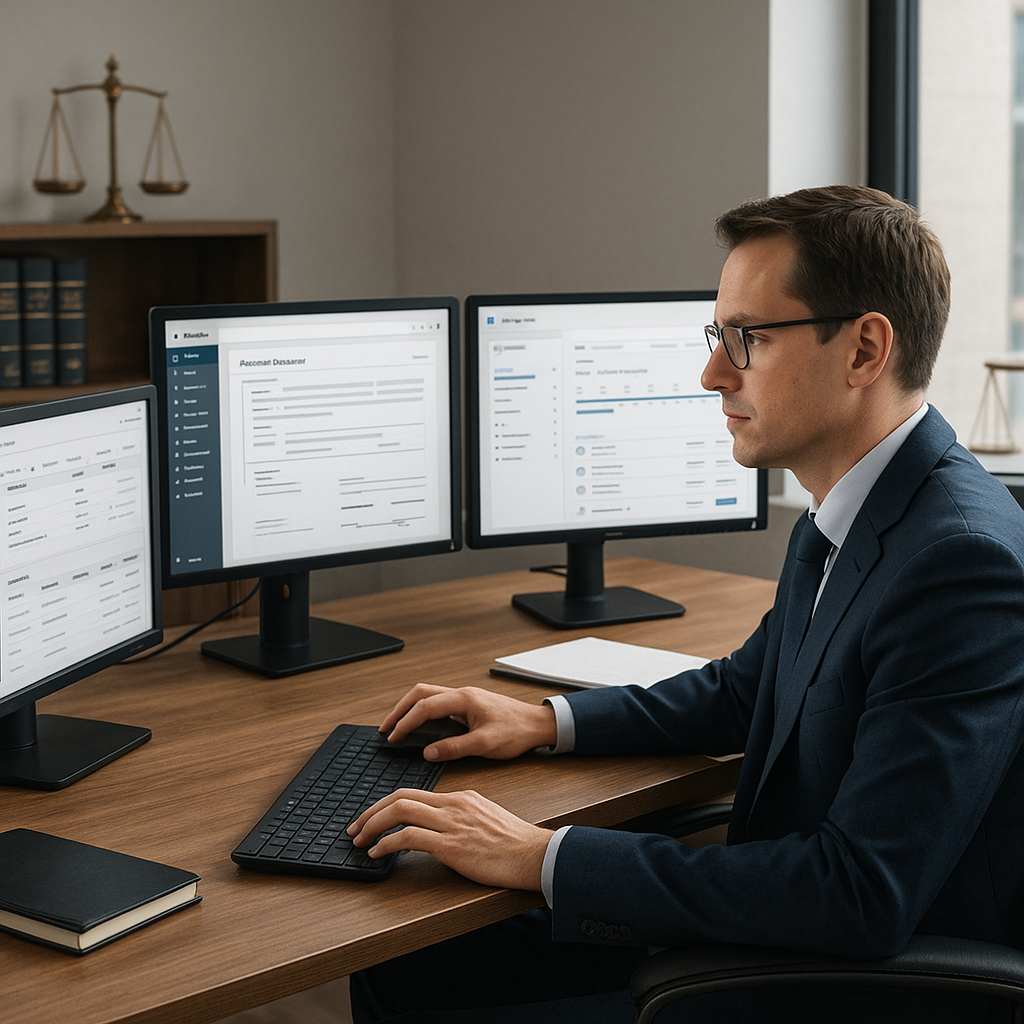
Solo and very small law firms are in the middle of a quiet technology shift. A new wave of practice management tools is making it possible for single-attorney practices to automate document assembly, track time almost automatically, and streamline billing—without hiring staff or buying heavyweight enterprise systems. For solo practitioners used to juggling Word, Outlook, email, and PDFs manually, these tools promise court-ready documents and cleaner invoices with far less friction.
Why Automation Is Finally Reaching Solo Practices
For years, solo lawyers lagged behind larger firms in adopting practice management and automation tools, often because of cost and complexity. The American Bar Association’s 2023 Legal Technology Survey found that only 38% of solo practitioners reported using case/practice management software, compared to 47% in small firms.(americanbar.org) Yet this is changing fast as cloud-based, small-firm-focused platforms mature and prices come down.
Recent data from a 2025 legal trends report on solo and small law firms shows a striking reversal: roughly 79% of solo firms and 81% of small firms now use cloud-based legal practice management software, and more than 70% rely on e-signature tools as part of daily operations.(irglobal.com) In other words, basic cloud infrastructure and digital workflows are now normal, not optional extras.
At the same time, AI tools are becoming mainstream in small-firm workflows. A 2025 report on small firms and solo practitioners found that 53% have integrated AI into their work—up from just 27% in 2023—with document creation cited as one of the areas most affected.(smokeball.com) Separate survey results on AI in legal practice show even solo lawyers increasingly see “saving time/increasing efficiency” as the primary benefit of AI, far ahead of cost-cutting alone.(lawnext.com)
For solo lawyers, the story is no longer “Can I afford practice management software?” but “Can I afford not to automate documents and billing when my competitors already are?”
What’s New in Solo-Focused Practice Management Platforms
Deep Integration with Word, Outlook, and Email
The newest generation of solo practitioner software is built around the tools lawyers already live in—especially Microsoft Word and Outlook. Instead of forcing attorneys into proprietary editors, platforms are offering:
- Template-based document assembly in Word, where common pleadings, engagement letters, and motions are turned into fillable templates tied to client and matter data.
- Outlook add-ins that capture emails directly into the matter file, associate them with time entries, and reduce manual filing.
- One-click conversions to PDF and routing into e-signature workflows for clients to approve and sign.
Educational content aimed at small firms reflects this shift. For example, widely viewed how-to videos now walk solo attorneys through building document templates inside modern practice management systems, then auto-populating client data instead of retyping details for every new matter.
Why it matters: For a solo litigator handling dozens of nearly identical motions, template-based assembly tied into Word can turn a 45-minute task into a 5-minute workflow—while reducing errors and inconsistencies.
Document Automation and AI-Assisted Drafting
Traditional document automation in legal practice meant complex “document assembly” tools that required significant setup. Today’s platforms are layering AI on top of templates to make drafting more accessible to non-technical solos:
- Starting from a few prompts or a client intake form, AI can propose engagement letters, NDAs, or basic contracts tailored to the practice area.
- Tools can autofill party names, jurisdictions, and key dates from matter records, reducing repetitive entry.
- Some systems offer clause libraries with recommended language for common scenarios, helping solos standardize their documents.
Broader industry research backs up this direction: small firms and solos increasingly identify document creation and document review as some of the legal tasks most likely to be transformed by AI in the next several years.(smokeball.com)
Solutions like QuickSign.it extend this trend beyond the practice management system itself. QuickSign offers AI Document Generation specifically aimed at everyday business documents—such as contracts and NDAs—that solo firms need their clients and counterparties to sign. For many single-attorney practices, pairing lightweight practice management with AI-generated, sign-ready documents is becoming a practical alternative to complex enterprise stacks.
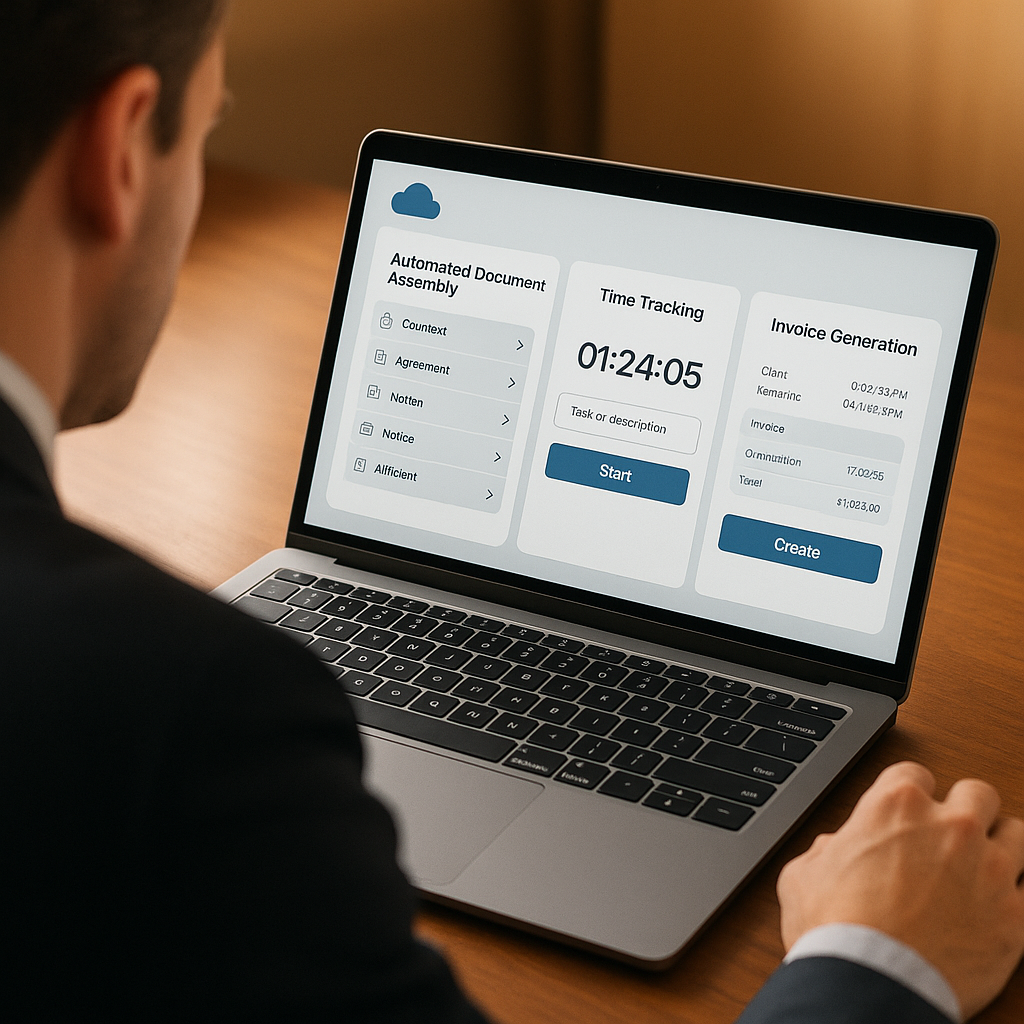
Automatic Time Tracking and Smarter Billing
Time tracking has historically been a pain point for solo and small firms, where a missed tenth of an hour is money that simply disappears. New tools are tackling this with:
- Passive time capture—logging time spent in Word, Outlook, and browser-based research tools, then suggesting entries tied to matters.
- Built-in billing workflows that convert time entries into draft invoices, apply trust accounting rules, and handle online payments.
- Dashboards showing realized vs. billed time, making it easier for solo lawyers to see which matters are actually profitable.
Recent legal tech adoption data shows that solo and small firms are now more likely than larger firms to use cloud-based practice management and online payment tools.(irglobal.com) When these systems are connected to automated time capture and billing, they can replace what used to require an assistant or outside bookkeeper.
Solo lawyers who use practice management software are significantly m
ore likely to be satisfied with client relationships than those who don’t—suggesting that organization, transparency, and timely billing directly affect client experience.(lawrank.com)

How QuickSign Fits into the Automated Practice Trend
As practice management platforms streamline matter data, document templates, and billing, e-signature becomes the final step that turns drafts into enforceable agreements. For solo lawyers, this step needs to be affordable, simple, and tightly integrated into existing workflows—not another expensive, enterprise-style subscription.
QuickSign is positioned squarely in this gap:
- AI Document Generation for legal documents: Solo lawyers can generate standard contracts and NDAs with AI, then immediately prepare them for signature—reducing drafting time before documents ever touch their practice management system.
- Effortless sending: The workflow is intentionally minimal—upload a PDF, drag and drop signature and form fields, and send. This pairs well with practice management tools that already export final documents as PDFs.
- Real-time tracking: QuickSign offers status updates when a client opens, views, or signs a document, closing the loop on the workflow that started with document automation and time tracking.
- Pricing designed for solos: Unlike enterprise-focused solutions that charge per seat, QuickSign uses a flat-rate model of $15/month for the whole team, plus a free tier that includes 2 AI document generations and 1 send to unlimited recipients—meaning a solo can test-drive a modern e-signature and document workflow without committing a large budget.
For a typical solo, this means:
- Use practice management software to capture client intake and matter data.
- Leverage templates or AI-assisted drafting inside Word or a practice platform to produce a draft document.
- Export to PDF and upload into QuickSign.
- Drag fields, send for signature, and track completion—while time spent on drafting and sending is captured by the time-tracking tools already in place.
The result is a document and billing pipeline that feels cohesive, even if it’s built from multiple specialized tools.
Practical Takeaways for Solo and Very Small Law Firms
1. Start with the Work You Repeat Most
Solo practitioners often assume automation is “all or nothing,” but the most effective implementations start with a couple of high-volume workflows:
- Engagement letters
- Common pleadings or motions
- Fee agreements and NDAs
- Routine settlement or demand letters
Turning these into templates—whether in a practice management tool or using AI generation through services like QuickSign—can quickly demonstrate time savings without a full system overhaul.
2. Connect Document Automation to Billing
Automation has the greatest impact when it touches both sides of the practice: the legal work product and the revenue. With modern tools:
- Time spent drafting documents can be automatically captured by passive time trackers.
- Completed and signed documents can trigger events in practice management software—like moving a matter to the next stage or generating an invoice.
- E-signature tools with real-time tracking make it easier to justify billable time and demonstrate responsiveness to clients.
Given that solos typically spend less on software than industry norms—often just 1% of total expenses compared to 2% at small firms(irglobal.com)—linking document automation directly to revenue can help justify targeted investments.
3. Use AI Where It’s Low-Risk and High-Volume
Survey data shows that legal professionals are most comfortable with AI where it enhances efficiency but doesn’t replace legal judgment—such as generating first drafts or summarizing information.(lawnext.com) For solos, that suggests a practical starting point:
- Use AI tools to generate initial drafts of standard documents (engagement letters, NDAs, basic contracts).
- Rely on human review to ensure compliance with jurisdictional rules and client-specific nuances.
- Save personalized playbooks and clauses as reusable templates once they’re vetted.
QuickSign’s AI Document Generation feature is designed for exactly this type of use: creating structured, business-ready agreements that lawyers can then refine, send, and track in a single flow.
4. Keep Client Experience at the Center
As alternative legal service providers grow—reaching an estimated $28.5 billion global market in 2023(reuters.com)—clients are increasingly familiar with digital, self-service legal experiences. For solo firms competing with both larger practices and nontraditional providers, smooth digital workflows are not just about efficiency; they shape client perception.
From the client’s perspective, the modern solo firm should be able to:
- Send intake forms and engagement documents electronically
- Provide clear, readable invoices tied to the work performed
- Offer easy, mobile-friendly e-signature options
- Respond quickly because less time is wasted on paperwork
When practice management systems and e-signature tools like QuickSign are working together, even a one-lawyer shop can deliver a client journey that feels comparable to much larger firms.
Document Workflow Is Becoming a Competitive Advantage
The latest data on legal tech adoption shows that solo and small firms are no longer behind the curve on cloud tools—they’re often ahead of larger firms in adopting practice management, online payments, and e-signature.(irglobal.com) The differentiator now is how well these tools are connected: from intake, to document automation, to time tracking, billing, and signature.
For solo practitioners, the message is clear: you don’t need an enterprise budget to build a modern, automated workflow. You need a small set of purpose-built tools that integrate naturally with how you already work in Word, Outlook, and email—and that don’t punish you with per-seat pricing as your support staff or collaborators grow.
Looking for an affordable e-signature solution? Try QuickSign for free - no credit card required.