The AI-Ready Freelancer: Independent Workflows Are Being Rebuilt Around Automation
Discover how the freelance economy is transforming as AI-ready freelancers rebuild independent workflows around automation, efficiency, and new opportunities.

The AI-Ready Freelancer: Independent Workflows Are Being Rebuilt Around Automation
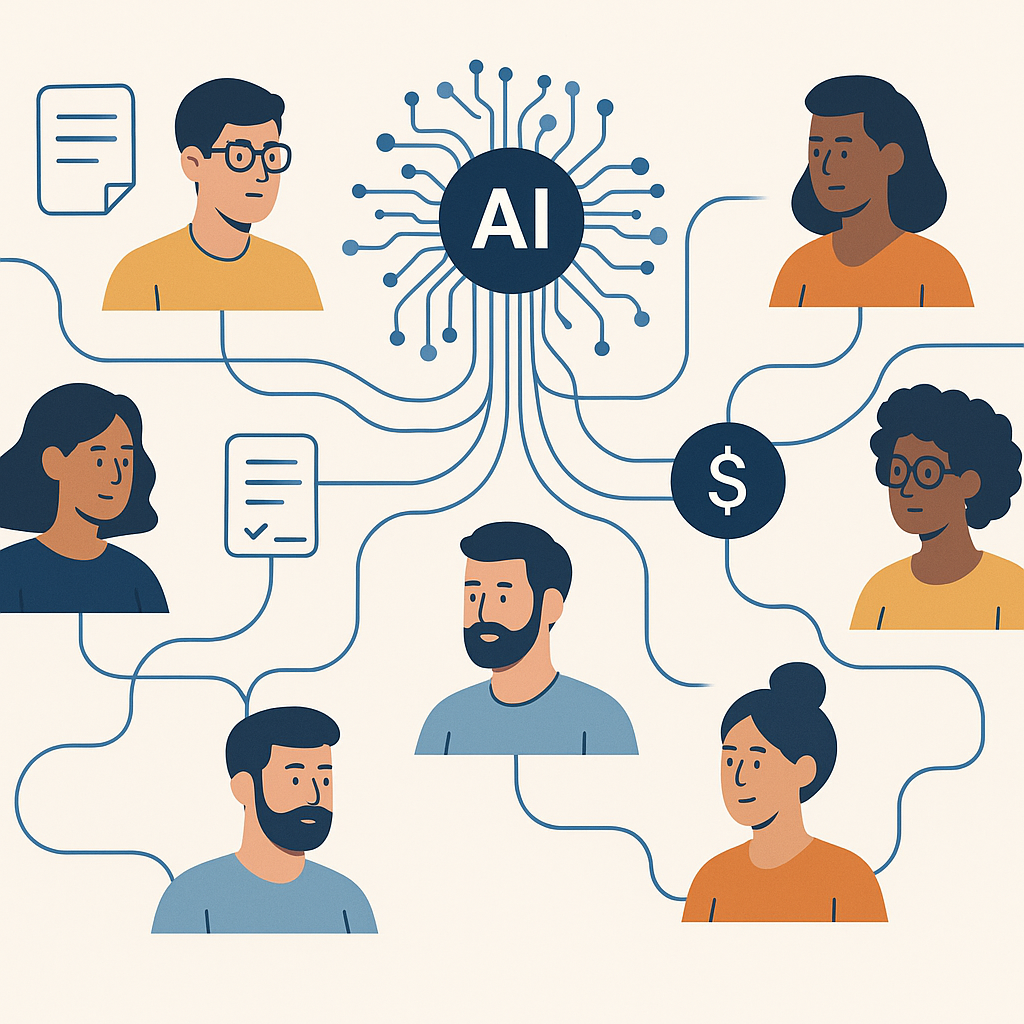
For years, artificial intelligence sat at the edge of the freelance toolkit—useful for brainstorming, maybe, but hardly central. That era is ending fast. A growing body of data shows that for freelancers, solopreneurs, and tiny agencies, AI has shifted from “nice-to-have” to core infrastructure, reshaping how independent work is scoped, priced, executed, and delivered.
From the first proposal to the final signed contract, independent professionals are now expected to run AI-enabled workflows. Drafts, revisions, and document organization are increasingly automated. For small shops without IT departments or enterprise budgets, that’s driving rapid adoption of low-cost, streamlined tools that bake AI directly into proposals, contracts, and deliverables—and make e-signature a seamless final step.
The freelance economy is growing—and going AI-first
The shift comes as independent work itself is expanding and professionalizing. Recent research on the independent workforce shows that self-employment and freelancing now represent a substantial slice of the knowledge economy, with many workers reporting higher satisfaction and income potential compared with traditional employment. (upwork.com)
Just as important, multiple studies find that freelancers are ahead of traditional employees in AI adoption and proficiency. An analysis by the Upwork Research Institute reports that more than half of skilled freelancers self‑report advanced or expert use of AI tools, compared with significantly lower rates among full‑time employees. (upwork.com) Global labor data compiled by the World Economic Forum similarly shows that freelancers are over twice as likely as non‑freelancers to say they “frequently” use generative AI, with common use cases including research, ideation, translation—and writing proposals. (weforum.org)
“AI isn’t optional anymore; it’s a competitive necessity.”
That quote, from a 2025 analysis of AI adoption among freelancers, reflects a growing consensus: independents who effectively integrate automation can handle more clients, turn work faster, and win more complex projects. Some studies suggest AI‑using freelancers can manage roughly 20% more clients and reclaim a full workday’s worth of time each week through automation. (turbostackai.com)

From side tool to infrastructure: how AI is changing independent workflows
1. Scoping and pricing: AI as the new “project architect”
Scope creep has long been the bane of freelancers and small agencies. Today, AI is helping independents define—and defend—project boundaries more clearly. Generative models can transform a loose client email into a structured statement of work (SOW), complete with milestones, deliverables, and assumptions.
Freelancers are using AI to:
- Generate initial project outlines and timelines from discovery call notes
- Draft multiple package tiers (basic, standard, premium) with clearly differentiated value
- Estimate effort ranges based on historical work patterns and similar past projects
- Surface common risks or “out of scope” items directly in the proposal language
This isn’t about letting a model set your rates. Instead, AI is becoming a scoping copilot that helps independents articulate value, set expectations, and convert informal conversations into professional, client‑ready documentation in minutes rather than hours.
2. Execution: automation as an invisible collaborator
Once the project is underway, AI increasingly takes over the “glue work” that used to consume a disproportionate share of billable hours:
- Drafting and redrafting: Whether it’s a marketing campaign, UX copy, or technical documentation, freelancers are using AI to generate first drafts and alternative versions, then applying their expertise to refine tone, accuracy, and strategy.
- Document organization: AI tools can summarize long email threads, create structured briefs from client calls, and maintain living project docs that track decisions and next steps.
- Version control and change tracking: Automated logging of revisions—particularly in contracts, SOWs, and specifications—reduces confusion and protects both sides when scope or requirements evolve.
Despite concerns that AI might replace human creativity, recent platform data suggests the opposite: demand for creative freelancers—from writers to designers—has surged even as AI tools go mainstream, with clients explicitly looking for “human creativity” layered on top of AI‑accelerated workflows. (techradar.com) In other words, clients want both: AI‑powered efficiency and distinctly human judgment.
3. Delivery: clients expect seamless, digital, and trackable
The final phase—delivery and sign‑off—is also undergoing a quiet transformation. For independent professionals, the days of emailing static PDFs and waiting in the dark for a response are rapidly fading. Clients now expect:
- Digitally generated contracts, NDAs, and change orders that reflect the latest scope
- Clear audit trails of who signed what, when
- Mobile‑friendly signing experiences that work across time zones and devices
- Real‑time visibility into document status instead of “Just circling back” emails
This is where lightweight, automation‑friendly e‑signature tools are becoming
How AI-native tools like QuickSign fit into the new independent stack
As AI becomes table stakes, freelancers and small businesses are asking a pragmatic question: How do we get AI‑powered workflows without enterprise‑grade complexity or pricing?
Modern, small‑business‑oriented platforms such as QuickSign are emerging as part of that answer. Built specifically for freelancers, agencies, and small teams, QuickSign brings AI directly into the heart of the document workflow rather than bolting it on as an afterthought.
Key capabilities include:
- AI Document Generation: Instead of starting from a blank page, independents can generate contracts, NDAs, and other legal documents with AI, then customize them to fit their niche and client requirements. This dramatically shortens the distance from “We’re aligned” to “Here’s the agreement to sign.”
- Effortless sending: The workflow is intentionally simple: upload a PDF, drag and drop signature and form fields, and send. This minimizes setup time and makes it realistic for solo professionals to standardize on a professional e‑signature process.
- Real-time tracking: Freelancers can see when a client has opened, viewed, or signed a document—crucial context for following up without guesswork.
Unlike enterprise‑focused solutions that often price per seat, QuickSign uses flat‑rate pricing at $15/month for the whole team. There’s also a free tier that includes two AI document generations and one document send to unlimited recipients—making it accessible for new freelancers, side‑giggers, and small agencies testing more automated workflows.
What this shift means for small businesses and independent professionals
1. AI literacy becomes a core business skill
Market signals from major freelance platforms and workforce studies are unambiguous: AI proficiency is rapidly becoming a baseline expectation. Some marketplace executives now openly state they won’t hire candidates who aren’t already using AI in their work, arguing that the real risk isn’t AI itself, but professionals who ignore it. (businessinsider.com)
For small businesses and independents, that means AI literacy is no longer a “future of work” talking point—it’s a practical, here‑and‑now business skill. Being able to:
- Translate client input into structured, AI‑generated documents
- Review and correct AI output for legal and brand accuracy
- Design simple, repeatable workflows that use AI for the heavy lifting
is becoming as important as knowing how to send invoices or manage a basic CRM.
2. Document workflows are a high‑leverage starting point
For many independents, the biggest early gains from AI come from unglamorous but essential paperwork: proposals, contracts, NDAs, SOWs, and change orders. These are precisely the assets that shape revenue, risk, and client trust—yet they historically consume a lot of manual time.
By combining AI document generation with integrated e‑signature and tracking, freelancers can:
- Respond to new opportunities faster with professional proposals and scopes
- Reduce legal risk by standardizing on vetted templates enhanced (not replaced) by AI
- Shorten sales cycles with instant, mobile‑friendly signing
- Maintain a clean, searchable archive of signed agreements for compliance and renewals
Platforms like QuickSign effectively turn what used to be a patchwork of tools into a coherent workflow that solo professionals can actually manage.
3. Automation frees capacity for higher‑value work
Recent surveys of independent workers indicate that a large majority now use AI, with many reporting that it saves them the equivalent of almost a full business day each week. (forbes.com) For freelancers, that reclaimed time can be reinvested in strategy, creative exploration, or deep client collaboration—the areas where human judgment clearly outperforms automation.
This is echoed in the lived experience of many independents who publicly document their journeys. Popular creator‑founders now describe using AI to build and run software products, manage client systems, and automate back‑office tasks—while still positioning their human insight and taste as the product that clients actually buy. The “AI‑ready freelancer” isn’t delegating their business to machines; they’re designing systems where automation handles the routine, and they focus on the uniquely human.
Practical steps to build an AI‑ready independent workflow
For freelancers, consultants, and small agencies looking to align with rising client expectations, a few practical moves stand out:
- Audit your current workflow. Map how a typical project moves from inquiry to signed contract to final deliverable. Identify all the points where you create, revise, or chase documents.
- Standardize your core templates. Create baseline templates for proposals, SOWs, contracts, and NDAs. Use AI to refine language, but lock in the key legal and commercial terms you’re comfortable with.
- Introduce AI where repetition is highest. Use AI to draft first versions of scopes, recap emails, and contract clauses, then review carefully. Over time, build a library of prompts and patterns that fit your niche.
- Adopt integrated e‑signature. Move from ad‑hoc PDF attachments to a consistent, trackable signing flow using a tool like QuickSign, so clients experience a modern, frictionless process every time.
- Measure time saved—and reinvest it. Track how much faster you can move from “Yes, let’s work together” to “Here’s the signed agreement.” Use that reclaimed time to improve your offer, marketing, or client experience.
As more clients come to expect AI‑enabled workflows, freelancers and small businesses that embrace automation early are likely to stand out—both in professionalism and responsiveness.
Looking for an affordable e-signature solution? Try QuickSign for free - no credit card required.