The Complete Guide to New Hire Paperwork E-Signature Solutions (Featuring QuickSign)
Streamline onboarding with a new hire paperwork e-signature solution. Discover QuickSign tools, compliance tips, and workflows in this complete guide.
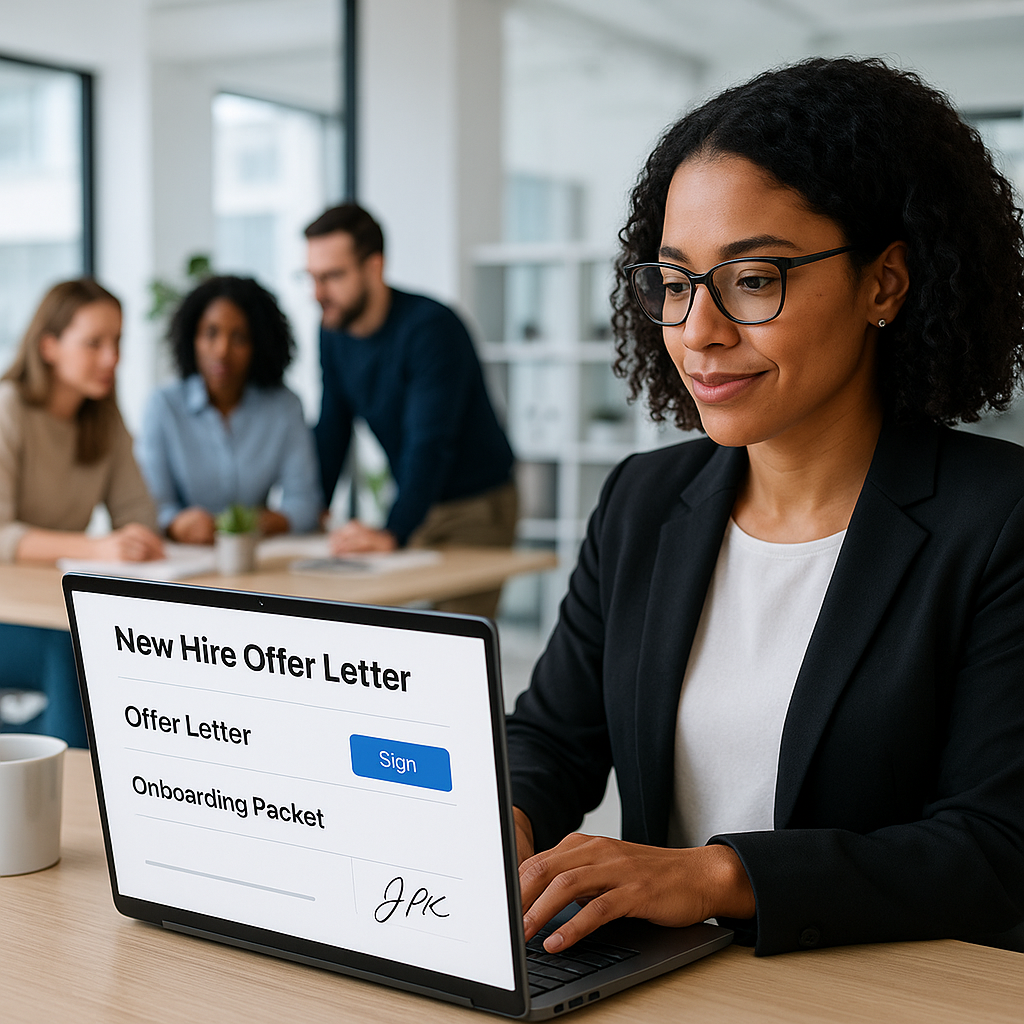
The Complete Guide to New Hire Paperwork E-Signature Solutions (Featuring QuickSign)
New hire paperwork shouldn’t be the part of onboarding everyone dreads. In 2026, candidates expect to review and sign their offer letters, tax forms, NDAs, and policies digitally—often before day one. Modern e-signature platforms can cut onboarding document turnaround times by up to 80%, while improving compliance, security, and the overall candidate experience.(esignglobal.com)
This is exactly where QuickSign stands out. It’s a modern e-signature solution that doesn’t just collect signatures—it can generate HR documents with AI, route them for signature in seconds, and track every step in real time, at an affordable flat rate for your whole team.
Key takeaway: An effective new hire paperwork e-signature solution should reduce admin time, improve legal defensibility, and make onboarding feel smooth for every stakeholder—HR, managers, and candidates. QuickSign is designed around exactly these goals.
Why Move New Hire Paperwork to E‑Signature Now
Digitizing onboarding is no longer optional, especially with remote and hybrid work. Research shows e-signatures can:
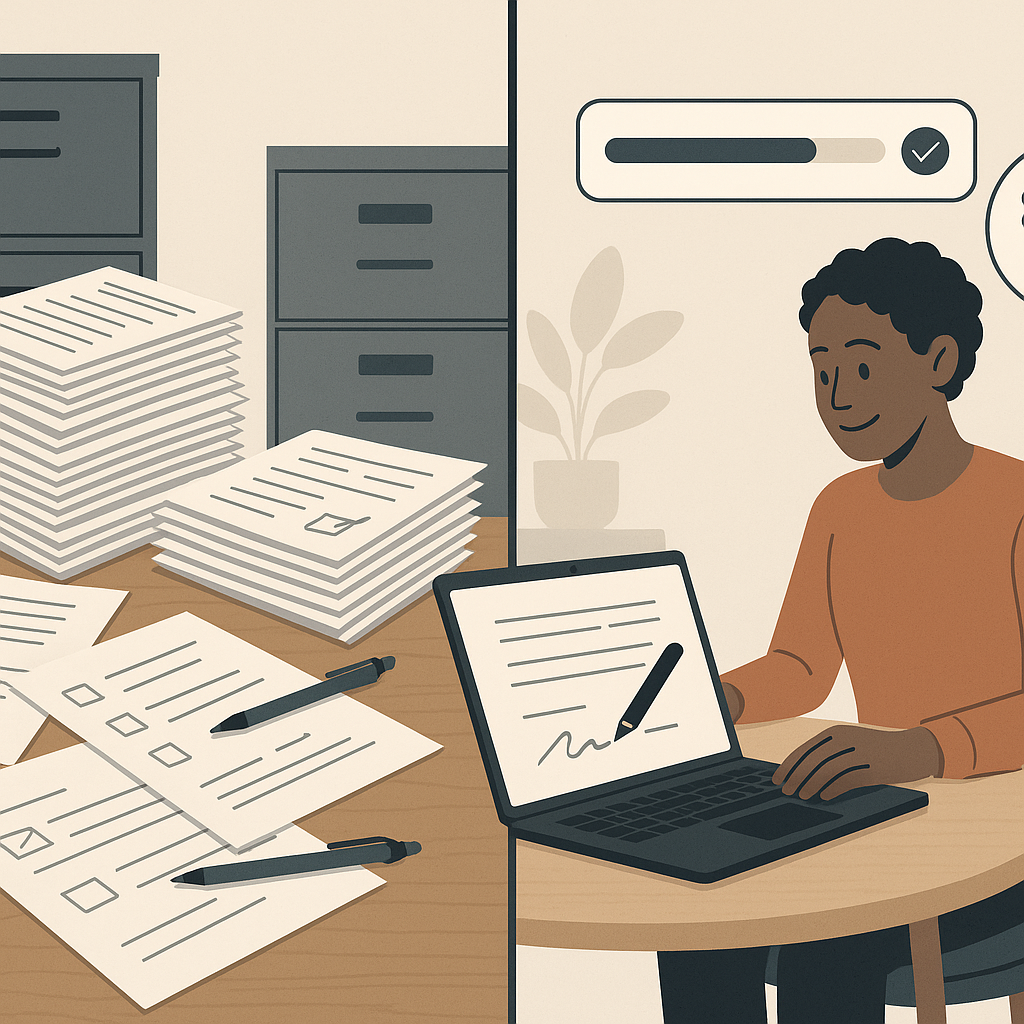
- Reduce onboarding document processing time by up to 80% compared to paper.(esignglobal.com)
- Cut costs related to printing, postage, and manual data entry for HR teams.(payscale.com)
- Provide stronger security and audit trails than paper files.(crewhr.com)
- Improve the onboarding experience for nearly 70% of new hires who prefer digital processes.(esignly.com)
With QuickSign, HR teams can go further by automating document creation and routing, achieving not just digitization, but a streamlined, repeatable onboarding workflow.
Are E‑Signatures for New Hire Paperwork Legal?
If your main concern is legal validity, the good news is that in the United States, properly implemented electronic signatures are generally as enforceable as handwritten signatures for employment-related contracts and forms.
Legal framework you should know
- ESIGN Act (Electronic Signatures in Global and National Commerce Act) – U.S. federal law that states a contract or signature may not be denied legal effect solely because it is in electronic form.(en.wikipedia.org)
- UETA (Uniform Electronic Transactions Act) – Adopted by most U.S. states, it reinforces that electronic records and signatures satisfy “writing” and “signature” requirements in most business transactions.(en.wikipedia.org)
- Government Paperwork Elimination Act (GPEA) – Encourages federal agencies and employers to use electronic records and signatures, confirming they are not to be treated less favorably than paper.(en.wikipedia.org)
In practice, a compliant e-signature workflow should show:
- Intent to sign (e.g., clicking a clearly labeled “Sign” or “Accept” button)
- Clear consent to do business electronically
- Reliable identity links to the signer (email, IP, or additional verification)
- A tamper-evident audit trail
- Access to a fully executed copy for all parties(helpx.adobe.com)
QuickSign is built around these principles, providing time-stamped audit trails and legally defensible records for your employment agreements, policies, and acknowledgments.
Video: Do digital signatures hold up legally for new hires?
For visual learners, this video explains how digital signatures fit into employment law and onboarding.
scope; picture-in-picture" allowfullscreen>Pairing the legal concepts from that video with a compliant platform like QuickSign helps HR teams confidently move 100% of their standard new hire paperwork to e-signature.
Core New Hire Documents Perfect for E‑Signature
Most of the forms that clog up onboarding folders can be moved to an e-signature solution without friction. Common examples include:
- Offer letters and employment contracts
- Non-disclosure agreements (NDAs) and IP assignment agreements
- Handbook acknowledgments and workplace policy confirmations
- Background check authorizations and consent forms
- Benefits enrollment and direct deposit forms
- Equipment and access acknowledgments
With QuickSign, HR teams can generate many of these documents with AI, then add signature, date, and text fields with a simple drag-and-drop interface—no design skills required.
How QuickSign Streamlines New Hire Paperwork from Draft to Signature
Many e-signature tools focus only on the signing step. QuickSign is designed to support the entire lifecycle of new hire paperwork: drafting, sending, signing, and tracking.
1. Generate compliant documents with AI
Instead of hunting for old templates or paying lawyers for every minor variation, HR can use QuickSign’s AI Document Generation to spin up ready-to-send drafts.
Example prompts you might use in QuickSign:
- “Create a full-time employment offer letter for a remote software engineer in California, at-will, with base salary, equity, and standard probation clause.”
- “Draft a mutual NDA between our company and a new marketing hire, covering confidential information and non-solicitation for 12 months.”
From there, your legal or HR team can quickly review, tweak language, and approve. This eliminates hours of manual editing and ensures consistency across all hires.
Pro tip: Build a library of AI prompts in your HR playbook so your team can generate standard documents in seconds using QuickSign, instead of reinventing the wheel for each hire.
2. Upload existing PDFs and add fields with drag‑and‑drop
Already have standardized forms from your payroll provider, benefits carriers, or legal counsel? QuickSign lets you:
- Upload any PDF (offer letter, policy, consent form)
- Drag-and-drop fields—signature, initials, text boxes, dates—exactly where you need them
- Assign each field to the correct signer (new hire, HR, manager)
This drag-and-drop field placement means you keep your existing legal documents while modernizing the way they’re signed—no reformatting or document rebuilding required.
3. Send documents for e‑signature in seconds
Once your document is laid out, QuickSign makes sending incredibly fast:
- Add one or multiple recipients (useful when manager and HR both sign)
- Set signing order if needed (e.g., HR → Candidate → Hiring Manager)
- Include a customized message with onboarding instructions
- Click send and let QuickSign handle notifications and reminders
Unlike traditional per-seat solutions, QuickSign offers flat-rate pricing at $15/month for the whole team, which makes high-volume sending affordable even for growing companies.
4. Track every document in real time
Modern HR leaders need visibility. Industry research highlights how real-time tracking eliminates uncertainty about who has received and signed what.(payscale.com)
QuickSign’s real-time tracking shows at a glance:
- Who has opened the document
- Who has signed and when
- Which documents are stalled and need follow-up
- Completion status across all new hire packets
With automated reminders, HR no longer needs to chase signatures manually or wonder if an email got lost.
Practical QuickSign Workflow: From Offer to First Day
Here’s what a typical new hire paperwork journey can look like when you centralize it in QuickSign:
Step 1: Create the offer letter
- HR opens QuickSign and uses AI Document Generation with a pre-defined prompt based on role and location.
- The system produces a draft offer letter with key terms (role, compensation, start date, conditions).
- HR reviews and adjusts any specifics, then saves the final version.
Step 2: Bundle related documents
- Upload PDF versions of the NDA, IP assignment, and policy acknowledgments.
- Use drag-and-drop to place signature, initial, and date fields where needed on each document.
- Assign fields to the new hire, HR rep, and manager as required.
Step 3: Send the full packet for e‑signature
- Add the candidate’s email and optional CCs (e.g., recruiting coordinator).
- Include a friendly message outlining next steps and start date.
- Send the documents; QuickSign delivers a secure link to the candidate.
Step 4: Monitor progress and send reminders
- HR watches QuickSign’s real-time dashboard to see when the candidate opens the packet.
- If signing stalls, QuickSign’s reminders nudge the candidate automatically.
- Once all signatures are collected, the final, tamper-evident copies are stored and can be downloaded or synced to your document repository.
Step 5: Use QuickSign for day‑one and post‑hire paperwork
On or before day one, HR can use QuickSign again to handle:
- Equipment and access agreements
- Updated policies or mandatory training acknowledgments
- Any role-specific checklists requiring sign-off
Over time, this creates a complete, digitally signed record of each employee’s agreements and acknowledgments, simplifying audits and offboarding.
Connecting E‑Signatures with Tools You Already Use
Many HR teams start by using built-in e-signature options in apps like Microsoft Word or email, then quickly hit limitations (no workflows, no tracking, no centralized record). Videos like “Use E-Signature in Microsoft Word! (Wow.. It only takes 10 seconds!!)” show the basics of adding a simple signature to a document:
However, for scalable onboarding, HR needs:
- Standardized templates
- Automated reminders
- Audit trails and centralized storage
- Support for multiple signers and signing order
QuickSign fills these gaps while still letting you start from documents drafted in tools like Word or Google Docs. You simply save as PDF, upload to QuickSign, and layer in the necessary e-signature fields.
Security, Compliance, and Auditability in QuickSign
Onboarding documents contain sensitive personal data—addresses, Social Security numbers (in certain forms), bank details for direct deposit. Modern best practices for digital onboarding emphasize end-to-end encryption, access controls, and secure retention policies.(waymore.io)
QuickSign supports HR compliance efforts by:
- Providing a clear, time-stamped activity log for each document
- Ensuring documents can’t be altered once fully signed
- Helping you maintain a single source of truth for every signed agreement
Key point: E-signature platforms don’t just speed things up—they strengthen your legal position by creating a reliable, tamper-evident audit trail of new hire agreements.(signsecure.in)
Cost and Scalability: Why QuickSign’s Pricing Model Matters
For many HR teams, the challenge with older e-signature tools isn’t functionality—it’s cost. Per-seat and per-envelope pricing can penalize companies for growth, especially in high-volume recruiting environments.
QuickSign flips that model with:
- Affordable flat-rate pricing: Plans start at just $15/month for the whole team, with no per-seat fees.
- Generous free tier: Generate 2 documents and send 1 document to unlimited recipients—perfect for piloting e-signatures in your onboarding process.
- Unlimited recipients per send: Ideal when multiple internal stakeholders and the new hire all need to sign or receive copies.
This makes QuickSign particularly attractive for:
- Small and mid-sized businesses that need enterprise-grade workflows on a realistic budget
- Rapidly scaling teams that can’t predict monthly “envelope” counts
- HR departments that want simple, predictable pricing that won’t balloon with adoption
Quick Implementation Checklist for HR Teams
If you’re ready to modernize new hire paperwork with QuickSign, here’s a practical rollout plan:
1. Identify your onboarding document set
- List all documents new hires sign in their first 30–60 days.
- Group them into “pre-start” (offer, NDA) and “day-one/post-start” (policies, equipment forms).
2. Decide what to generate with AI vs. upload as PDFs
- Use AI Document Generation for standardized, text-heavy items like offer letters, NDAs, and policy acknowledgments.
- Upload carrier- or vendor-provided PDFs (e.g., benefits forms) and add fields with drag-and-drop.
3. Build templates and test internally
- Create a few standard templates in QuickSign (e.g., “US Full-Time Offer Packet,” “Contractor Packet”).
- Send test packets to HR and managers to confirm field placement and signing experience.
4. Roll out to one department, then scale
- Pilot QuickSign with a single team or region to gather feedback.
- Refine templates and instructions based on real-world use.
- Roll out to all hiring managers once the workflow is smooth.
5. Track metrics and optimize
- Measure time-to-sign, completion rates, and error rates before and after QuickSign implementation.
- Use QuickSign’s real-time tracking to identify bottlenecks (e.g., certain forms causing delays).
- Continuously tweak templates and instructions to drive faster, more accurate completion.
Moving Beyond Basic E‑Signature to Intelligent Onboarding
Basic “sign here” tools only solve one problem. By combining AI document generation, drag-and-drop field placement, seamless sending, and real-time tracking, QuickSign helps HR teams reimagine new hire paperwork as a fast, predictable, and candidate-friendly process.
Instead of juggling multiple apps and email threads, your team gets a centralized workspace where every agreement—from first offer to final policy acknowledgment—is created, signed, and stored with minimal friction.
Ready to simplify your document signing? Try QuickSign for free - generate 2 documents and send 1 document to unlimited recipients at no cost. No credit card required.