The Solo Attorney’s Guide to Streamlined Contract Signing with QuickSign
Streamline your practice with a solo attorney contract signing solution. Learn how QuickSign simplifies e-signatures, saves time, and protects your clients.

The Solo Attorney’s Guide to Streamlined Contract Signing with QuickSign
If you’re a solo attorney, every hour you spend chasing signatures is an hour you can’t bill, market, or take a real break. Printing and scanning retainer agreements, waiting on mailed contracts, and juggling client signatures across email threads is more than just annoying—it directly hits your revenue and responsiveness.
Modern legal clients expect to review and sign documents from their phone, at night, on the road, without ever stepping into your office. And data backs this up: solo and small firms using tools like e-signatures and online intake forms report over 50% higher revenue and nearly 50% more client leads than firms that don’t. (clio.com)
This is exactly where QuickSign shines. Built as a modern, affordable e-signature platform—with AI-powered contract generation—it’s designed to give solo attorneys the same digital advantage as larger firms, without enterprise complexity or costs.
Why Contract Signing Is So Painful for Solo Attorneys
Before we walk through how QuickSign works in your day-to-day practice, it helps to name the core pain points most solos face:
- Time drain from manual processes – Printing, scanning, emailing, chasing signatures and corrections can add hours of non-billable admin every week.
- Client friction and delays – Clients are busy too. If they must come to your office or find a printer, retainer signing can stall for days—or never happen at all.
- Risk of errors and missing information – Initials missing on page 3, an unsigned exhibit, an outdated template—each can cause legal and operational headaches.
- Disorganized tracking – Keeping track of which client has signed what, and when, is difficult across email threads and paper folders.
Law firms that adopt e-signatures report up to 80% faster turnaround time and between 55–78% total savings over paper-based processes. (tabs3.com) For a solo practitioner, that’s the difference between constant firefighting and a predictable, scalable workflow.
What Solo Attorneys Really Need from a Contract Signing Solution
Unlike larger firms with admin teams and IT support, solo attorneys need a signing solution that is:
- Simple – You should be able to go from draft to sent-for-signature in under a minute.
- Legally reliable – You need a clear audit trail, secure storage, and compliance with key e-signature laws such as the ESIGN Act and UETA. (casepeer.com)
- Affordable – Software spend is real; solos on average invest less in software than small firms, even though the ROI can be significant. (clio.com)
- Flexible – Works for retainer agreements, engagement letters, NDAs, settlement agreements, and more.
- AI-aware – With over half of small firms and solos now using generative AI in their workflows, your tools should help draft as well as execute documents. ( irms-according-to-smokeballs-2025-state-of-law-report/?utm_source=openai" target="_blank" rel="noopener noreferrer">xira.com)
QuickSign is purpose-built around these needs, combining e-signature, AI document generation, and flat-rate pricing in one streamlined platform.
How Solo Attorneys Use QuickSign for End-to-End Contract Signing
1. Generate Retainers, Engagement Letters, and NDAs with AI
Most e-signature tools start after you already have a perfect PDF. QuickSign starts earlier, with AI Document Generation tailored for legal workflows.
Instead of digging through old Word files, copying clauses, and manually editing client details, you can:
- Open QuickSign.
- Describe the contract you need in plain language, such as:
Example prompt: “Create a flat-fee engagement letter for a solo attorney in [State], civil litigation defense, hourly rate $275, flat-fee retainer $2,500, scope limited to pre-trial motions and negotiation.”
- Let the AI generate a first draft you can review and refine.
Because generative AI adoption among solos is rapidly increasing, tools that combine drafting and signing reduce context-switching and save you from maintaining multiple document systems. (xira.com)
Key takeaway: With QuickSign’s AI Document Generation, solo attorneys can go from “I need a contract” to “ready to send for signature” in minutes—without starting from a blank page.
2. Upload and Prepare Any PDF with Drag-and-Drop Fields
If you already have your own templates or bar-approved forms, simply upload them to QuickSign as PDFs. From there, the drag-and-drop field placement makes it easy to indicate exactly where clients must sign, initial, and date.
Typical fields you might add include:
- Signature blocks for you and your client
- Initial fields on every page that contains key terms
- Date fields on the signature page
- Optional text fields (e.g., client phone, matter description, file number)
This visual approach reduces the risk of missing initials or signatures—one of the most common sources of delay and potential dispute in legal agreements. E-signature solutions can cut processing errors by up to 90% compared to manual workflows. (timesolv.com)
Pro tip: Save your prepared template in QuickSign so the next time you take on a similar matter, you can just duplicate, tweak client details, and send—no re-placing fields from scratch.
3. Send Contracts for Signature in Under 60 Seconds
Once your document is drafted and fields are placed, Seamless Sending is where QuickSign feels especially solo-friendly.
You simply:
- Add your client’s name and email (and any additional parties if needed).
- Set the signing order if your matter requires it—for example, client first, then you.
- Include a short message explaining what the document is and any deadlines.
- Click send.
Your client receives a secure link, can review the agreement on any device, and sign electronically—without needing an account or app. For solos whose clients are often busy professionals, this convenience significantly reduces friction and speeds up the intake process. Law firms using e-signatures routinely see turnaround time reduced by about 80%. (tabs3.com)
4. Track Opens, Views, and Signatures in Real Time
One of the toughest parts of contract execution is knowing where things are stuck. Did the client see the email? Are they reviewing the document? Did they sign but forget to tell you?
With Real-Time Tracking in QuickSign, you can see:
- When a document was sent
- When each recipient opened it
- When they completed their signature
For legal work, this doubles as a practical business tool and a quasi-audit trail that supports the legality and enforceability of your contracts. Modern e-signature platforms provide tamper-evident tracking of who signed, when, and from which device or IP address—often more defensible than a wet signature with no metadata. (casepeer.com)
Key takeaway: Real-time tracking helps solo attorneys follow up intelligently (“I see you’ve opened the agreement—do you have any questions?”) instead of guessing and hoping.
Real-World Solo Attorney Workflow with QuickSign
Scenario: Responding Quickly to a Debt Collection Lawsuit
Imagine you’re a solo consumer defense attorney. A prospective client contacts you after being served with a debt collection lawsuit and needs immediate help responding to a court summons.
To give them fast, professional representation, you must get a retainer signed, collect basic information, and start drafting a response as quickly as possible. Resources like YouTube explain the stakes and urgency of such situations:
Here’s how you might handle this workflow with QuickSign:
- Draft a tailored engagement letter with AI
You open QuickSign and prompt the AI to draft: “Engagement letter for representation in consumer debt collection defense in [State], hourly rate $300, limited to drafting and filing an Answer and one court appearance.” You quickly review & tweak any jurisdiction-specific language. - Prepare the PDF with drag-and-drop fields
You finalize the document, upload it to QuickSign (if needed as PDF), then place signature, date, and initials fields where required. You save this as a reusable “Debt Defense Engagement” template. - Send for signature during the initial call
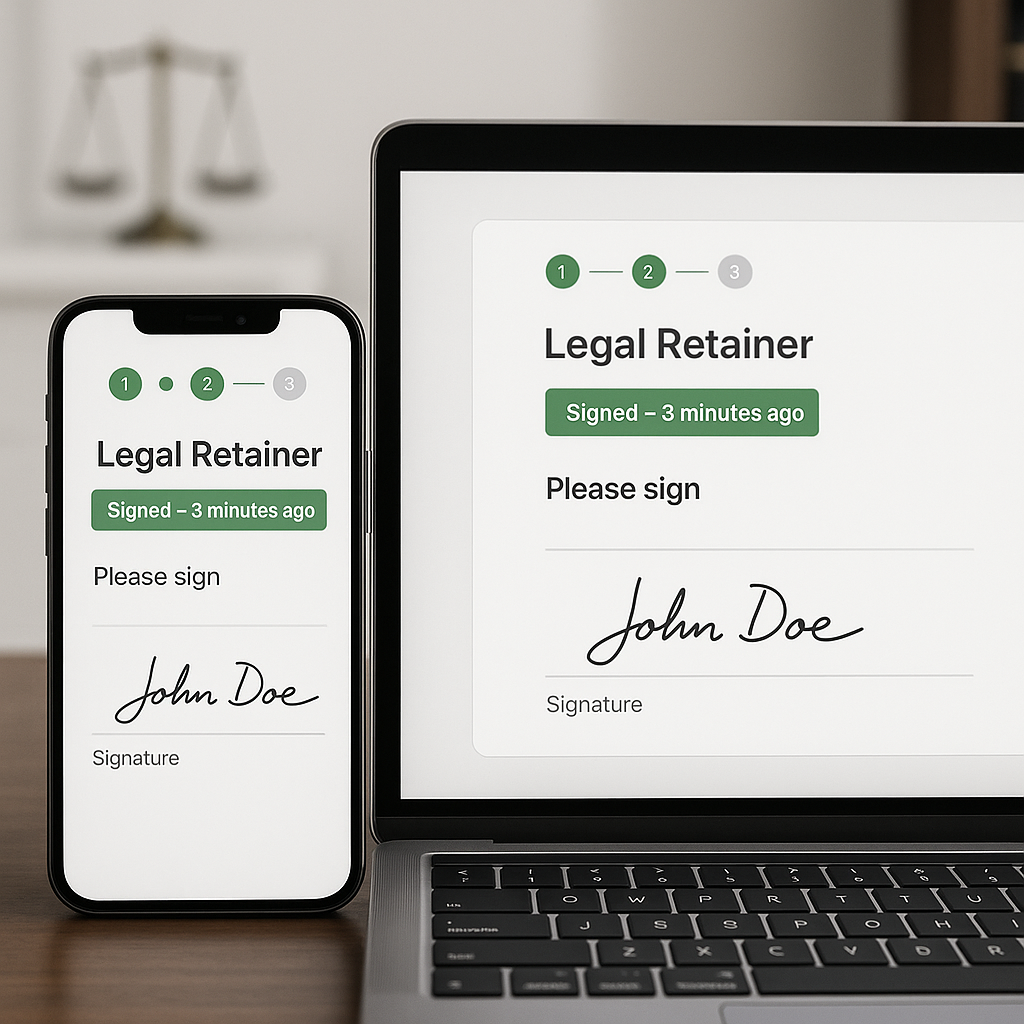
While still on the phone or video call, you send the agreement via QuickSign. Your client opens the link on their phone, signs on-screen, and you can see completion in real time. - Start work immediately once signed
With the signed retainer and timestamped execution stored securely, you can confidently begin drafting the Answer, knowing your engagement is clearly documented.
This kind of rapid intake isn’t just convenient; it can be the difference between meeting or missing a court deadline. E-signatures are particularly valuable in time-sensitive matters, helping attorneys move cases forward with less delay and fewer administrative bottlenecks. (coraltreetech.com)
Scenario: First Remote Notarization Prep & Supporting Documents
Some matters require notarization or in-person steps, but e-signature can still streamline everything around that moment—intake, disclosures, and preliminary agreements. Many public resources walk clients through what to expect for notarization:
As a solo attorney, you can use QuickSign to:
- Have clients sign preliminary engagement letters electronically.
- Send them checklists or consent forms to sign before the notarization session.
- Standardize your intake so every notarization-related matter starts with the same clear documentation.
Even though certain documents still require a notary’s wet or remote-online signature, most of the surrounding workflow becomes smoother and more predictable when you eliminate paper for everything else.
Time and Cost Savings: What This Means in Practice for Solos
Let’s translate industry numbers into solo practice realities.
- Turnaround time: E-signatures can reduce signing time by up to 80%. (tabs3.com) If your typical retainer takes 3–5 days to get signed via email and scanning, you could realistically bring that down to same-day signing in many cases.
- Cost savings: Businesses switching to e-signature can see 55–78% overall savings on document handling, thanks to reduced printing, postage, and admin time. (practicepanther.com) Even a small solo practice generating a few hundred pages a month will feel the difference in both hard costs and fewer interruptions.
- Error reduction: E-signatures reduce processing errors (missing signatures, incorrect fields) by up to 90% on average. (timesolv.com) For solos with no back-office staff, this means fewer late-night corrections and re-sends.
When you layer these benefits on top of AI drafting, the compound time savings are significant. Instead of spending 30–60 minutes drafting and formatting a custom agreement, then another 15 minutes handling printing or scanning, you can:
- Generate a draft with QuickSign AI in 2–3 minutes.
- Prepare fields with drag-and-drop in 2–3 minutes.
- Send and track signatures automatically.
Those reclaimed hours can go directly into billable work, marketing, or rest—something desperately needed in a profession known for burnout.
Pricing That Actually Works for Solo Attorneys
Many legal-tech tools quietly become expensive at scale because they charge per user seat—tough for solos who may occasionally collaborate with a contract paralegal or assistant.
QuickSign takes a different approach with affordable flat-rate pricing that starts at $15/month for your whole team, with no per-seat fees. That makes it easier for solo and very small firms to budget and grow without worrying that each collaborator or device will push them into a higher tier.
On top of that, QuickSign offers a generous free tier designed for solos to truly test the workflow in real matters: you can generate 2 documents with AI and send 1 document for signature to unlimited recipients at no cost.
Pro tip: Use your free QuickSign send on a real client engagement—ideally a straightforward matter—so you can experience the full intake-to-signing flow in your own practice context.
How QuickSign Supports the Broader Legal Lifecycle
While this article focuses on “solo attorney contract signing,” the same QuickSign workflow extends across multiple stages of your client lifecycle:
Client Intake & Screening
- Send consultation agreements or limited-scope engagement letters.
- Use AI to generate standardized intake forms tailored to your practice area.
- Track who has signed and follow up with serious leads only—aligning with data that shows e-signatures and digital intake boost revenue and lead conversion for solos. (clio.com)
Case Management & Ongoing Representation
- Issue addenda to existing retainers when scope or fees change.
- Send settlement authority letters or consent forms for signature before key steps.
- Maintain a centralized digital record of all signed documents, improving organization and compliance. (casepeer.com)
Closing Files & Long-Term Risk Management
- Send closing letters or release agreements with e-signature.
- Retain tamper-evident signed copies with timestamps, supporting your file retention and risk management policies. (blog.flowmono.com)
Some attorneys even think in broader terms of “soul contracts” or personal agreements, as popularized in spiritual content:
Regardless of your philosophical stance, your day-to-day reality as a solo attorney is built on formal legal contracts—and the more efficiently you can draft, send, and execute them, the more control you have over your time and business.
Why QuickSign Is a Strong Fit for Solo Attorneys
Bringing it all together, here’s what makes QuickSign especially well-suited to solo practitioners:
- AI Document Generation turns your expertise and prompts into ready-to-edit contracts, so you’re never starting from scratch.
- Drag-and-Drop Field Placement ensures every signature, initial, and date field is exactly where it should be—reducing errors and rework.
- Seamless Sending and Real-Time Tracking give your clients a modern, mobile-friendly experience and give you clear visibility into document status.
- Affordable Flat-Rate Pricing at $15/month for your whole team means you don’t have to choose between capability and cost.
- Generous Free Tier lets you experience AI generation and real e-signing with actual clients before you commit.
For solo attorneys who are already stretched thin, the right contract signing solution isn’t just a convenience—it’s a meaningful competitive edge. Firms that combine referrals with digital tools like e-signatures grow revenue faster, convert more leads, and deliver a smoother client experience. (clio.com)
Ready to simplify your document signing? Try QuickSign for free - generate 2 documents and send 1 document to unlimited recipients at no cost. No credit card required.